

حول Purple Cast
Purple Cast: Your Ultimate Solution for Casting Content to Your TV
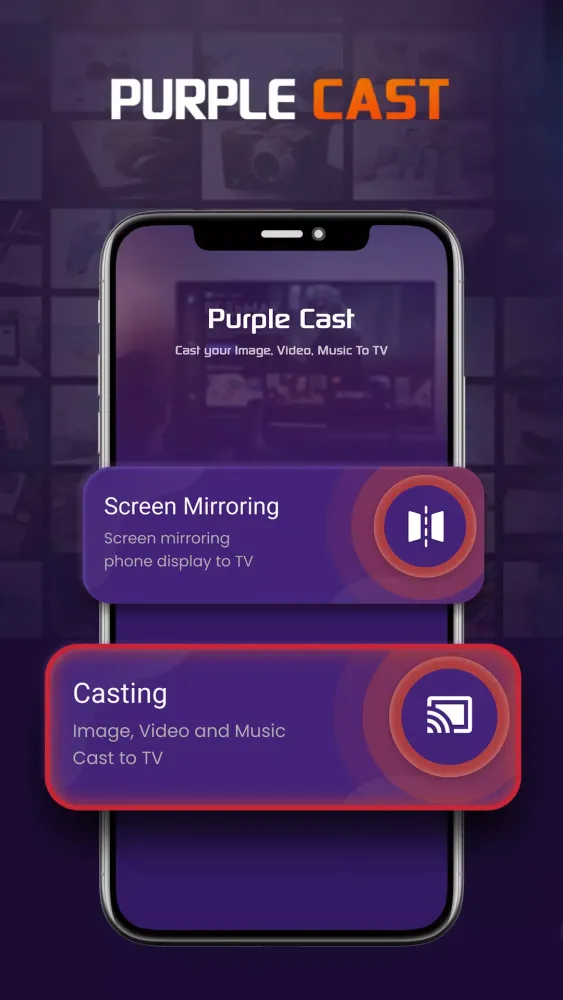
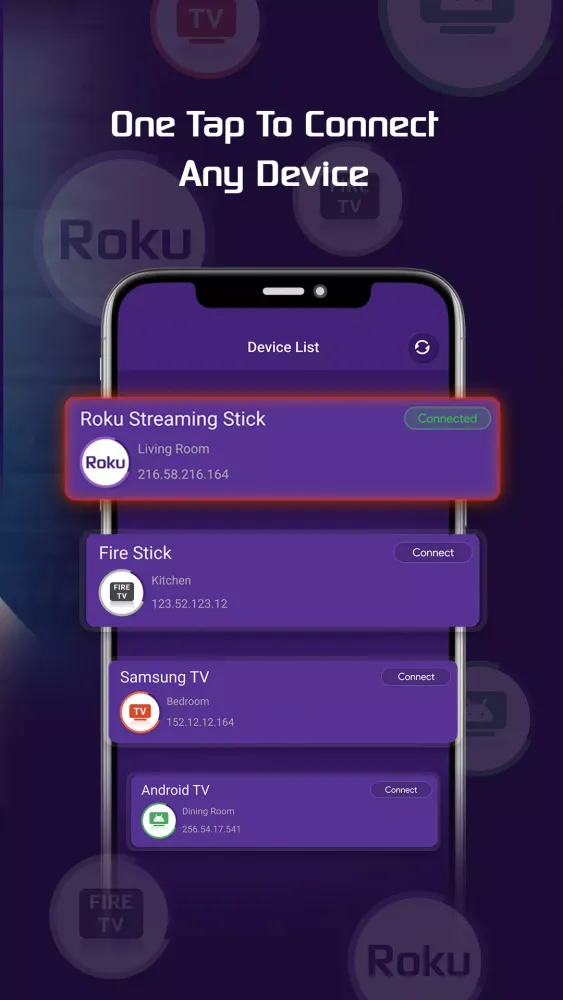
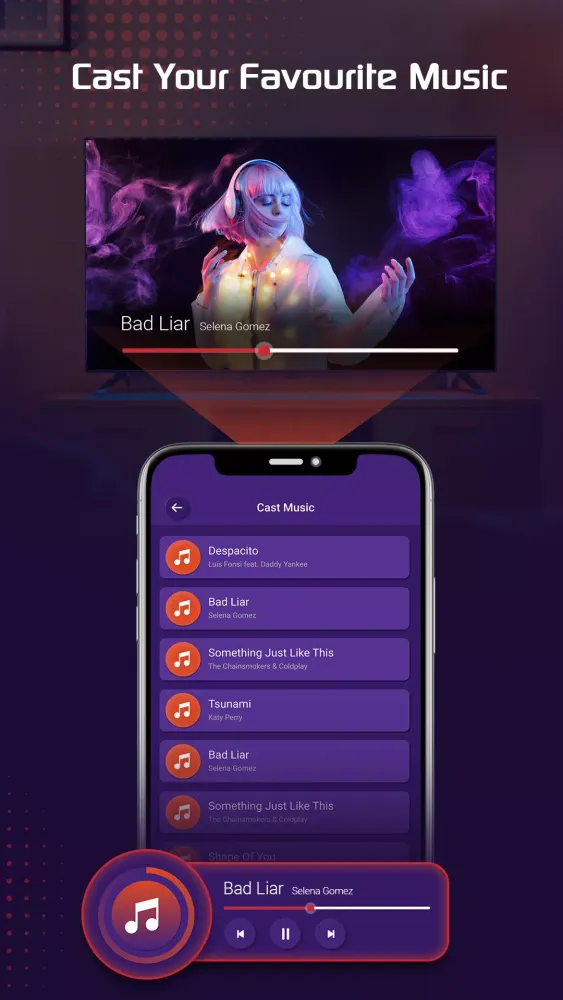
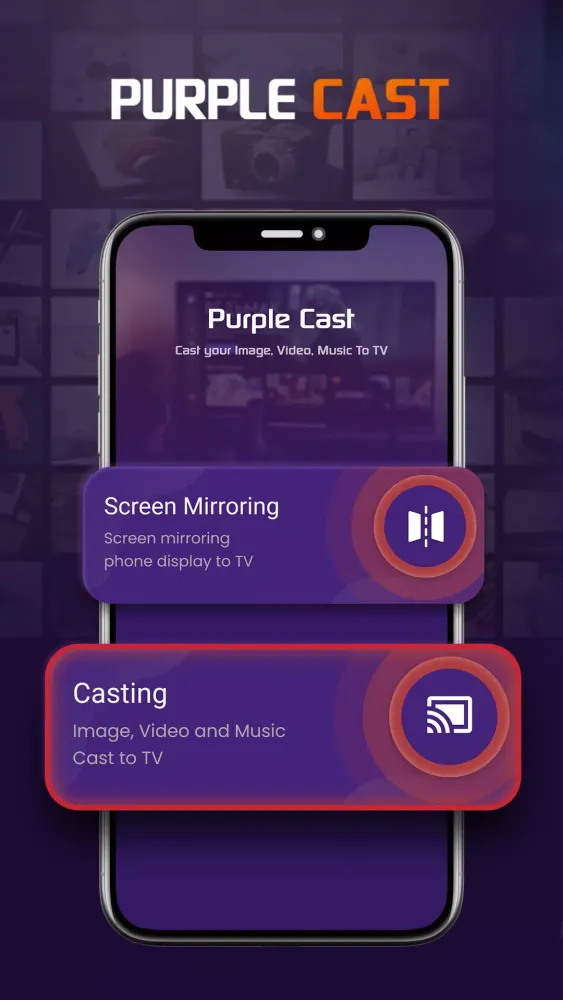
Are you looking for an all-in-one solution for casting content to your TV? Look no further! Purple Cast is the perfect answer to your needs. This application allows you to seamlessly cast all your local videos, music, and images directly to your TV using Chromecast, Roku, Amazon Fire Stick or Fire TV, and other DLNA-enabled devices.
Key Features of Purple Cast
Purple Cast is designed to enhance your viewing experience by enabling you to mirror your mobile device’s content onto your TV screen. With the rise of smart TVs and streaming devices, these features have become increasingly popular. Here are some of the standout features of the Purple Cast app:
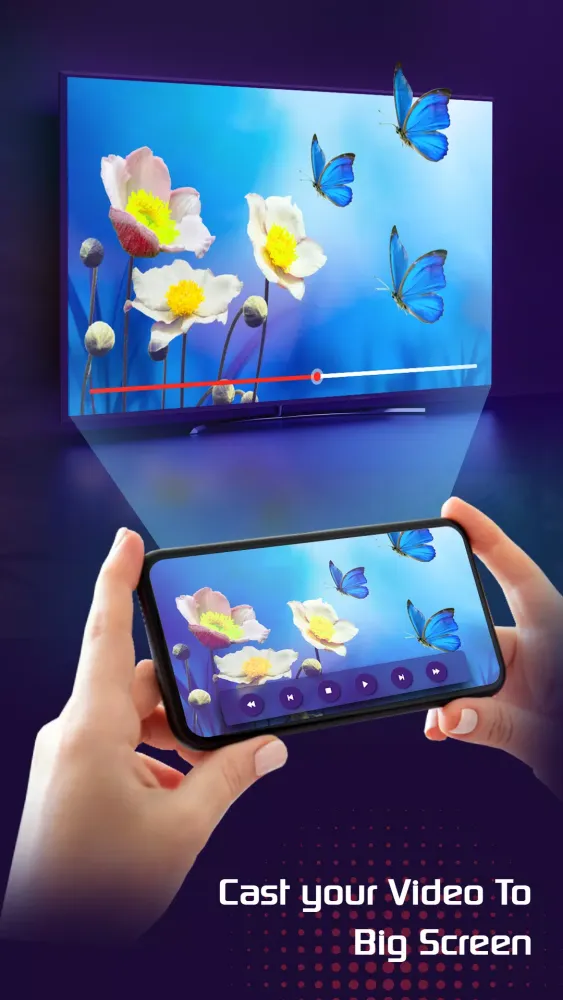
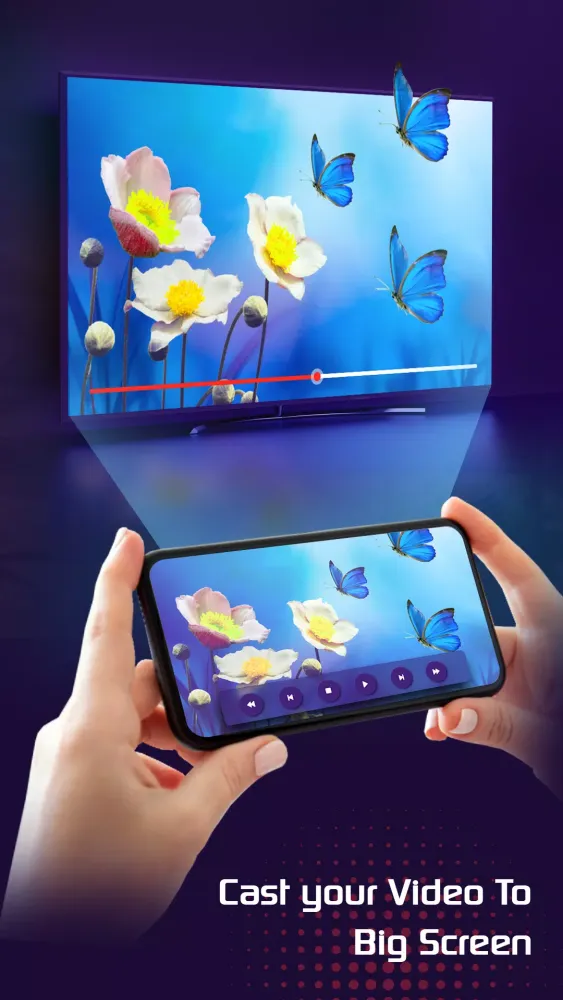
- Cast Videos to TV: Seamlessly stream your favorite movies and shows directly to your TV.
- Automatic File Detection: Easily identify video, audio, and photo files on your device and SD card.
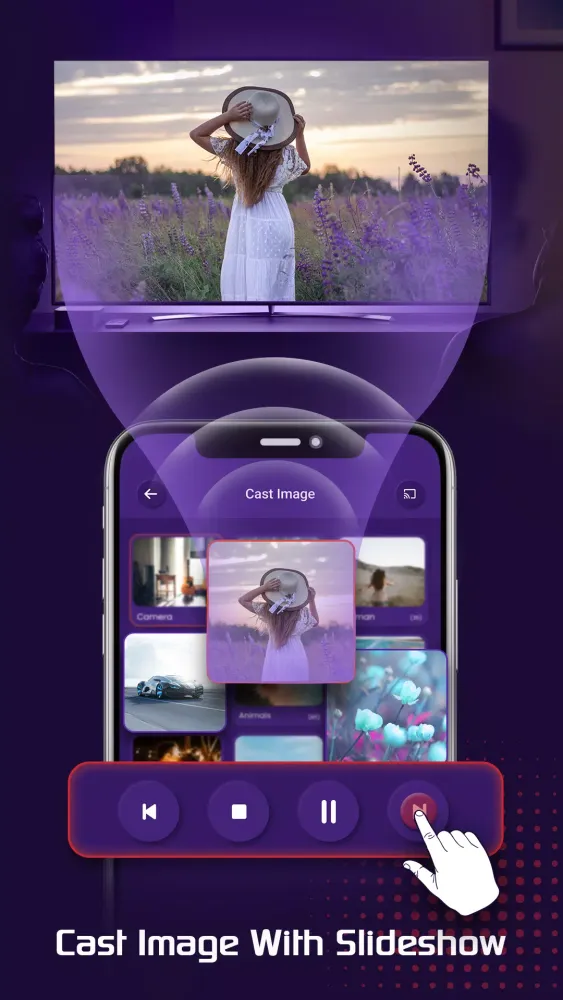
- Media Playback Modes: Enjoy your media in shuffle, loop, repeat modes, and even create slideshows.
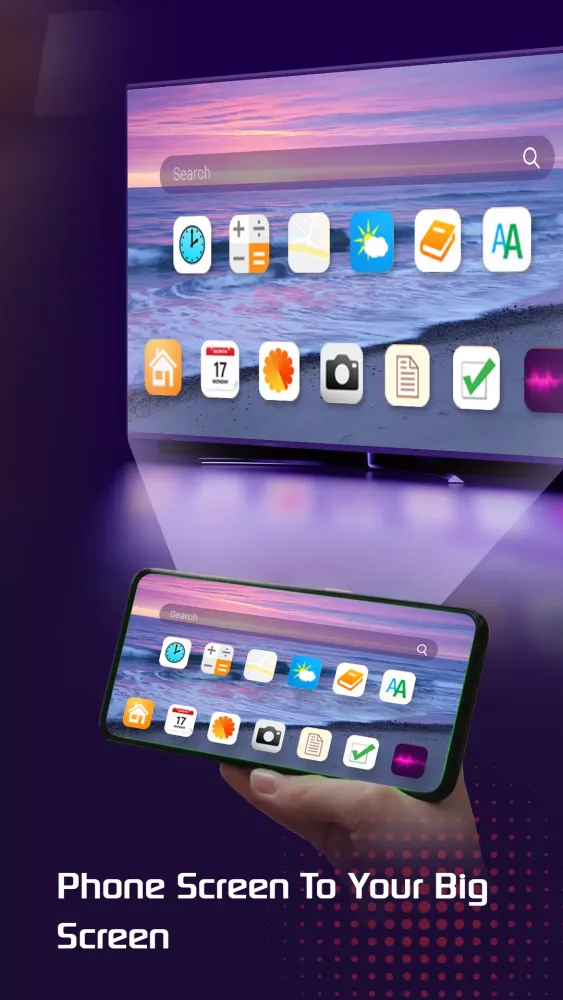
- Powerful Screen Mirroring: Mirror your phone or tablet screen directly onto your TV for an immersive experience.
- Easy Control: Use your phone to control playback functions such as play/pause, volume adjustment, forward/rewind, and navigation through previous/next tracks.
- Auto Search: Automatically detect available casting devices and streaming devices.
And there’s so much more to explore!
Supported Devices and Formats
Purple Cast supports a wide range of devices and formats, making it a versatile tool for various needs:
Supported Devices:
- Chromecast Supported Devices
- Smart TVs: Samsung, LG, Sony, Hisense, Xiaomi, Panasonic, etc.
- Amazon Fire TV and Fire Stick
- Roku, Roku Stick, and Roku TVs
- Other DLNA Receivers
Supported Formats:
- Videos: MP4, MKV, HLS Live Streaming
- Music: MP3, Podcasts
- Images: JPG, PNG
- Resolution Support: 4K and HD where available
How Purple Cast Works
Purple Cast does not modify your video sources. Instead, it simply transmits the original source to your streaming receivers. The app itself does not host any content, so the compatibility and availability of videos depend entirely on the source device.
Troubleshooting Tips
If you encounter any issues while using Purple Cast, here are some troubleshooting tips:
- Ensure Stable Wi-Fi Connection: Make sure your Wi-Fi connection is stable and that both your phone and the casting device are on the same network.
- Restart Devices: Many connection issues can be resolved by restarting the casting receiver or your phone.
With Purple Cast, you can enjoy a seamless and convenient way to cast your favorite content to your TV. Start exploring today!
طريقة اللعب
صور Purple Cast
الإصدارات القديمة من Purple Cast





توصية المحرر


تطبيقات مشابهة لـ Purple Cast


تطبيقات من تطوير Purple Smart TV


آراء المستخدمين
+ المراجعات
الأكثر شهرة


