
Über MP4 to WAV
Description of MP4 to WAV Converter
The MP4 to WAV Converter is your ultimate solution for converting MP4 files into high-quality WAV format. This application is designed to be fast, efficient, and completely offline, providing you with unlimited conversions without any restrictions on file size or quantity.
Key Features
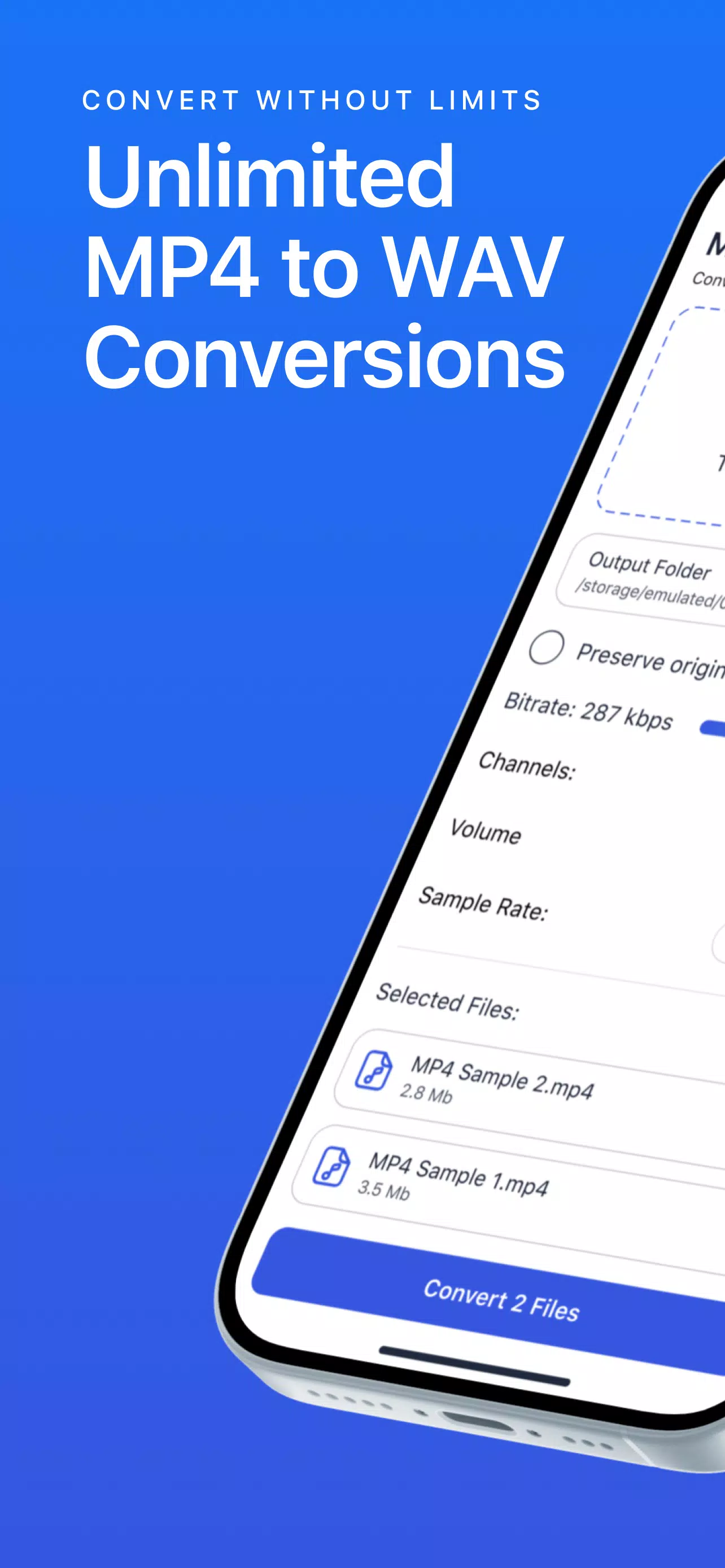
- Unlimited Conversions: Convert as many MP4 files to WAV as you need, without any limitations.
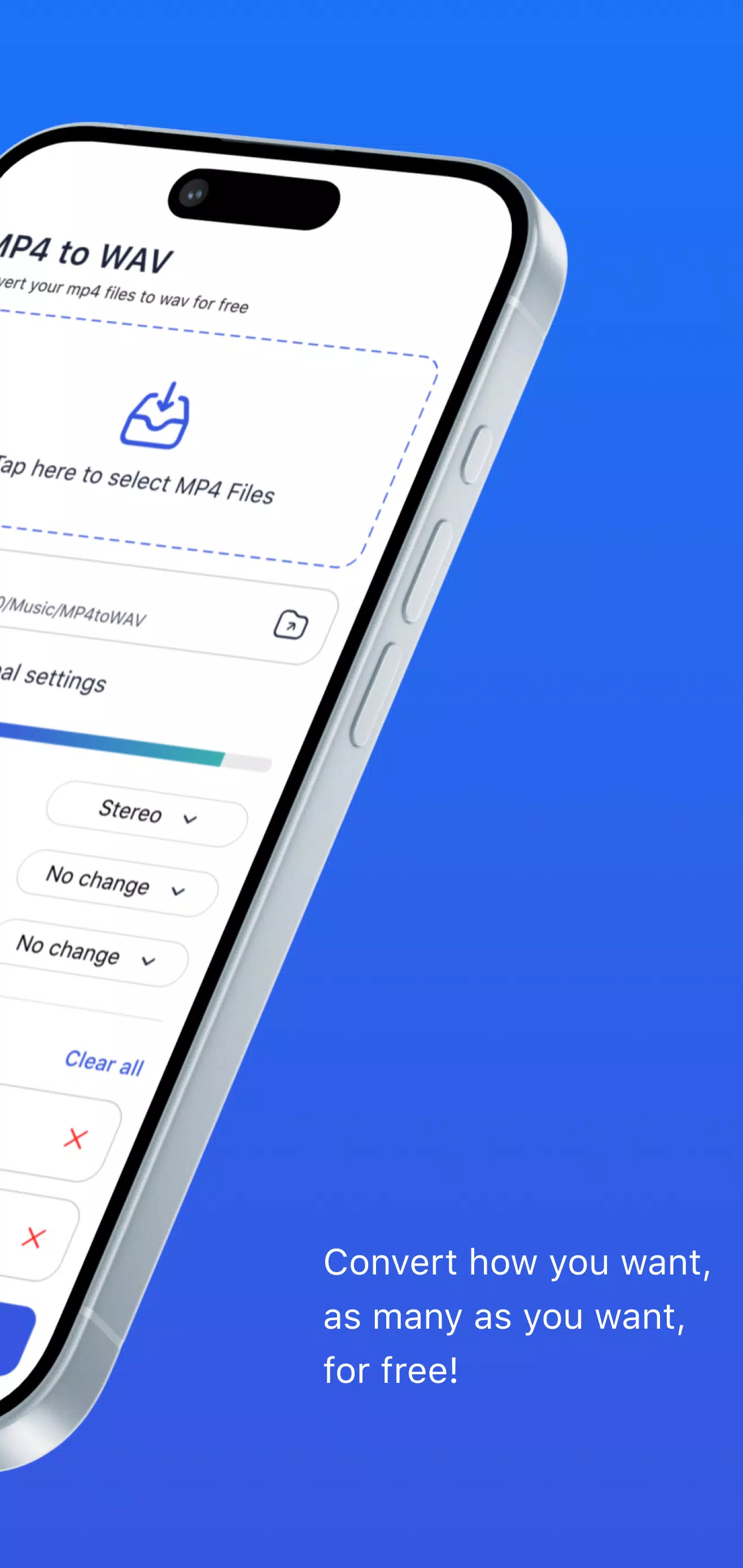
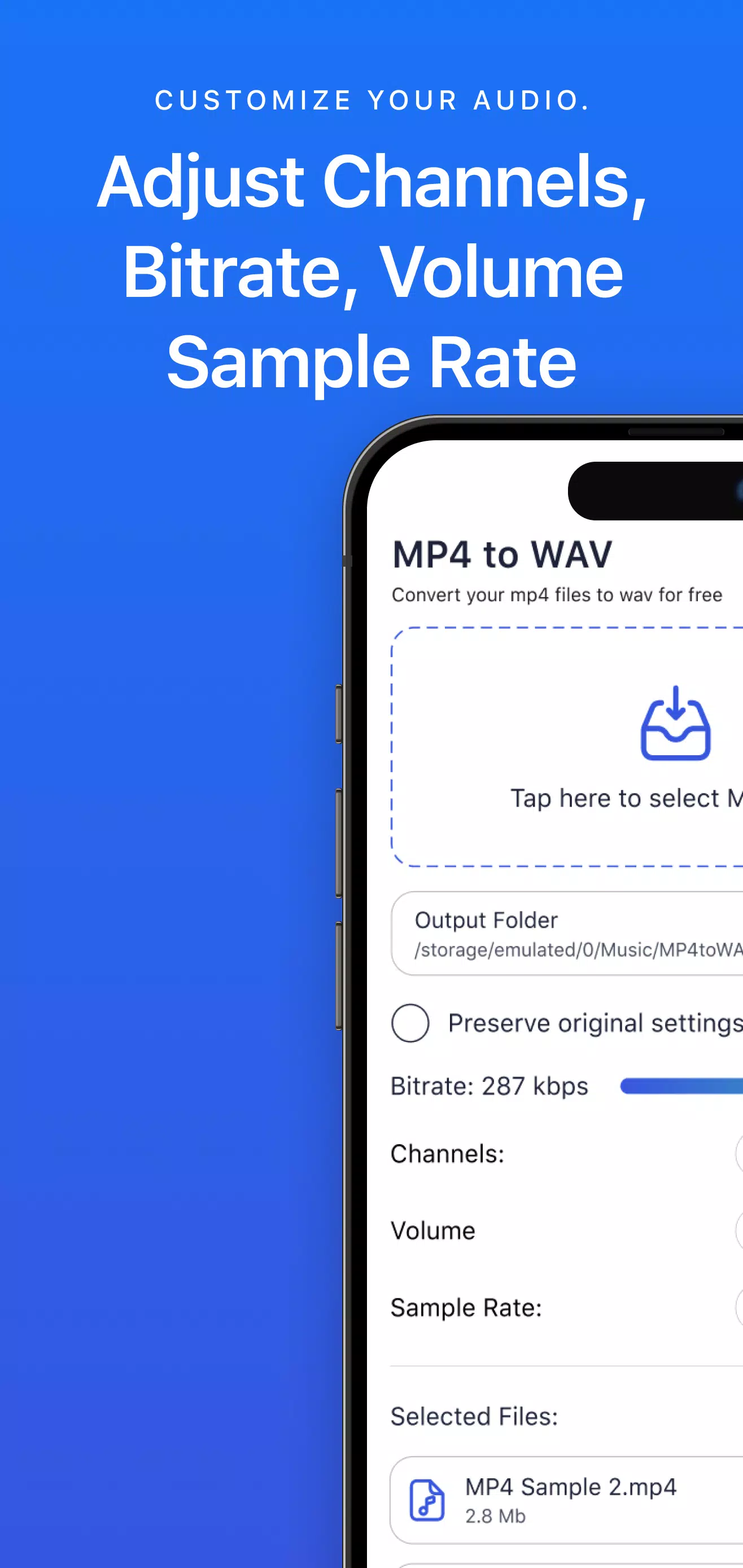
- Audio Customization: Customize your audio by choosing between mono and stereo settings and adjusting the bitrate to meet your specific requirements.
- Fast Conversion Process: Save time with quick and efficient conversions, whether you're working with single files or batches.
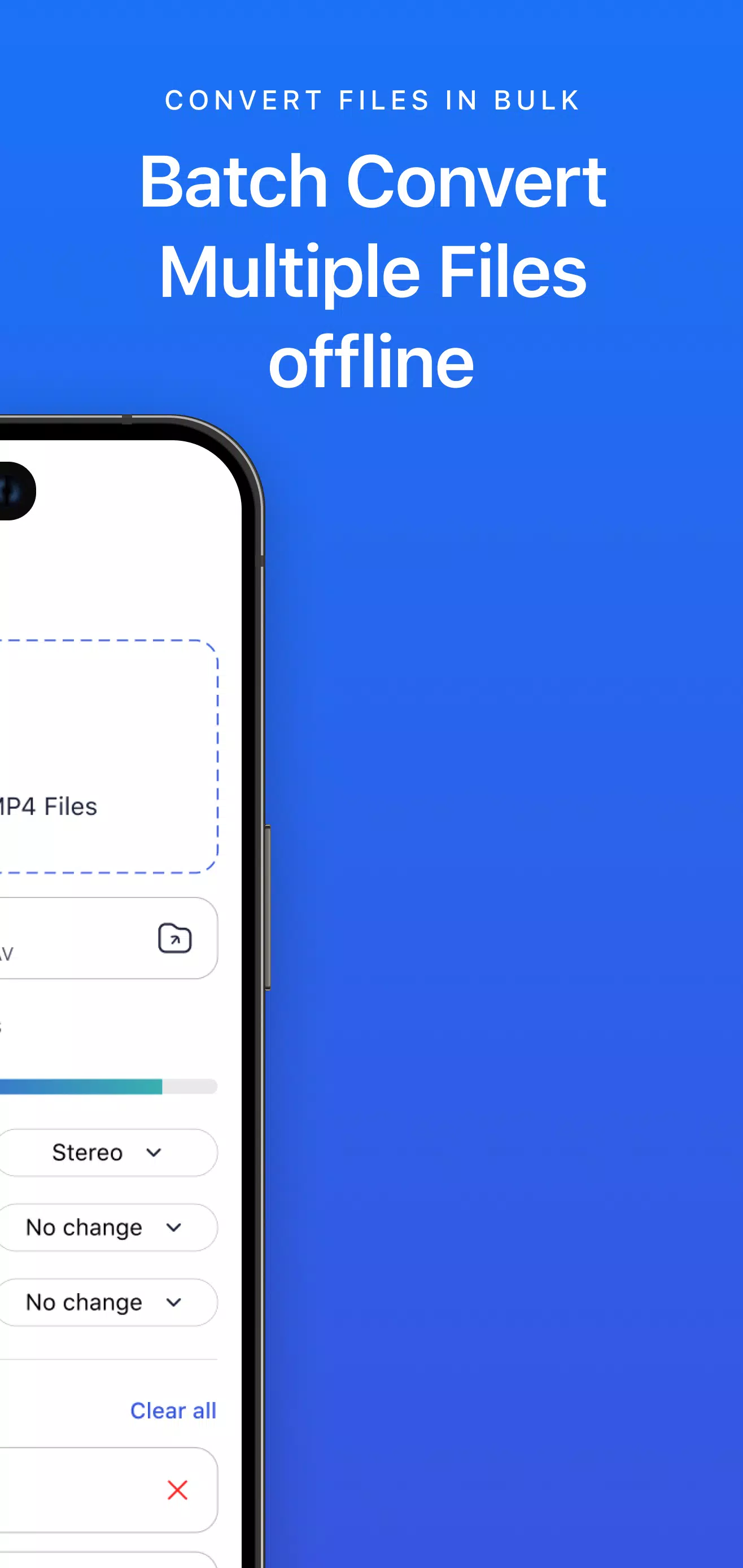
- Batch Conversion Support: Convert multiple MP4 files to WAV in one go, streamlining the process and making it easy to manage large audio libraries.
- High Fidelity Audio: Enjoy the highest quality WAV files suitable for professional editing and mixing, ensuring your audio retains its original richness.
Use Cases
- Music Production: Ideal for converting MP4 videos to WAV for editing in software like Pro Tools, FL Studio, or Logic Pro. Uncompressed WAV files guarantee pristine sound quality for mixing and mastering.
- Podcasting: Easily convert your podcast episodes from MP4 to WAV, essential for maintaining audio quality during post-production.
- Voiceovers and Audiobooks: Perfect for converting voice recordings to WAV format for clearer playback, ensuring your audiobooks or voiceovers sound professional.
- Sound Design: For sound designers, WAV files provide the detail needed for precise audio manipulation in sound editing software.
Additional Benefits
- Batch Processing Capabilities: Convert multiple MP4 files to WAV simultaneously, saving you valuable time.
- High-Quality Fidelity: The MP4 to WAV Converter guarantees high-quality output, preserving all audio nuances during the conversion process.
- Offline Audio Conversion: Convert MP4 files offline, making it a versatile tool for various applications.
Frequently Asked Questions
-
Is there a limit to how many files I can convert?
No! Our app allows unlimited conversions, so you can convert as many MP4 files to WAV as you wish without any limitations. -
Can I convert multiple files at once?
Absolutely! Our batch conversion feature enables you to select and convert multiple MP4 files to WAV in a single operation. -
Will converting from MP4 to WAV impact audio quality?
No, converting to WAV preserves all audio data. You get lossless quality, making your WAV files perfect. -
Can I customize the output settings?
Yes! Adjust the audio channels to mono or stereo and set the bitrate to fit your preferences, ensuring the output meets your quality requirements.
Conclusion
The MP4 to WAV Converter is the ideal audio conversion app for creating high-quality WAV files from MP4s. With unlimited conversions, batch processing, and audio customization options, it caters to all your audio format conversion needs. Offering lossless audio quality and fast, free MP4 to WAV conversion speeds, it provides a user-friendly experience. It's free and supports offline audio conversion, making it a must-have tool for professionals and enthusiasts alike.
Gameplay
MP4 to WAV Screenshots
Alte Versionen von MP4 to WAV

Empfehlung des Herausgebers


Apps wie MP4 to WAV


Apps von BRAINIFY
MP4 to WAV FAQ
Wie lade ich MP4 to WAV von PGYER APK HUB herunter?
Ist das MP4 to WAV auf PGYER APK HUB kostenlos zum Download?
Benötige ich ein Konto, um MP4 to WAV von PGYER APK HUB herunterzuladen?
Wie kann ich ein Problem mit MP4 to WAV auf PGYER APK HUB melden?
Benutzerbewertungen
+ Bewertungen
Am beliebtesten


