
InnoRDP Windows Remote Desktop
Bewertung
Jul 28, 2024Neuestes Update
2.0.0Version
Über InnoRDP Windows Remote Desktop
InnoRDP is a fast and secure application to access your desktop from anywhere.
The simple installation, intuitive usage, session bookmarks, customizable resolutions and the powerful features bring remote desktop access to a higher level and makes InnoRDP your perfect choice.
InnoRDP supports all operating systems that support Terminal Services respectively Remote Desktop Services out of the box.
Because live by advertising, if the ad fails to load, it will restrict the use of time!
Screen rotation will lead to reconnect, and then reload the ads, you can disable the rotation in the settings. Sorry.
*** Features Overview ***
Scan remote server
WakeOnLAN(WOL)
Android Client
Optimized for gesture sensitive phones and tablets
Full RDP integration
Customizable resolutions
Bookmark manager
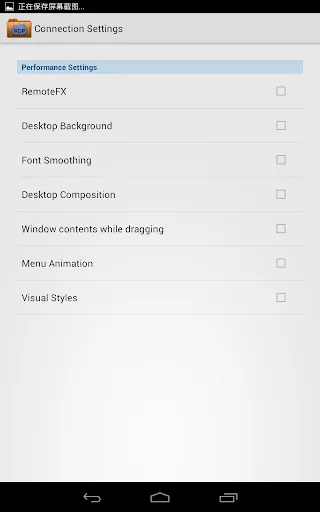
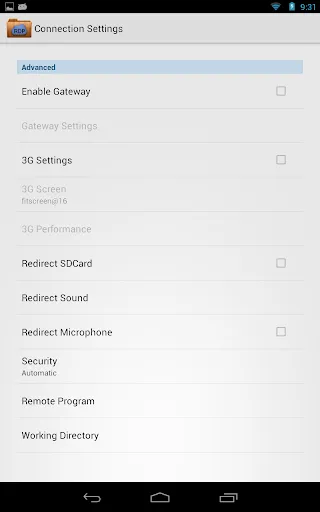
Advanced performance settings (3G network)
Console mode
RDP/NLA/TLS or automatic encryption mode
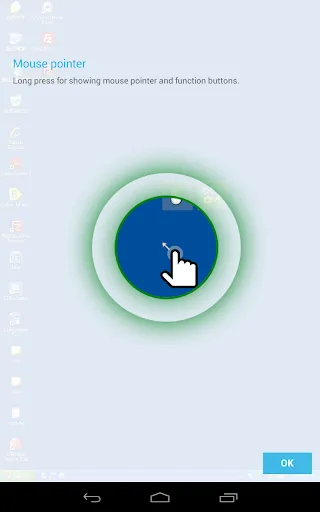
Touch Pointer - Mouse Pointer designed for working with gestures
*** Optimized for Android and gestures ***
Touch Pointer - Mouse Pointer designed for controlling mouse and keyboard with gestures
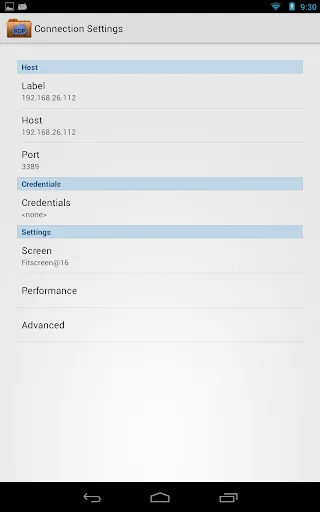
Auto fit and customizeable resolutions
Custom keyboard featuring all keys found on a traditional PC keyboard
*** Integration of RDP protocol in Android ***
support of the latest RDP protocol version 7.1
Optimized compression and caching for mobile networks (3G)
RemoteFX support with NEON optimizations
NSCodec (fast 32-Bit bitmap compression) support
High security standards - RDP/NLA/TLS or automatic encryption mode
You must know that Microsoft has removed Terminal Services (Remote Desktop Services) from the Windows Home/Basic editions. In order to access those Windows systems with any RDP client you have to install an alternative Terminal Services (Remote Desktop Services) solution. We recommend "Thinstuff XP/VS Terminal Server" (http://www.thinstuff.com/products/xpvs-server/)!
Author: Mori Lin. Sann-tîng-poo
The simple installation, intuitive usage, session bookmarks, customizable resolutions and the powerful features bring remote desktop access to a higher level and makes InnoRDP your perfect choice.
InnoRDP supports all operating systems that support Terminal Services respectively Remote Desktop Services out of the box.
Because live by advertising, if the ad fails to load, it will restrict the use of time!
Screen rotation will lead to reconnect, and then reload the ads, you can disable the rotation in the settings. Sorry.
*** Features Overview ***
Scan remote server
WakeOnLAN(WOL)
Android Client
Optimized for gesture sensitive phones and tablets
Full RDP integration
Customizable resolutions
Bookmark manager
Advanced performance settings (3G network)
Console mode
RDP/NLA/TLS or automatic encryption mode
Touch Pointer - Mouse Pointer designed for working with gestures
*** Optimized for Android and gestures ***
Touch Pointer - Mouse Pointer designed for controlling mouse and keyboard with gestures
Auto fit and customizeable resolutions
Custom keyboard featuring all keys found on a traditional PC keyboard
*** Integration of RDP protocol in Android ***
support of the latest RDP protocol version 7.1
Optimized compression and caching for mobile networks (3G)
RemoteFX support with NEON optimizations
NSCodec (fast 32-Bit bitmap compression) support
High security standards - RDP/NLA/TLS or automatic encryption mode
You must know that Microsoft has removed Terminal Services (Remote Desktop Services) from the Windows Home/Basic editions. In order to access those Windows systems with any RDP client you have to install an alternative Terminal Services (Remote Desktop Services) solution. We recommend "Thinstuff XP/VS Terminal Server" (http://www.thinstuff.com/products/xpvs-server/)!
Author: Mori Lin. Sann-tîng-poo
Gameplay
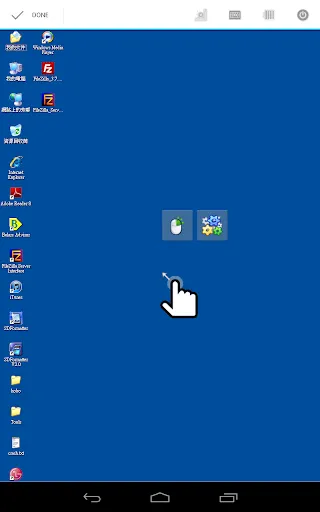
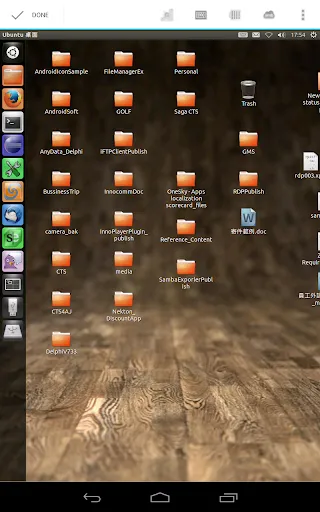
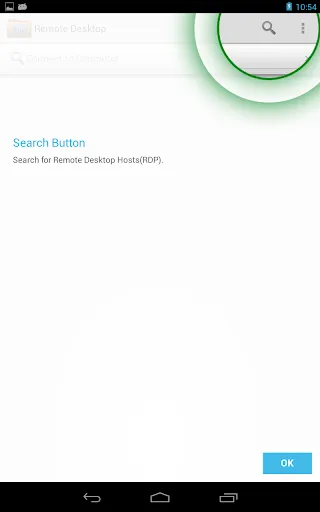
InnoRDP Windows Remote Desktop Screenshots
Alte Versionen von InnoRDP Windows Remote Desktop





Empfehlung des Herausgebers


Apps wie InnoRDP Windows Remote Desktop


Apps von Mori Lin
InnoRDP Windows Remote Desktop FAQ
Wie lade ich InnoRDP Windows Remote Desktop von PGYER APK HUB herunter?
Ist das InnoRDP Windows Remote Desktop auf PGYER APK HUB kostenlos zum Download?
Benötige ich ein Konto, um InnoRDP Windows Remote Desktop von PGYER APK HUB herunterzuladen?
Wie kann ich ein Problem mit InnoRDP Windows Remote Desktop auf PGYER APK HUB melden?
Haben Sie dies hilfreich gefunden
Ja
Nein
Benutzerbewertungen
+ Bewertungen
4.8
5
4
3
2
1
G
Glen
2025-02-06
23
0
InnoRDP Windows Remote Desktop is an exceptional app that provides seamless remote access to my Windows desktop. Highly recommended!
L
Lynn
2025-02-09
21
0
I’ve tried several remote desktop apps, but InnoRDP Windows Remote Desktop stands out with its smooth performance and user-friendly interface.
E
Edison
2024-12-30
18
0
InnoRDP Windows Remote Desktop has made my work-from-home experience so much easier. It’s reliable and efficient!
Am beliebtesten

Plague Inc.
Ndemic Creations

Super Mario Odyssey
Super Mario Odyssey APK - Explore the World Like Never Before!
Embark on an exhilarating adventure w

Hole.io
VOODOO

StarMaker: Sing Karaoke Songs
SKYWORK AI PTE. LTD.

Poppo Live
Poppo Team

CookieRun: OvenBreak
Devsisters Corporation

Netflix
Netflix, Inc.

TikTok
TikTok Pte. Ltd.

Legend of Solgard
Snowprint Studios AB

X
X Corp.

Clash Royale
Supercell

Tips Dream League Soccer 2017
amorphisnguyen

Relic Bag: Shadow Hunter
Fansipan Limited

PUBG MOBILE
Level Infinite

Pure Sniper: Gun Shooter Games
Miniclip.com

War Thunder Mobile
GAIJIN NETWORK LTD

GunboundM
DargomStudio

Call of Duty: Warzone Mobile
Activision Publishing, Inc.

Off Road 4x4 Driving Simulator
Azur Interactive Games Limited

Car Parking Multiplayer 2
olzhass

Talking Pierre the Parrot
Outfit7 Limited

Red Dead redemption 2 Mobile
Tarik EL hamdi

Shadow Fight 2 Special Edition
NEKKI

Reddit
reddit Inc.