
درباره Control Center
Control Center: Simplify Your Android Device Management
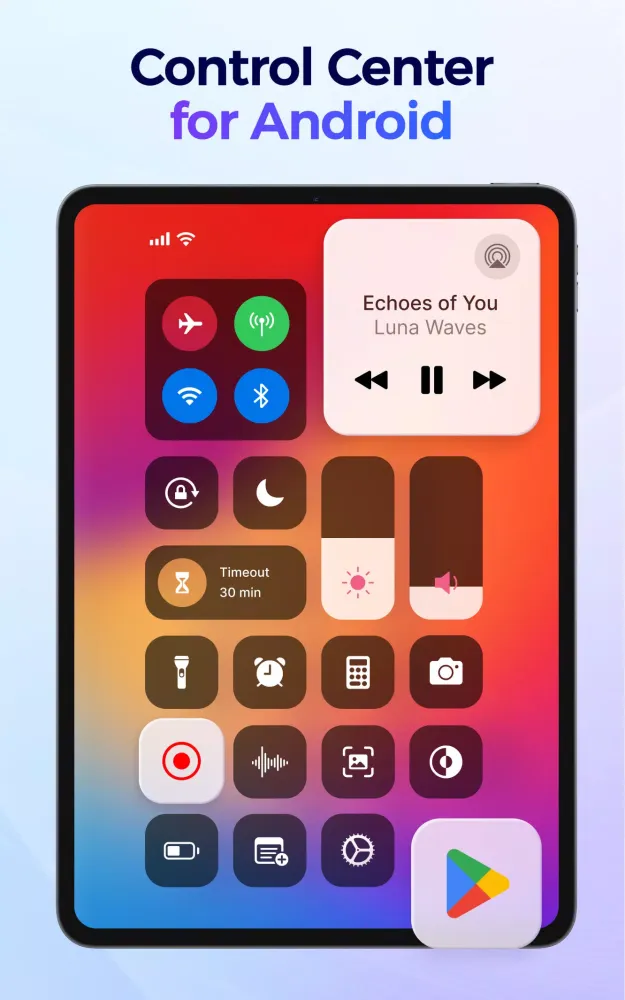
Control Center is a powerful management tool designed to help you effortlessly control your Android device. Whether you need quick access to essential features or want to customize your device's functionality, Control Center provides an intuitive and user-friendly interface that makes managing your phone or tablet a breeze. With its customizable control panel, you gain instant access to all device settings and apps from a single location, eliminating the hassle of navigating through multiple menus.
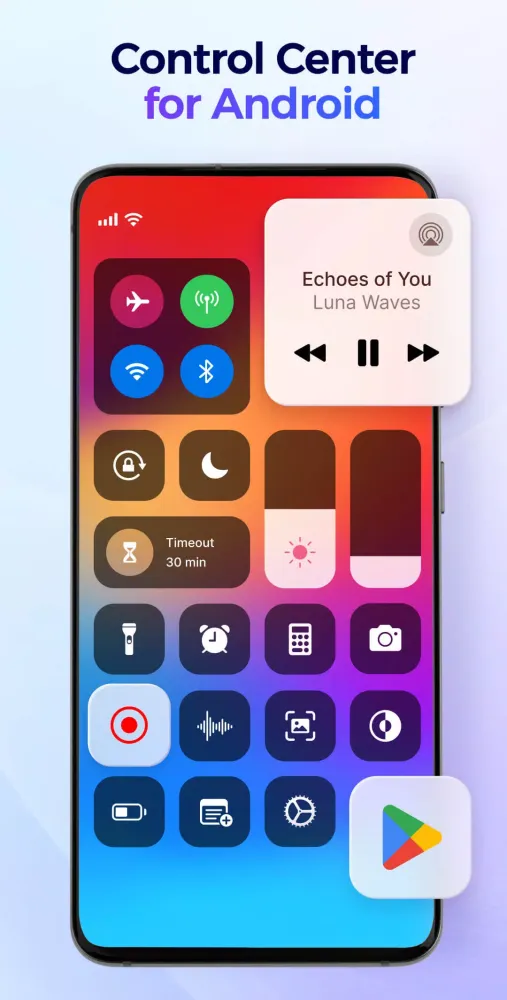
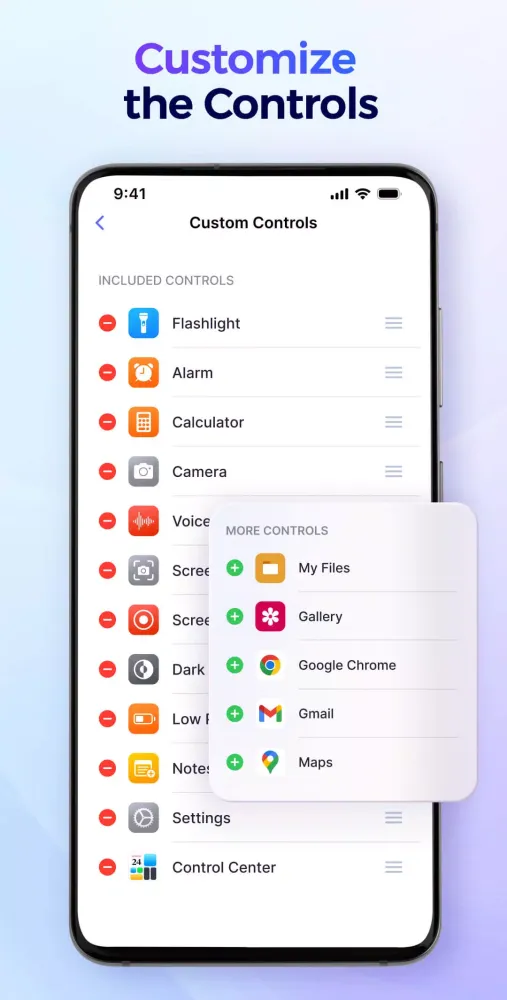
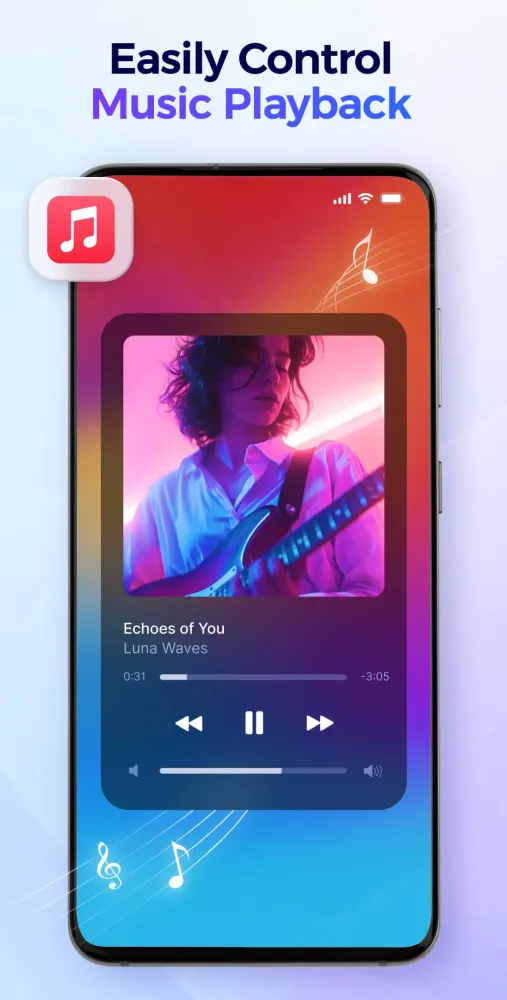
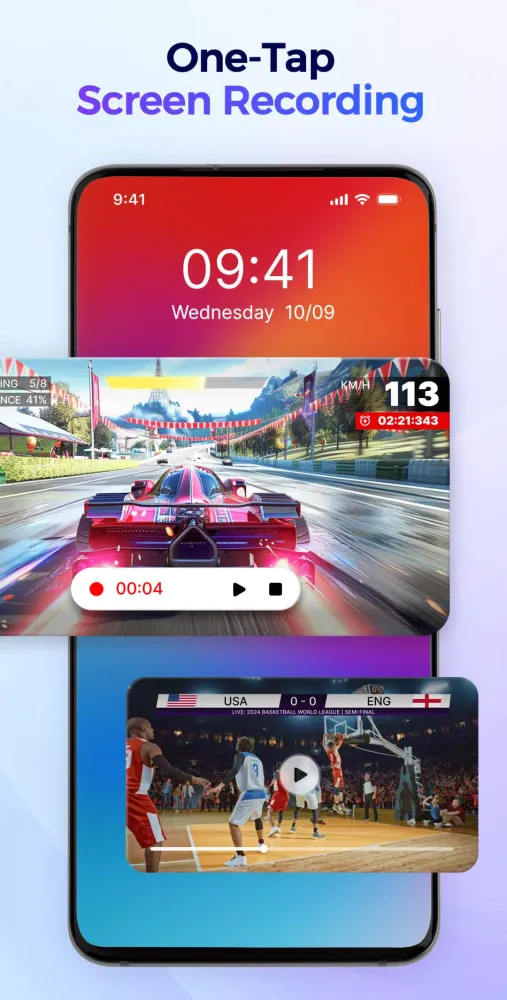
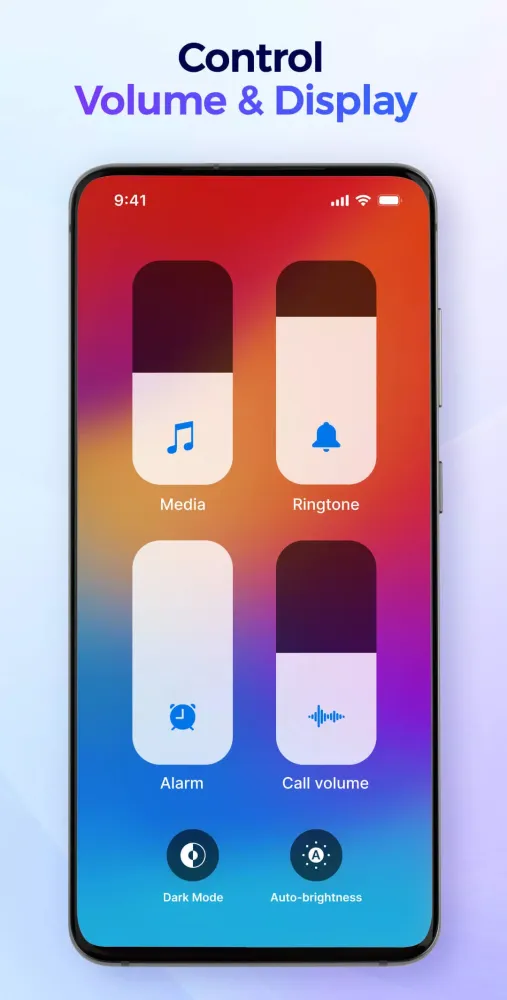
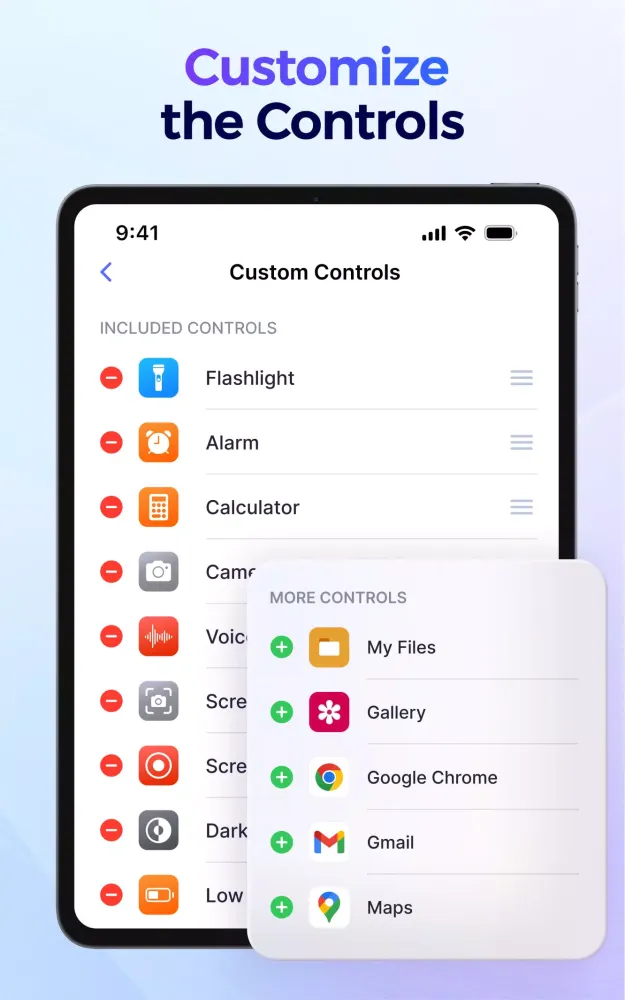
At the heart of Control Center lies its ability to simplify daily tasks by offering one-tap access to frequently used functions. From adjusting volume levels and screen brightness to controlling music playback, taking screenshots, activating the flashlight, or even recording your screen, everything is just a single tap away. This efficiency extends further with the option to tailor the control panel to suit your preferences. You can add shortcuts to your favorite apps such as the voice recorder, camera, or social media platforms, rearrange their positions, and even modify the background appearance to match your style.
One of the standout features of Control Center is its seamless integration of essential tools into one cohesive package. The app offers a comprehensive suite of utilities including volume and brightness controls, a music player capable of playing, pausing, skipping tracks, and viewing detailed song information. Additionally, it includes advanced functionalities like a built-in screenshot and screen recorder that allows you to capture moments or tutorials easily, complete with options to include internal audio, microphone audio, or both. Connectivity settings are also at your fingertips—toggle Wi-Fi, mobile data, Bluetooth, or airplane mode without leaving the app. Other notable features include the ability to lock the screen orientation, manage screen timeout for enhanced privacy and battery life, enable dark mode for reduced eye strain, and silence all notifications temporarily using the Do Not Disturb feature.
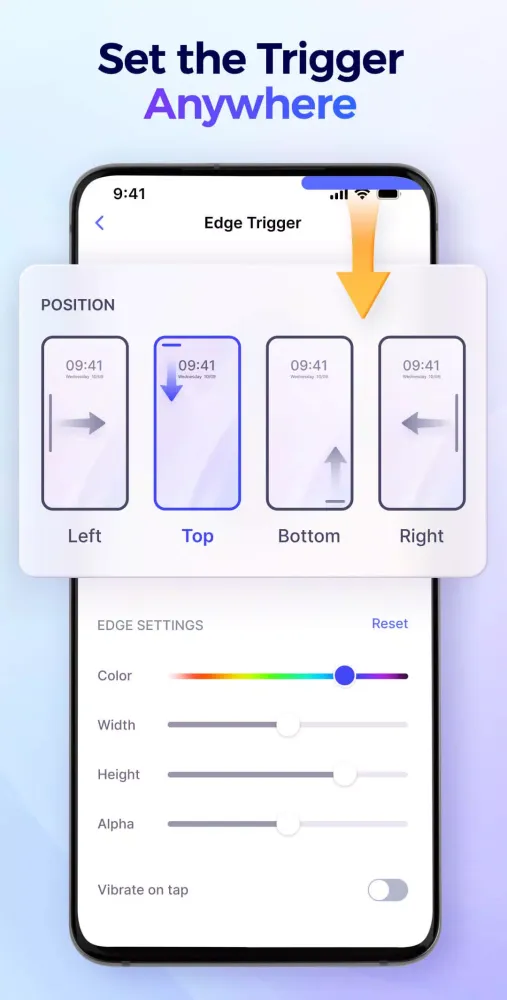
Beyond basic controls, Control Center empowers users with full customization capabilities. You can freely add or remove apps and controls from the panel, set the position of the edge trigger, and reorder apps according to your preference. Background modes can be selected based on personal taste, ensuring a personalized experience. The app boasts a smooth and straightforward layout, providing quick launches and responses while operating offline. As a lightweight application, Control Center is entirely free, making it accessible to everyone.
Another key advantage of Control Center is its commitment to user privacy and security. To ensure proper functioning, the app requires the AccessibilityService API, which enables displaying the control center on the screen and performing system-wide actions. However, rest assured that we adhere strictly to ethical practices—we will never misuse permissions or share your personal data with third parties.
We highly appreciate our users' input and encourage them to share their thoughts or ideas by reaching out to us at controlcenterapp@gmail.com. Our dedicated team is eager to hear from you and continuously improve the app to meet evolving needs.
In conclusion, Control Center stands out as an indispensable companion for anyone looking to streamline their Android experience. By combining convenience, customization, and performance, this application ensures stable and easy management of your device. Download Control Center today and transform how you interact with your Android device! 🎉
گیمپلی
تصاویر Control Center
نسخههای قدیمی Control Center





پیشنهاد ویرایشگر


برنامههای مشابه Control Center


برنامههای توسط AceTools Team


Control Center FAQ
چگونه می توانم Control Center را از PGYER APK HUB دانلود کنم؟
آیا Control Center در PGYER APK HUB رایگان برای دانلود است؟
آیا برای دانلود Control Center از PGYER APK HUB نیاز به حساب کاربری دارم؟
چگونه می توانم یک مشکل با Control Center در PGYER APK HUB گزارش دهم؟
نظرات کاربران
+ نقد و بررسی
پرطرفدارترین


