
À propos de Incoming Call Lock
Secure Your Privacy with Incoming Call Lock
In the era of digital communication, protecting personal privacy has become paramount. With the advent of the "Incoming Call Lock" application, securing your incoming phone calls has never been easier. Designed specifically to safeguard your private conversations from unauthorized access, this free security app ensures peace of mind when you're away or need to maintain confidentiality.
Protection Beyond Recognition
If you've ever had the unsettling experience of someone intercepting your calls during your absence, "Incoming Call Lock" offers a solution. By simply installing this app from the play store, you gain control over who can see and initiate calls on your device. The app's innovative feature is its ability to display a password input screen before revealing any caller information—be it their number, name, or ID. Once the correct password is entered, the screen shows the caller's details, allowing you to receive the call without any interruptions from unwanted callers.
Versatility and Customization
Beyond basic call locking, "Incoming Call Lock" provides a range of features tailored to meet various needs:
- Enable/Disable Call Lock: Choose when to lock your calls, ensuring flexibility based on your privacy requirements.
- Selective Contact Locking: Protect specific contacts while keeping others accessible, offering granular control over your call interactions.
- Password Management: Easily change passwords for added security, ensuring that only authorized individuals can access your calls.
- User-Friendly Interface: Designed with simplicity in mind, making it accessible to users of all technical backgrounds.
Installation and Usage
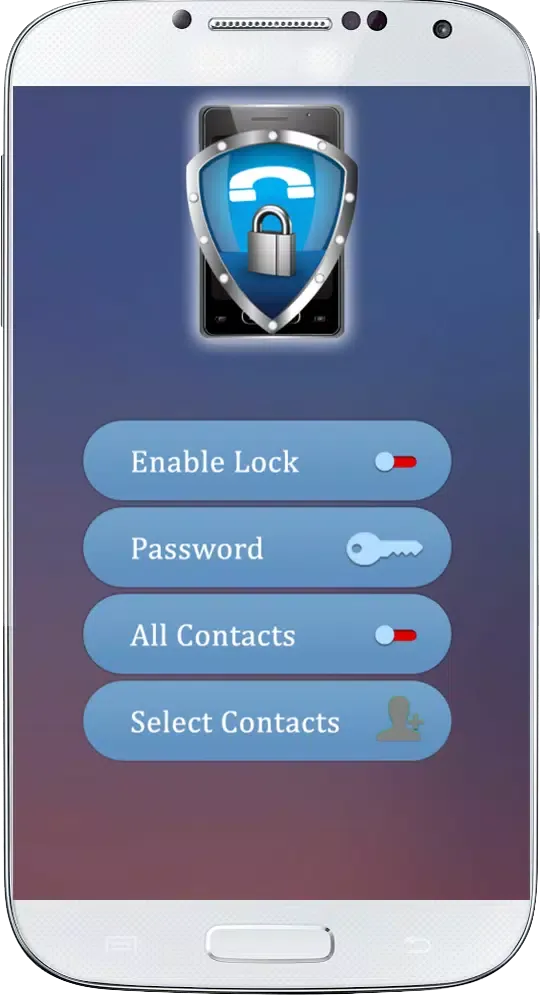
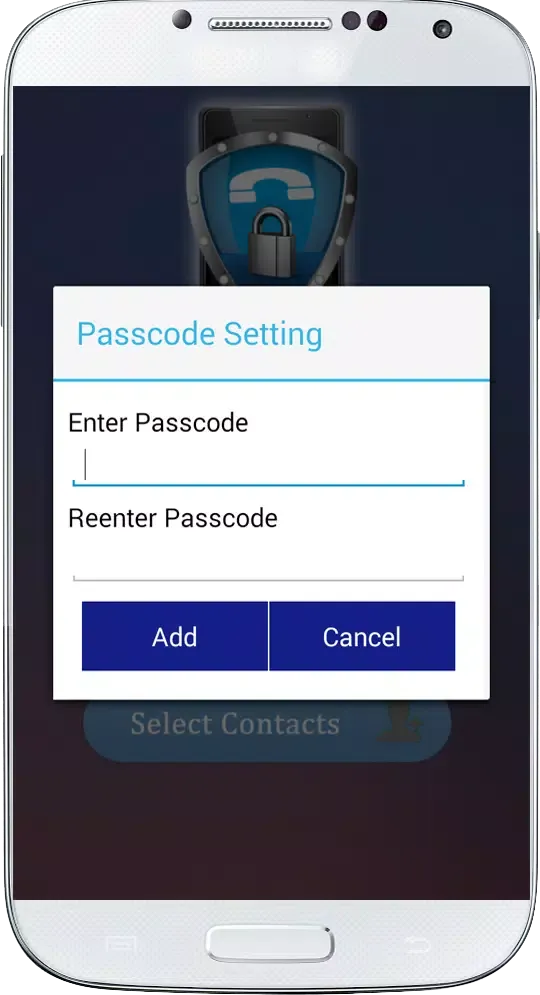
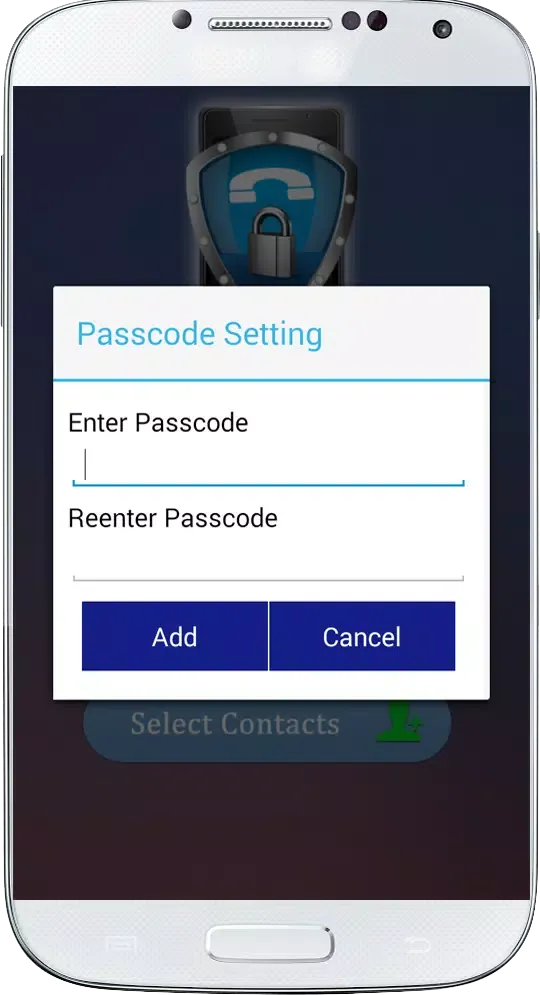
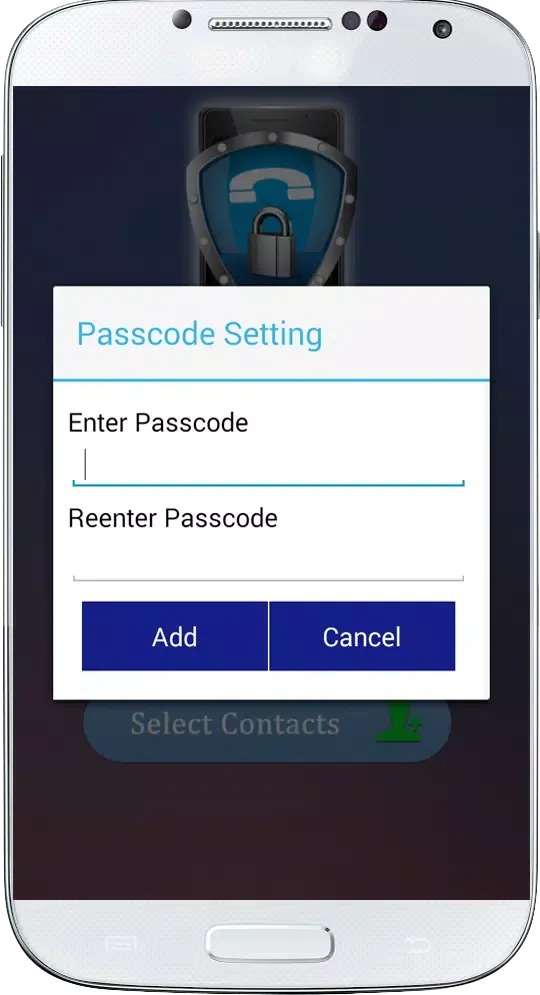
Step 1: Begin by accessing the app's settings. Locate the "Password" button and input your chosen password, confirming it for secure authentication.
Step 2: Switch the "Active Lock" button to turn the feature on, ensuring that your calls are protected at all times.
Step 3: For comprehensive protection, activate the "All Contacts" option. This ensures that all incoming calls are locked by default.
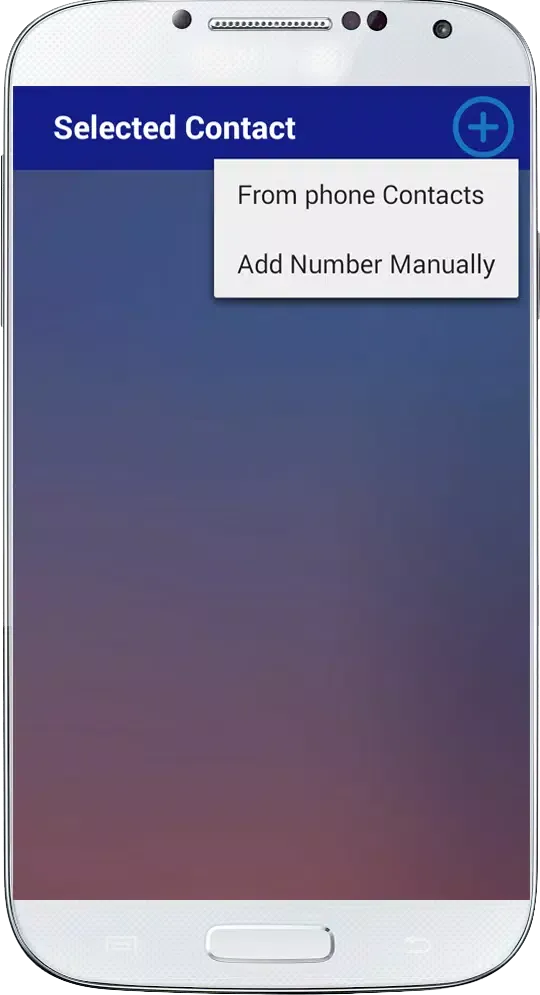
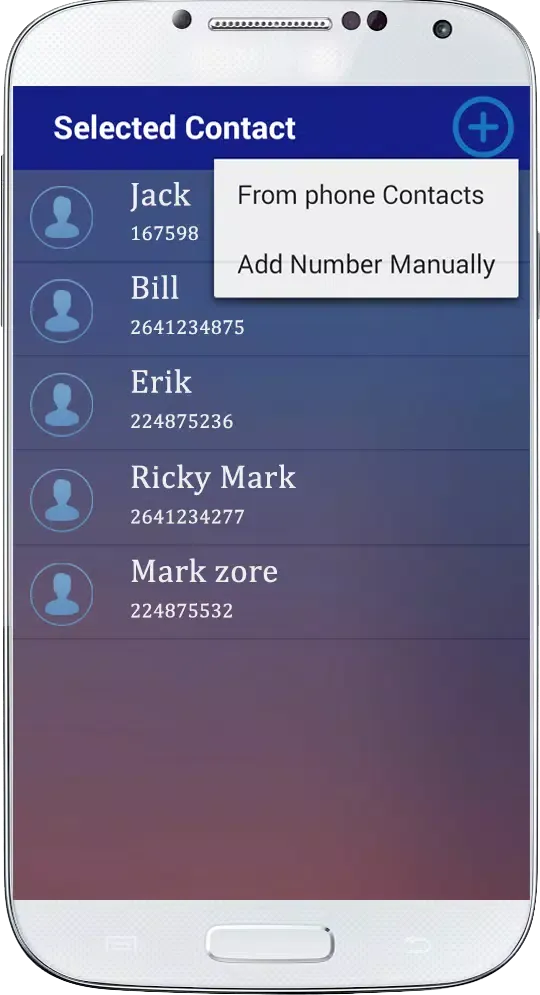
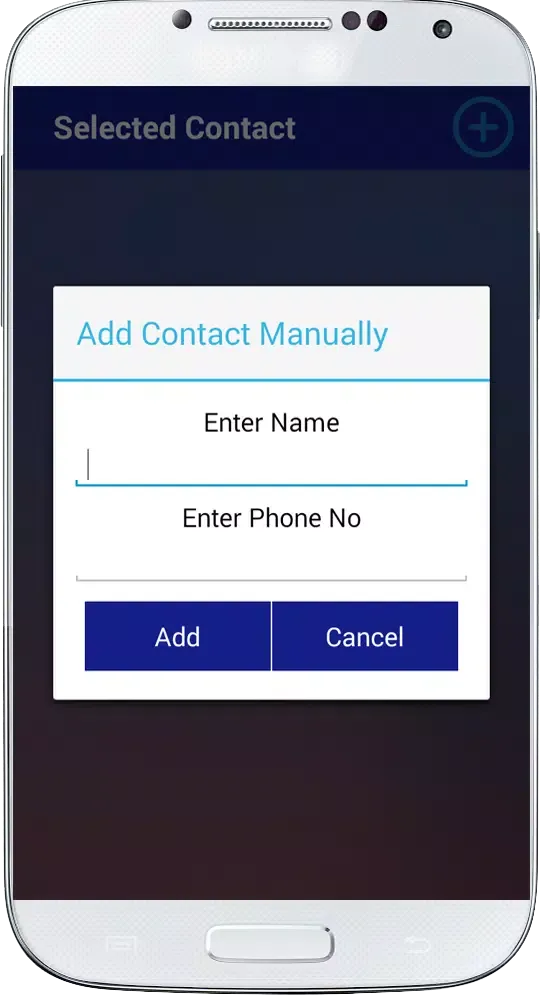
Step 4: If you wish to lock specific contacts, utilize the "Select Contacts" button to choose which individuals' calls should require a password.
By following these straightforward steps, you can effortlessly secure your private phone calls, ensuring that only you have access to your confidential conversations. "Incoming Call Lock" is your reliable shield against unwanted intrusions, providing peace of mind and privacy in every call.
Jouabilité
Captures d'écran de Incoming Call Lock
Anciennes versions de Incoming Call Lock





Recommandation de l'éditeur


Applications similaires à Incoming Call Lock
 App Lock & Incoming Call Lock
 Incoming Call Lock
 Incoming Call Name Announcer
 Secure Incoming Call
 Incoming fake phone call (pran
 Incoming Call Screen Theme
 fake incoming call pet game
 Old Song Video Ringtone For Incoming Call Old Song
 App Lock - Lock Apps, Password
 App Lock Master – Lock Apps
 App Lock and Fingerprint Lock
 App Lock - Lock Apps, Pattern
Applications par Redix Mobile Games
Incoming Call Lock FAQ
Comment télécharger Incoming Call Lock depuis PGYER APK HUB?
Est-ce que le Incoming Call Lock sur PGYER APK HUB est gratuit?
Ai-je besoin d'un compte pour télécharger Incoming Call Lock depuis PGYER APK HUB?
Comment puis-je signaler un problème avec Incoming Call Lock sur PGYER APK HUB?
Avis des utilisateurs
+ Avis
Les plus populaires


