
À propos de MT Styles for Kustom KLWP
Description of MT Styles for Kustom KLWP
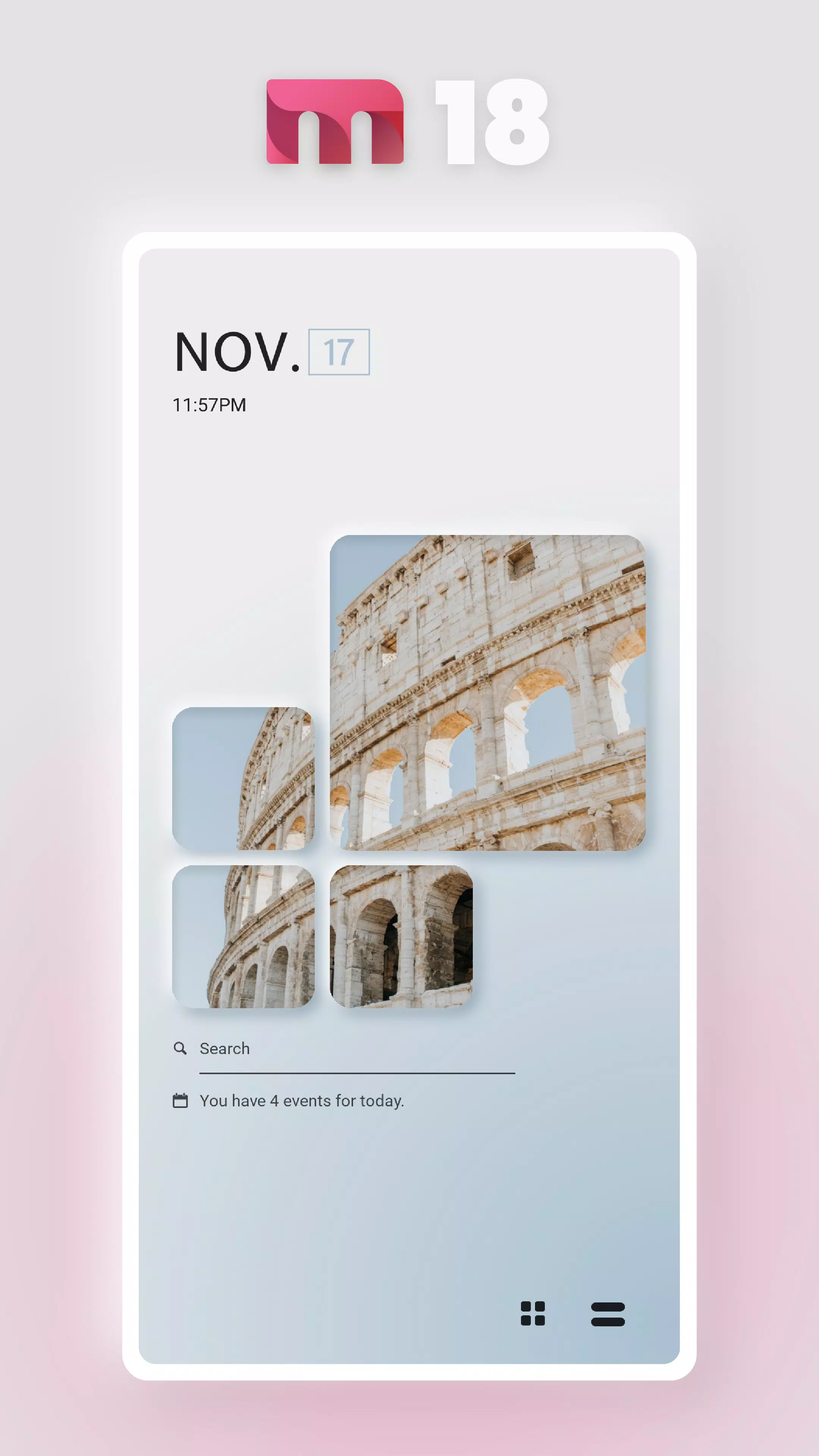
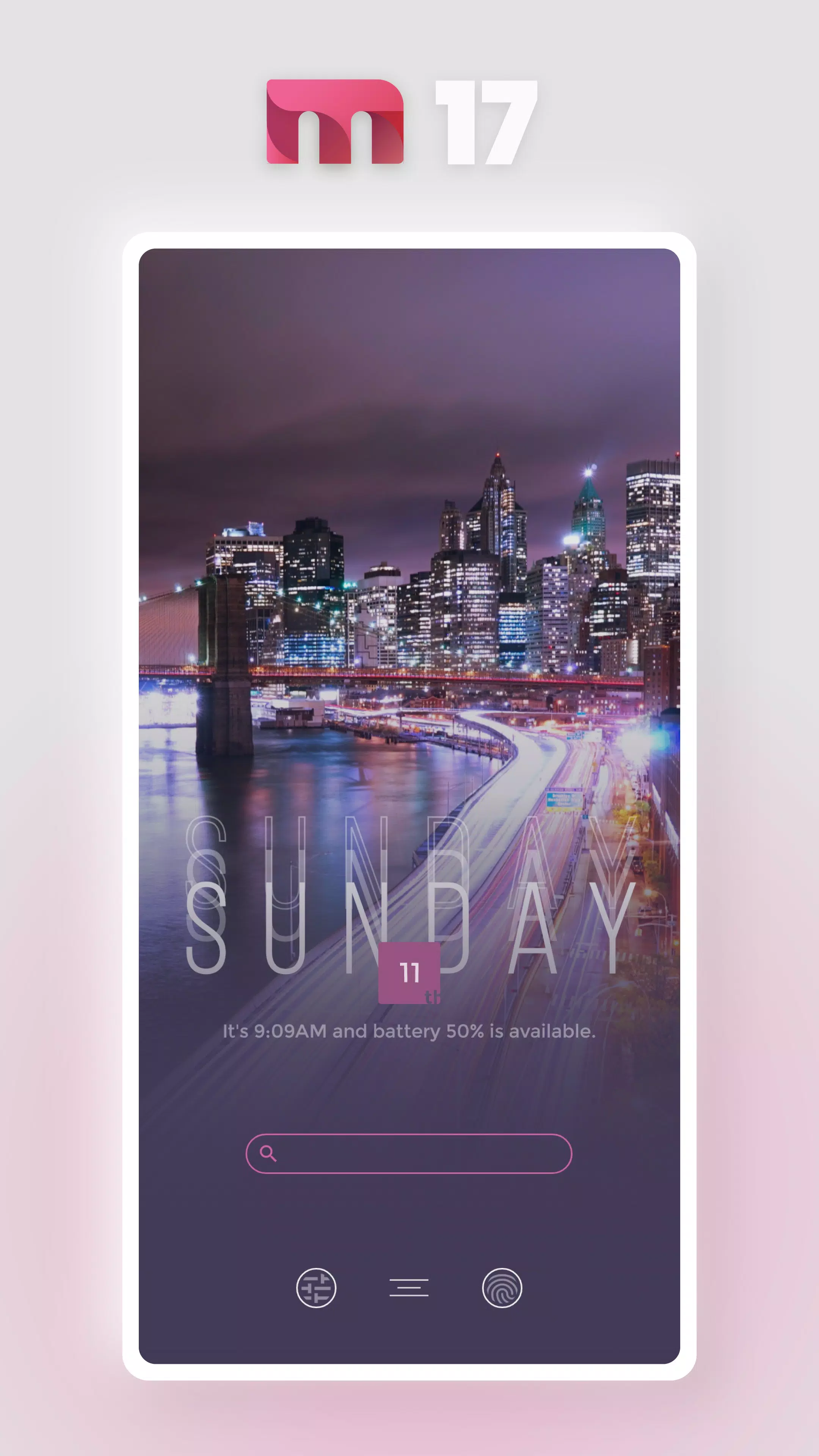
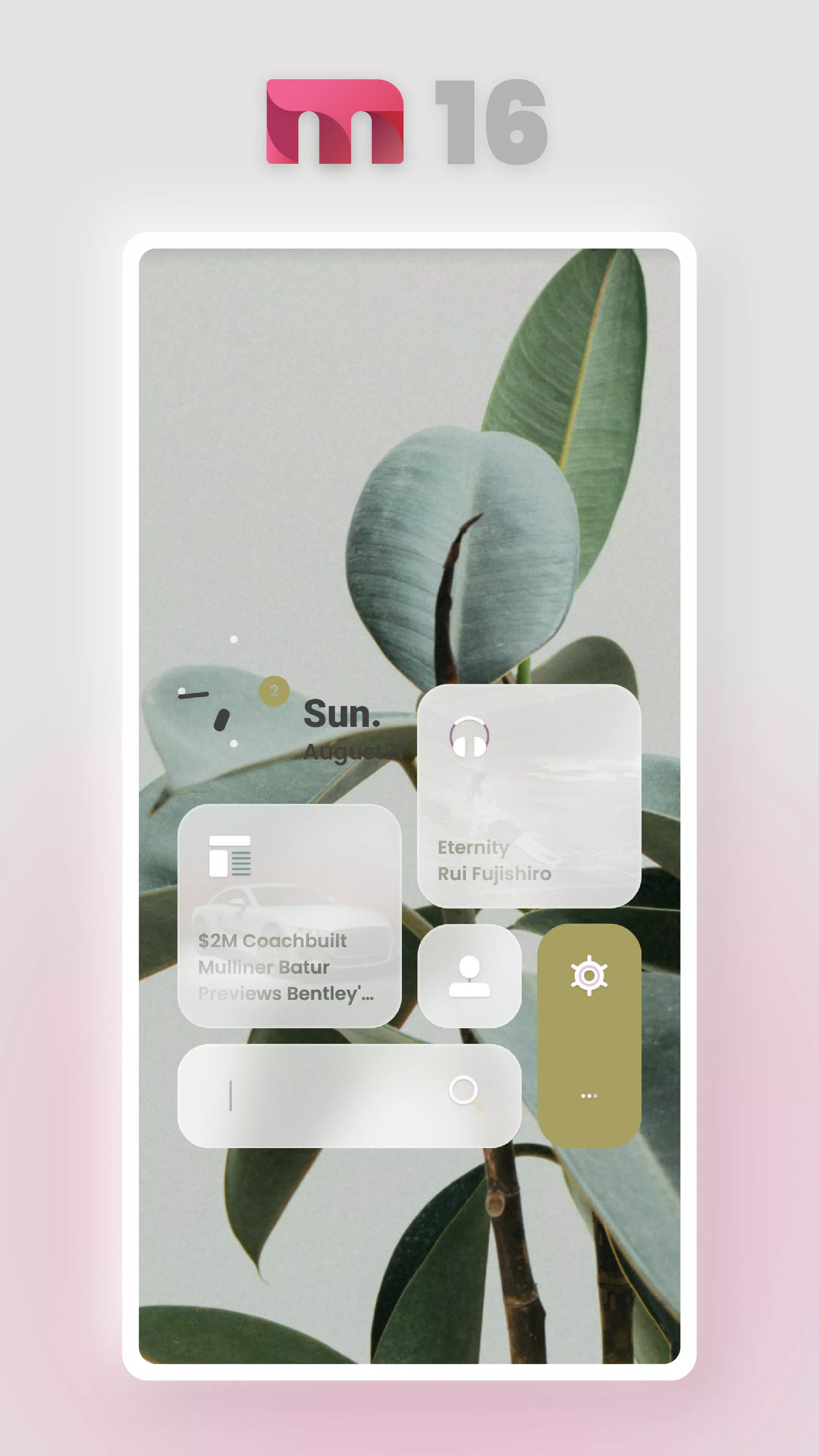
Practical and Unique Free KLWP Presets
This application offers practical and unique free KLWP presets. However, please note that this is not a standalone app. To use these presets, you must first install the following applications:
- KLWP Live Wallpaper Maker: KLWP Live Wallpaper Maker
- KLWP Live Wallpaper Maker Pro Key: KLWP Live Wallpaper Maker Pro Key
- Kustom Unread Plugin: Kustom Unread Plugin
- Nova Launcher Home: Nova Launcher Home
Ad Policy
The application does not display annoying banners or other types of advertisements. Starting from version 2.4.0, trial presets with links to other apps have been added. According to Google guidelines, these links are considered advertisements, which is why the app indicates that it contains ads.
Video Tutorials
To help you get started, here are some video tutorials showcasing different styles:
- MTstyle01: MTstyle01
- MTstyle02: MTstyle02
- MTstyle03: MTstyle03
- MTstyle04: MTstyle04
- MTstyle05: MTstyle05
- MTstyle06: MTstyle06
- MTstyle07: MTstyle07
- MTstyle08: MTstyle08
- MTstyle09: MTstyle09
- MTstyle10: MTstyle10
- MTstyle11: MTstyle11
- MTstyle12: MTstyle12
- MTstyle13: MTstyle13
Features
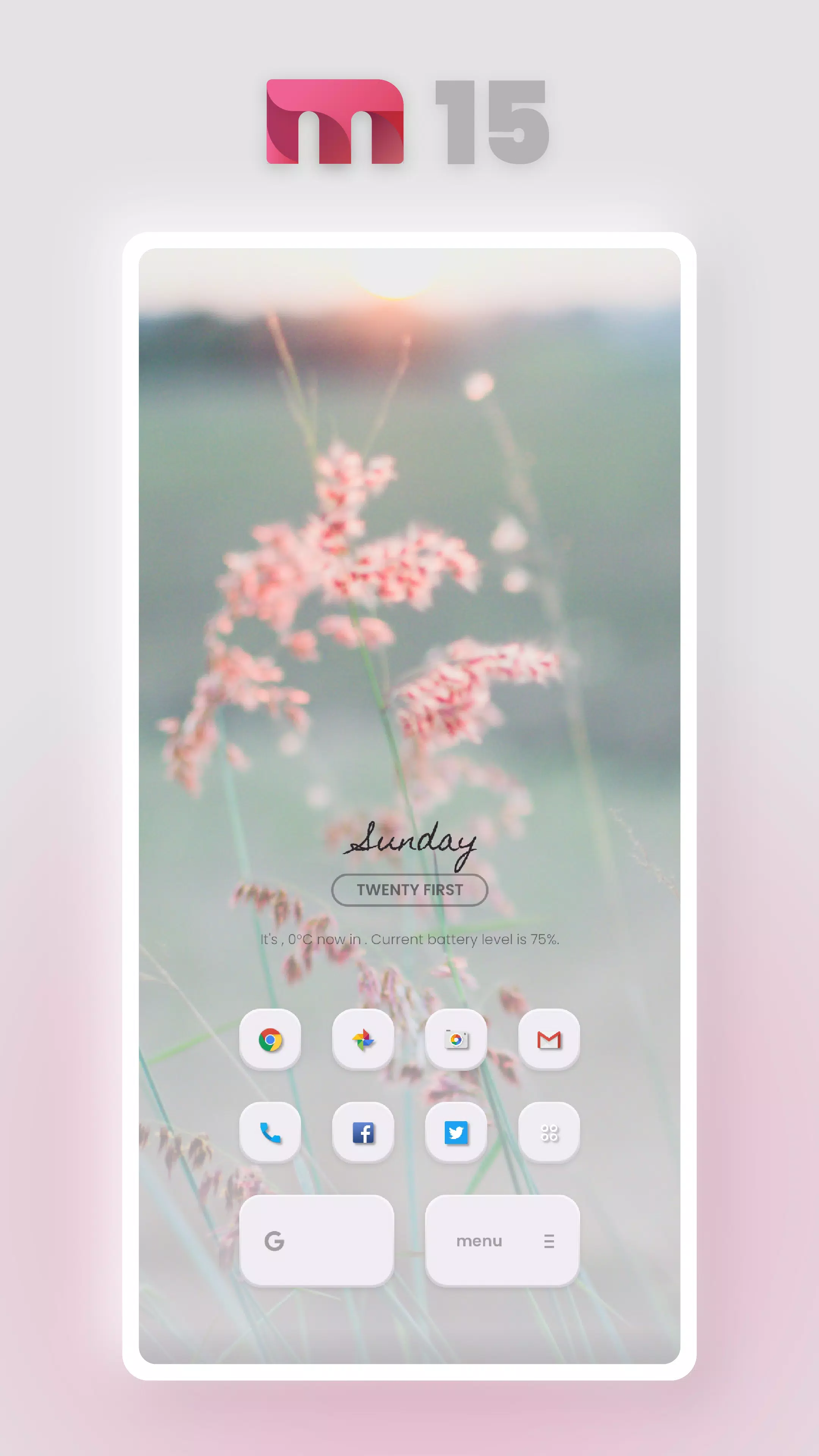
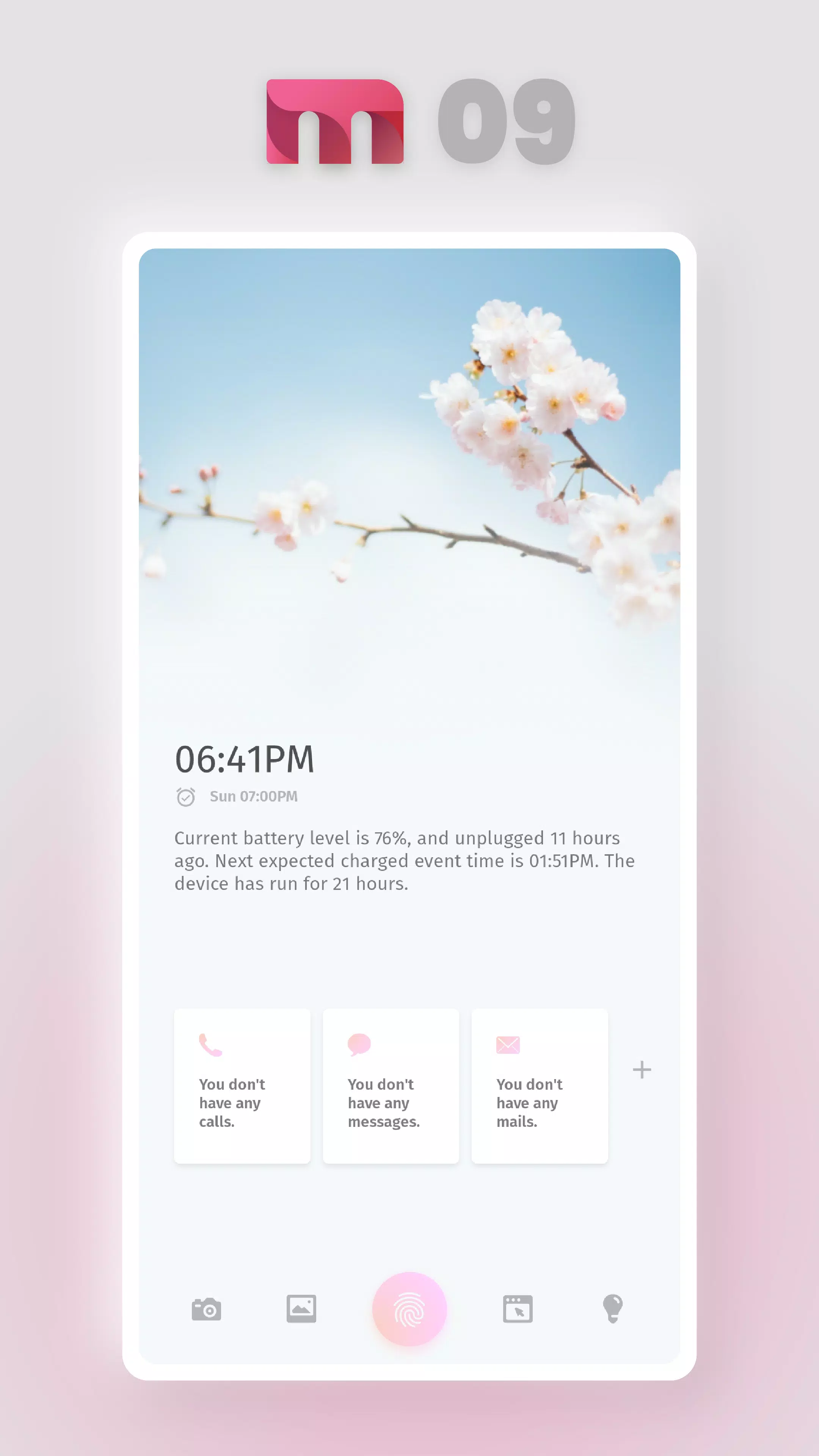
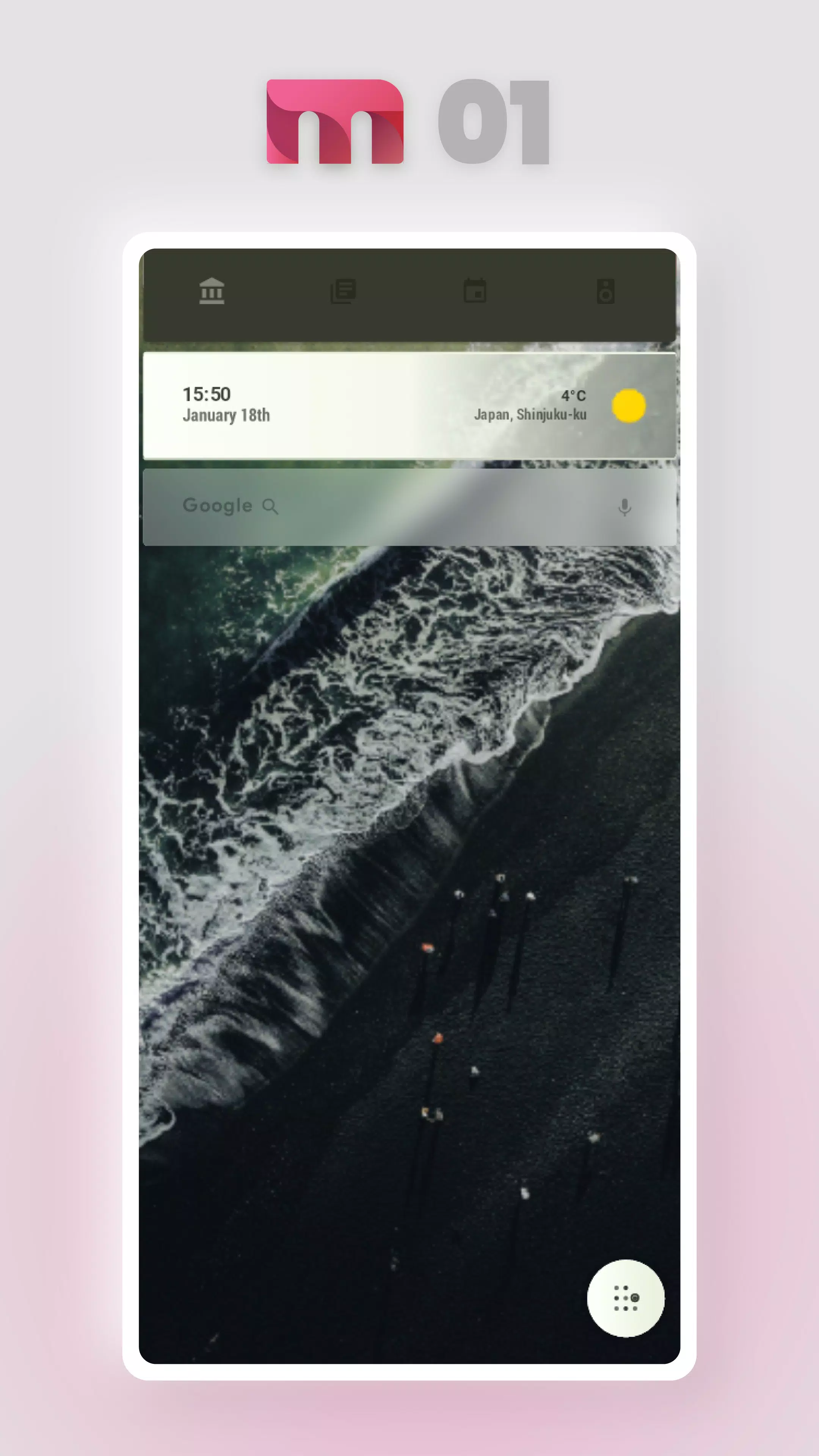
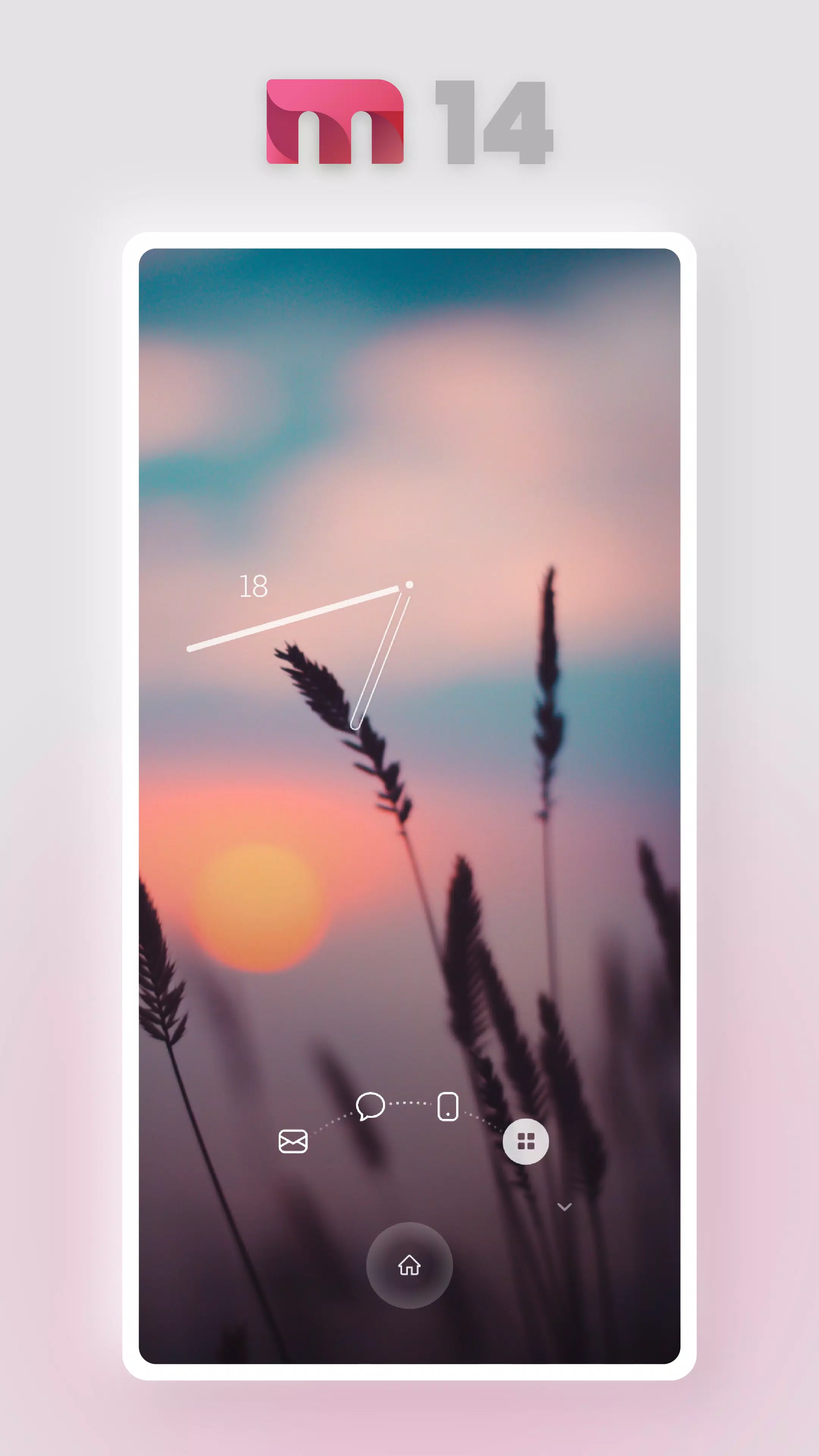
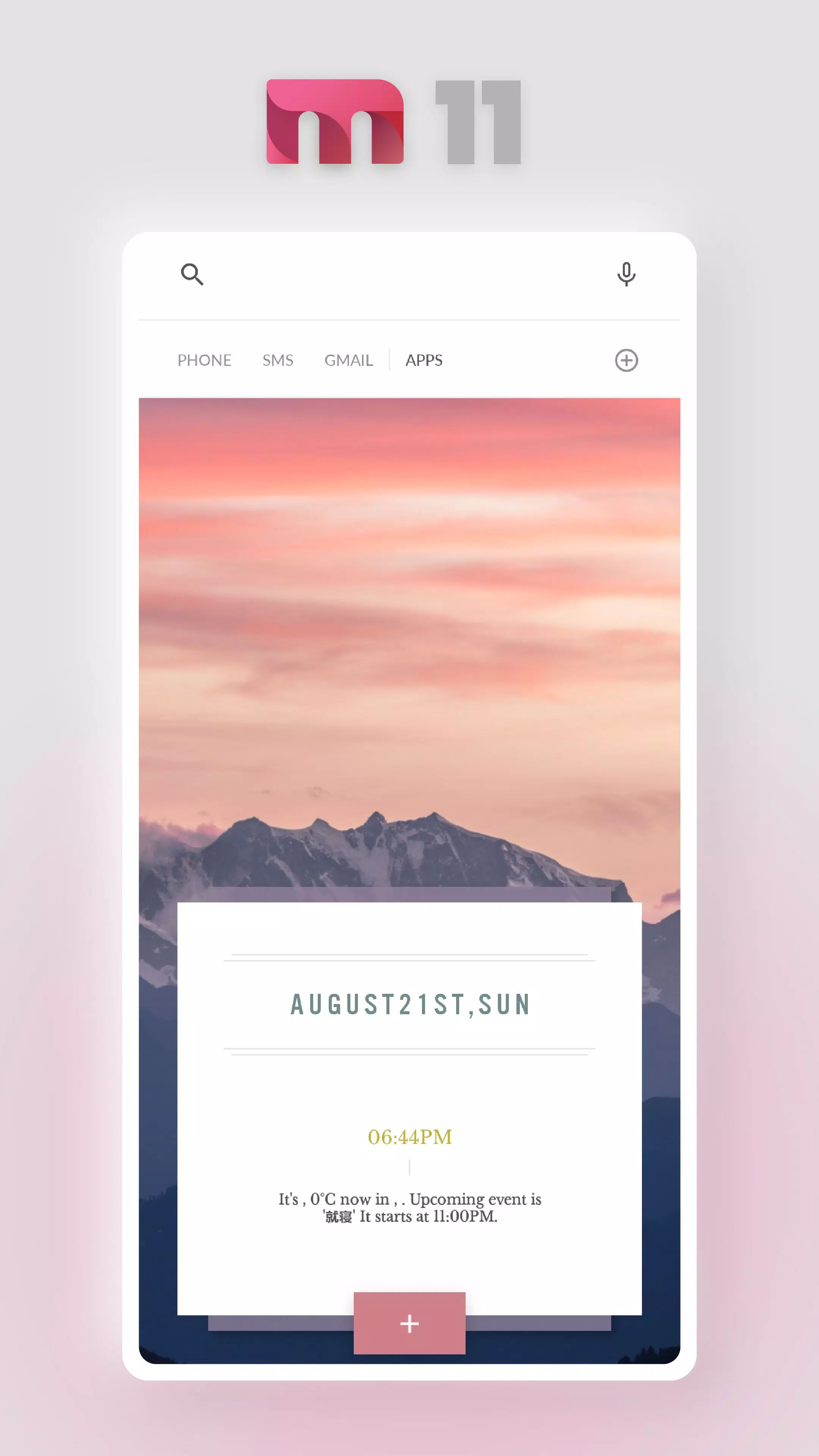
- Cool Home Screen: Customize your home screen with stylish presets.
- Screen Compatibility: Supports screens ranging from 16:9 to 24:9 aspect ratios.
Setup Instructions
To get started, follow these steps:
- Install Required Apps: Ensure you have installed KLWP and Nova Launcher.
- Open KLWP: Launch the KLWP app.
- Access Menu: Tap the menu icon in the top-left corner.
- Select Folder: Choose the folder icon (often at the top of the menu list).
- Choose Preset: Switch to the 'installed' tab and select 'MT Styles for KLWP'.
- Apply Template: After the template loads, tap the 'save' icon to apply it. Set KLWP as your wallpaper.
Important Notes
- Tablet and Landscape Mode: This app does not support tablet devices or landscape mode.
Credits
Special thanks to the following contributors:
- Kustomised Map Komponent - KLWP: Kustomised Map Komponent
- GNW Icons for Kustom: GNW Icons for Kustom
- W-Komponent
- Iride UI - Icon Pack: Iride UI
- NOU Weather Komponent: Designed by DrumDestroyer Themes
- Monthly Calendar Code: By Brandon Craft
- Fonticons: From icomoon
Follow Me on Social Media
Stay connected with me through these social media platforms:
- Google+: Google+
- Twitter: Twitter
- Instagram: Instagram
- MeWe: MeWe
- Reddit: Reddit
If you have any questions, feel free to send me an email. I will respond as soon as possible.
Captures d'écran de MT Styles for Kustom KLWP
Anciennes versions de MT Styles for Kustom KLWP





Recommandation de l'éditeur


Applications similaires à MT Styles for Kustom KLWP


Applications par Masaoka Taro


MT Styles for Kustom KLWP FAQ
Comment télécharger MT Styles for Kustom KLWP depuis PGYER APK HUB?
Est-ce que le MT Styles for Kustom KLWP sur PGYER APK HUB est gratuit?
Ai-je besoin d'un compte pour télécharger MT Styles for Kustom KLWP depuis PGYER APK HUB?
Comment puis-je signaler un problème avec MT Styles for Kustom KLWP sur PGYER APK HUB?
Avis des utilisateurs
+ Avis
Les plus populaires


