
Adobe Acrobat Reader for Android Review — Marking Up a Renovation Quote

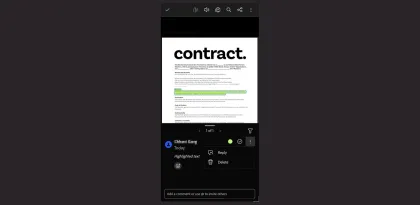
A renovation quote can look settled until you try to compare it with what you discussed on site. Imagine a six-page PDF with two lines for paint, a delivery charge in the subtotal, and a note about electrical work near the end. A group message asking the contractor to “check page three” invites another round of questions. Acrobat Reader for Android makes the feedback easier to answer by attaching it to the line in the quote.
Anchor each question to a price or a scope item
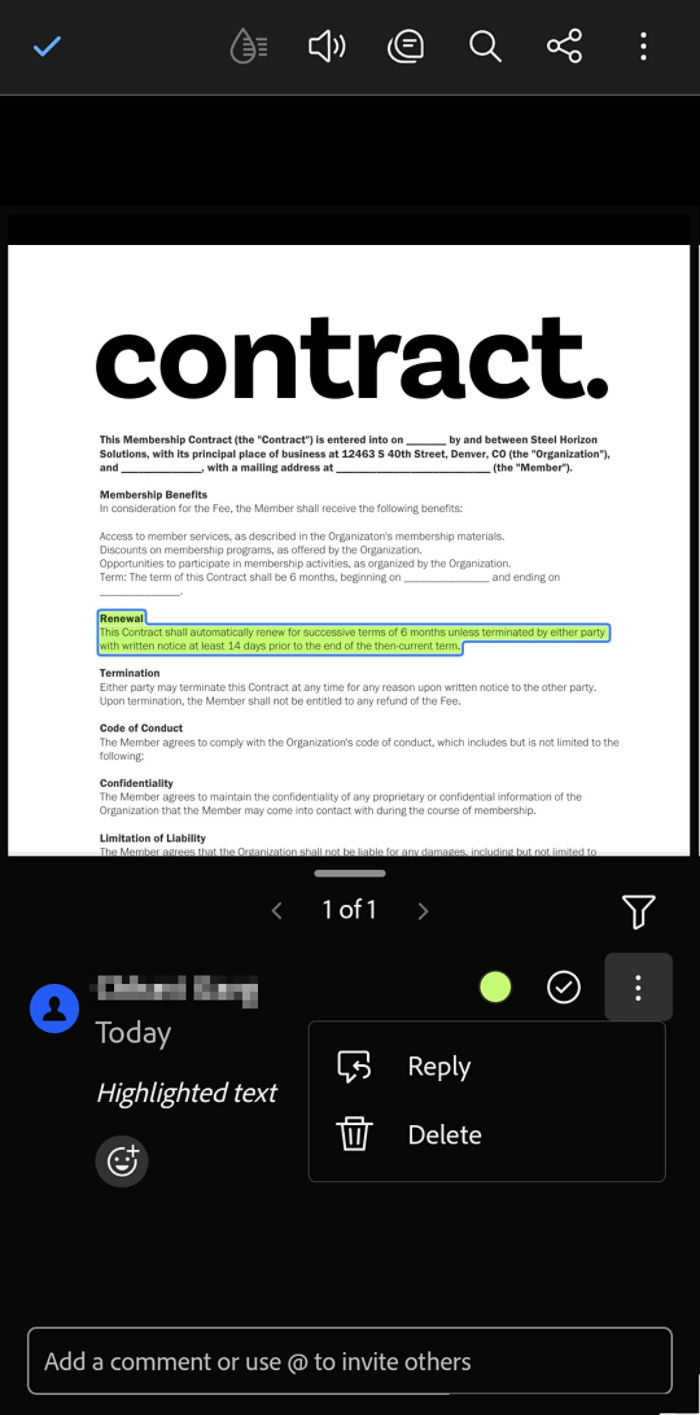
In a shared Acrobat review, select the text you want to discuss, choose Comment, and submit the question. Use a separate comment for each decision. On “Paint preparation, £240,” ask whether filling old screw holes is included. On “Delivery, £60,” ask whether that charge is already included in the total. Each comment should make sense to the person opening it directly from the review. Adobe requires sign-in to post annotations or comments in a shared review. Adobe's mobile review guide
Use the markup that fits the PDF
A highlight works well when the line has selectable text. Zoom in and check that the selection stops at the right row. That matters when the quantity and price sit close together and a finger drag catches the line above. If the PDF is a scan and you cannot select the text, use Draw to circle the relevant row and include its page and section name in your feedback. This takes an extra step, but it gives the reader a location to check even if the scan has no searchable text. Adobe's Android annotation options
Carry the answers into the revised quote
When the contractor replies that wall preparation is included, check whether the next PDF actually lists it. If it still says only “paint preparation,” ask for the agreed wording in the revised quote. A reply settles what the contractor meant. The updated document is what the team can refer to when the work begins.
Adobe says comments in a shared review sync when the device reconnects after offline work. If you add notes at a site with weak reception, check the shared review after reconnecting before telling the contractor the feedback is ready. Adobe's shared review documentation
Verdict
Acrobat Reader is worth using on Android when a quote needs a few precise questions tied to specific lines. Comments keep the number and the question together, and a drawing gives you a way to point to a row in a scan. On a small screen, checking selections in a dense table takes time. For a full comparison of several revised quotes, that friction can outweigh the convenience of working on the phone.


