
ePSXe for Android Review: Mature PS1 Emulation with Strong Controls and Save Management


ePSXe for Android turns a phone or tablet into a flexible PlayStation-era emulation device, but the app is only one part of the setup. It does not include games. The developer explicitly says users must provide their own game files, and its documentation recommends dumping copies from original CD-ROMs they own.
Within that legal boundary, ePSXe offers a mature set of tools: editable touchscreen controls, Bluetooth and USB gamepads, software and OpenGL renderers, save states, traditional memory cards, multi-disc switching, local multiplayer, and compatibility with save data from the desktop edition.
The Android app is also still being maintained. Google Play shows an update on July 10, 2026, adding an Oboe sound engine, improved CHD support, Google Drive integration, shader updates, Android SDK 35 support, and multiple fixes. This is not an abandoned emulator sold only on its old reputation.
The App Does Not Include Games
Buying ePSXe provides the emulator, not a library of commercial PlayStation titles. That distinction should guide the entire setup. Users need game images created from discs they own and must follow the copyright rules that apply in their country.
The official feature page lists cue/bin, cue/multi-bin, img/ccd, mds/mdf, pbp, nrg, cdi, ecm, and iso among supported formats. The 2026 store update also says CHD support has improved. Multi-disc games can be handled with an in-game disc-change option.
File organization matters. Keep each title in a clearly named folder, preserve cue files with their related tracks, and avoid renaming only one part of a multi-file image. Scan the folder after copying it to Android and confirm that each game launches before adding filters or unusual settings.
BIOS requirements and compatibility can vary by configuration. Use only BIOS data legally obtained from hardware you own, follow the developer's current documentation, and do not download files from a page simply because it calls them “required.”
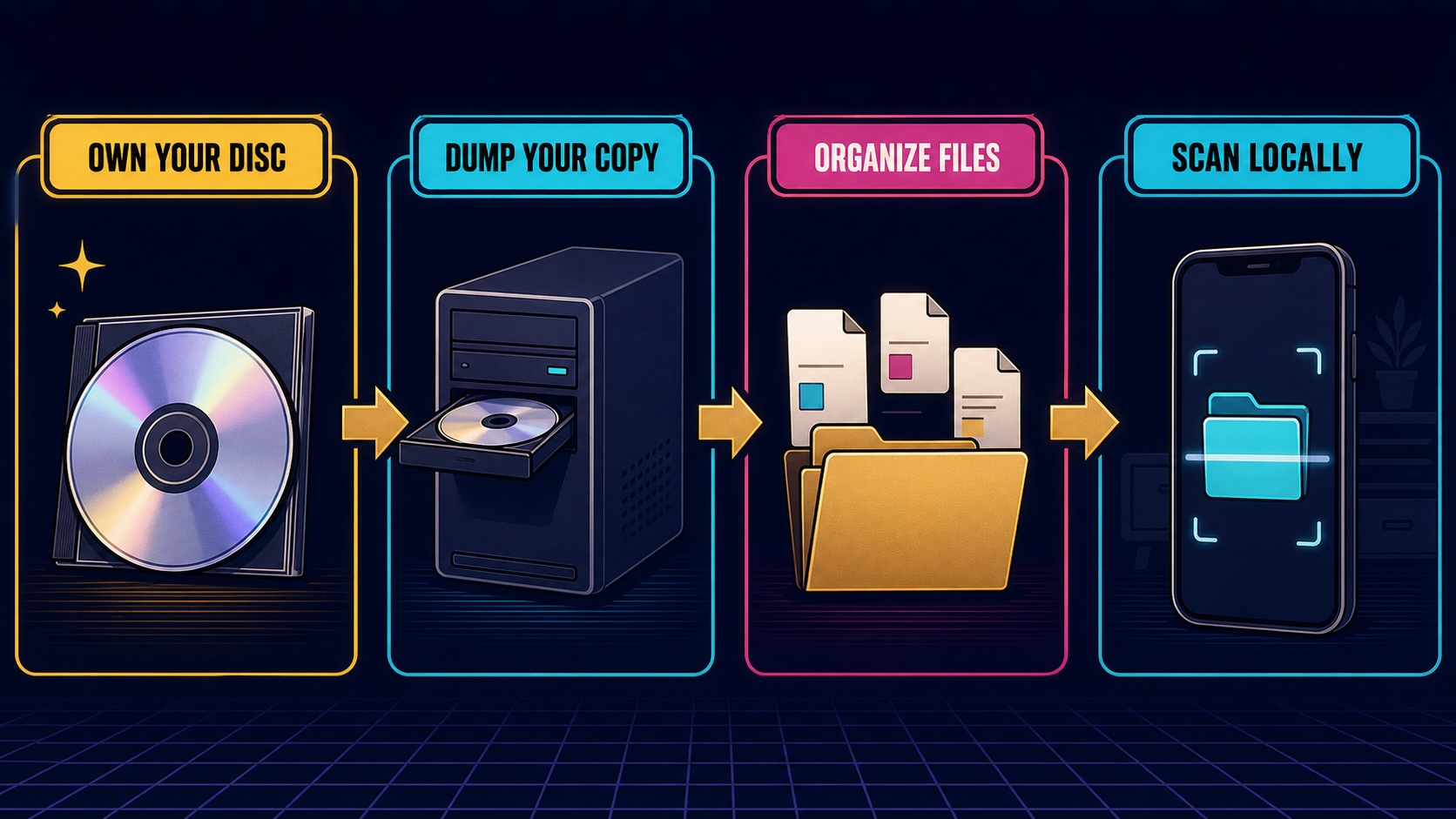
Editorial illustration: ePSXe supplies emulation tools; the user is responsible for creating and organizing lawful personal game copies.
Compatibility Claims Need Realistic Expectations
The Google Play description claims compatibility above 99 percent, while the developer's feature page says around 98 percent and more than 5,000 games. Those numbers show confidence, but they should not be interpreted as a guarantee that every regional revision, protection method, controller, or Android device behaves identically.
Emulation combines the original game's assumptions with a modern processor, graphics driver, Android version, audio path, and user-selected settings. A title may boot but still need a different renderer, sound mode, or timing option.
Start from defaults. If a game has a specific problem, change one setting, retest the same scene, and keep a record of the result. Applying a large collection of “best settings” from another device can make diagnosis harder.
The July 2026 update's SDK 35 and 16 KB alignment work matters because Android compatibility changes even when the original games do not. Continued platform maintenance is a practical advantage for a paid emulator.
Rendering Is a Choice Between Fidelity and Enhancement
ePSXe includes a software GPU path with 2x and 4x options and two OpenGL renderers. The developer documentation also describes filtering, FXAA, and an OpenGL plugin that can raise resolution toward the device display.
Enhancement can reduce jagged edges and make polygonal scenes clearer. It can also change the texture and timing of an image designed for a low-resolution television. Some visual effects relied on the original output's blending and imperfections.
Players who want historical presentation should begin with the original aspect ratio and conservative filtering. Those who prefer a cleaner modern image can test higher internal resolution and shaders. Neither choice is objectively correct.
Performance remains device-specific. Higher resolution and complex shaders increase GPU load and heat. A stable frame pace with accurate effects is usually more valuable than a sharper image that stutters.
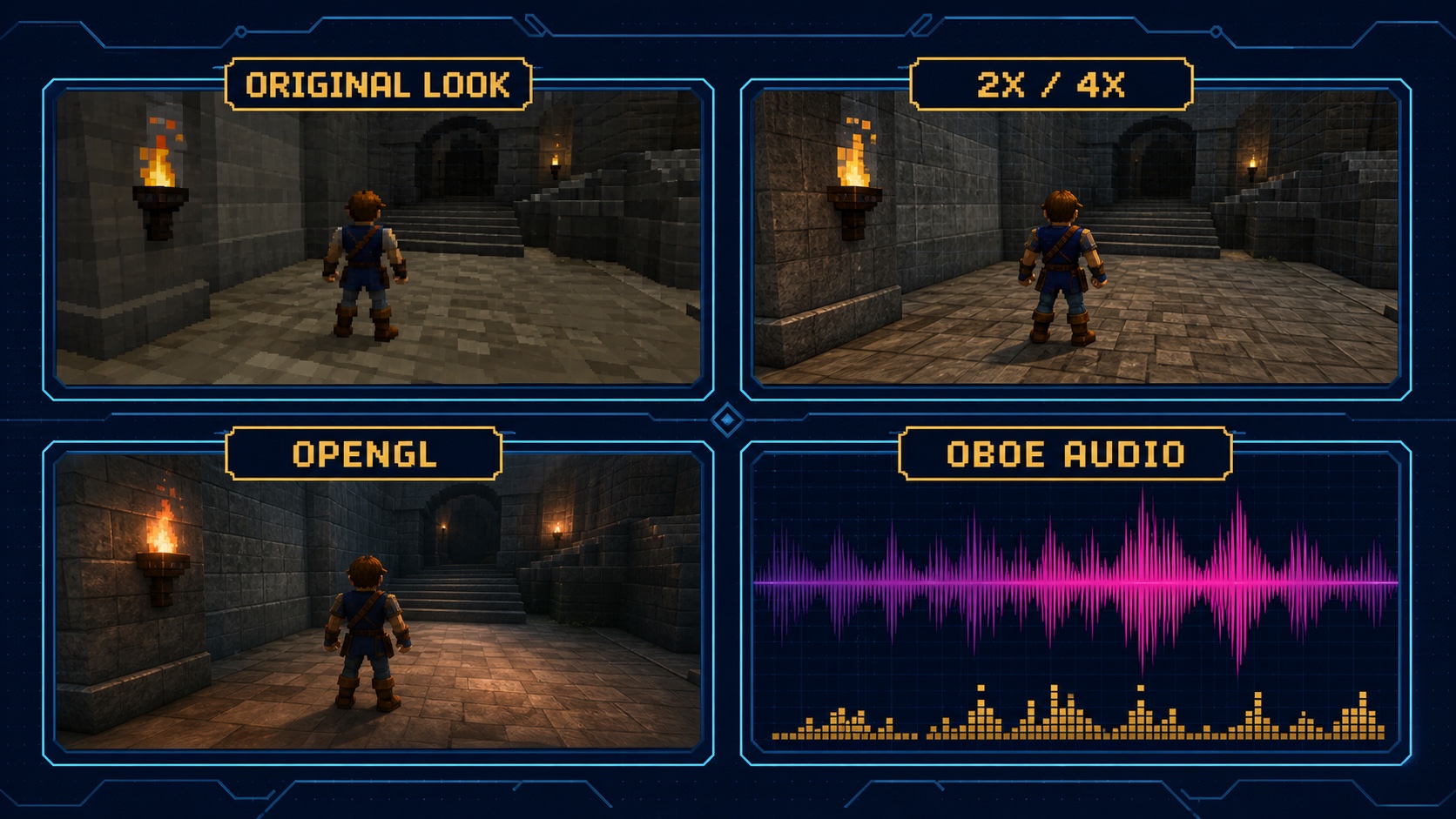
Editorial illustration: visual and audio options are trade-offs to test per game and device, not a single universal preset.
Oboe Audio Targets Lower Latency
The current update adds an Oboe sound engine that can be selected in sound preferences for lower latency. The developer's documentation explains the basic compromise: a larger audio buffer can improve average emulation stability while adding delay, and lower-latency modes require more CPU.
Rhythm, fighting, and action games make audio delay more noticeable than a slow menu-driven title. Test a repeatable input and sound cue rather than judging from background music alone.
If audio crackles after reducing latency, restore a more conservative buffer or lower another demanding setting. Audio problems are not always caused by the sound engine; heavy rendering, thermal throttling, and background tasks can interrupt timing.
Touch Controls Are Flexible, but a Gamepad Is Better for Many Games
Touchscreen skins can be moved, hidden, and resized. The app supports digital and analog modes and allows extra virtual buttons for functions such as save/load state or frame-limit control.
This flexibility makes turn-based RPGs and slower games comfortable without extra hardware. Action games that rely on shoulder buttons, diagonals, or simultaneous inputs often feel better with a physical controller.
ePSXe supports Android-compatible Bluetooth and USB gamepads, including analog sticks and shoulder triggers. Map every button inside the emulator, then test movement, menus, and combinations before beginning a long session.
The app also supports up to four players for compatible multitap games and a two-player split-screen mode designed for larger tablets. Local multiplayer is a meaningful feature, although screen size and controller logistics determine whether it is practical.
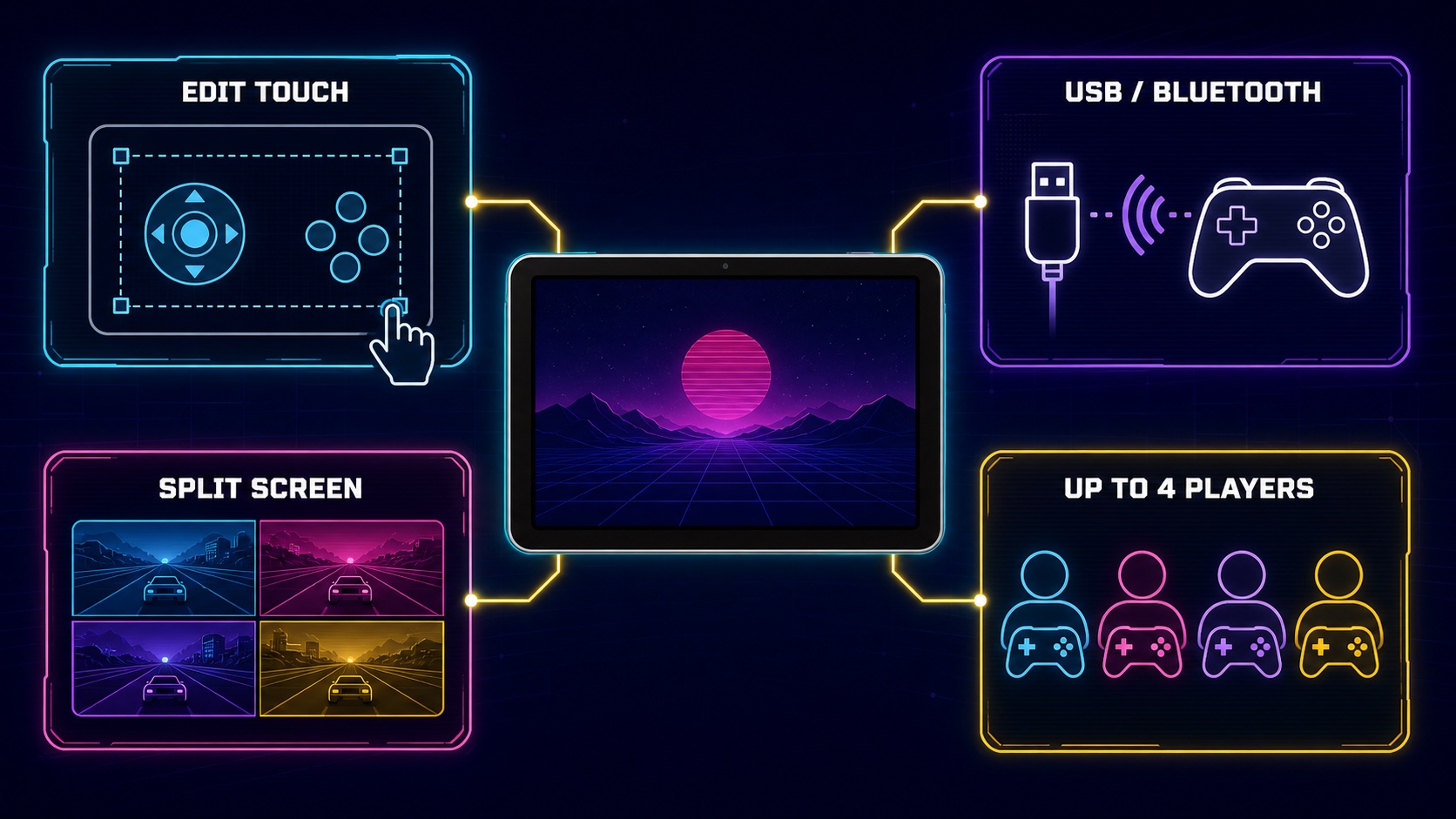
Editorial illustration: ePSXe can scale from a phone's virtual pad to external controllers and local multiplayer.
Save States and Memory Cards Serve Different Purposes
Traditional memory cards preserve the save process expected by the original game. Save states capture the emulator's full running condition at a moment in time. Both are useful, but they should not be treated as identical backups.
A save state may depend on emulator version and settings. A memory-card save is often easier to transfer and is compatible with desktop ePSXe according to the developer. Use in-game saving as the foundation and save states as convenience checkpoints.
Back up both before changing versions, moving storage, or experimenting with a multi-disc transition. The current app supports Dropbox and now Google Drive integration, but cloud synchronization is not a substitute for testing a restore.
Keep at least one separate copy outside the active device. After creating a backup, restore a non-critical save and confirm that the process actually works. A backup that has never been tested is only an assumption.
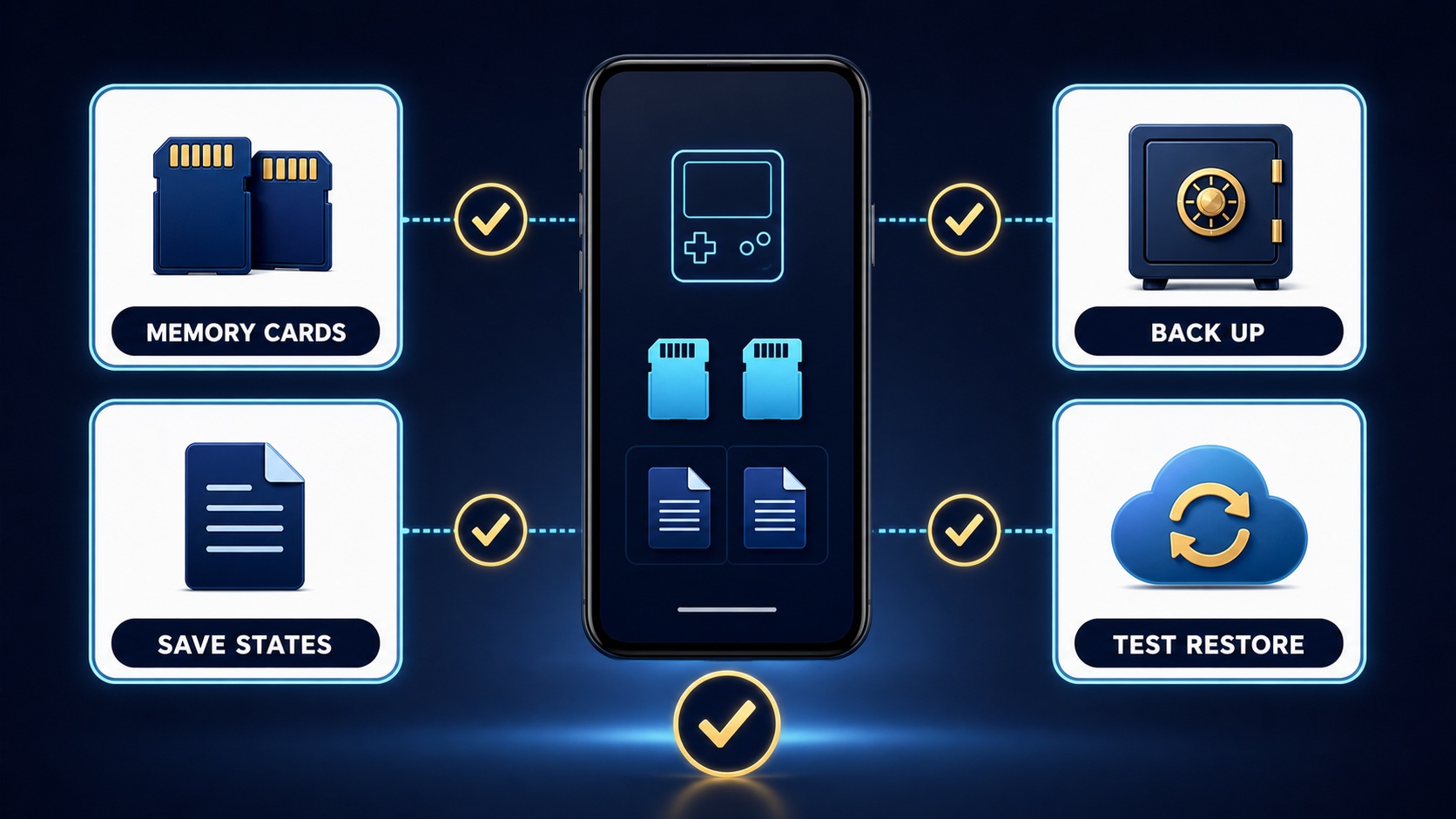
Editorial illustration: durable progress comes from layered saves, separate backups, and a verified restore process.
Privacy and Price
Google Play lists ePSXe as a paid app. The exact price varies by region, so readers should check the current store rather than an article screenshot. A one-time paid tool can be preferable to an ad-supported emulator, but value depends on the games and controllers the user already owns.
The developer's current Google Play declaration says no data is shared with third parties and no data is collected. This is a developer-provided statement, not an independent audit. Cloud-drive features necessarily involve the chosen external service, so review that service's permissions separately.
What ePSXe Does Well
- It remains actively updated for current Android versions.
- Multiple renderers support both original-looking and enhanced presentation.
- Editable touch controls and broad gamepad mapping cover many play styles.
- Two-player split screen and up to four-player support add local options.
- Save states, memory cards, desktop compatibility, and cloud features support preservation.
- Multi-disc and many common image formats are supported.
Where It Can Frustrate
- Games and any required firmware data must be supplied lawfully by the user.
- Some titles require per-game troubleshooting despite high compatibility claims.
- Enhanced graphics can introduce visual errors or performance cost.
- Touch controls remain awkward for games with complex simultaneous inputs.
- Save-state compatibility can be more fragile than traditional memory cards.
- The paid app is a tool, not an all-in-one game purchase.
Who Should Try It?
ePSXe is best for Android users who already own PlayStation-era discs, are willing to create personal archival copies, and want detailed control over rendering, input, and saves. It is especially attractive to users moving memory cards between Android and desktop ePSXe.
It is not for someone expecting games to appear after purchase or looking for links to copyrighted downloads. Users who want a zero-configuration console may also find the file and settings work too demanding.
Confirm the package ID com.epsxe.ePSXe and developer epsxe software s.l. before buying or installing.
Final Verdict
ePSXe for Android remains a capable and unusually mature PS1 emulator. Its value comes from choice: software or OpenGL rendering, touch or physical controls, phone or tablet layouts, traditional memory cards or save states, and local or cloud-supported backup workflows.
The 2026 update shows meaningful maintenance rather than cosmetic churn. Oboe audio, CHD improvements, Google Drive, new shaders, SDK 35, and compatibility fixes address modern Android use. The setup still demands legal game files and patient per-title testing, but users who accept that responsibility receive a deep, well-maintained emulation tool.


.webp?x-oss-process=image/resize,w_80/format,webp)