

Linux Server Infoについて
Overview
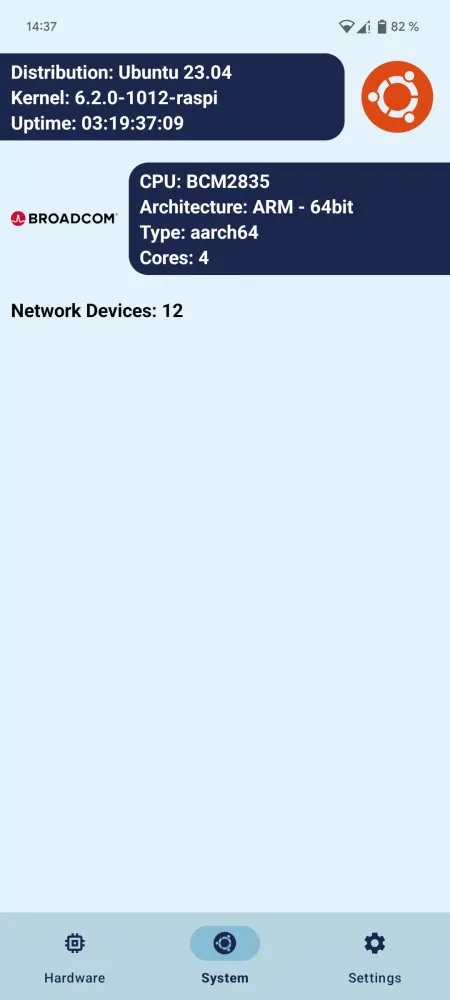
Linux Server Info is a powerful and user-friendly application designed to monitor the health and performance of your Linux server. Whether you are a seasoned system administrator or a novice looking to gain insight into your server's operation, this tool offers comprehensive monitoring capabilities that can help you keep everything running smoothly.
Key Features
Linux Server Info provides an extensive range of features to keep track of your server's critical metrics:
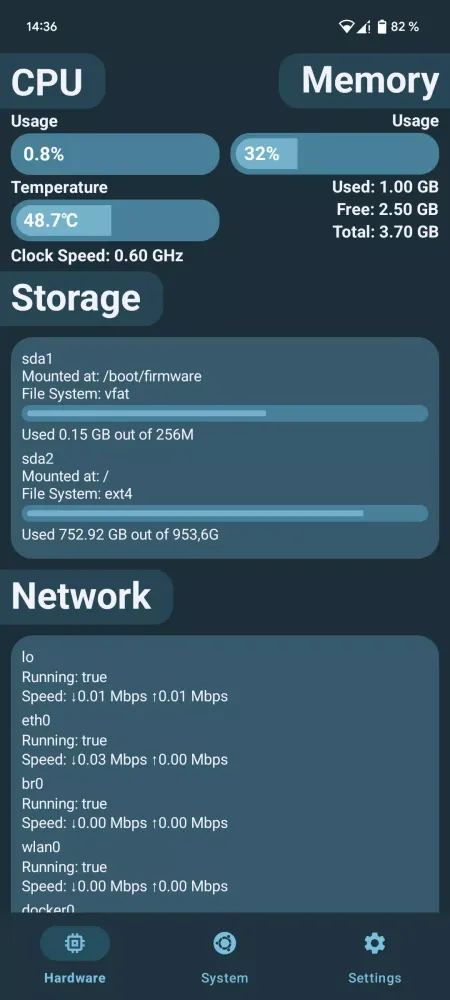
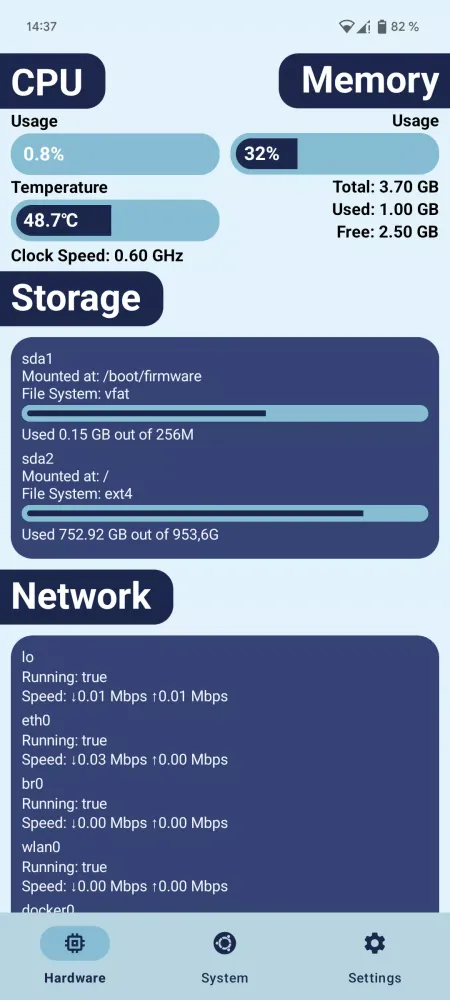
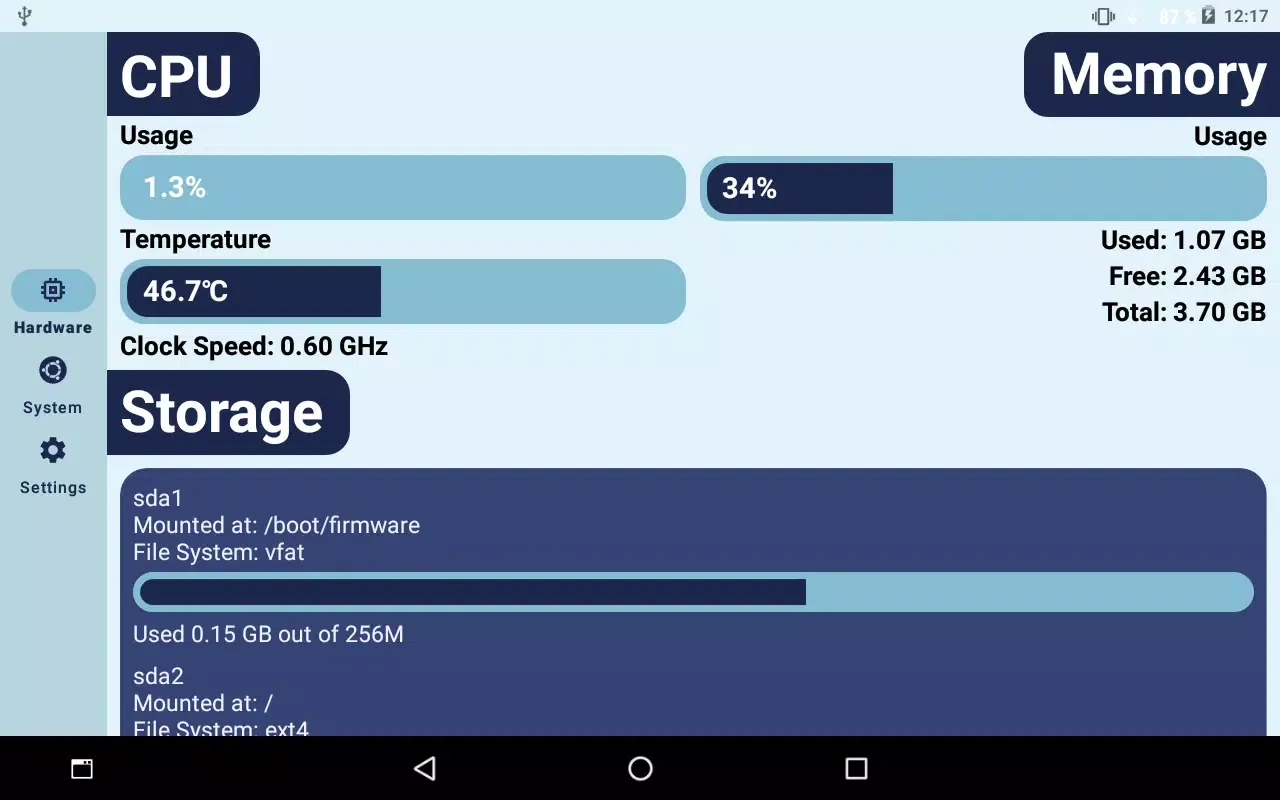
- CPU Usage: Monitor how much of your CPU resources are being utilized in real-time.
- CPU Temperature: Keep an eye on the temperature of your server’s processor to ensure it stays within safe operating limits.
- RAM Usage: Track memory consumption to avoid overloading and potential crashes.
- Storage Devices Info: Get detailed information about your server’s storage devices, including usage, capacity, and health status.
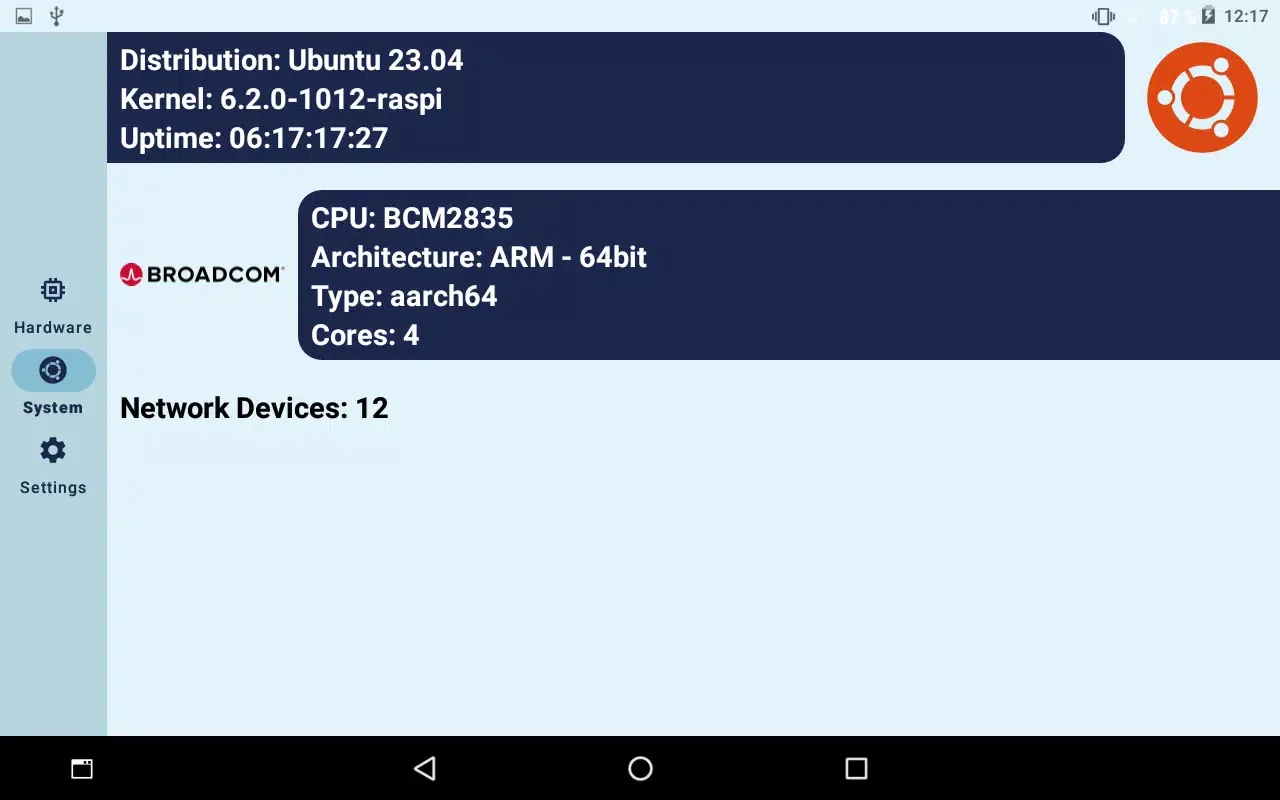
- Network Info: Stay informed about network activity, including bandwidth usage and connection status.
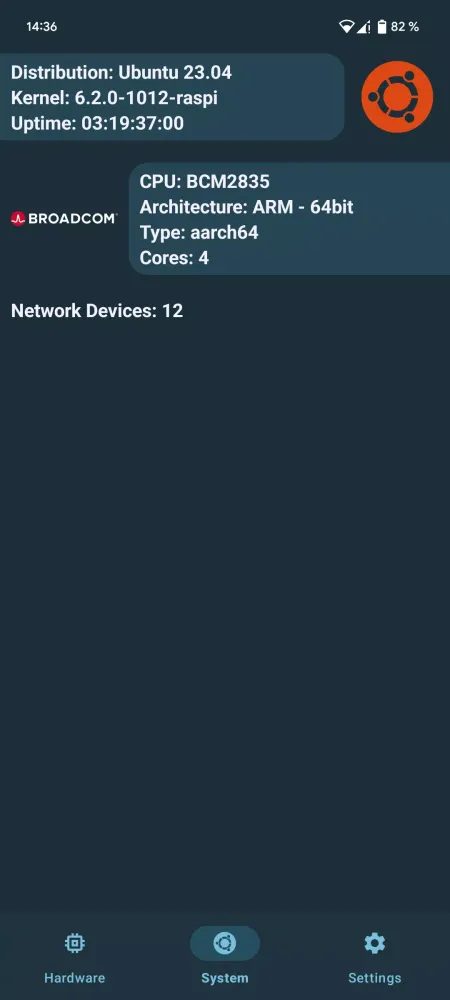
In addition to these core functionalities, Linux Server Info also offers additional insights such as disk I/O statistics, system uptime, and log monitoring.
Getting Started
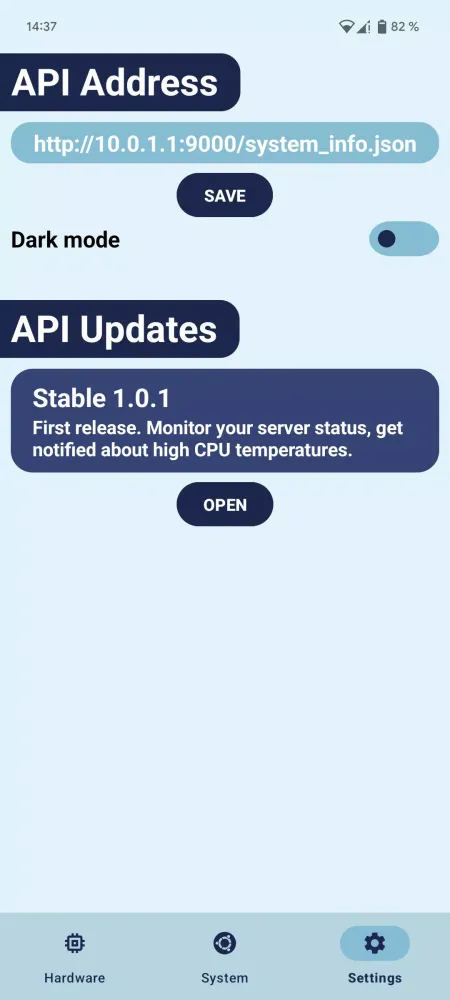
To utilize the full potential of Linux Server Info, you first need to set up your server. Detailed setup instructions are available on the project’s GitHub page: https://github.com/marek-guran/linux-server-info.
By following these steps, you will be able to configure your server properly and start benefiting from the rich monitoring capabilities provided by Linux Server Info.
Conclusion
Whether you need to ensure optimal performance, diagnose issues, or simply stay informed about your server’s health, Linux Server Info is the perfect tool for the job. With its intuitive interface and robust feature set, it makes server monitoring a breeze.
ゲームプレイ
Linux Server Info スクリーンショット
Linux Server Infoの過去のバージョン





編集者のおすすめ


Linux Server Info と似たアプリ


Marek Guráň によるアプリ
ユーザーレビュー
+ レビュー
最も人気のある


