
AR Drawing 정보
AR Drawing: Your Ultimate Art Companion
Overview
AR Drawing is an innovative application designed to transform your drawing experience using augmented reality (AR) technology. Whether you are a beginner or an experienced artist, this app allows you to effortlessly convert photos into sketches and paintings. It offers a wide range of features that cater to different artistic needs, making it an ideal tool for anyone looking to enhance their creative skills.
How to Use AR Drawing
To get started with AR Drawing, follow these simple steps:
- Open the App: Launch the AR Drawing app on your device.
- Prepare Materials: Gather your pencil, paper, Canva, or sketchbook.
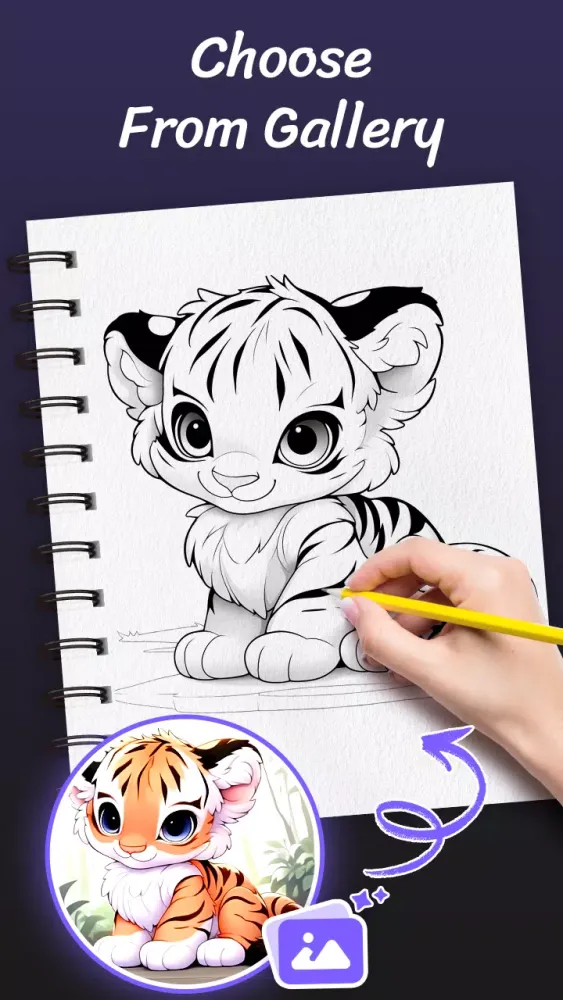
- Select an Image: Choose a photo from your camera or gallery, or select one from the extensive library within the app.
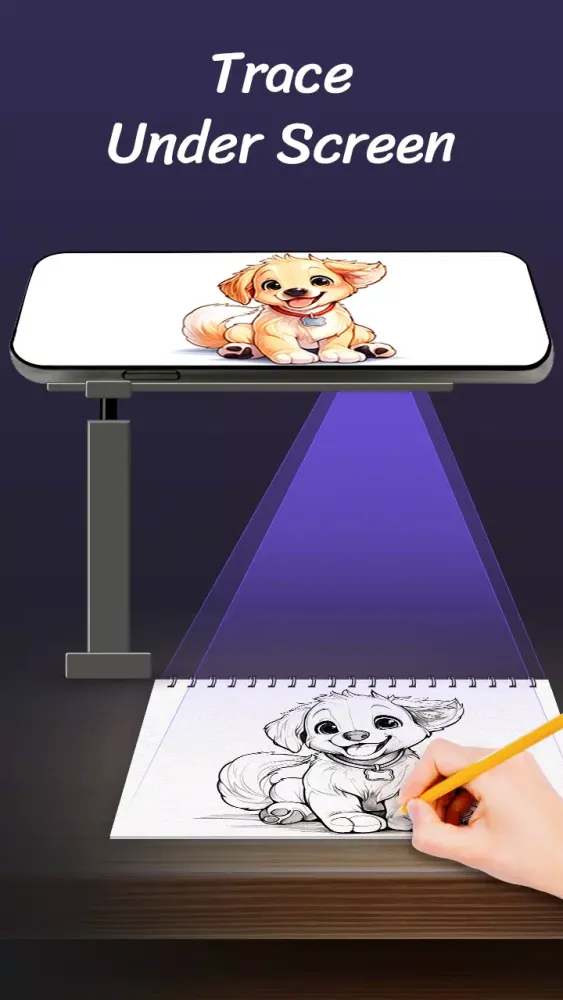
- Set Up Your Device: Secure your phone with a stand or holder to keep your hands free while tracing.
- Start Tracing: Use the AR projector to trace the image onto your paper or digital canvas. Watch as your artwork comes to life!
Key Features
AR ART Projector
Enhance your drawing experience with cutting-edge AR technology and AI-powered sketch conversion. This feature helps you accurately trace images and create detailed artworks.
Camera Integration
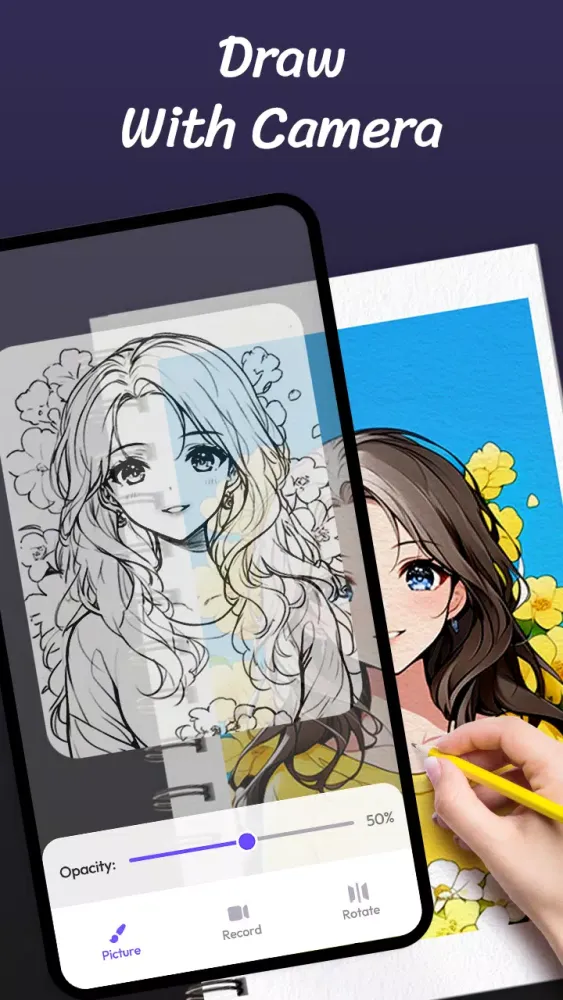
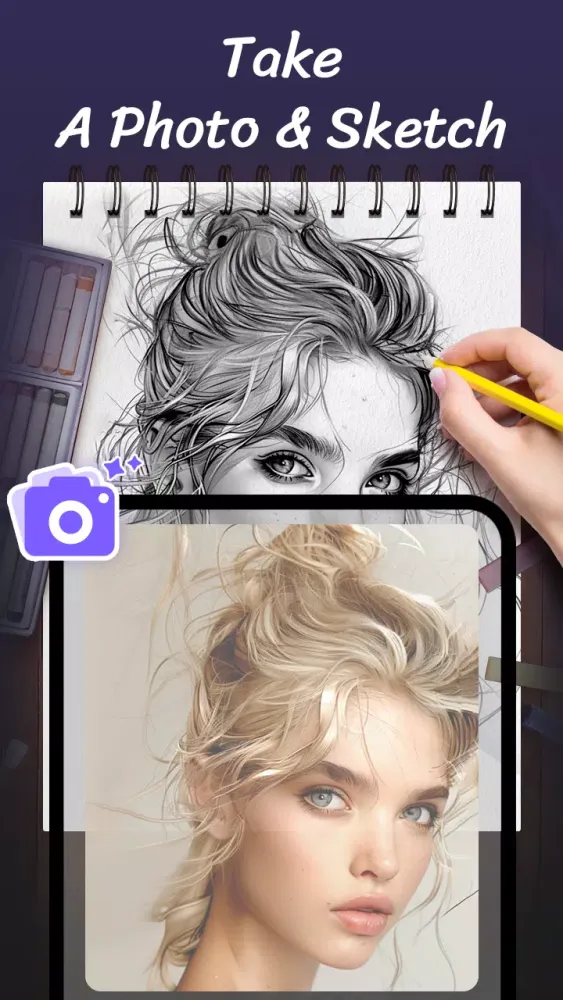
Seamlessly integrate your camera to trace any object or photo. Easily create both sketches and colorful artworks.
Adjustable Settings
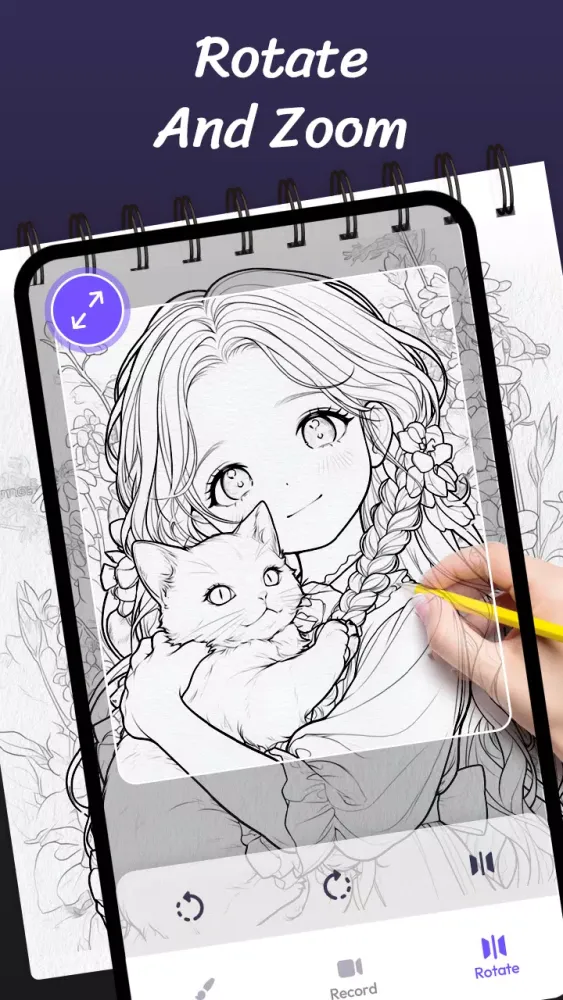
Customize your tracing experience by adjusting settings like transparency, pattern size, rotation, and mirroring. Use the flashlight for better visibility in low-light conditions.
Extensive Library
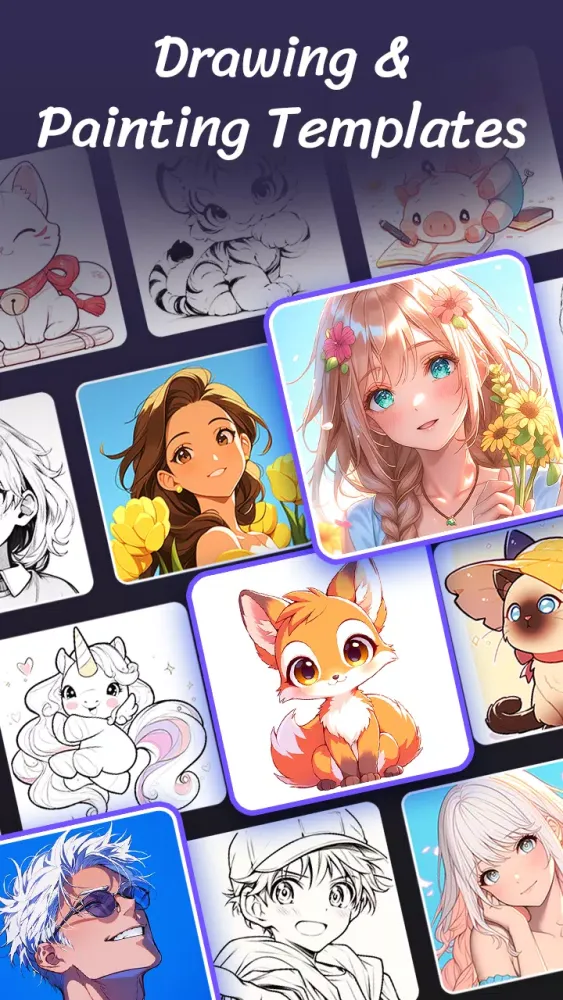
Access a diverse collection of images, including anime, cute designs, cartoons, animals, festivals, and aesthetics. These images serve as excellent bases for your pencil sketches and drawings.
Photo to Sketch Conversion
Convert your personal photos into line sketches and begin drawing immediately. Ideal for easy anime drawing.
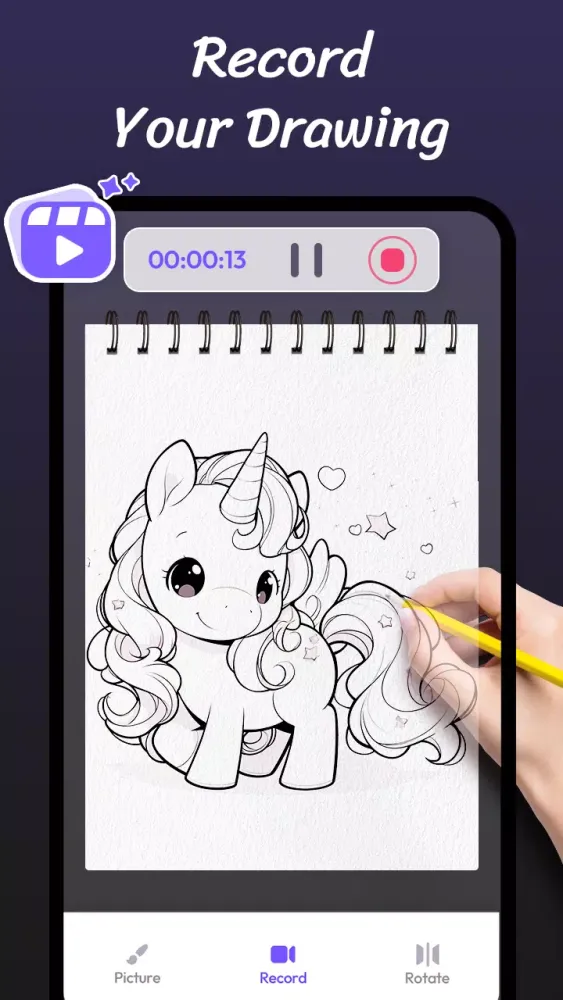
Video Recording
Record your drawing process and share your creations with friends and family. Capture every moment of your artistic journey.
Tutorial Page
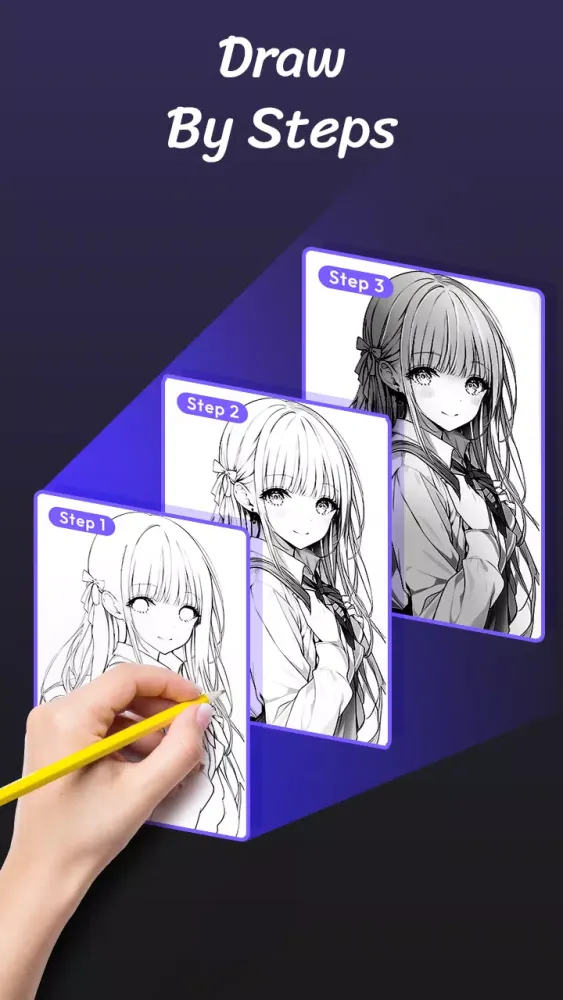
Step-by-step guides are available to help beginners learn outline drawing and AR sketch art quickly and efficiently.
Showcase Skills
Perfect for artists with some experience who wish to showcase their talents and trace beautiful pictures.
Fun and Educational
Everyone can learn to draw, develop their artistic skills, and have fun simultaneously. AR Drawing is not just an app but a comprehensive learning platform.
Create Masterpieces
Trace and paint step-by-step to create artwork you will be proud of. Turn pictures into drawings effortlessly and draw on photos with precision.
Conclusion
With AR Drawing, turning pictures into drawings and drawing on photos becomes magical. Whether you are a beginner or an experienced artist, our app caters to all skill levels. Download AR Drawing now and start creating beautiful art anytime, anywhere!
This description provides a more detailed and engaging explanation of the app's capabilities and benefits, making it appealing to a wider audience.
게임 플레이 방법
AR Drawing 스크린샷




에디터의 추천


AR Drawing와 비슷한 앱


ideaFun - Pixel Art Coloring Games Color by Number 제작 앱


사용자 리뷰
+ 리뷰
가장 인기 있는


