
Papa's Pizzeria To Go! Review: Four Stations, Two Thumbs, and a Lobby Full of Orders

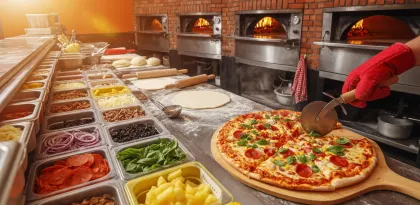

Papa's Pizzeria To Go! is Flipline Studios’ mobile reimagining of the classic pizza time-management sim. As of 2026-08-11, Google Play describes the fantasy in one line—top, bake, and serve pizzas—and the long description expands it into a four-station shift: Order, Topping, Bake, and Cutting, rebuilt so thumbs can run a pizzeria on a small screen. There are in-app purchases; the associated Play snapshot for this package does not mark it as an ads-driven title the way many free hyper-casual games are labeled. Always confirm the live listing in your region.
If you have ever played a Papa’s web game, the pleasure will feel familiar: take accurate orders, build the food correctly, cook it to the right point, serve with a smile metric, earn tips, unlock toppings, and watch weirder customers arrive as you level up. The To Go edition’s contribution is layout and control design for phones, not a total reinvention of the restaurant fantasy.
The Core Loop: One Ticket, Four Rooms
A shift is a juggling act. Customers appear in the lobby. You capture their order ticket, switch to toppings to place sauce, cheese, and ingredients in the right zones, move pies into ovens without burning them, then cut slices to match the ticket before serving. Points and tips reward accuracy and speed. Mess up a topping quadrant or overbake a crust and the smile drops.
That loop is simple to explain and demanding to execute when three tickets stack. The game’s skill ceiling is multitasking under soft pressure, not complex combat. You win by building a personal station rhythm: when to leave an oven, when to finish a cut, when to greet a new customer before the line grows hostile.
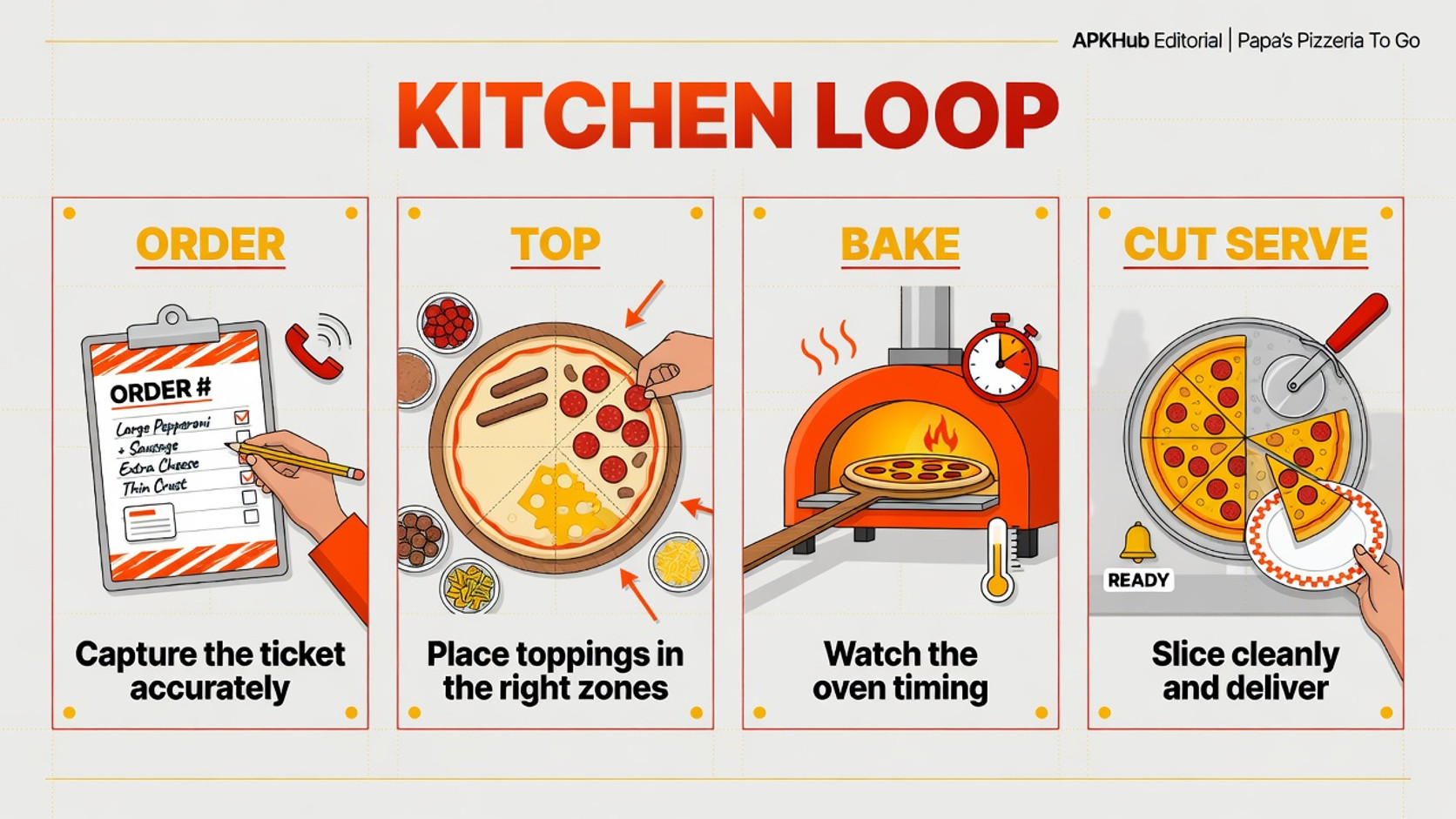
Editorial illustration: every station is a mini-game that feeds the next queue.
Systems Tuned for Smaller Screens
Flipline’s store text emphasizes thumb-friendly redesigns. Station buttons sit in corners for easy reach. Order tickets can be switched from top corners and zoomed for readability. The Topping Station scrolls bins so more ingredients fit without tiny drag targets; tap a bin, then tap the pizza repeatedly to place toppings quickly instead of dragging every pepperoni one by one. A swipe can spread sauce-style actions more efficiently than old desktop paradigms.
These changes matter. On a phone, finger occlusion is a real design enemy. To Go’s controls try to keep your hand out of the pizza. That does not remove difficulty—it relocates difficulty into timing and prioritization. You still need to remember which ticket wanted extra olives on the left half and which pie has five seconds before it burns.
Lobby upgrades and decorations spend tips on presentation and comfort upgrades that support longer-term goals. New toppings unlock through leveling and shop progress, which expands order complexity. Regulars and colorful customers are the social texture of a single-player restaurant: not multiplayer chat, but a cast that makes success feel personal.
Beginner Guide: Protect the Ovens First
New managers often over-focus on perfect topping art while something carbonizes unseen. Invert that instinct. Build a mental alarm for bake times. A slightly imperfect topping layout still scores better than a black crust. When two pies are in ovens, clear the nearest finishing task before starting a third complex build.
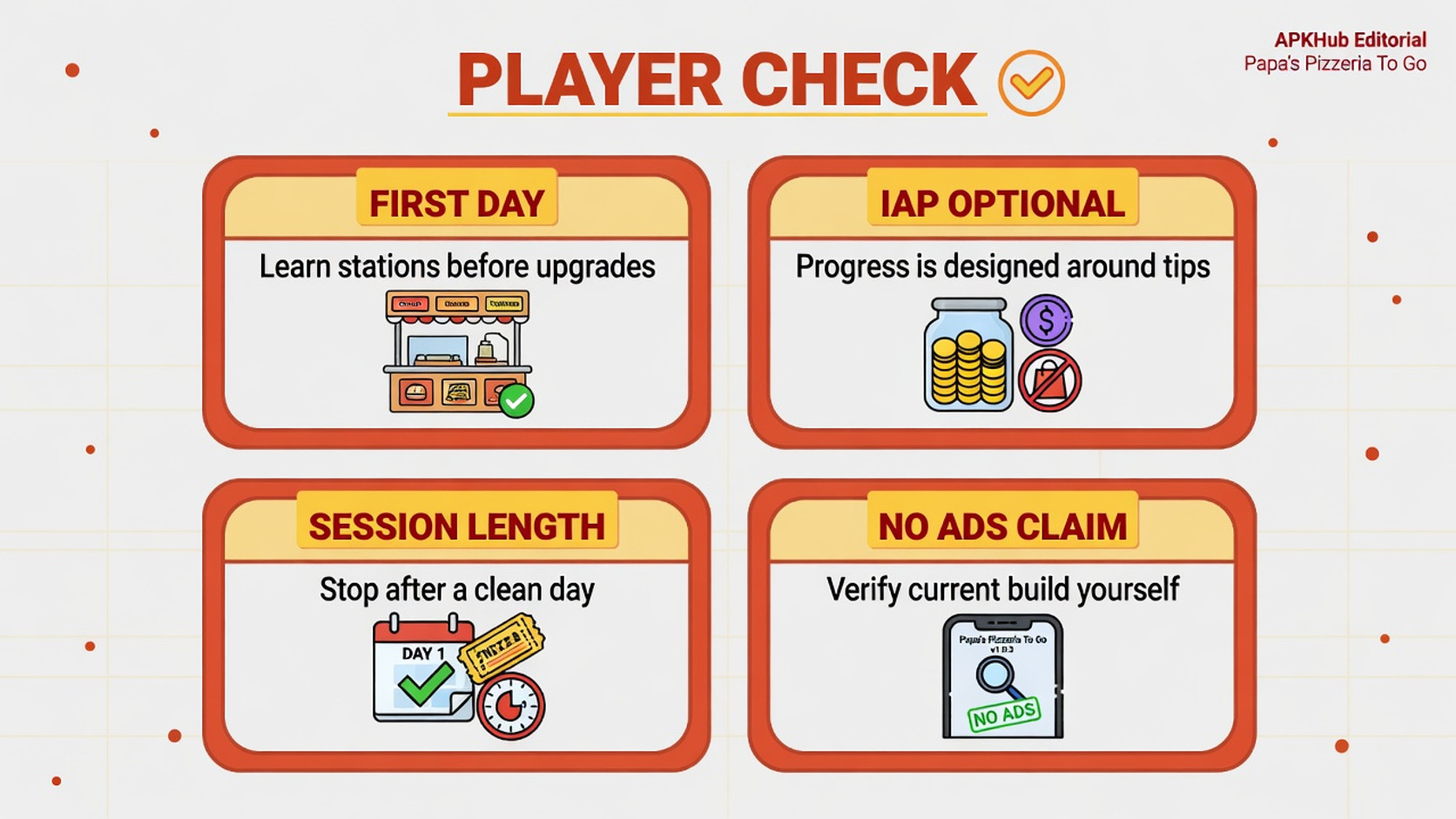
Read the full ticket before you touch sauce. Half-and-half orders punish improvisation. Use zoomed ticket views when text feels small. Early days are for learning customer patience windows; do not spend every tip on cosmetics until you understand which upgrades actually speed your workflow.
Ignore IAP until you have completed several in-game days with only earned currency. Time-management games sometimes offer helpers or currency packs; they are optional accelerators, not requirements for understanding the loop. If a child plays on your device, enable purchase authentication before the first hungry customer arrives.
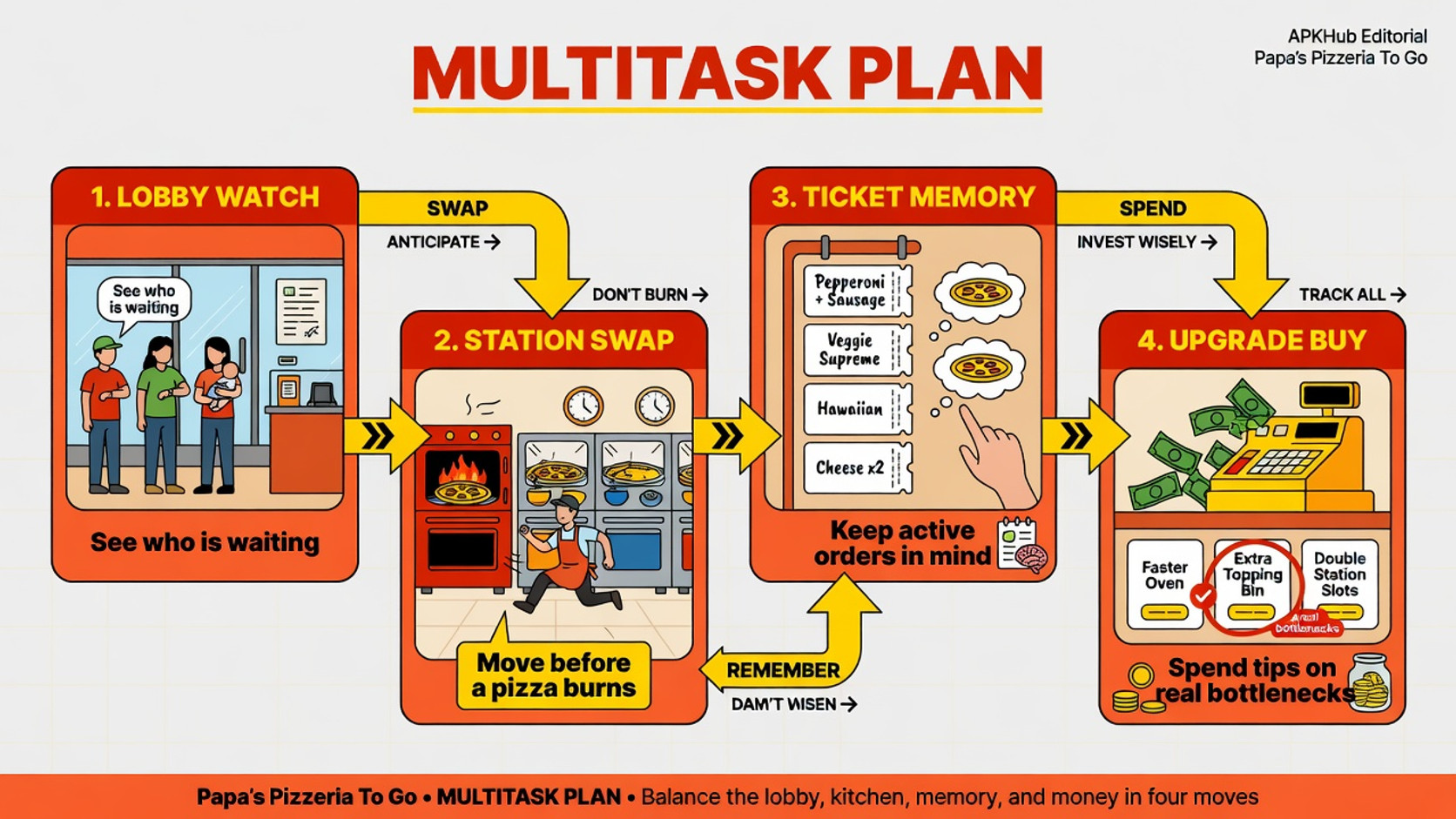
Editorial illustration: oven awareness prevents most early-shift disasters.
Progression: From Training Day to Full Menu Chaos
Progression is a gentle slope of complexity. Early customers order simple pies. Levels introduce toppings, stricter expectations, and busier lobbies. Shop unlocks expand what you can put on a crust, which expands how wrong you can be if you rush. Decorations and lobby upgrades provide a cozy meta-goal between chaotic lunch rushes.
Because there is no competitive ladder, you set the pace. Some players treat each day as a zen craft session. Others chase high scores and perfect tickets. Both approaches work. The danger is only fatigue: long multi-station days can be surprisingly intense for a “cute” restaurant game. Take breaks between in-game days if your shoulders rise toward your ears.
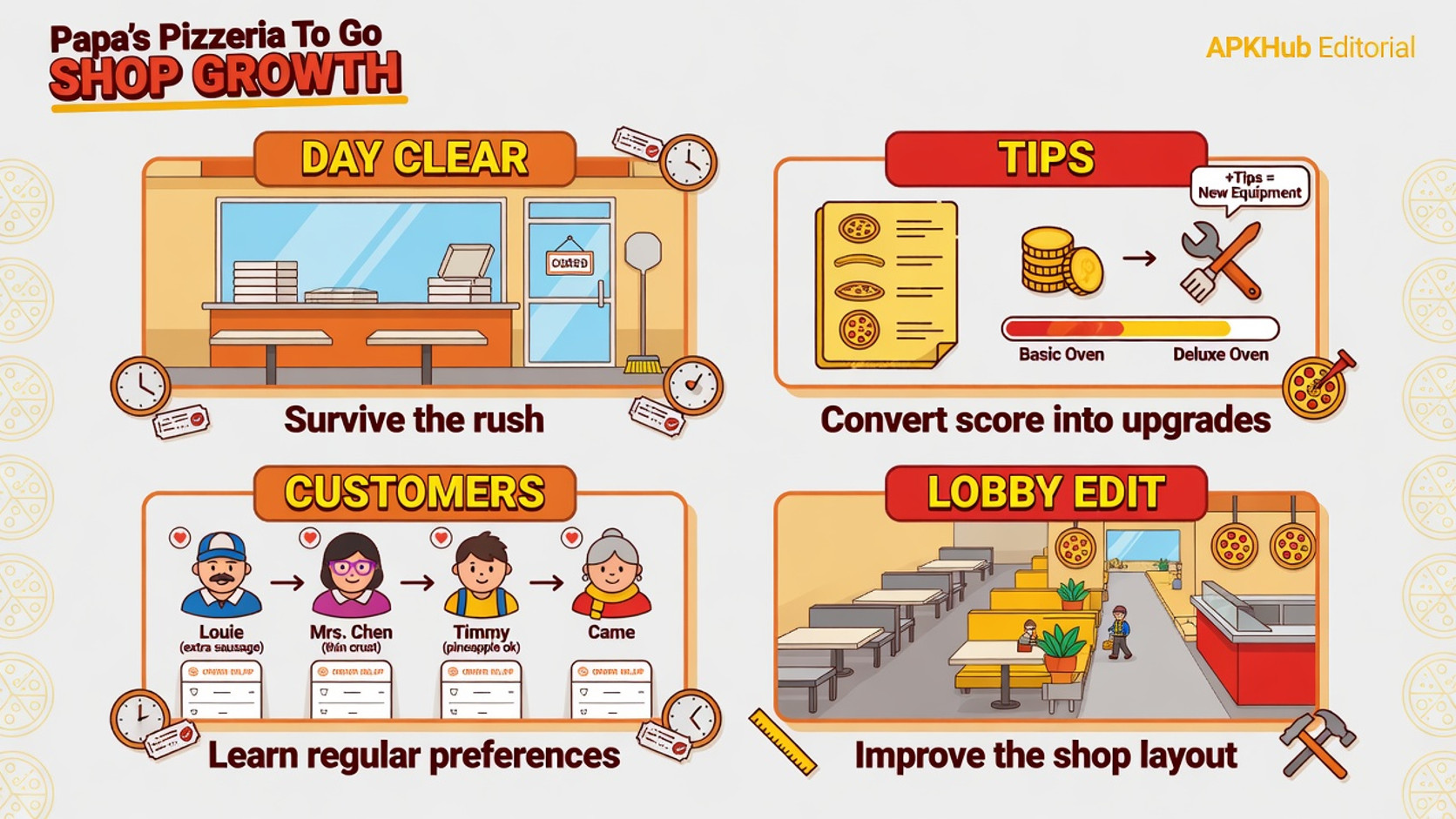
Editorial illustration: menu complexity is the real difficulty curve.
Who Will Love the Pizzeria
Papa's Pizzeria To Go! fits players who enjoy time-management cooking games, order accuracy, and light progression without multiplayer toxicity. It fits fans of the wider Papa’s series who want the pizza entry point on a phone. It also fits short-to-medium sessions: one in-game day is a natural stopping point.
It is less ideal for players who dislike multitasking stress, want action combat, or expect a deep narrative RPG. If you need fully offline guarantees for every shop and cloud feature, test your install—core shifts are local in spirit, but modern mobile builds can still use network for storefront or account functions. The tone is colorful and cartoony, generally friendlier for mixed-age households than mature crime games, yet purchase locks still matter for kids.
Ads, IAP, and Social Risks
As of 2026-08-11, Play facts for air.com.flipline.papaspizzeriatogo show in-app purchases and do not flag the same ads-heavy pattern as many free shooters in this batch. That is a point-in-time store signal, not a lifetime warranty. Re-check the listing if monetization purity matters to you.
IAP risk is mostly convenience and cosmetic acceleration. Social risk is minimal: this is a single-player restaurant sim without competitive chat. Shared-device risk is higher than social risk—curious taps can open a purchase sheet during a busy shift. Keep authentication on.
Install Notes: Age, Privacy, Network, Storage
Confirm package air.com.flipline.papaspizzeriatogo and Flipline Studios as publisher. Review the content rating and data-safety section at install. Storage needs are usually modest compared with large 3D ports; still leave room for updates. Network is mainly relevant for store validation, purchases, and any online services the current build uses; the fun of building pizzas does not require a party of online strangers.
If you are migrating from older Flash-era memories, expect updated UI rather than a pixel-perfect museum piece. That is the point of To Go: modern touch assumptions.
Editorial illustration: enjoy the rush, but lock purchases before kids run the register.
Pros and Cons
Pros
- Clear four-station pizza loop with strong mobile control redesign.
- Satisfying accuracy-and-speed scoring.
- Gentle long-term unlocks for toppings, customers, and lobby flair.
- Natural session boundaries around in-game days.
- Colorful single-player vibe without multiplayer toxicity.
Cons
- Multitasking stress can spike during busy days.
- IAP may tempt players who dislike grinding unlocks.
- Not an action or story-heavy game.
- Ticket text and precision can be harder on very small phones.
- Series fans may want other Papa’s food fantasy after finishing the pizza loop.
Balanced Verdict
Papa's Pizzeria To Go! succeeds when it turns a phone into a tiny kitchen line: orders in, pies out, tips counted, tomorrow’s menu slightly wilder than today’s. The To Go control work—corner station switching, scrollable topping bins, tap-to-place ingredients—makes the classic Flipline formula viable on a thumb-sized stage.
As of 2026-08-11, it is a strong pick for time-management fans and Papa’s nostalgics who want the pizza chapter in their pocket. Install the official package, skim the IAP list once, lock purchases on family devices, and judge the game by whether station juggling feels like fun pressure or pure stress. If you smile when a perfectly cut pie hits a happy customer, the lobby is open.


