
Over SYNCalc
SYNCalc: A Calculator Tailored for Color Synesthetes
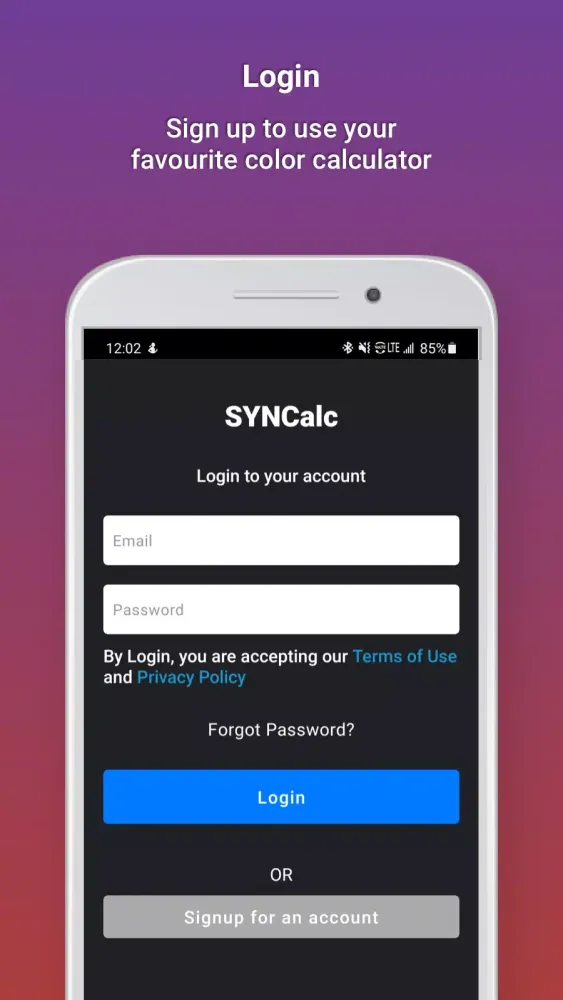
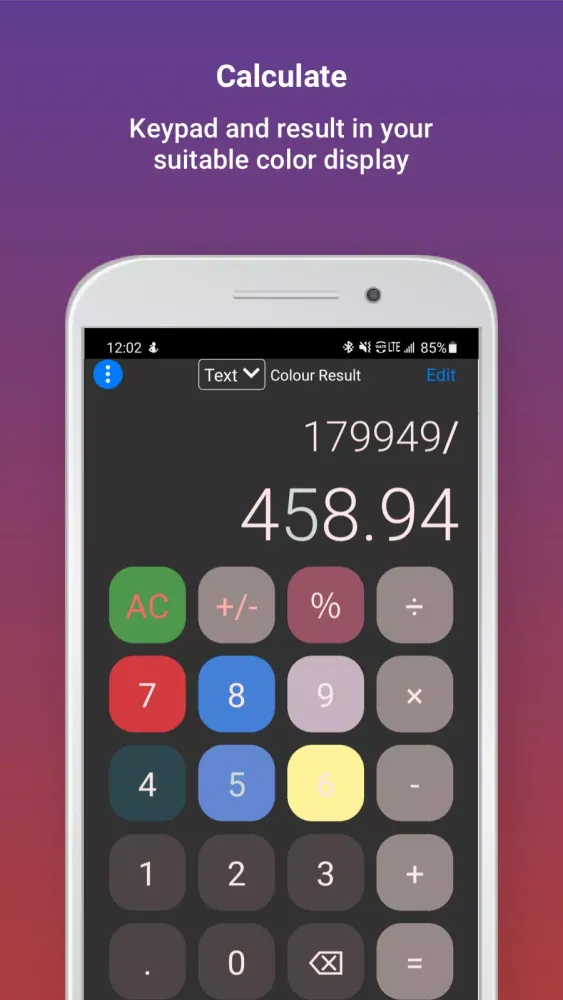
SYNCalc is a unique calculator specifically designed for individuals who experience synesthesia, particularly those who perceive colors associated with numbers and mathematical operations. This innovative tool allows users to customize their calculator interface based on their synesthetic experiences, making calculations more intuitive and engaging.
Setting Up Your SYNCalc Calculator
To configure your SYNCalc Calculator, follow these straightforward steps:
-
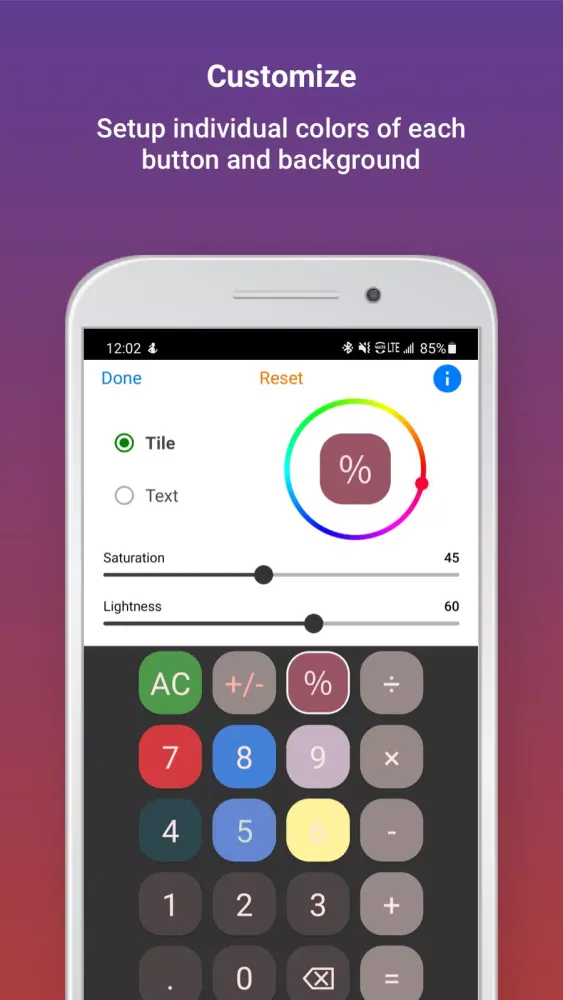
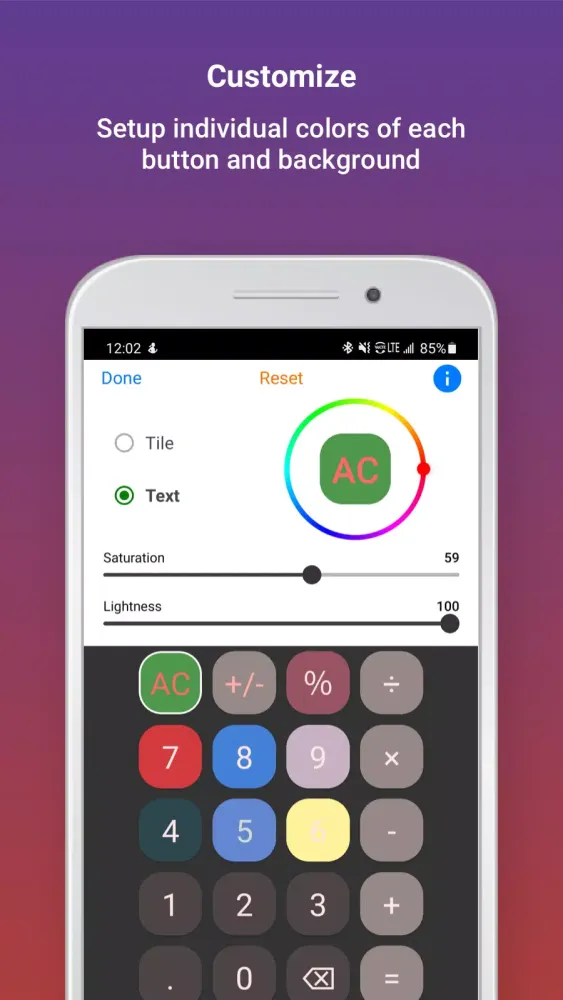
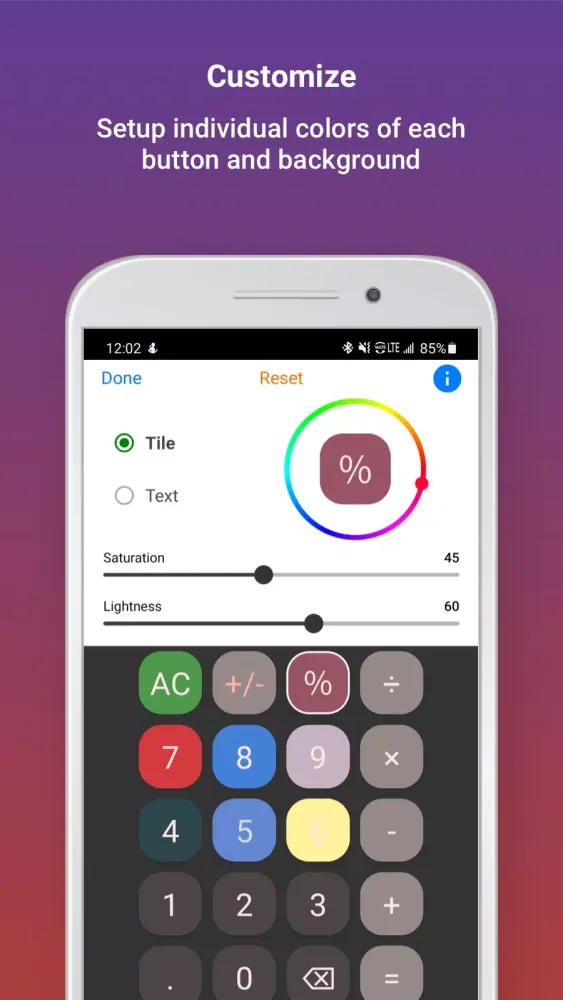
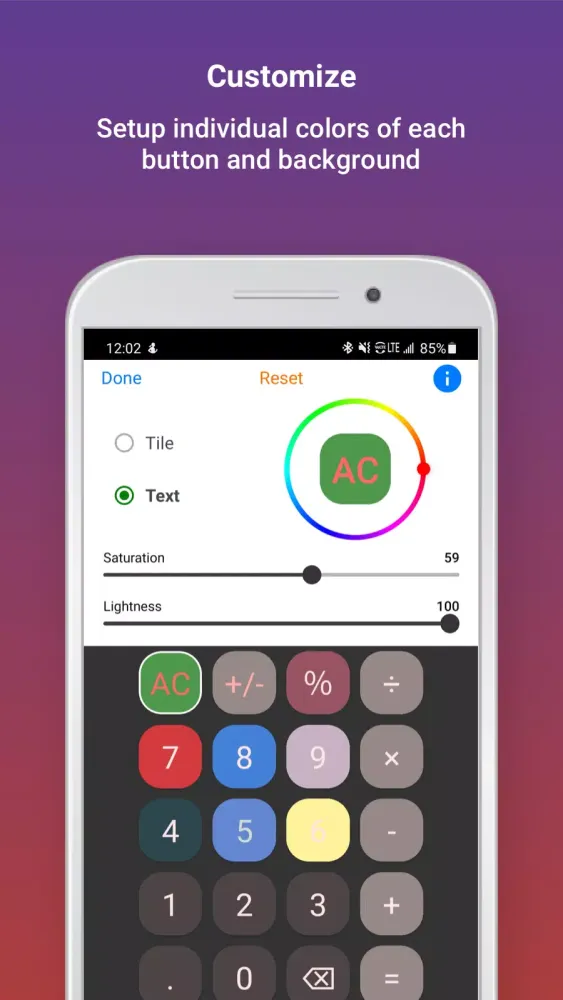
Choose Your Display Mode: Decide between the "tile" or "text" options. If you prefer customizing the background color, opt for "tile". If you want to select the colors of the numbers or symbols, choose "text".
-
Select a Calculator Button: After making your display mode selection, you'll see the chosen button appear at the center of the color wheel.
-
Pick Your Color: Use the small dot on the outer edge of the color wheel to select the precise color you desire for your tile or text.
-
Adjust Saturation and Lightness: Fine-tune the appearance of your chosen color by adjusting its saturation and lightness. Saturation controls the intensity of the color, ranging from dull to vibrant, while lightness adjusts the shade from dark to light, spanning from black to white. Experiment with these settings to achieve the perfect hue.
-
Customize Additional Buttons: If you wish to modify other buttons, repeat the process. Your initial selections remain intact until you finalize them by pressing "Done".
-
Finalize Your Choices: Once you're satisfied with your customizations, press "Done" to lock in your settings.
-
Enjoy Your Customized SYNCalc Calculator: Now, you can enjoy performing calculations with your personalized calculator interface!
Important Notes for SYNCalc Users
-
Saving Your Choices: While in edit mode, you can save your current selections by pressing "Done". If you need to make changes later, simply press "Edit".
-
Resetting to Default Settings: To revert your settings to the default configuration, tap the "Reset" option located at the top of the screen.
-
Color Result Options: When using SYNCalc, you have the flexibility to display results in your chosen text color or the default app color (white). Utilize the color result button at the top of the screen to toggle between these options as needed.
Experience the joy of calculating with SYNCalc, a calculator that bridges the gap between technology and your unique sensory experiences!
SYNCalc Screenshots
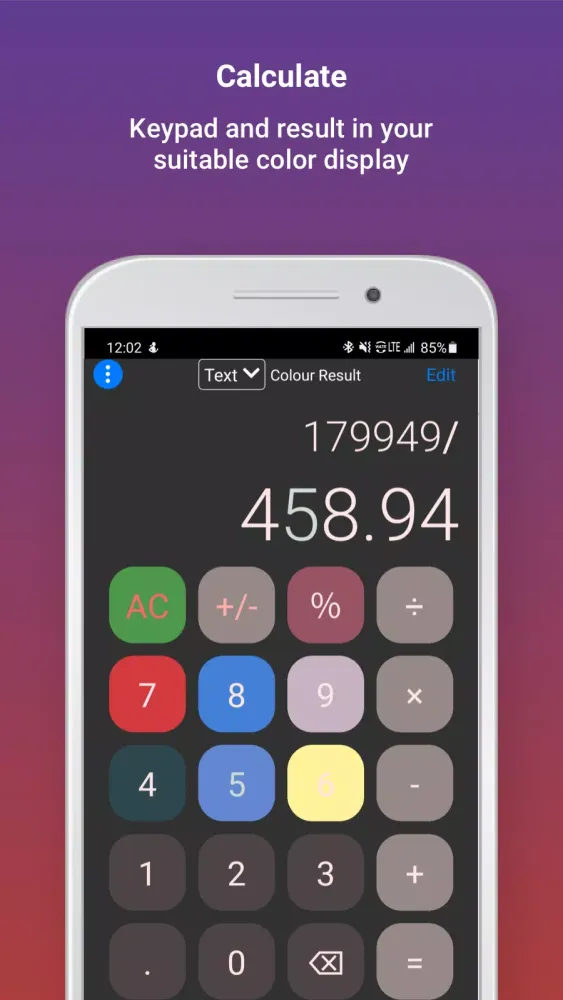
Oude versies van SYNCalc





Aanbeveling van de redactie


Apps zoals SYNCalc

Apps door Neuroversal Pty Ltd
Gebruikersrecensies
+ Recensies
Meest Populair


