

Over Auto Profile
Auto Profile: Effortless Sound Management
Auto Profile is a powerful tool designed to manage your sound profiles effortlessly. Simply create your rules, activate them, and let the app handle the rest!
Key Features
Location-Based Rules
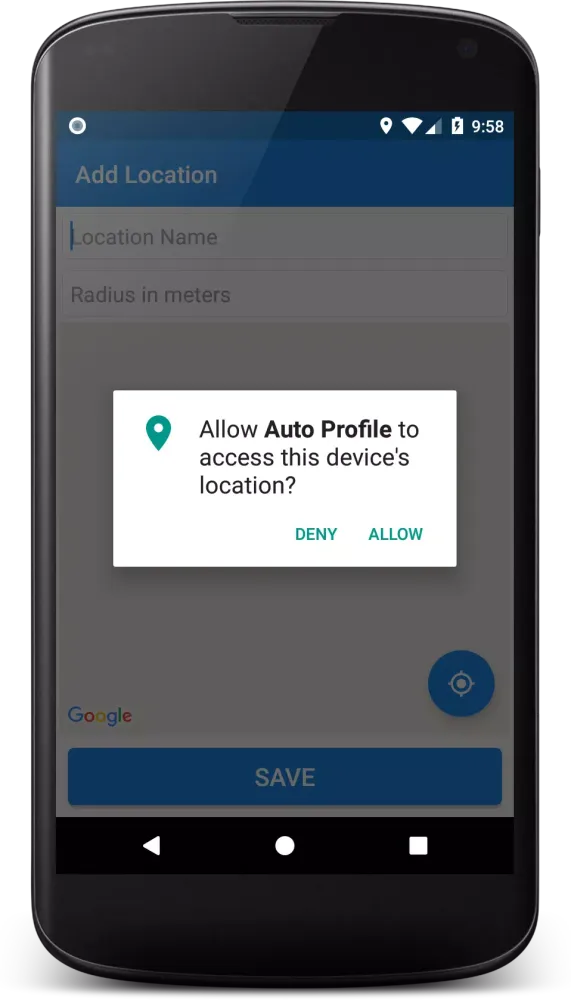
With location-based rules, you can automatically switch your sound profile when you enter or exit a predefined area. This feature uses a Geo-Fence to detect when you are within a specified circular perimeter, allowing you to seamlessly adjust your sound settings without manual intervention.
Time Interval-Based Rules
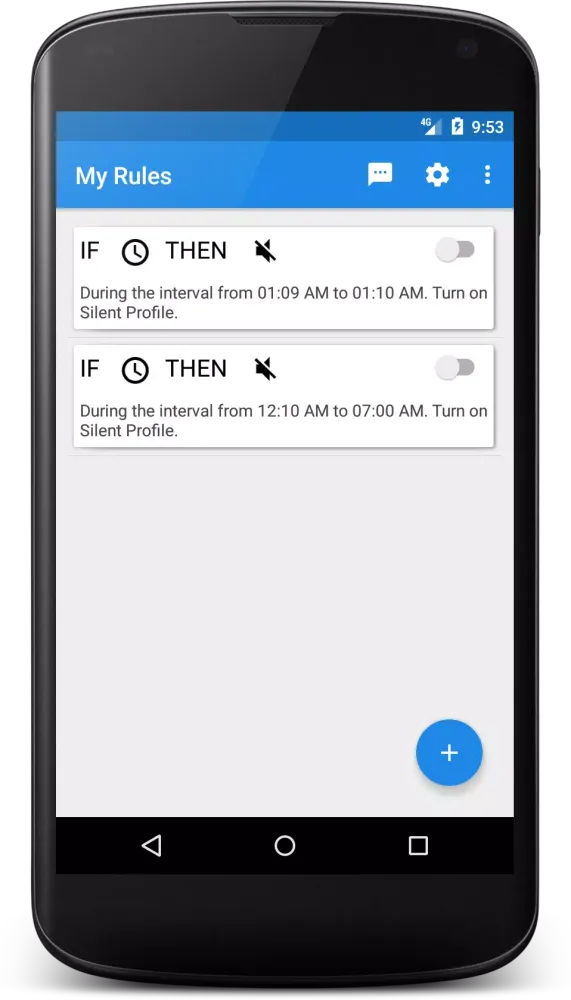
Manage your sound profile based on specific times of the day. For instance, keep your device on silent mode during meetings, classes, or prayer times. These rules are triggered when the designated time interval starts or ends, ensuring your device remains quiet when needed and returns to the default profile afterward.
Battery Level-Based Rules
Control your sound profiles based on your device's battery level. Disable ringtones when the battery is low to avoid interruptions, or turn on sound alerts when the battery is fully charged. This ensures your device operates efficiently and quietly when necessary.
Caller Trigger-Based Rules
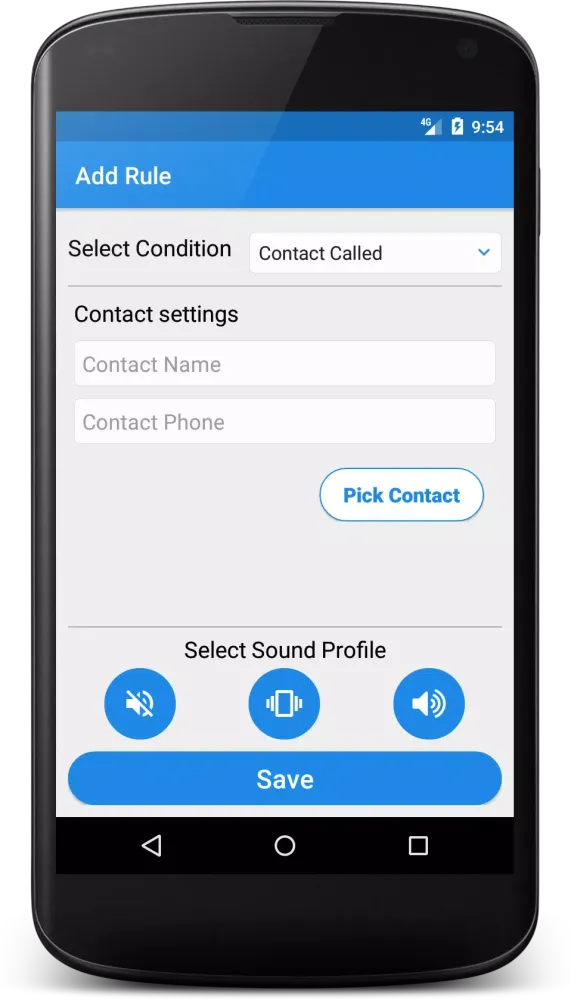
Create custom rules to prioritize calls from specific contacts while silencing others. This feature allows you to ensure that important calls always get through, regardless of your current sound profile settings.
SMS Commands Feature
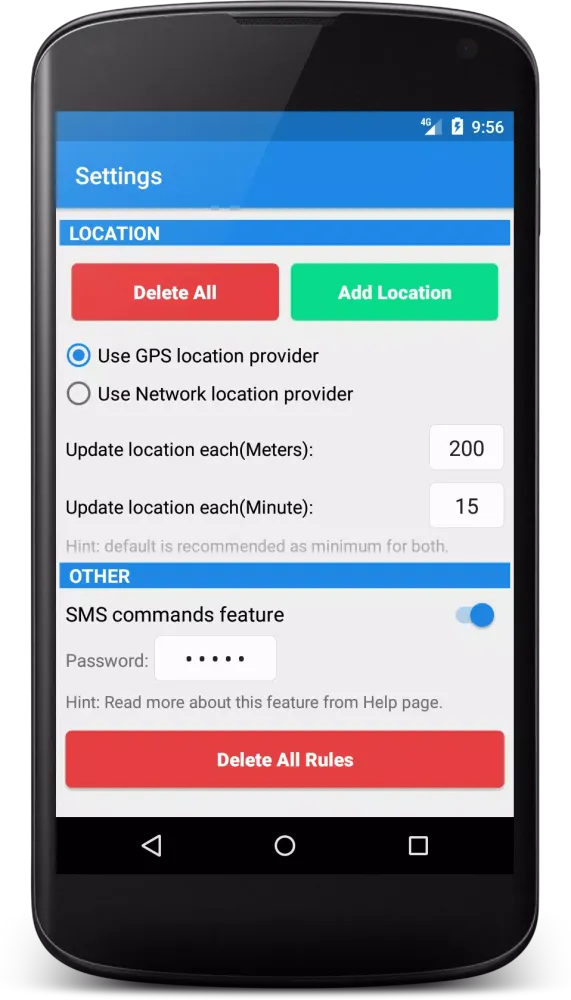
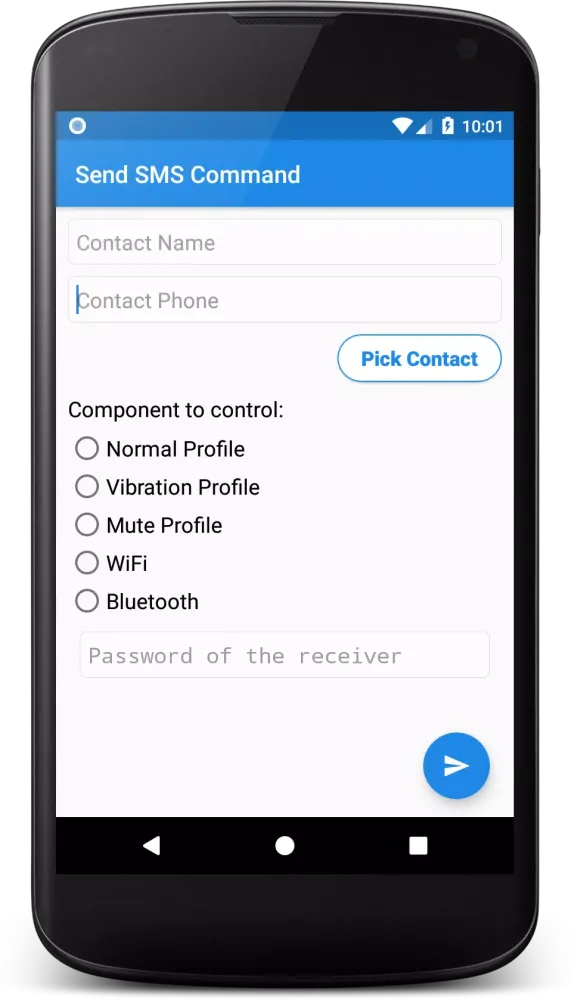
Lost your phone and need to find it quickly? With the SMS commands feature, you can remotely control your sound profiles, Wi-Fi, and Bluetooth states using text messages. This feature includes a password field for added security.
General Notes
- The application checks for new locations based on the minimum distance and time intervals set in the Settings.
- Once you leave a defined location, the sound profile does not revert automatically.
- Interval-based rules repeat daily until deactivated.
- The exact timing of interval-based rules may vary slightly due to the operating system's scheduling.
- If you change the sound profile mid-interval, the app will only apply the profile at the start and end of the interval.
- Caller trigger-based rules may activate before or after the call starts, depending on the Android version.
- Rules can override each other if there is a conflict, with the latest rule taking precedence.
- Individual rules can be deleted by long-clicking on them in the main interface.
Experience seamless sound management with Auto Profile!
Gameplay
Auto Profile Screenshots
Oude versies van Auto Profile





Aanbeveling van de redactie


Apps zoals Auto Profile


Apps door Abdelhafiz
Gebruikersrecensies
+ Recensies
Meest Populair


