

Over Video Compressor - Resize Mult
Video Compressor - Resize Mult
Simplify Your Video Sharing Experience with Video Compressor - Resize Mult
In today's digital age, sharing videos has become a common practice across various platforms like WhatsApp, Instagram, and Facebook. However, these platforms often impose file size limits, making it challenging to share large videos. This is where Video Compressor - Resize Mult comes into play. Designed as a free and user-friendly tool, this application allows you to easily reduce the size of multiple videos simultaneously, ensuring they are ready for seamless sharing.
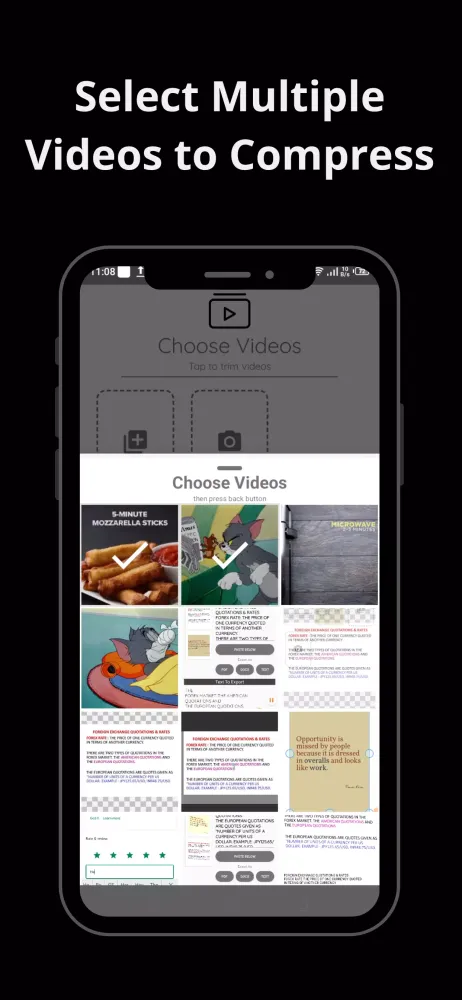
With Video Compressor - Resize Mult, you no longer need to struggle with complex software or manually edit each video. The app offers a straightforward interface where you can choose or record multiple videos at once. Whether you're preparing content for social media or simply trying to save space on your device, this app simplifies the process significantly. Additionally, the ability to set output quality ensures that you maintain control over how much compression occurs while preserving the integrity of your videos.
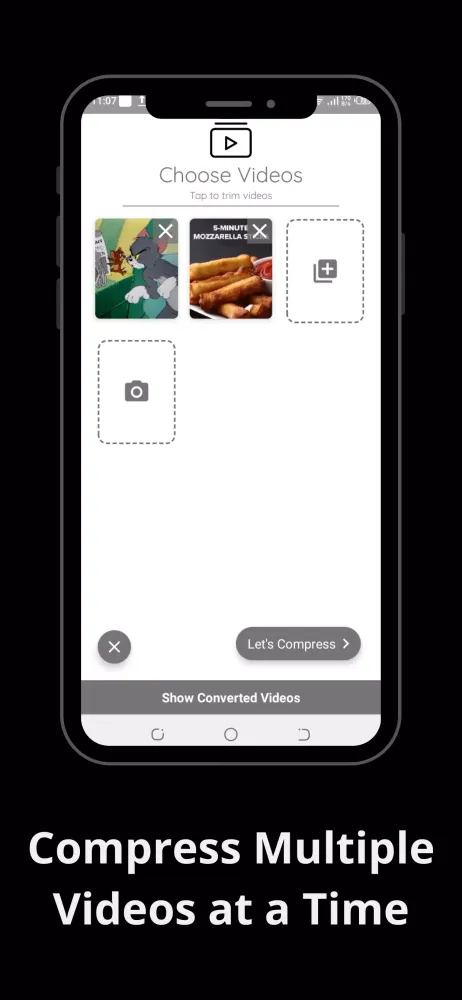
One of the standout features of this app is its batch processing capability. Instead of handling one video at a time, Video Compressor - Resize Mult enables you to compress several files concurrently. This not only saves valuable time but also enhances productivity. Furthermore, the app intelligently adjusts the sizes of your videos in megabytes (MB), making them suitable for file-sharing via email or other platforms without losing essential details.
Key Features That Make a Difference
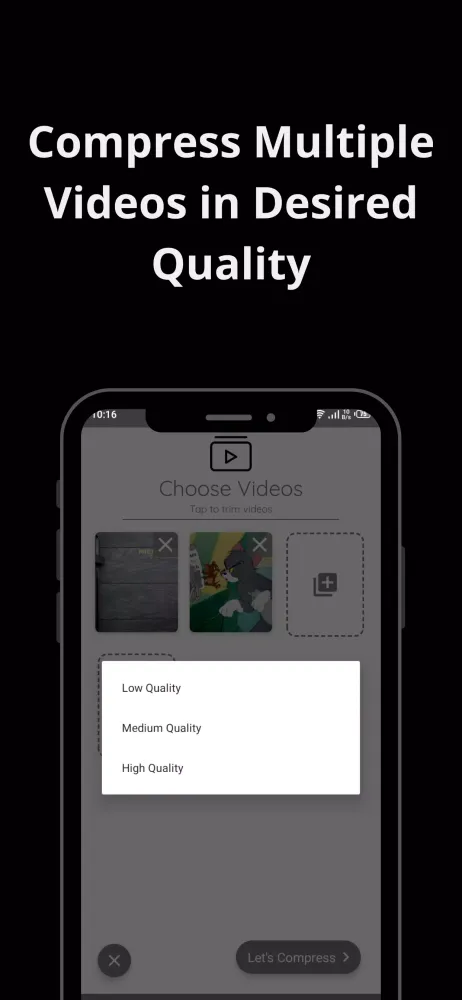
The versatility of Video Compressor - Resize Mult lies in its array of practical features. For instance, users have the flexibility to choose between "Low," "Medium," and "High" quality settings when compressing their videos. This option caters to different needs—whether you prioritize reducing file size or maintaining high visual standards. Once the compression begins, the app operates seamlessly in the background, providing updates until completion.
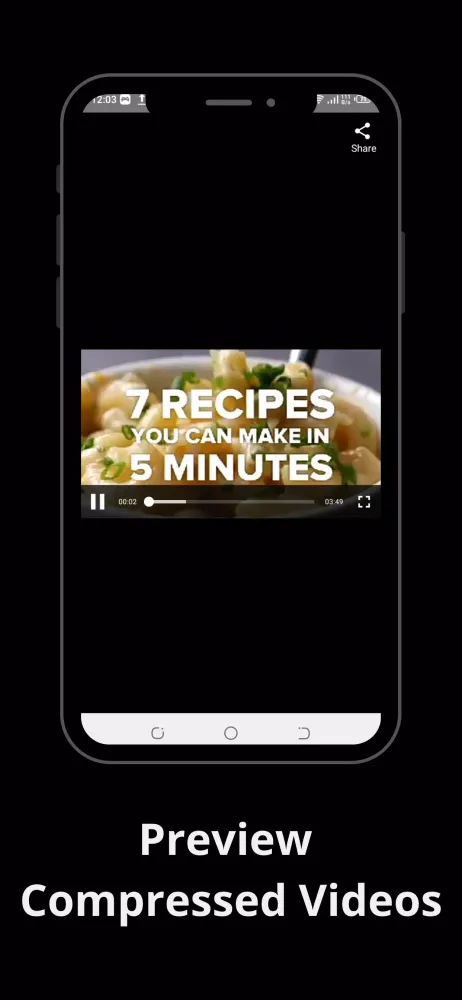
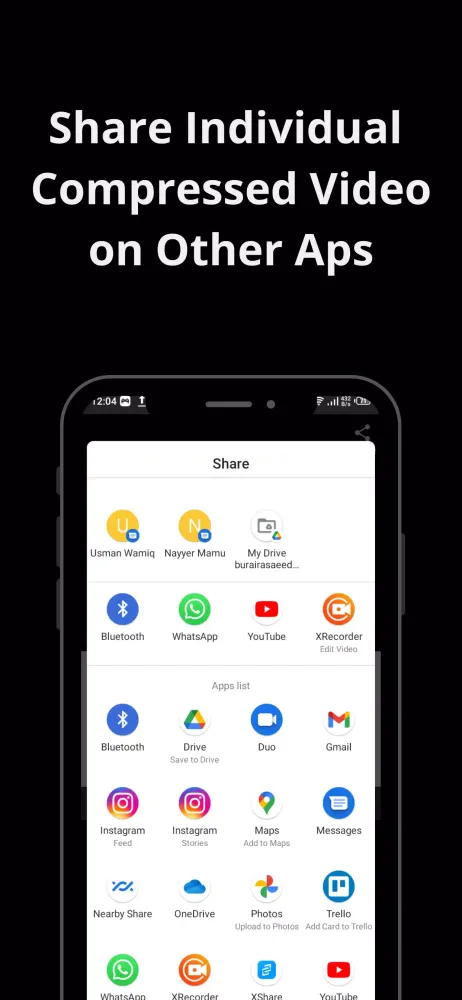
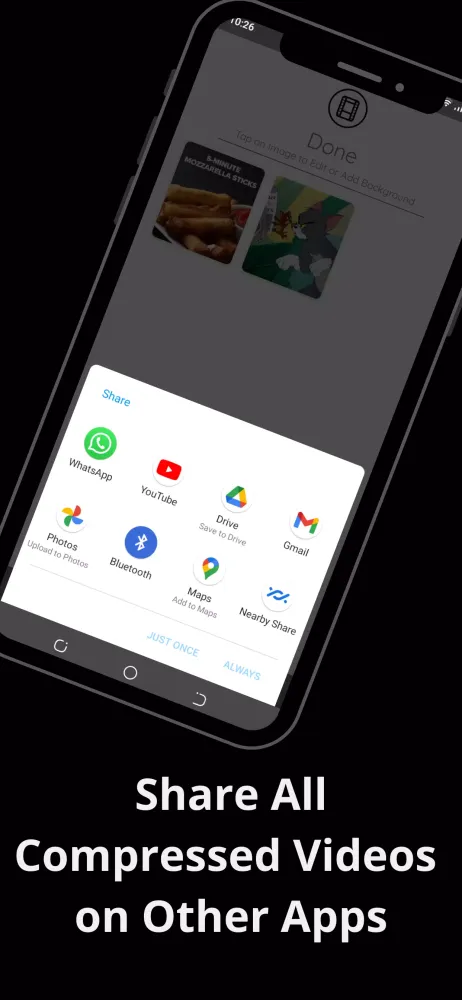
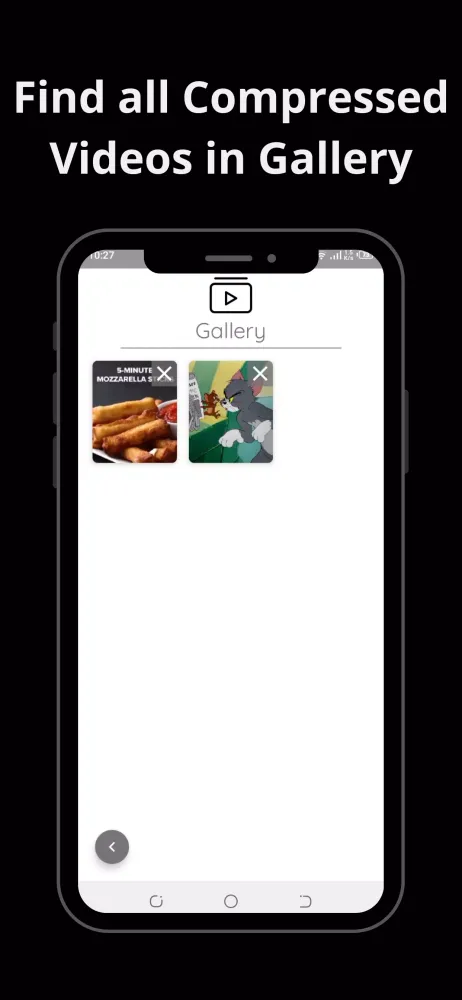
Another advantage of this app is its compatibility with both internal storage and external devices. After processing, the compressed videos are automatically saved in the app gallery, eliminating the hassle of searching for them afterward. Sharing becomes effortless too; simply tap the "Share" button to distribute your videos across multiple channels such as email, messaging apps, or social media platforms.
For those who prefer capturing new footage rather than editing existing ones, the integrated camera feature within the app proves incredibly useful. Users can quickly record videos directly using the app's built-in camera before proceeding with compression. This functionality streamlines workflows by consolidating video creation and modification steps into one convenient location.
Streamlining Workflow with Intuitive Controls
Using Video Compressor - Resize Mult couldn't be simpler. Upon launching the application on your Android device, you'll encounter two primary entry points: accessing photos from your gallery or initiating recordings via the onboard camera. From there, selecting multiple videos triggers the compression process upon pressing "Let’s Compress." During this stage, you'll be prompted to select preferred quality levels ranging from low to high resolution.
As soon as the operation starts, progress indicators keep you informed about ongoing activities. When finished, previews allow verification of results prior to final distribution. Conveniently, sharing options extend beyond single items; grouping all processed files together facilitates bulk uploads if desired. Lastly, viewing previously converted clips remains accessible anytime through designated sections within the interface.
Why Choose Offline Operation?
An additional benefit worth mentioning is the offline nature of Video Compressor - Resize Mult. Unlike many online tools requiring internet connectivity throughout operations, this application functions entirely offline once installed. Consequently, users enjoy uninterrupted service regardless of network availability while conserving mobile data usage simultaneously. Moreover, relying solely on local resources contributes towards faster execution times compared to cloud-based alternatives.
Despite its simplicity, users should note certain considerations regarding quality selections. Opting for higher qualities occasionally leads to slight increases in file sizes due to enhanced detail retention during conversion processes. Similarly, some pre-optimized clips may resist significant reductions under lower quality parameters necessitating medium adjustments instead. These nuances underscore the importance of understanding underlying mechanics behind effective compression techniques employed by modern applications like ours.
Conclusion
Overall, Video Compressor - Resize Mult stands out among similar utilities thanks largely to its ease-of-use combined with robust capabilities tailored specifically toward addressing common challenges associated with video sharing today. By offering efficient solutions for managing large multimedia assets efficiently while adhering strictly to user preferences concerning output characteristics such tools empower individuals worldwide achieve greater flexibility within their digital communication strategies effectively bridging gaps between personal creative endeavors professional requirements alike.
Gameplay
Video Compressor - Resize Mult Screenshots
Oude versies van Video Compressor - Resize Mult





Aanbeveling van de redactie


Apps zoals Video Compressor - Resize Mult
 Video Compressor - Resize Mult
 Video Compressor &Video Cutter
 Video Compressor - Fast Compress Video
 Video Compressor Convert Video
 Photo Resize - Video Compress
 Resize Video, Compress & Crop
 MULT TELAS
 Video Compressor, Reverse Crop
 Video & Image Compressor App
 Video Compressor & Resizer MP4
 Smart Video Compressor resizer
 DLM Video Compressor
Apps door BatchApps
Video Compressor - Resize Mult FAQ
Hoe download ik Video Compressor - Resize Mult van PGYER APK HUB?
Is de Video Compressor - Resize Mult op PGYER APK HUB gratis te downloaden?
Heb ik een account nodig om Video Compressor - Resize Mult van PGYER APK HUB te downloaden?
Hoe kan ik een probleem melden met Video Compressor - Resize Mult op PGYER APK HUB?
Gebruikersrecensies
+ Recensies
Meest Populair


