
Over Authenticator App 2FA & Pass
Authenticator & Password MA: Secure Two-Factor Authentication and Password Management
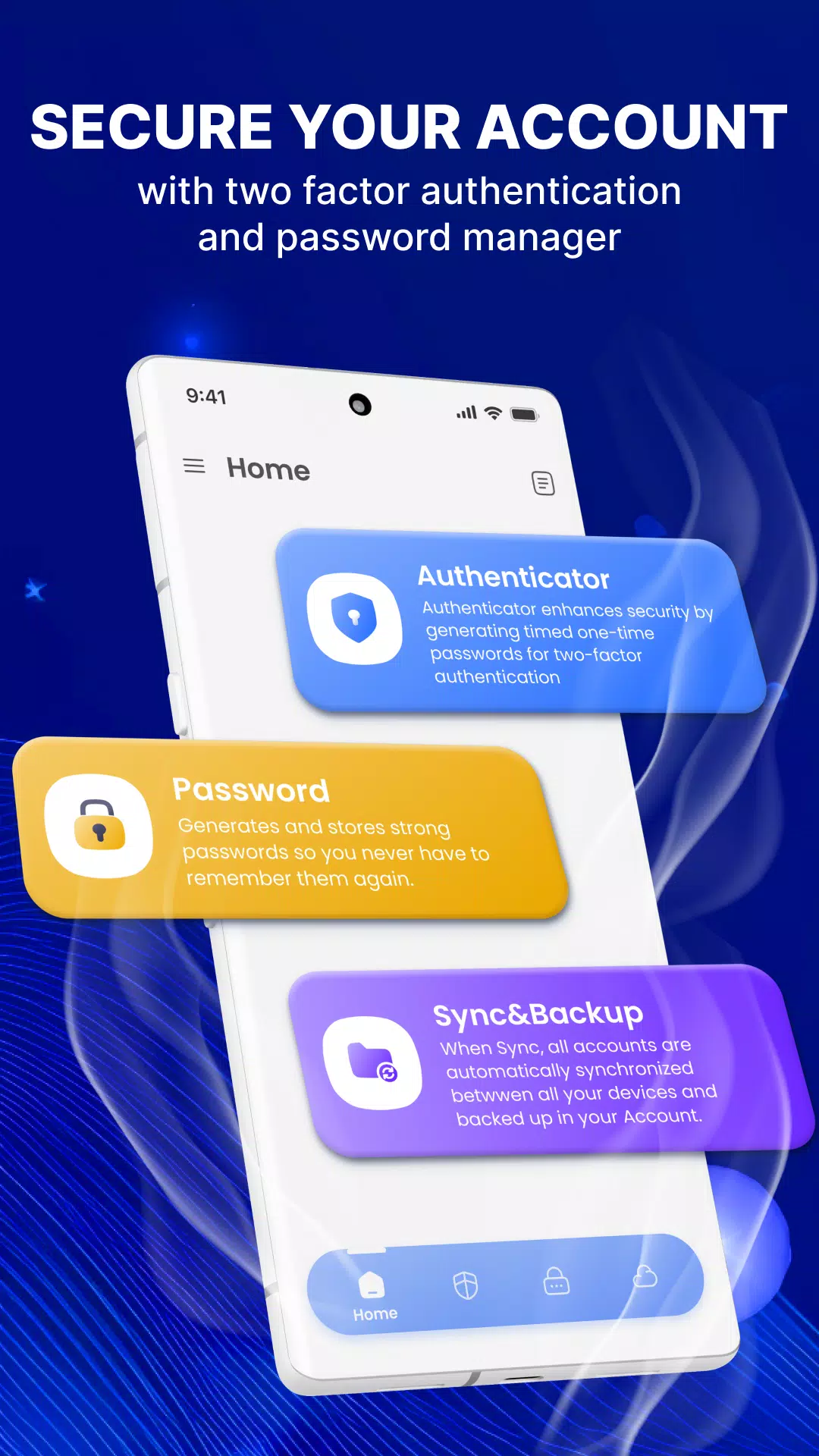
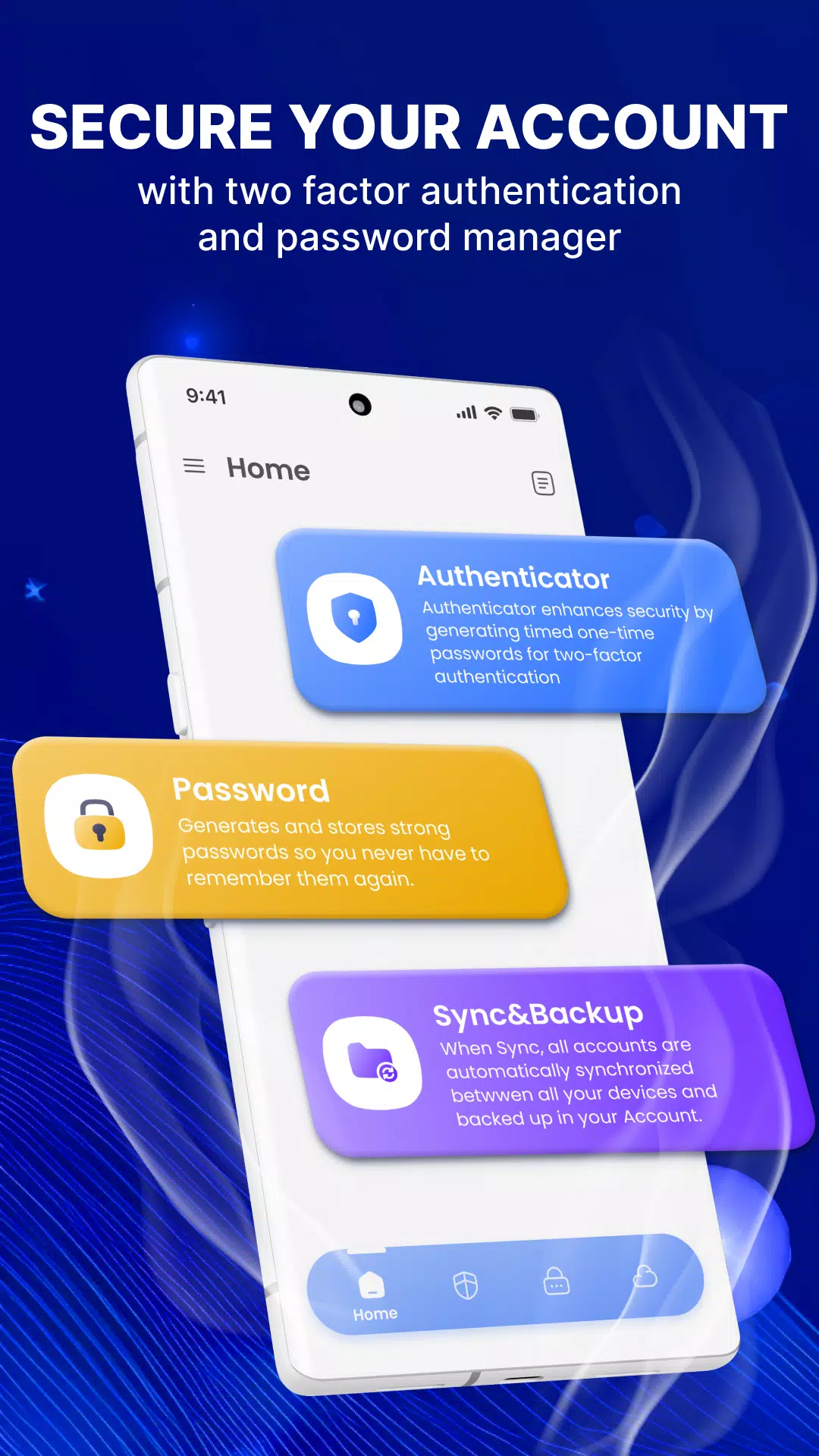
Authenticator & Password MA is a robust security solution designed to protect your important accounts through two-factor authentication (2FA) and efficient password management. With a user-friendly interface, this app simplifies the process of securing your digital life.
Key Features:
🚀 Outstanding Features of Authenticator & Password MA:
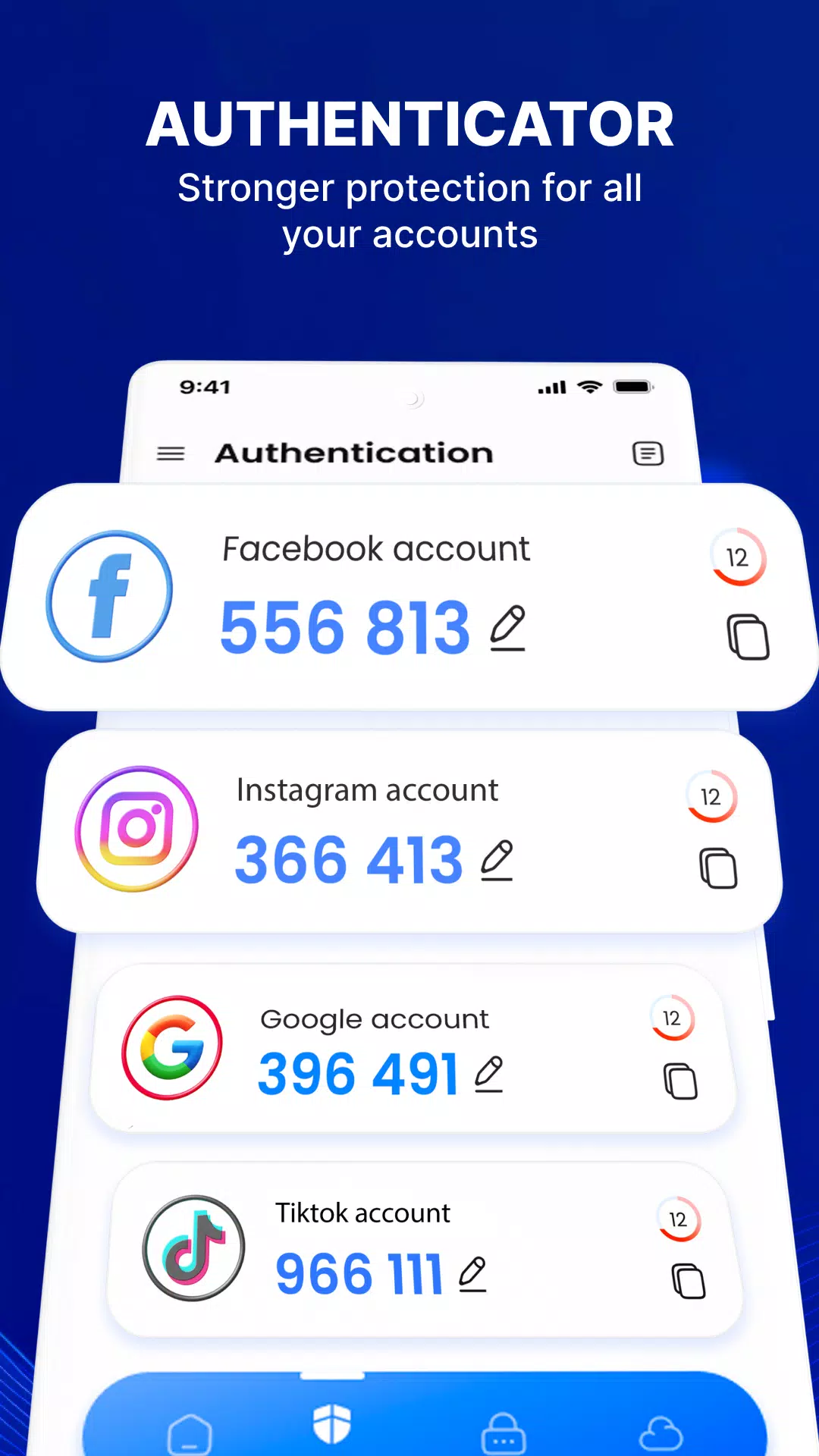
- Enhanced Security: Support for 2-step verification on various platforms like Facebook, Instagram, Google, Microsoft, Discord, Github, and more.
- Easy-to-Use Guide: Follow a straightforward 2FA guide to secure your accounts effortlessly.
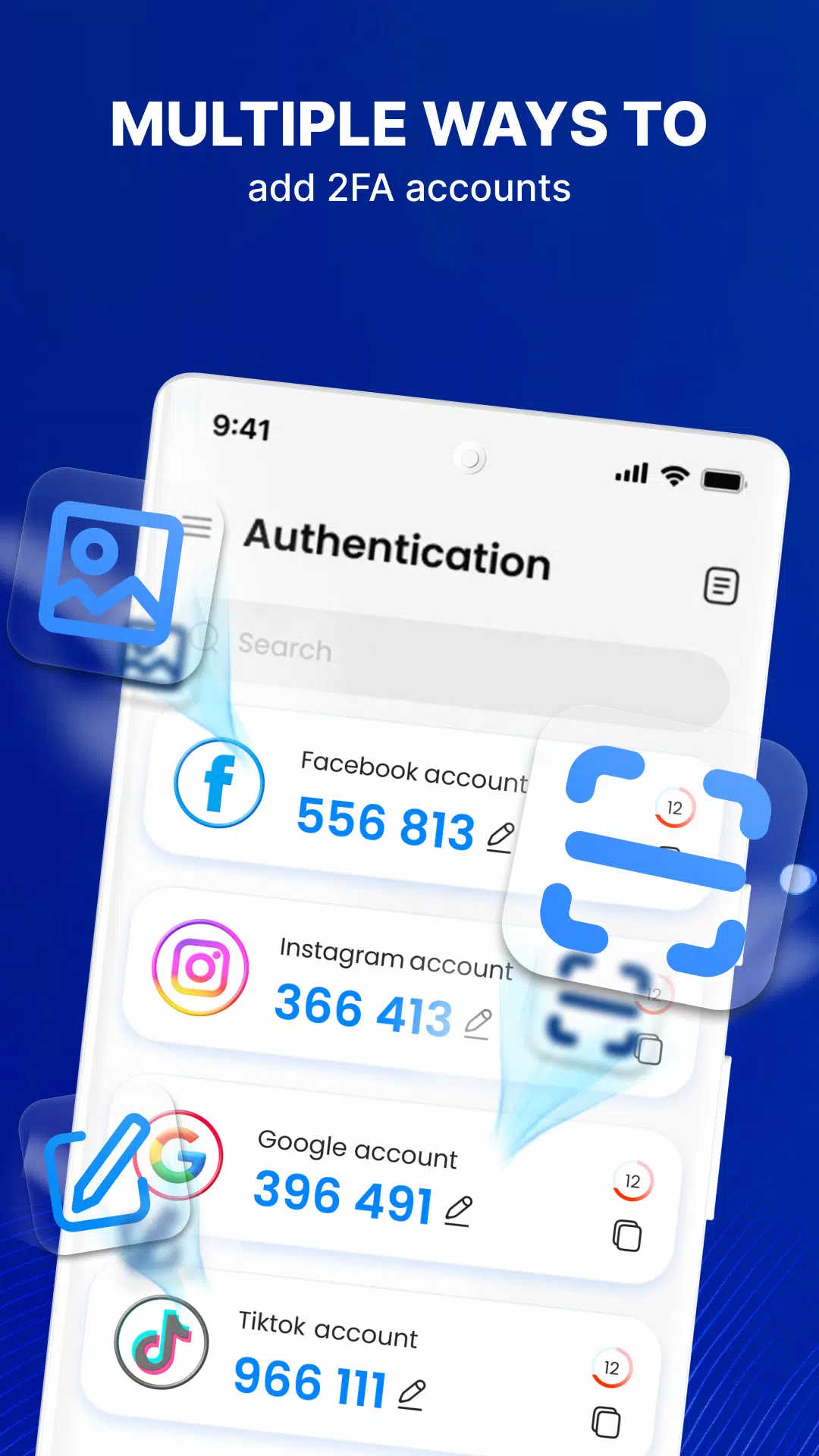
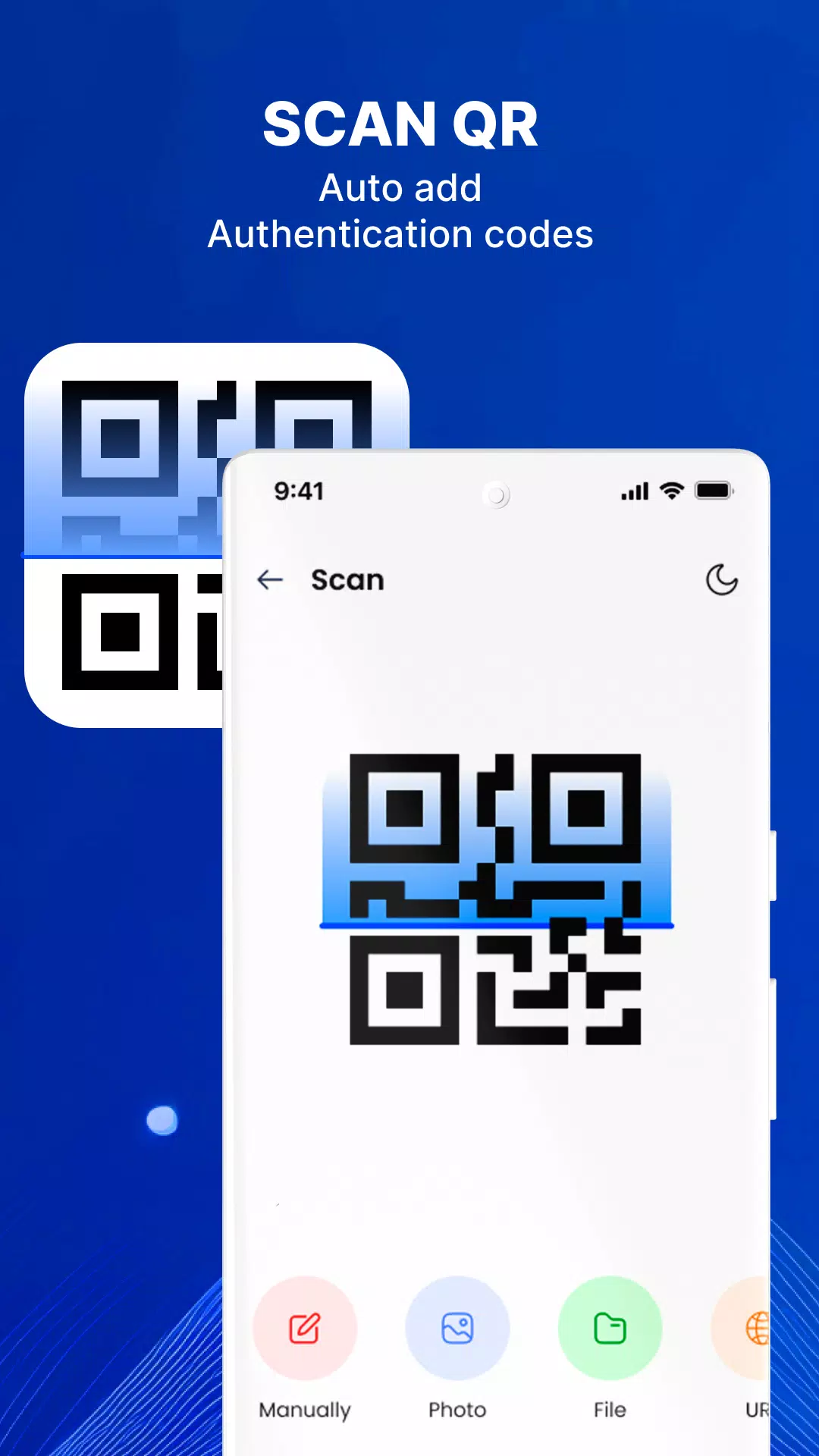
- Account Management: Add accounts by scanning QR codes, importing from photos or files, or entering details manually.
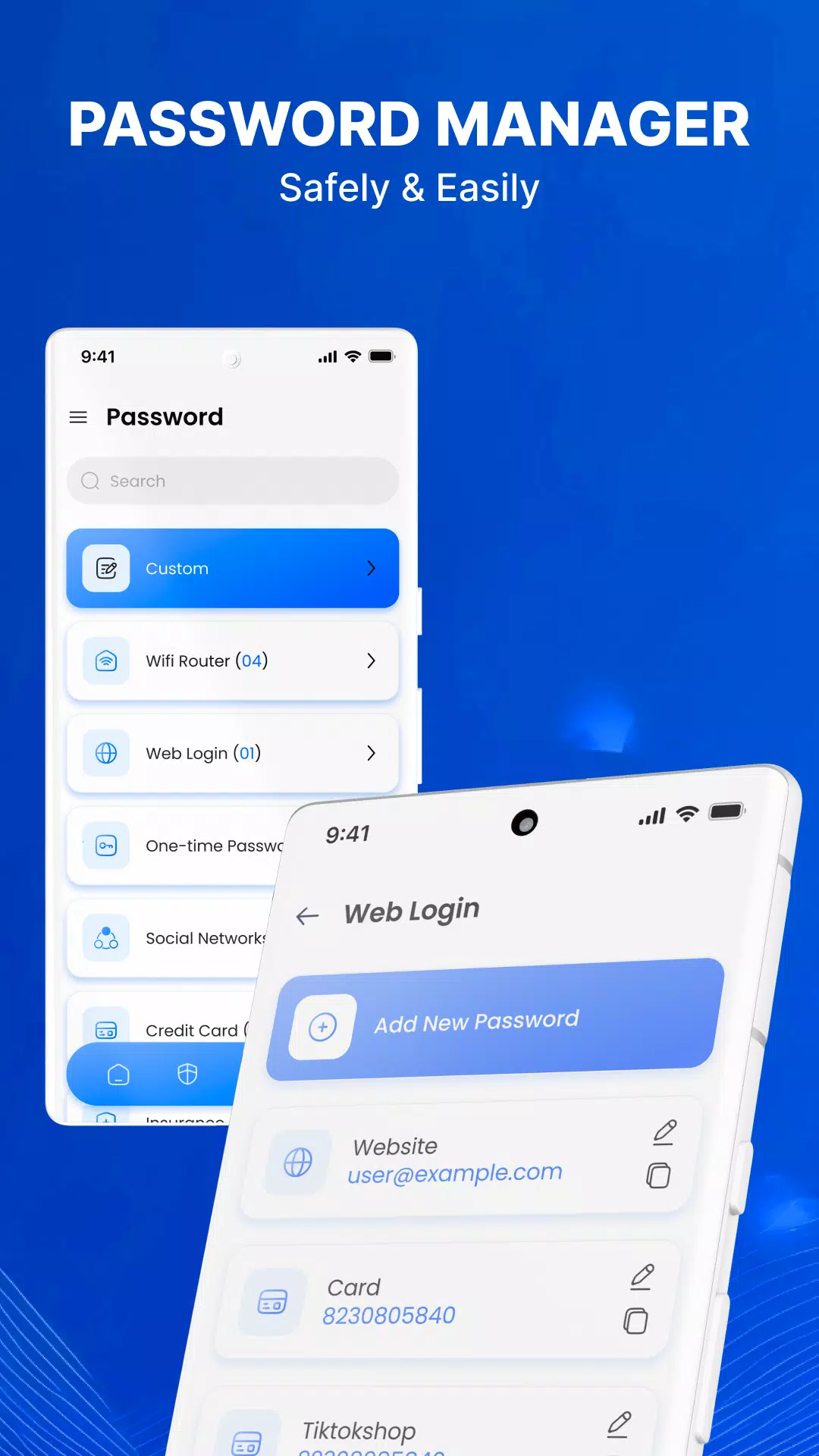
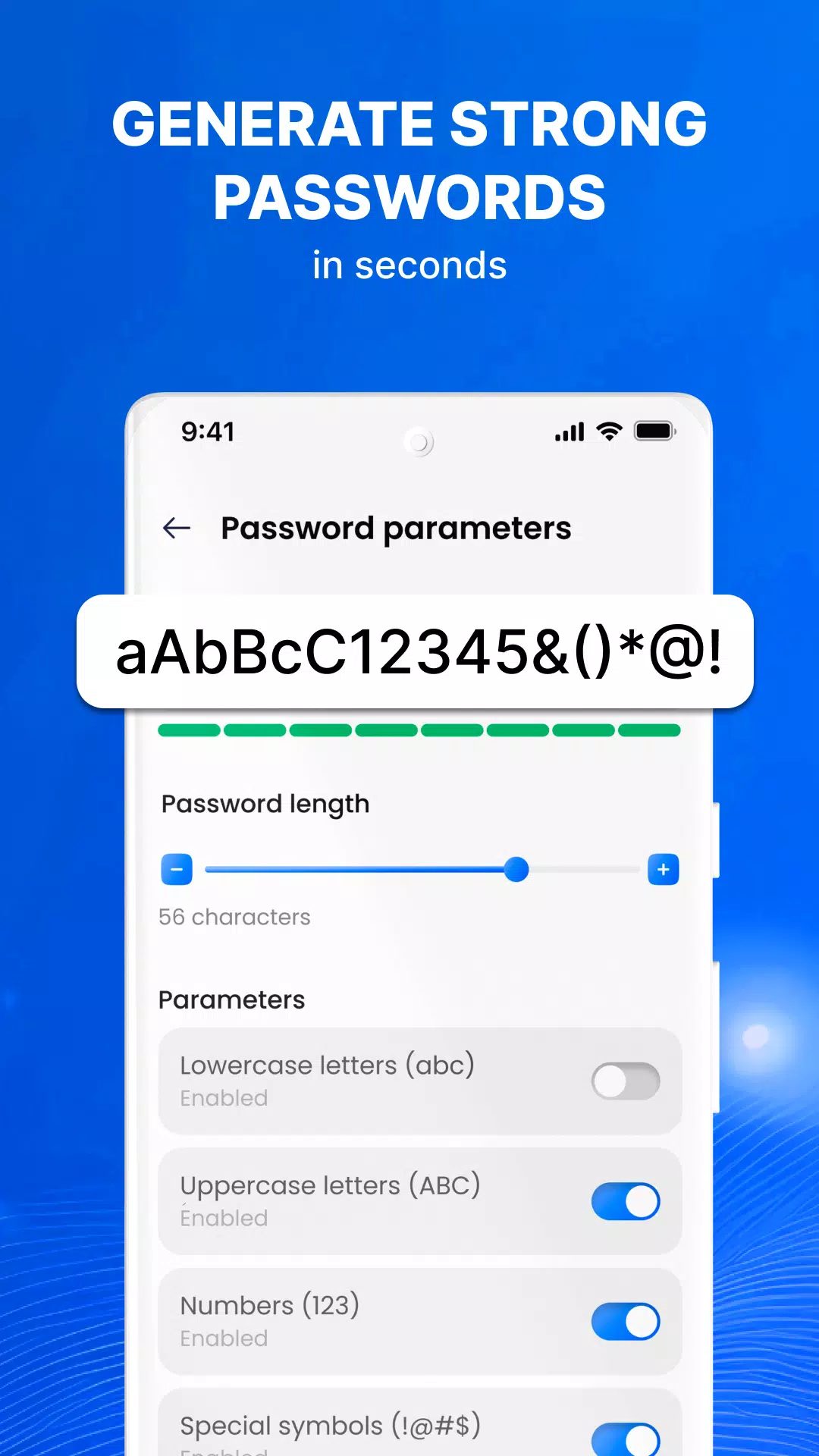
- Password Storage & Generation: Efficiently store and manage passwords, and generate strong passwords with a built-in password generator.
🚀 Simplified Backup and Synchronization:
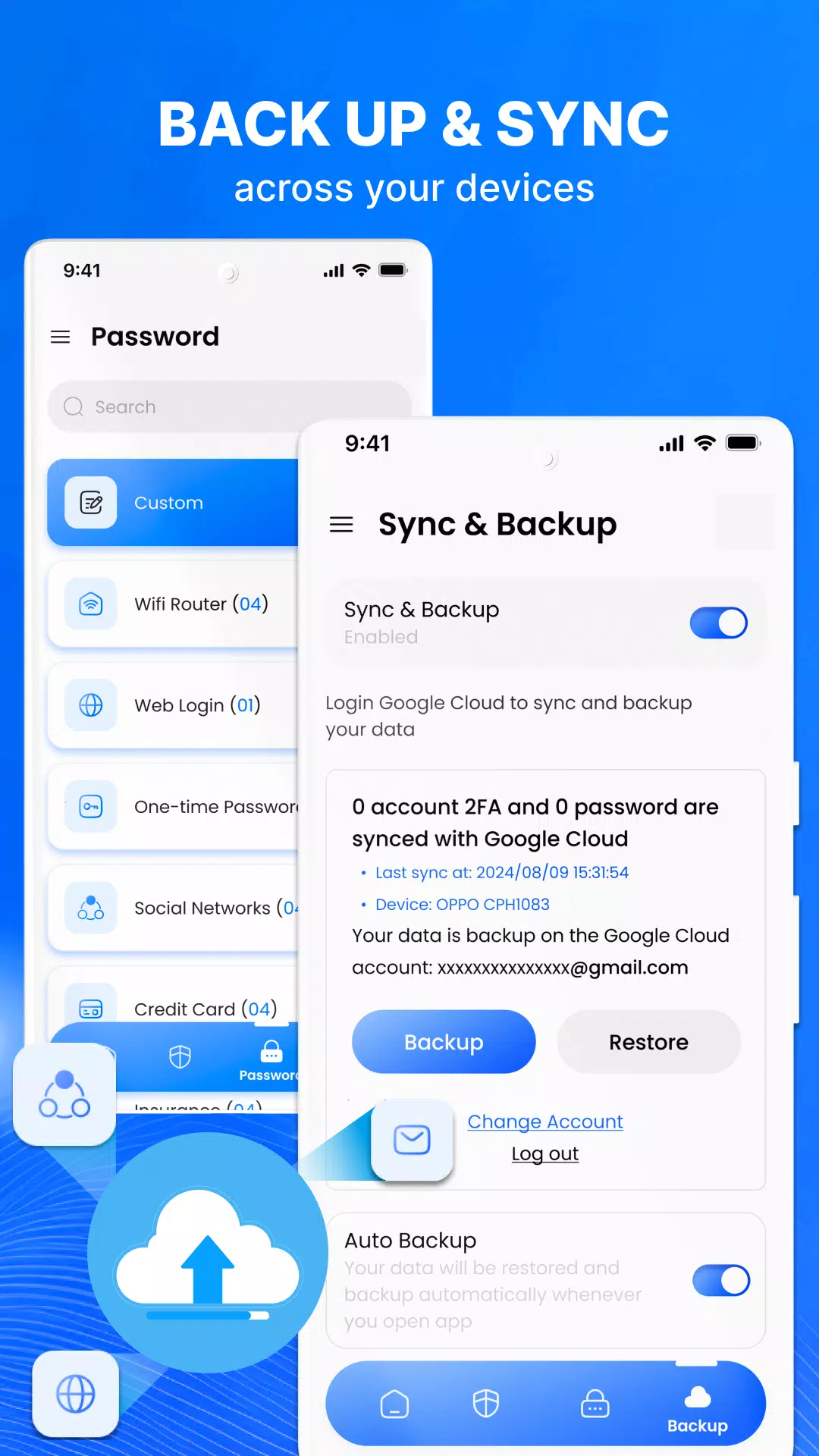
- Seamlessly back up and synchronize your passwords across devices, ensuring you never lose crucial data.
Authenticator App:
Authenticator & Password MA acts as a powerful shield against unauthorized access, hacking, phishing attacks, and other security threats. By adding an extra layer of protection through one-time passwords, even if someone has your username and password, they won't be able to access your accounts without the 2FA code.
Password Manager:
Manage your passwords securely with categories tailored to your needs, such as Wi-Fi routers, credit cards, bank accounts, email accounts, password-protected websites, ID cards, and more. The app offers a random password generator that suggests thousands of strong passwords based on your requirements.
Backup & Sync:
Ensure your data remains safe with backup storage and synchronization. This feature guarantees you won’t lose any data when switching devices or reinstalling the app from scratch.
How to Use Authentication:
- Set Up Two-Factor Authentication: Choose Authenticator & Password MA and follow the guide to enable 2FA for each account type.
- Scan QR Code: Use the app’s pop-up window to scan the QR code.
- Save Account: Tap the plus (+) button to scan the QR code and fill in the account details. Click Save.
- Enter 2FA Code: Copy the account's digital token from Authenticator & Password MA and enter it. Click Continue.
- Completion: Your account will display a backup code. Save this code in a secure place, as each code can only be used once.
Disclaimer:
This app uses the camera to capture images during 2FA setup and password saving. It also accesses media storage and manages external permissions to secure your personal photos, videos, and files. The app utilizes your Google account for Backup and Sync functionality.
By installing or updating this app, you agree to the terms outlined in our Privacy Policy and Terms of Service:
- Privacy Policy
- Terms of Service
Authenticator & Password MA is a top-tier security and account management solution that helps you safeguard your accounts safely and efficiently.
Authenticator App 2FA & Pass Screenshots
Oude versies van Authenticator App 2FA & Pass





Aanbeveling van de redactie


Apps zoals Authenticator App 2FA & Pass


Apps door Betasoft Mobile


Authenticator App 2FA & Pass FAQ
Hoe download ik Authenticator App 2FA & Pass van PGYER APK HUB?
Is de Authenticator App 2FA & Pass op PGYER APK HUB gratis te downloaden?
Heb ik een account nodig om Authenticator App 2FA & Pass van PGYER APK HUB te downloaden?
Hoe kan ik een probleem melden met Authenticator App 2FA & Pass op PGYER APK HUB?
Gebruikersrecensies
+ Recensies
Meest Populair


