

Over Colorizer
Introducing the Colorizer App: Your Ultimate Color Selection Companion
The Colorizer app is designed to simplify the process of selecting and testing colors for your projects. Whether you're redecorating your home or working on a creative project, this app offers a seamless way to explore and apply different shades.
How It Works:
-
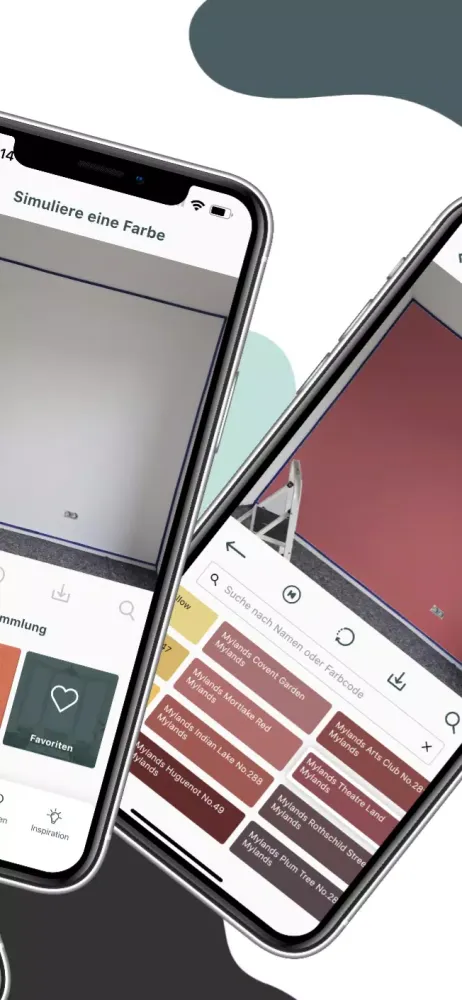
Capture or Select an Image: Start by taking a clear photo or choosing one from your gallery. The better the quality and clarity of the image, the more accurately the app will recolor it.
-
Choose Your Collection and Shade: Browse through various collections and pick the perfect shade that suits your vision.
-
Sketch or Click to Color: Use the app's intuitive tools to either sketch an area you wish to color or simply click on a specific part of the image to apply the selected shade.
-
Undo and Revert: If you're not satisfied with the changes, easily undo steps or revert to the initial state to try again.
-
Save and Favorite: Once you're happy with the result, save the photo and mark the chosen shade as a favorite. This feature allows you to revisit and reuse your preferred colors later.
-
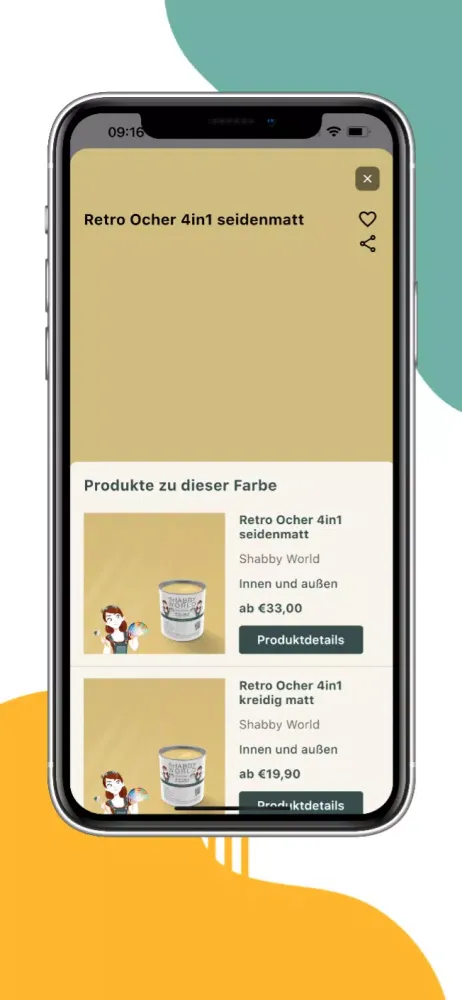
Order Your Favorites: With just a few taps, you can order your favorite colors directly from the app, making the transition from digital exploration to real-world application effortless.
Transform Your Projects with Ease
The Shabby World Colorizer app is your go-to tool for visualizing color ideas for your home and projects. It streamlines the entire process, from initial conception to final execution, ensuring that your plans become a reality with minimal hassle.
Experience the convenience and creativity offered by the Colorizer app today!
Gameplay
Colorizer Screenshots





Oude versies van Colorizer





Aanbeveling van de redactie


Apps zoals Colorizer


Apps door Shabby World GmbH
Gebruikersrecensies
+ Recensies
Meest Populair


