
Sobre Auto Connect Bluetooth Devices
Auto Connect Bluetooth Devices
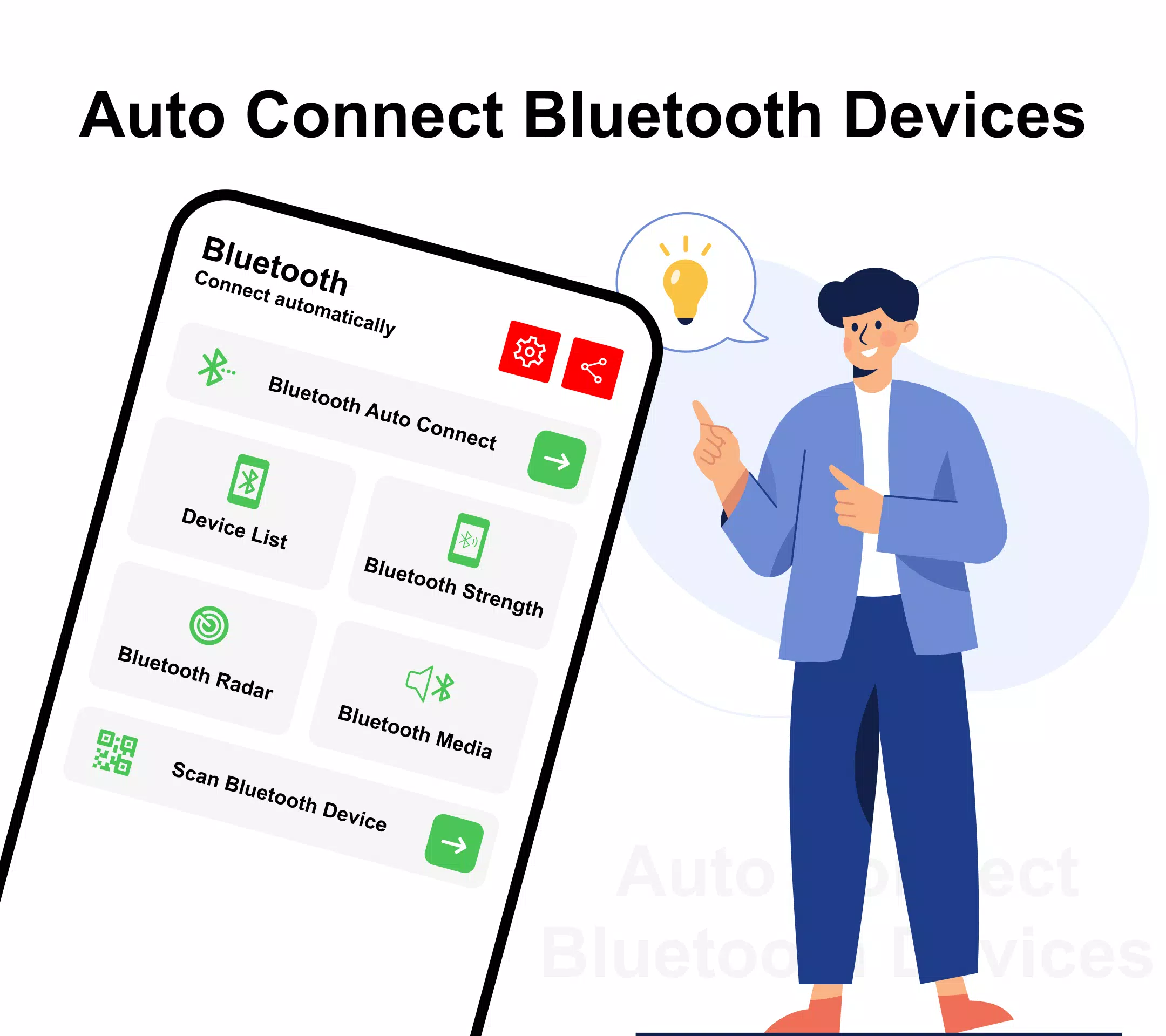
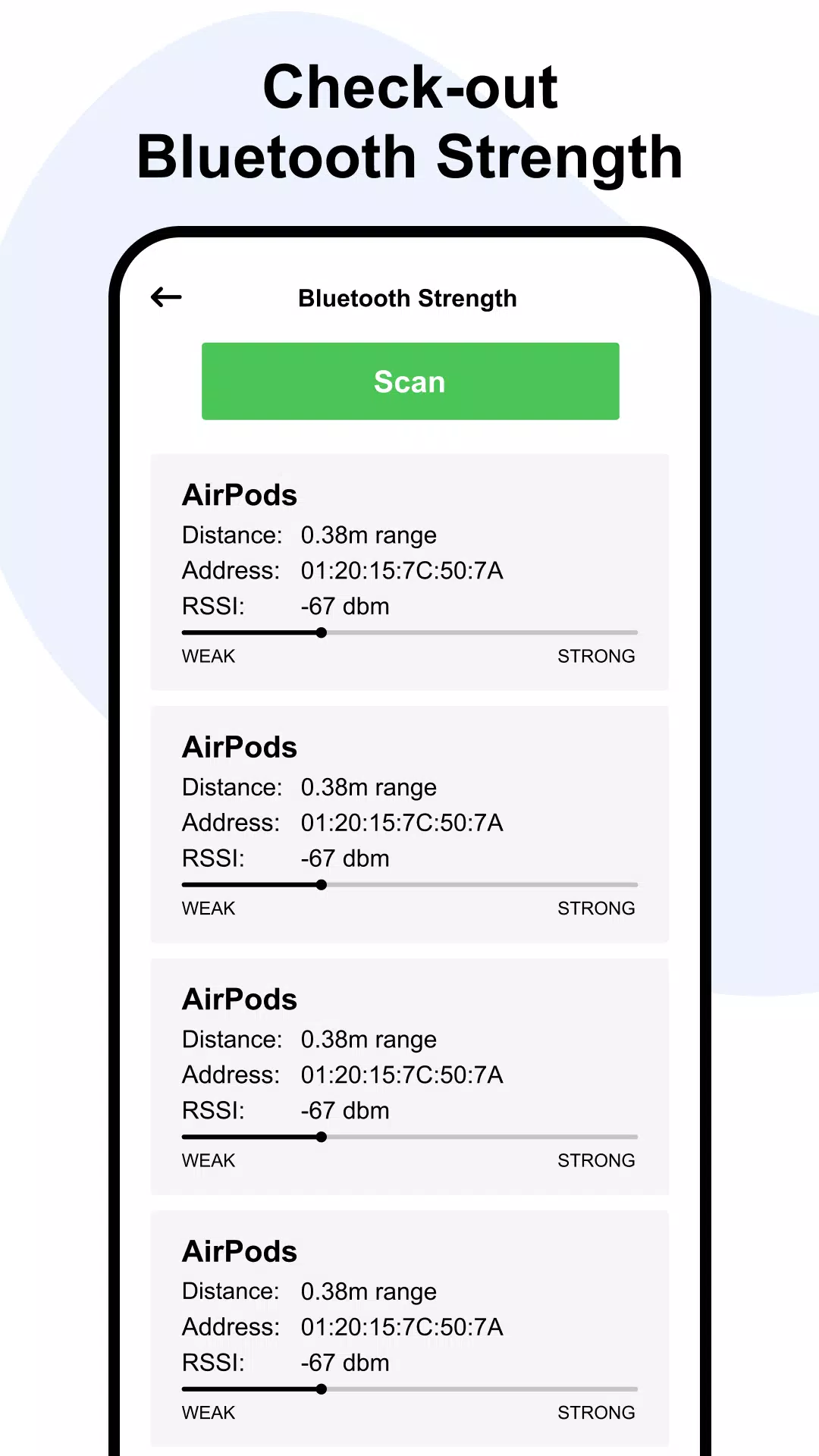
Bluetooth technology has transformed the way we connect and interact with our devices. As the market is flooded with an increasing number of Bluetooth-enabled devices, ensuring a seamless and hassle-free experience during the connection process becomes crucial. This is where auto-connect Bluetooth technology steps in.
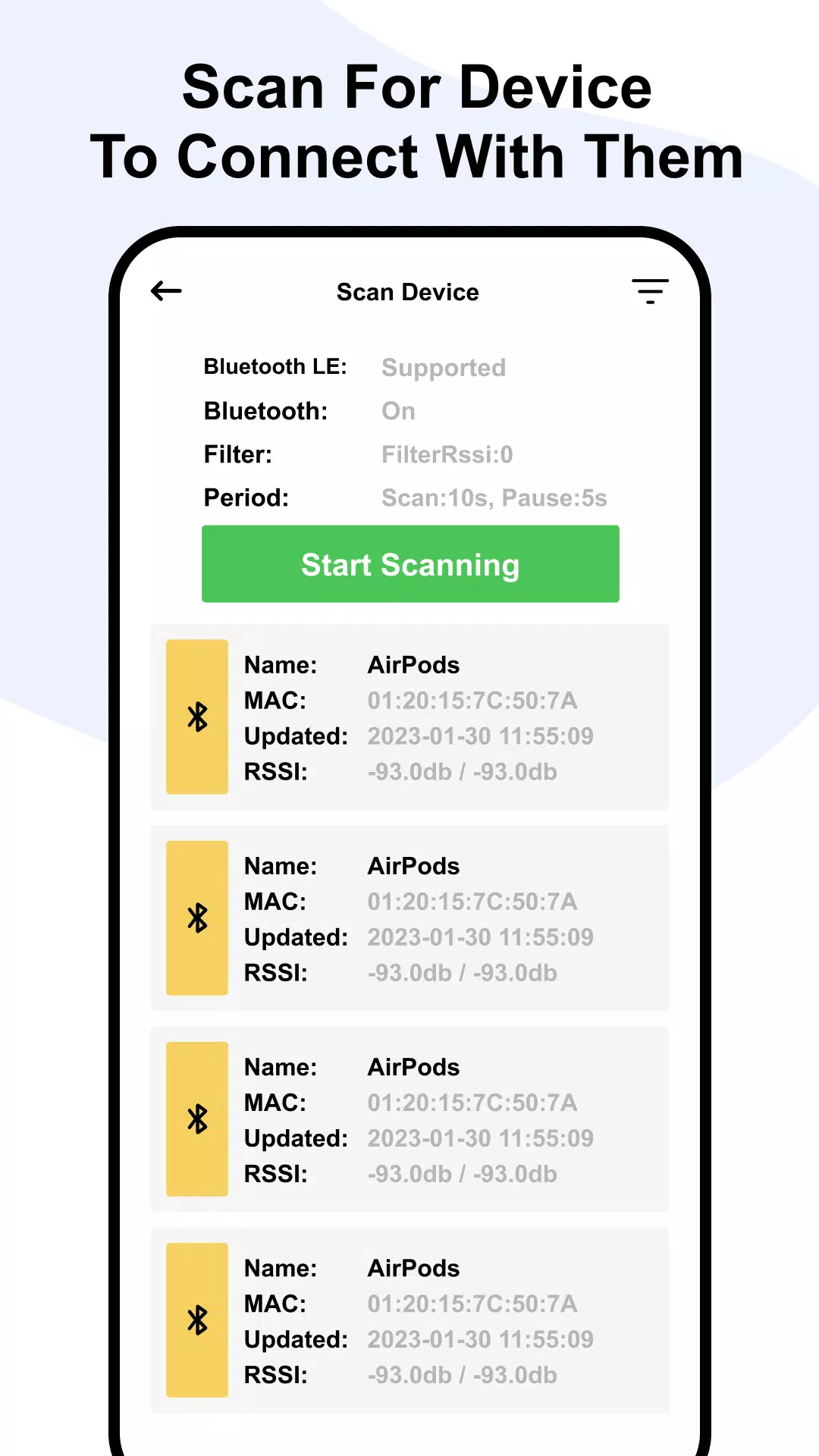
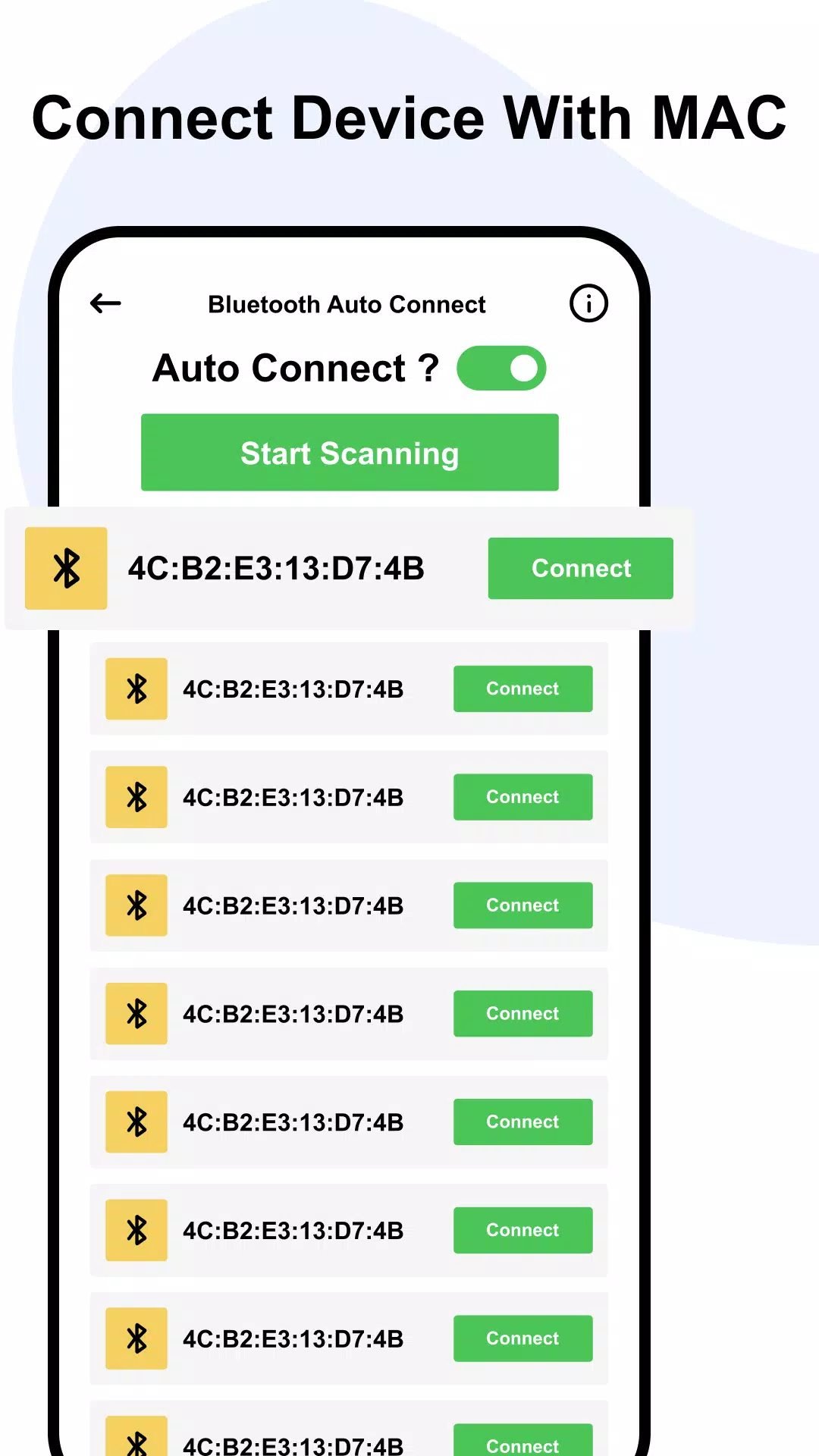
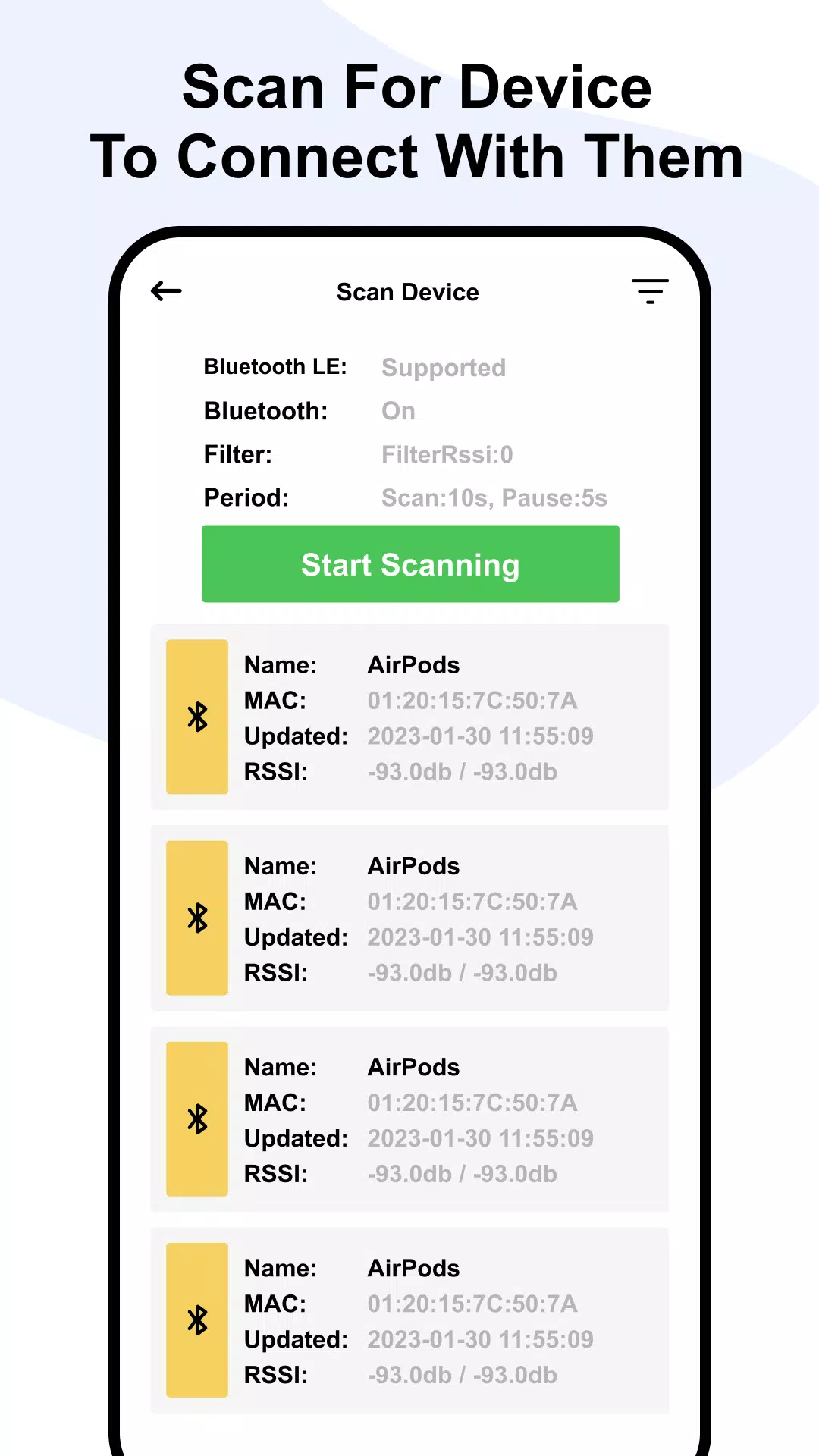
Auto-connect Bluetooth technology simplifies the connection process by enabling devices to automatically connect to each other without manual pairing. Imagine effortlessly connecting your smartphone to your car’s audio system, your wireless headphones to your tablet, or your smartwatch to your smartphone—no more fumbling through menus and settings. The process is straightforward and user-friendly.
When you initially pair a Bluetooth device with your smartphone, tablet, or computer, the device stores the unique Bluetooth address of the paired device. Once paired, the device automatically connects whenever it is within range and both devices have Bluetooth enabled. For instance, the next time you get into your car, your phone will automatically connect to the car’s audio system, allowing you to stream music, make phone calls, or access GPS navigation without any additional effort.
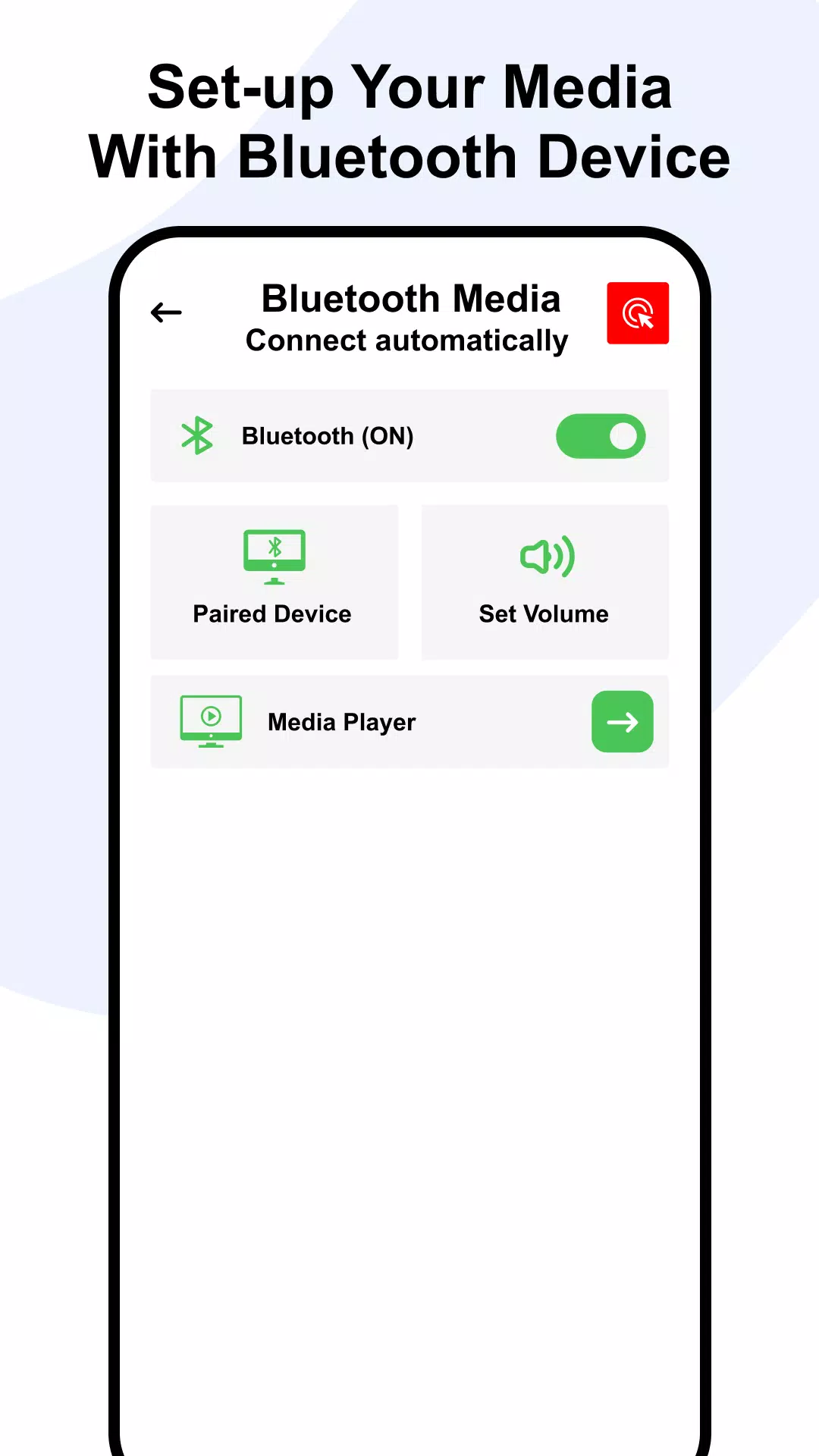
This technology is especially beneficial for individuals using multiple devices throughout the day. For example, if you use a wireless headset with your computer and also with your smartphone, switching between the two devices becomes effortless. You no longer need to manually pair and connect the headset each time you switch, saving you time and reducing frustration, so you can stay focused on your work or activities without interruptions.
Beyond the convenience, auto-connect Bluetooth technology also enhances security. Unlike traditional Bluetooth pairing, which requires a PIN or passcode, auto-connect technology uses a unique identifier to verify the connection. This makes it significantly harder for unauthorized devices to connect to your devices without your knowledge.
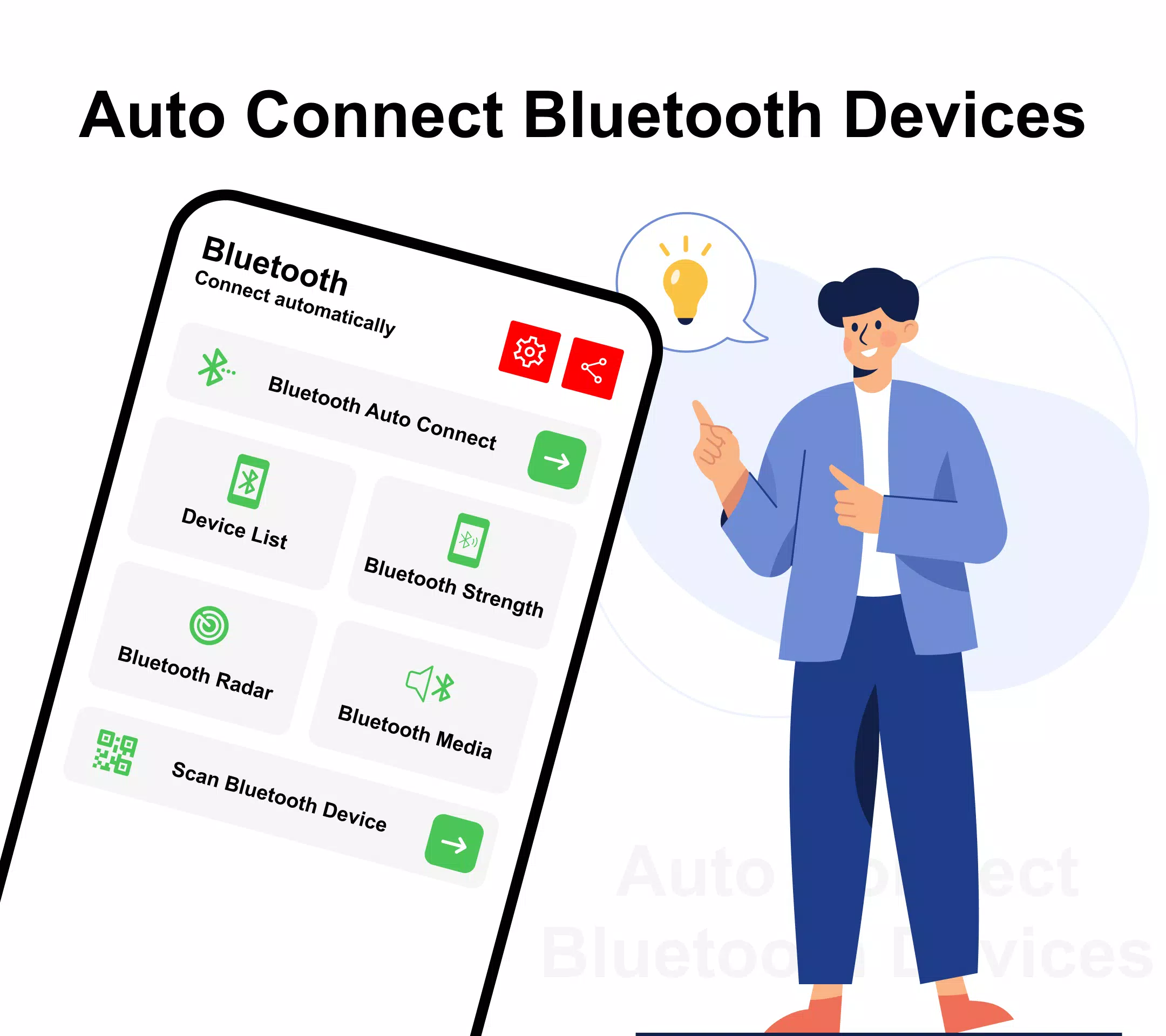
Overall, Auto Connect Bluetooth Devices offers a seamless, hassle-free way to connect your devices. Its easy pairing process, improved security, and capability to manage multiple devices make it an indispensable feature for anyone regularly using Bluetooth-enabled devices.
Capturas de tela do Auto Connect Bluetooth Devices
Versões Antigas de Auto Connect Bluetooth Devices





Recomendação do editor


Apps Semelhantes a Auto Connect Bluetooth Devices
 Bluetooth Auto Connect Devices
 Bluetooth Auto Connect Devices
 Bluetooth Auto Connect Devices
 Auto Connect Bluetooth Devices
 Bluetooth Auto-Connect Devices
 Bluetooth Auto Connect Devices
 Bluetooth Auto Connect Scanner
 Bluetooth - Auto Connect
 Bluetooth Auto Connect App
 Bluetooth Auto Connect Finder
 Bluetooth Auto Connect
 Bluetooth Auto Connect BT Pair
Apps por Game Villa
Auto Connect Bluetooth Devices FAQ
Como faço para baixar Auto Connect Bluetooth Devices do PGYER APK HUB?
O Auto Connect Bluetooth Devices no PGYER APK HUB é gratuito para baixar?
Eu preciso de uma conta para baixar Auto Connect Bluetooth Devices do PGYER APK HUB?
Como posso relatar um problema com Auto Connect Bluetooth Devices no PGYER APK HUB?
Avaliações dos Usuários
+ Avaliações
Mais popular


