

О TV Cast for Chromecast
TV Cast for Chromecast: Streamline Your Entertainment Experience
TV Cast for Chromecast is a powerful and versatile application designed to transform your viewing experience by seamlessly integrating your smartphone or tablet with your home television. Whether you're looking to share content for personal enjoyment or professional presentations, this app provides a comprehensive solution for casting and streaming media directly to your TV. Built specifically for Chromecast-enabled devices, including Chromecast, Chromecast Audio, and smart TVs equipped with Chromecast technology, TV Cast ensures compatibility across multiple platforms.
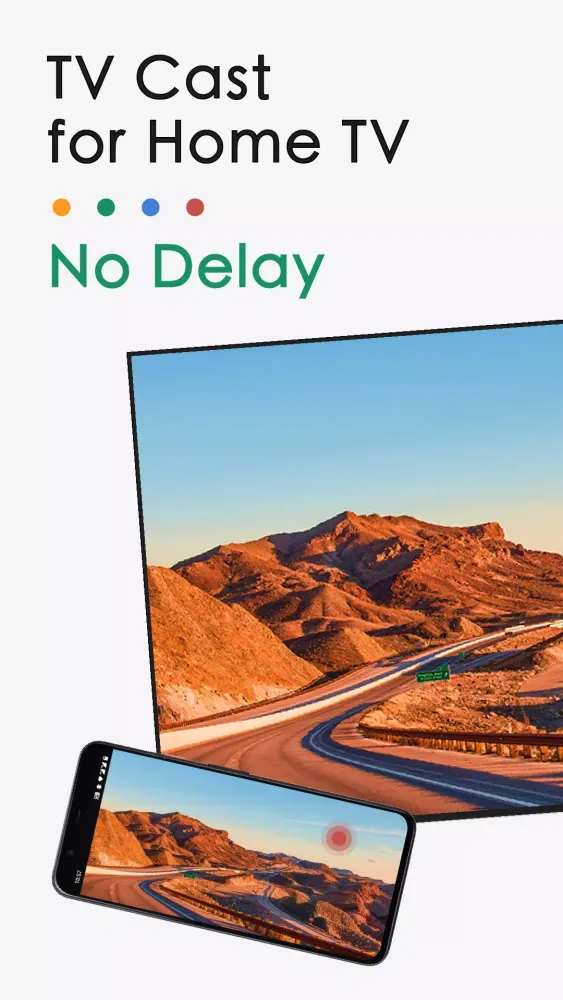
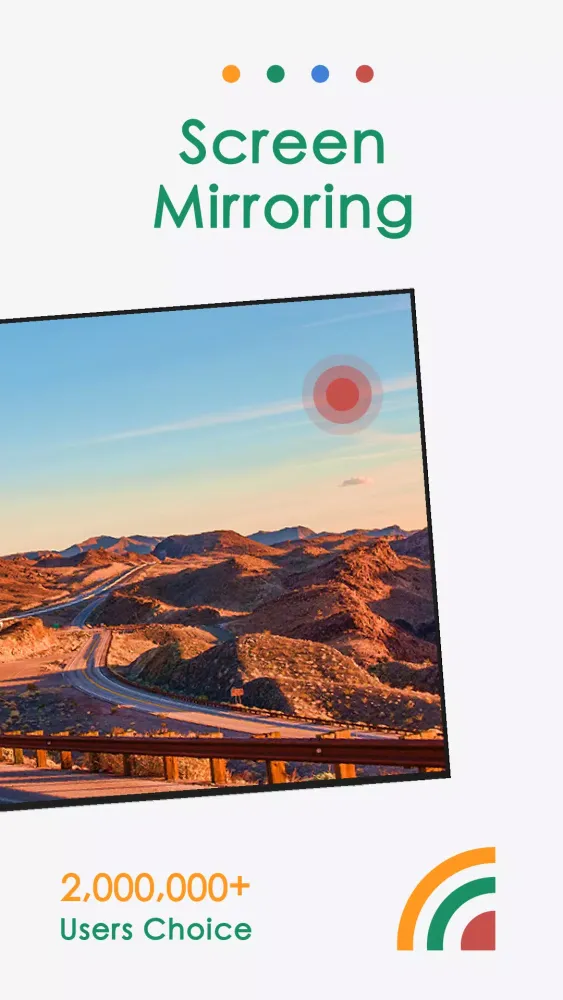
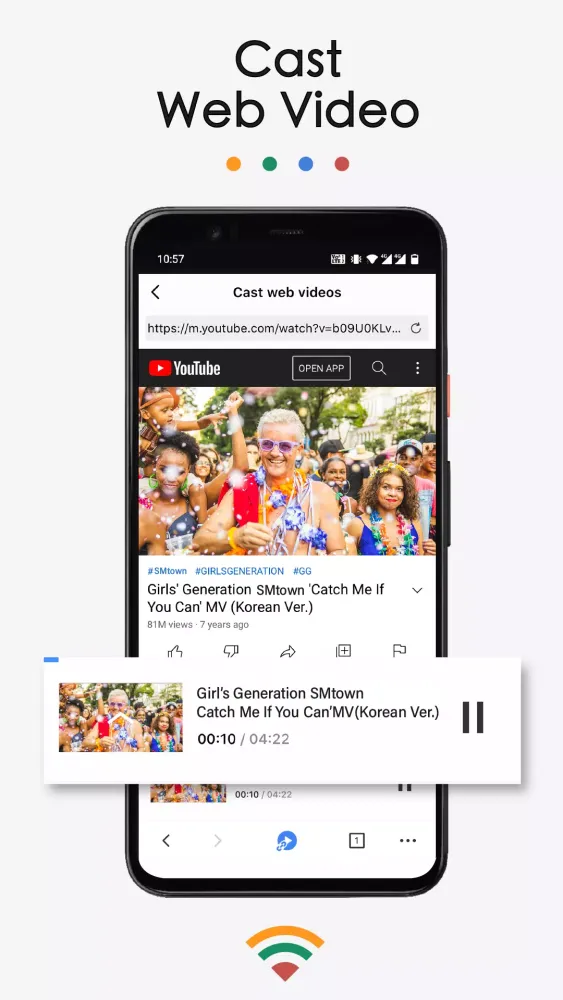
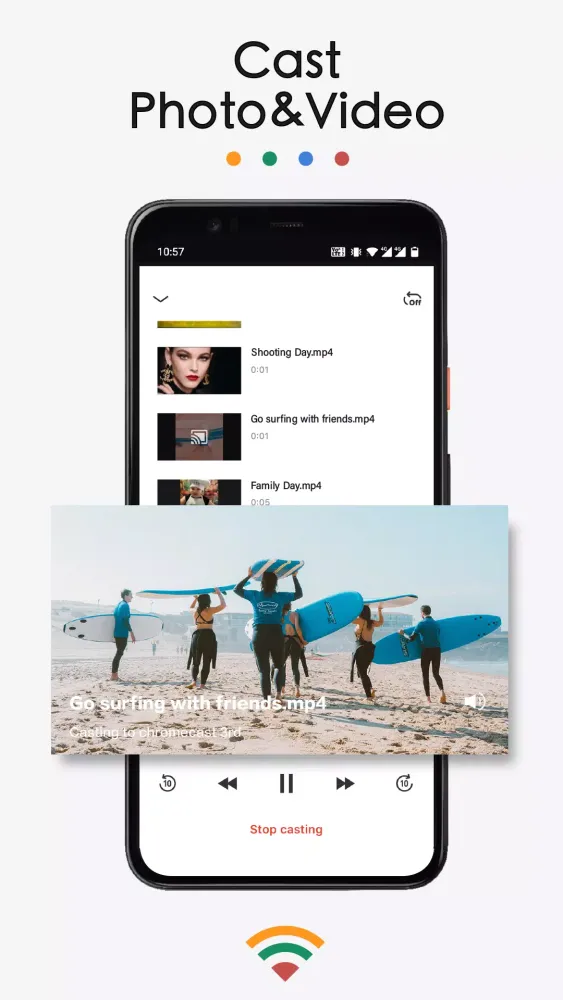
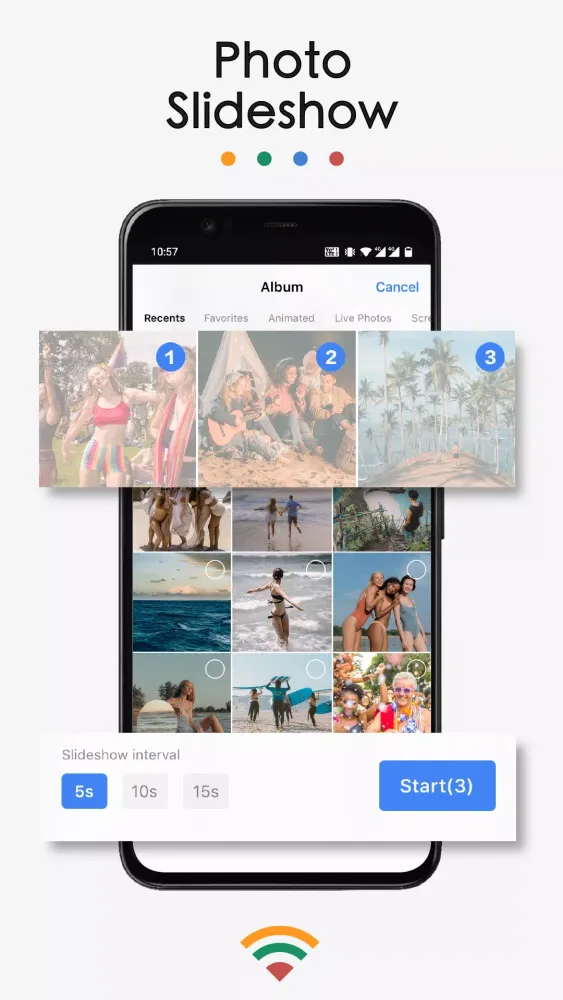
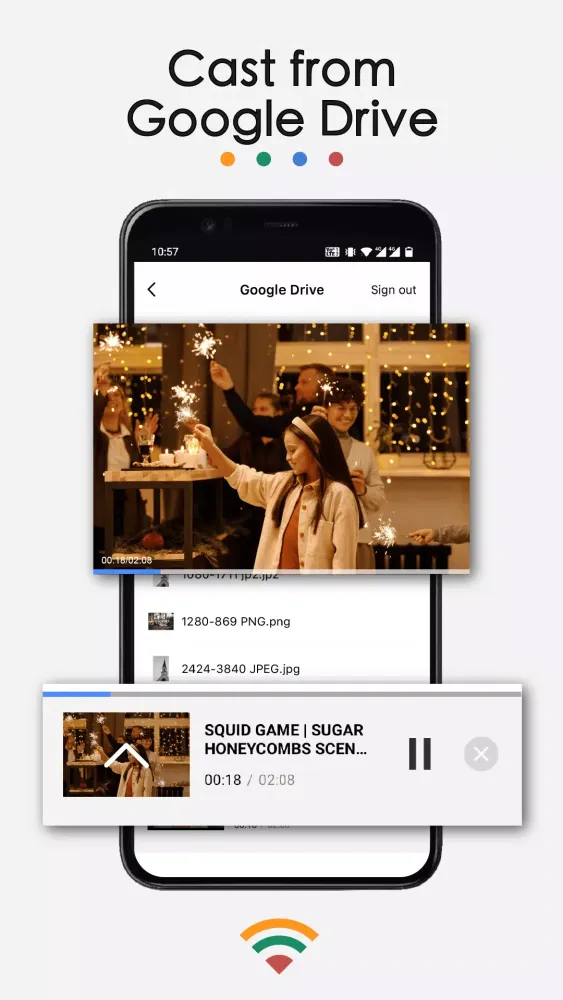
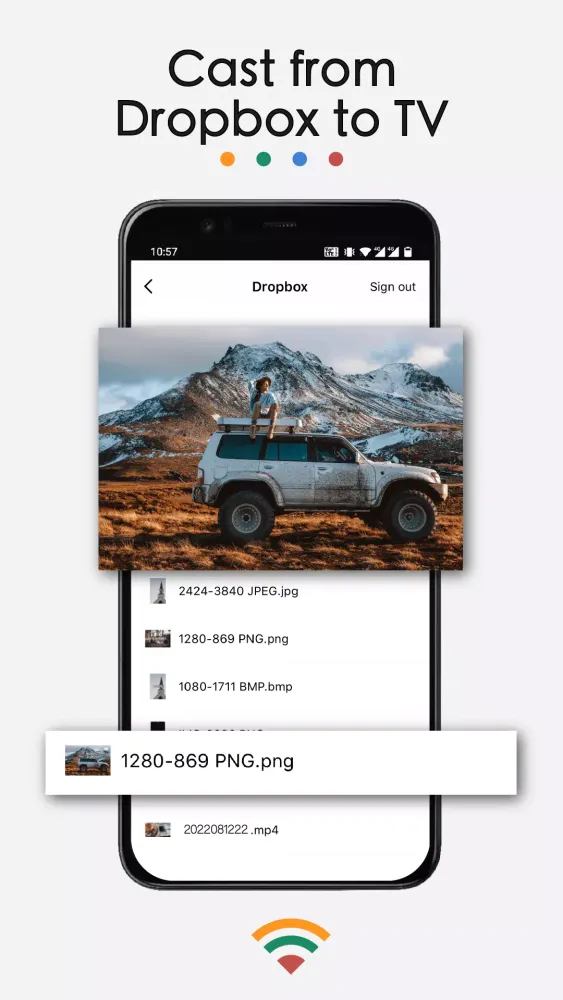
The primary function of TV Cast lies in its ability to mirror your phone screen onto your TV. This feature enables you to enjoy everything from casual gaming sessions to detailed business presentations with crystal-clear clarity. For those who prefer passive entertainment, the app also supports casting videos, photos, and even live streams directly from your device to the larger screen. Imagine watching your favorite movies, TV shows, or sports events on a massive display while enjoying enhanced audio quality—this is the promise of TV Cast. Additionally, the app facilitates easy access to your media libraries, such as Google Photos, Google Drive, and Dropbox, ensuring that no file is left behind when it comes time to share or present.
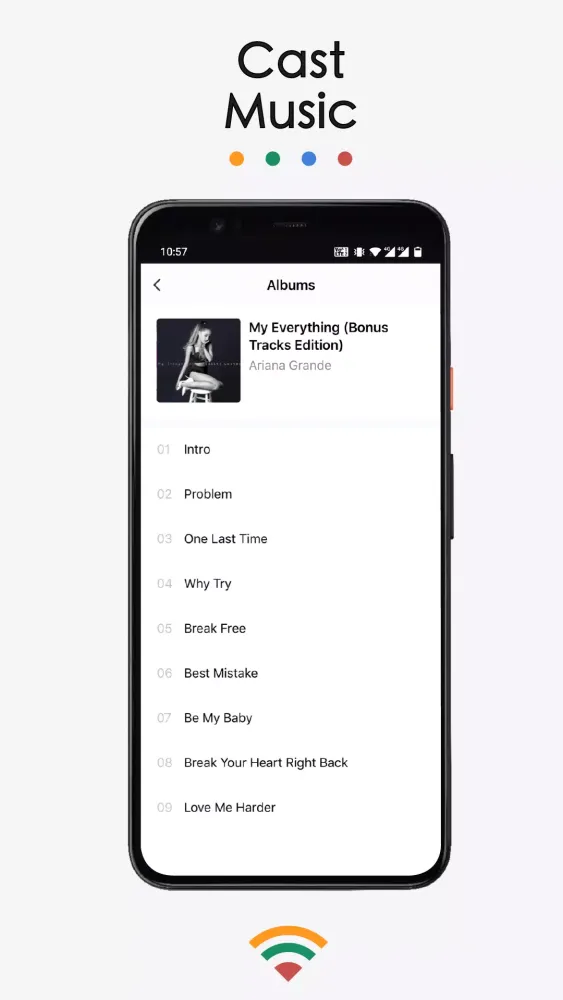
Beyond its core functionalities, TV Cast offers a suite of features tailored to meet diverse user needs. Screen mirroring ensures low-latency performance, making it ideal for real-time interactions like video calls or live demos. Casting videos and photos is equally straightforward, allowing users to browse their local storage or pull content from popular streaming services. The inclusion of music casting transforms your TV into a high-fidelity speaker system, capable of delivering immersive audio experiences. Furthermore, the app supports casting content from cloud storage solutions, providing additional flexibility for accessing and sharing media files.
To begin using TV Cast, simply follow these steps:
- Ensure both your phone and TV are connected to the same Wi-Fi network.
- Open the app and establish a connection with your Chromecast-enabled device.
- Select the "Screen Mirroring" option and initiate the mirroring process by tapping "Start Mirroring."
While setting up TV Cast, keep in mind some important considerations. Always ensure your phone and TV are on the same network before starting any video playback. Compatibility issues may arise if your router is configured with VLAN or subnet restrictions; in such cases, restarting both the router and TV often resolves the problem.
TV Cast is proudly developed by BoostVision and operates independently of Google, despite utilizing Chromecast technology. For more information about usage terms and privacy policies, visit BoostVision’s official website. Whether you’re hosting a family gathering, conducting a business meeting, or simply relaxing at home, TV Cast for Chromecast brings convenience and versatility to every aspect of digital entertainment. Embrace the future of media consumption today!
Геймплей
Скриншоты TV Cast for Chromecast
Старые версии TV Cast for Chromecast





Рекомендация редактора


Приложения, похожие на TV Cast for Chromecast
 Cast to TV, Chromecast TV Cast
 Cast for Chromecast: TV Cast
 Cast for Chromecast & TV Cast
 Cast for Chromecast & TV Cast
 TV Cast - Cast for Chromecast
 Cast to TV/Chromecast/Roku
 Cast to TV+ Chromecast Roku TV
 TV Cast for Chromecast Screen
 Cast to tv: screen mirror, Chromecast & smart tv
 Cast for Chromecast | Miracast
 Cast for Chromecast & Miracast
 Cast Phone to TV, Chromecast
Приложения от BoostVision


TV Cast for Chromecast FAQ
Как мне скачать TV Cast for Chromecast с PGYER APK HUB?
Бесплатно ли скачивать TV Cast for Chromecast на PGYER APK HUB?
Нужен ли аккаунт для скачивания TV Cast for Chromecast с PGYER APK HUB?
Как мне сообщить о проблеме с TV Cast for Chromecast на PGYER APK HUB?
Отзывы пользователей
+ Отзывы
Самые популярные


