
О My Files
Introducing My Files: Your Ultimate File Management Solution
My Files is an advanced, full-featured file explorer designed specifically for Android devices. With its sleek interface and robust functionality, it provides a seamless experience for managing all types of files, whether they're stored locally or on external drives.
Effortless File Management
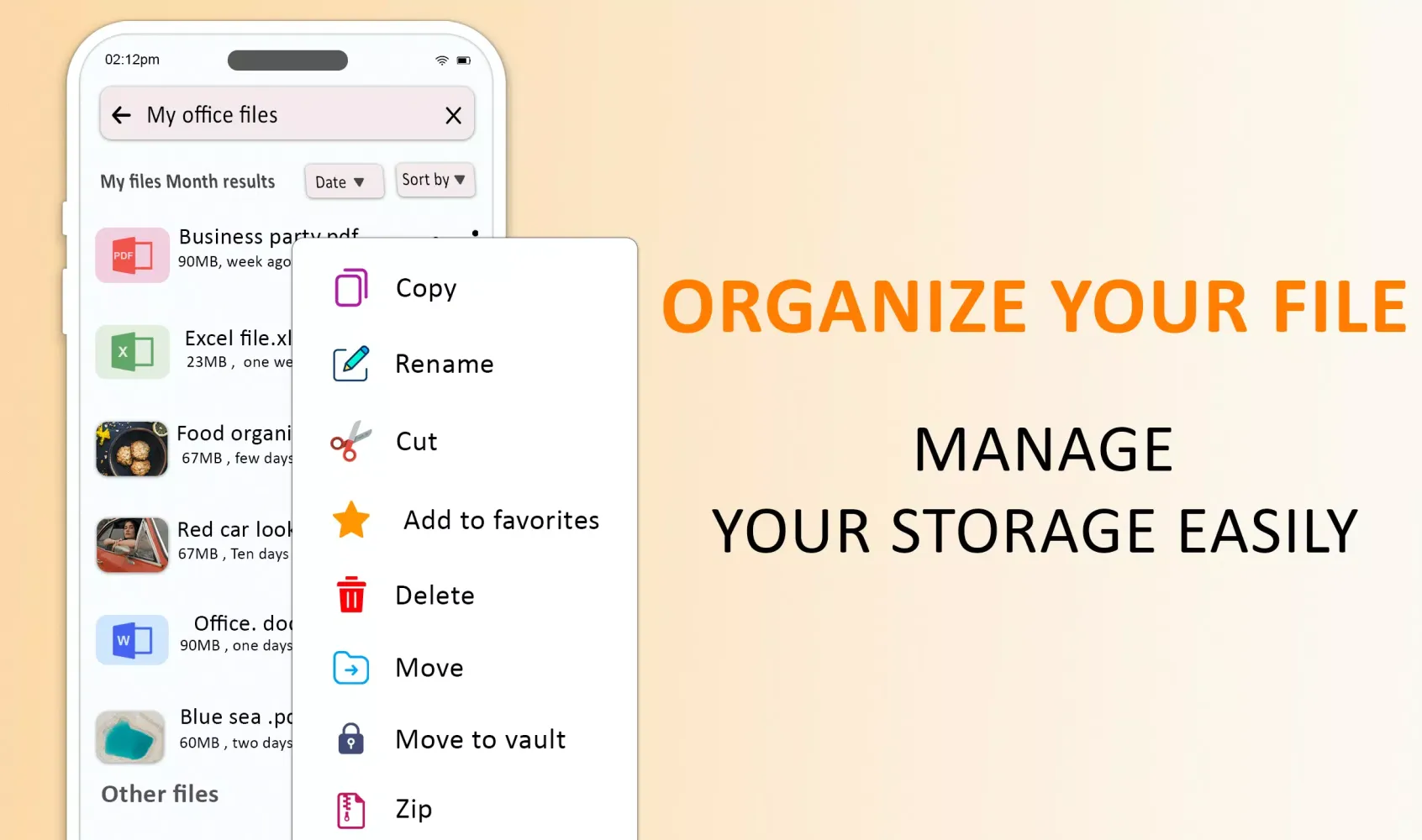
The app offers a range of intuitive tools to make file management a breeze. Whether you need to share files offline, move, cut, copy, paste, print, remove, or create shortcuts, My Files has got you covered. You can also compress and extract files, unzip archives, and even make new archives, ensuring that every aspect of file handling is within easy reach.
Robust Security Features
Security is a priority with My Files. You can lock your images, videos, music, and archives using built-in app lockers. This ensures that your personal files remain private. Additionally, you can use cool animations on files and folders, show hidden files, encrypt files for secure sharing, and hide, send, and read all documents effortlessly.
Comprehensive File Formats Support
My Files recognizes and supports a wide variety of file formats including photos, videos, music, archives, RAR, ZIP, TAR, DOC, DOCX, PDF, PPT, PPTX, PPSX, DOTX, XLSX, DOT, APK, XLS, HTML, XML, RTF, MP4, JPG, MP3, WAV, PNG, and many more. The app's built-in Documents Viewer allows you to read various document formats such as Word, PowerPoint, Excel, and others, making it a versatile tool for all your needs.
Advanced Search and Sorting Capabilities
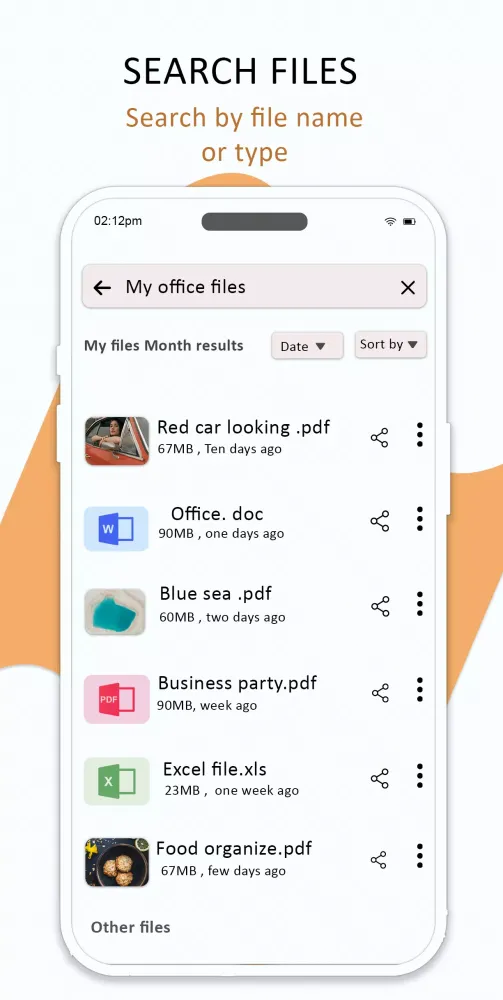
With My Files, finding your files is quick and efficient. You can browse or globally search your files, documents, images, videos, archives, and songs. Sort files by size, name, and date, and use the built-in storage analyzer to get insights into recent files, folder sizes, file types, large files, updated files, and opened documents.
Powerful Storage Management Tools
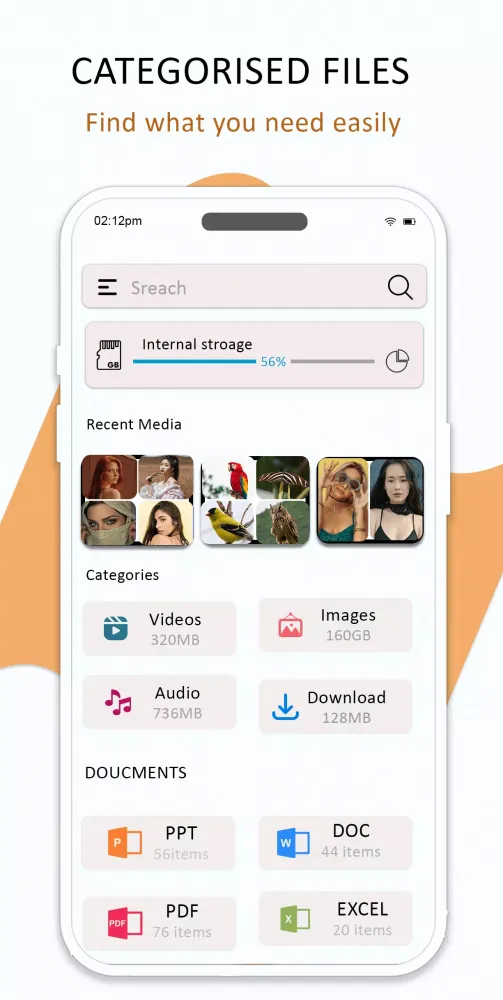
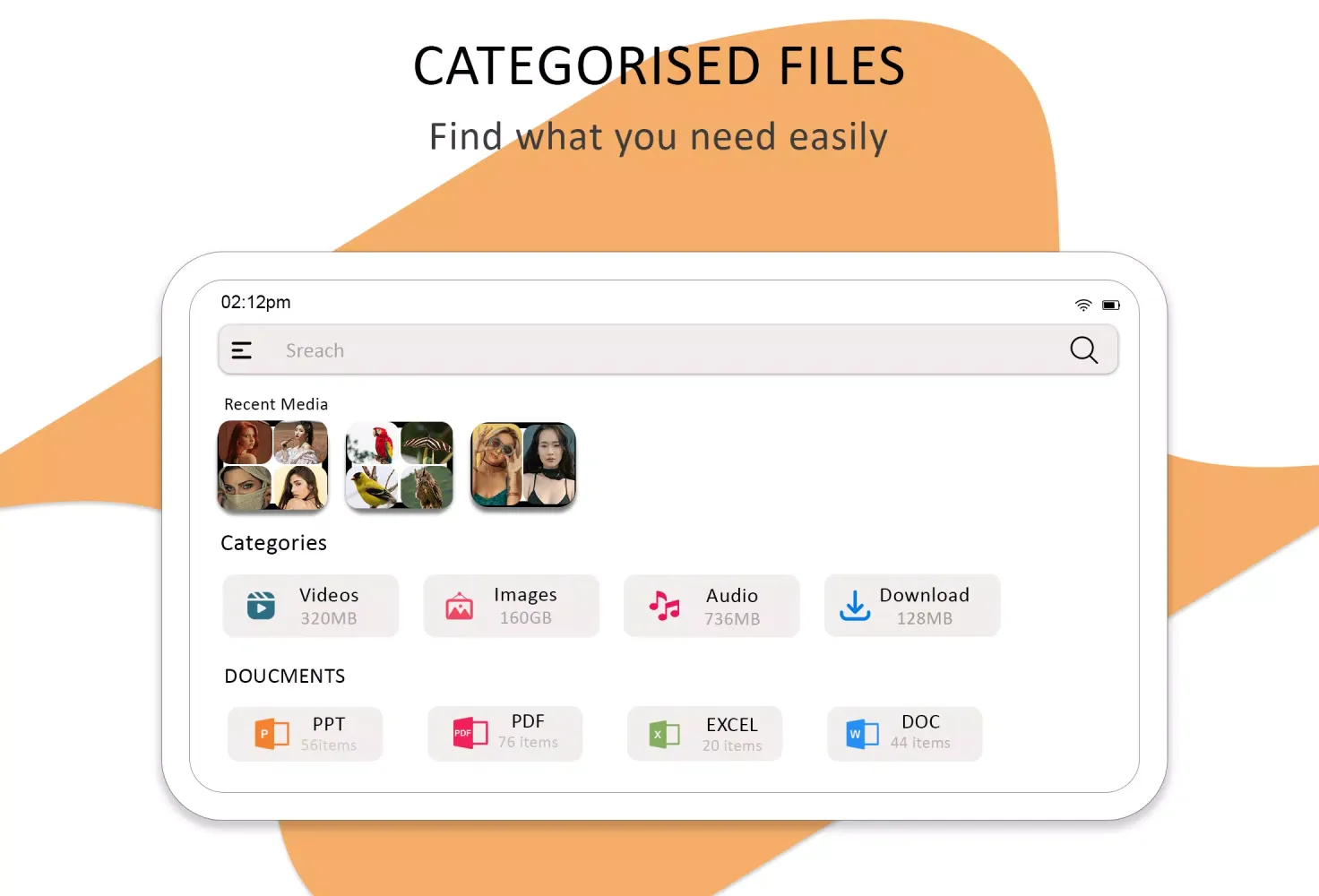
Manage your storage space effectively with My Files. The app includes a storage analysis tool that helps you visualize and manage your storage/SD card/USB space. You can sort files by categories such as photos, videos, music, documents, and rar archives, ensuring that you always have a clear overview of your storage usage.
Key Features
- Quick Scan: Check free and utilized storage space.
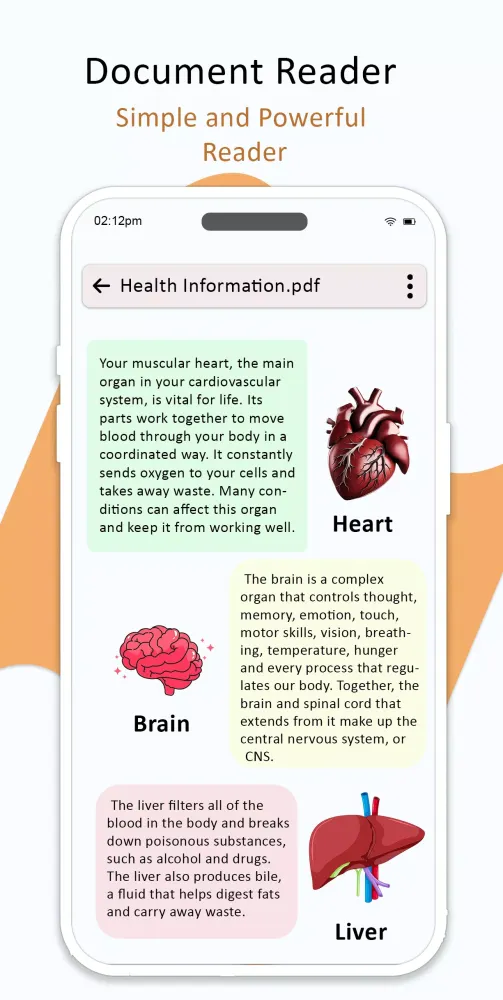
- Document Reader: Read various document formats like PDF, DOCX, PPTX, and more.
- File Protector: Encrypt and decrypt files for enhanced security.
- Disk Analysis: Analyze disk usage and compress/decompress files.
- Bookmarks & Favorites: Manage bookmarks, favorites, and recently opened files.
- Print Files: Print files directly from the app.
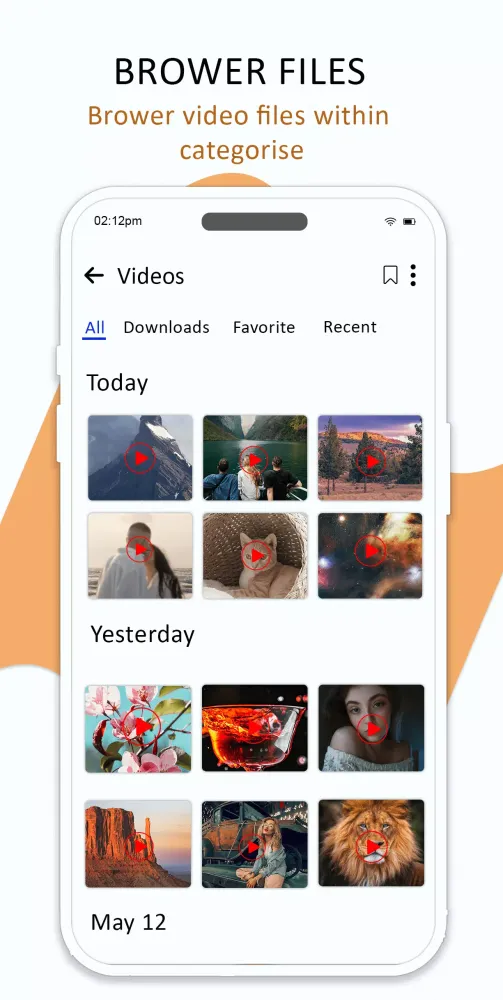
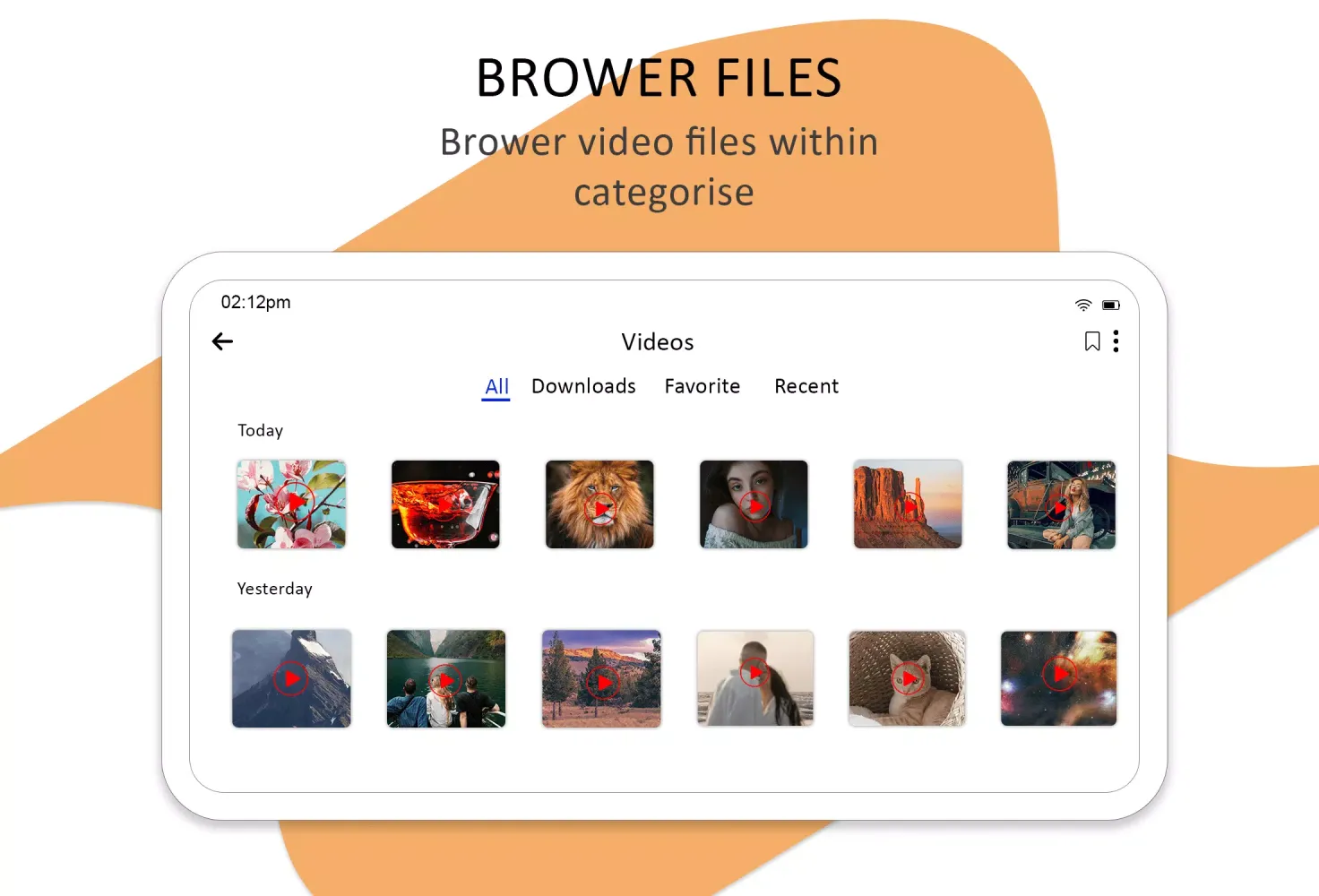
- Thumbnails: View thumbnails for images and videos.
- APK, Zip, Rar, RTF Reader: Open and manage these file types seamlessly.
- PDF Reader: Read PDFs effortlessly.
- Private Media Vault: Secure your media with PIN protection.
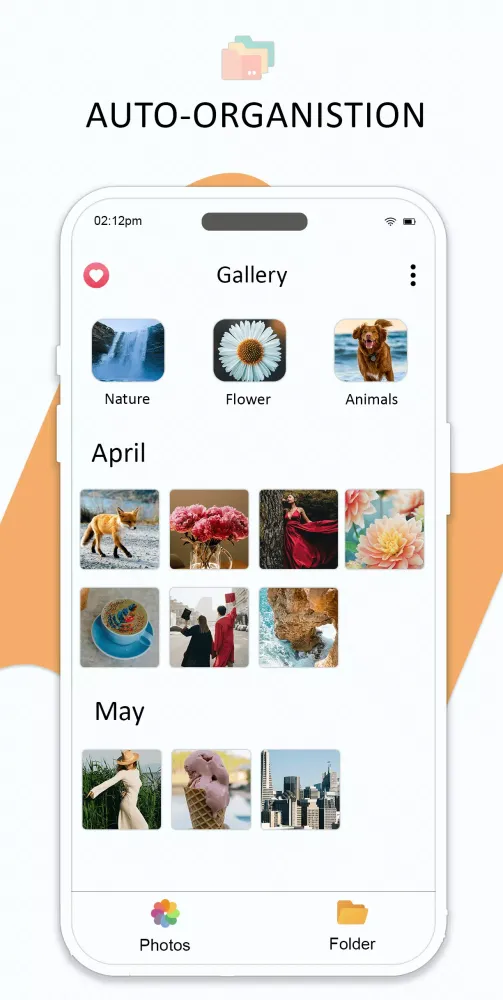
- Automatic Sorting: Keep your files and folders organized automatically.
Conclusion
My Files is not just a file explorer; it's a comprehensive solution for all your file management needs. With its robust features, intuitive design, and powerful security measures, it stands out as the perfect tool for anyone looking to efficiently manage their files on Android devices.
For any questions or suggestions, feel free to reach out to us at zipunzipextraction@gmail.com.
Геймплей
Скриншоты My Files
Старые версии My Files





Рекомендация редактора


Приложения, похожие на My Files
 Duplicate Files Remove - Delete Duplicate Files
 Files sharing - files transfer
 Easy Files Finder - Lock File Vault & Hide Files
 Acronis Cyber Files
 AI Browser: Internet & Files
 Secret Files 2: Puritas Cordis
 Restore Deleted Files Guide
 The X-Files: Deep State
 My Files
 Mystery Files
 Duplicate Files Fixer -Remover
 Paranormal Files: Trials
Приложения от Zip-Unzip & Rar-Unrar Extract Compress Tech
Отзывы пользователей
+ Отзывы
Самые популярные


