
Best Android Learning & Education Apps 2026: A Complete Solution From Language Learning to Knowledge Management


In the age of information overload, continuous learning has become a necessity for everyone. And as the most portable learning device, the value of a phone goes far beyond watching videos and socializing. The Android learning app ecosystem in 2026 is quite mature, covering language learning, reading, courses, memory, knowledge management, and more. This article handpicks 6 proven learning apps to help you build a complete mobile learning system, turning fragmented time into genuine growth time.

1. Language Learning: Duolingo
Duolingo is the world's most popular language learning app, supporting over 40 languages. Its success lies in perfectly combining gamification mechanics with scientific learning methods, making language learning as addictive as playing a game.
Key Features
- Gamified Learning: Each lesson takes 5-10 minutes, earning XP and gems upon completion, with streak rewards for consecutive learning
- AI Adaptation: Dynamically adjusts difficulty and review frequency based on your answering patterns
- All Four Skills Covered: Each unit includes listening, speaking, reading, and writing exercises
- Leaderboards & Leagues: Compete with global learners to increase motivation
- Story Mode: Improve reading comprehension and listening through interactive stories
Duolingo's free version includes all courses. The Super version (around $68/month) removes ads and provides unlimited hearts and offline downloads. For language beginners, Duolingo is the best entry tool; but if the goal is to reach a professional level, it needs to be combined with other resources.
2. Spaced Repetition: AnkiDroid
Anki is a flashcard app based on the spaced repetition algorithm (SM-2), revered by medical students, language learners, and exam candidates. AnkiDroid is the official Android client, with complete functionality and completely free.
Why Spaced Repetition Works
The spaced repetition algorithm intelligently schedules the next review time based on how well you know each card (Forgotten/Hard/Good/Easy). Content you've already remembered gets longer review intervals, while content you easily forget appears more frequently — achieving the strongest memory with the least time.
Core Features
- Custom Cards: Support text, images, audio, LaTeX formulas
- Card Templates: Front question, back answer, with customizable fields and styles
- Deck Management: Organize by subject/topic, support sub-decks
- Sync Functionality: Sync with AnkiWeb cloud for seamless multi-device use
- Statistics Panel: Detailed learning data and memory curve charts
AnkiDroid is completely free and open source, with no in-app purchases. It has a slightly steep learning curve and requires time to understand card creation and algorithm settings, but once you build your own card library, memory efficiency far exceeds traditional rote memorization.
3. Deep Reading: Moon+ Reader
Moon+ Reader is the most powerful e-book reader on Android, supporting almost all e-book formats with a high degree of customization. For users who enjoy deep reading, it's the best alternative to Kindle.
Supported Formats
EPUB, PDF, MOBI, AZW3, FB2, TXT, CHM, CBZ, CBR, and almost all mainstream formats.
Core Features
- Typography Customization: Font, font size, line spacing, paragraph spacing, margins all adjustable
- Reading Themes: Built-in multiple color schemes, support custom themes, excellent eye-care mode
- Gesture Operations: Tap to turn pages, swipe to adjust brightness, long-press to select text, smooth operation
- Highlights & Notes: Highlight text, add annotations, export highlights as text/HTML
- Bookshelf Management: Sort by author, category, reading progress, support tags
- Online Library: Integrated multiple free e-book sources, search and download directly
Moon+ Reader's free version has ads, and the Pro version (around $35 one-time) removes ads and unlocks more features. For heavy readers who read more than 1 hour daily, the Pro version is well worth it.
4. Online Courses: NetEase Open Course
NetEase Open Course brings together open courses from top universities worldwide and TED talks, making it one of the best platforms for free access to high-quality educational resources.
Content Resources
- International University Courses: Open courses from Harvard, Yale, Stanford, MIT and other top universities, with Chinese subtitles
- TED Talks: All TED talk videos with Chinese-English bilingual subtitle support
- Domestic University Courses: Courses from Peking University, Tsinghua University, Fudan University and other domestic top universities
- Khan Academy: Systematic courses in mathematics, physics, chemistry and other basic subjects
- Skill Enhancement: Programming, design, business and other practical skill courses
Learning Features
- Offline Download: Course videos can be downloaded for offline viewing
- Playback Speed: 0.5x-2.0x speed playback for efficient learning
- Subtitle Control: Switch between Chinese/English/bilingual/no subtitles
- Learning Records: Automatically track viewing progress, support cross-device sync
NetEase Open Course is completely free, an excellent resource library for improving general knowledge and professional expertise. It's recommended to配合 Anki to create course note cards, achieving a complete learning loop of "input-memory-output."
5. Knowledge Management: Notion
Notion is an all-in-one knowledge management tool that integrates notes, databases, kanban boards, calendars, and documents. The 2026 Android version is quite smooth, supporting offline editing and real-time sync.
Core Capabilities
- Modular Editing: Pages consist of Blocks, supporting over 30 module types including text, images, tables, code, embeds
- Databases: Five views — table, kanban, calendar, gallery, list — for building personal knowledge bases
- Bi-directional Links: Pages can reference each other, automatically generating related pages
- Template Market:大量 user-shared templates covering reading notes, project management, habit tracking, and more
- AI Assistant: Built-in Notion AI for summarizing, translating, and expanding content (paid feature)
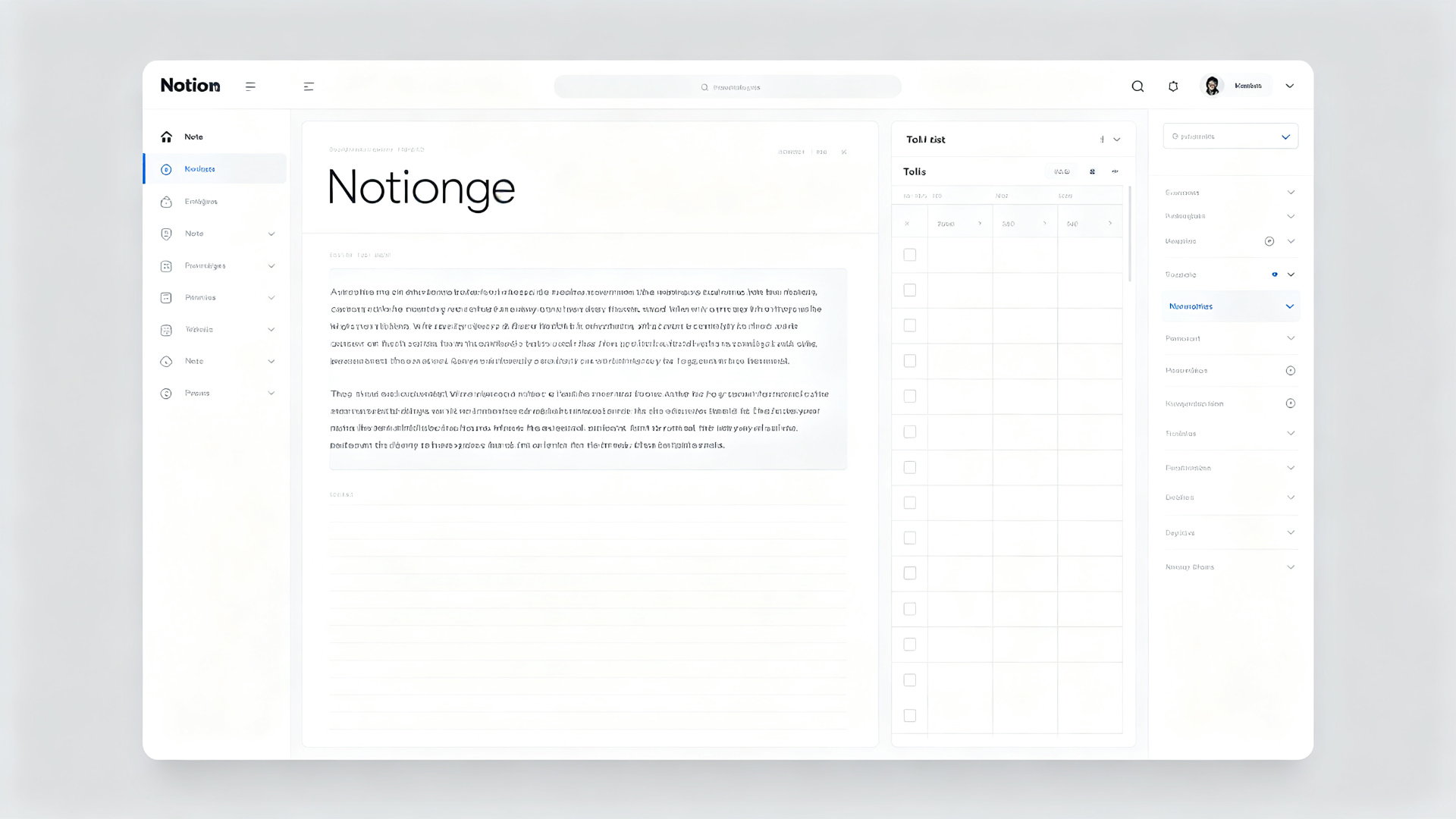
Notion's free version supports unlimited pages and 5 guests; the Plus version (around $72/month) unlocks unlimited file uploads and AI features. For users who need to systematically manage learning notes, project materials, and personal knowledge, Notion is currently the best choice.
6. Focused Learning: Forest
(Note: Forest was introduced in the productivity article; here we focus on its usage in learning scenarios.)
In learning scenarios, the correct way to use Forest is:
- Set a 25-50 minute focus session before studying
- Place the phone face down on the desk, start planting a tree
- Check statistics after studying to understand your effective study duration
- Set daily focus time as a goal and gradually increase it
Combined with Anki's review reminders and Notion's study plan, you can form a complete learning management system.
7. Building Your Mobile Learning System
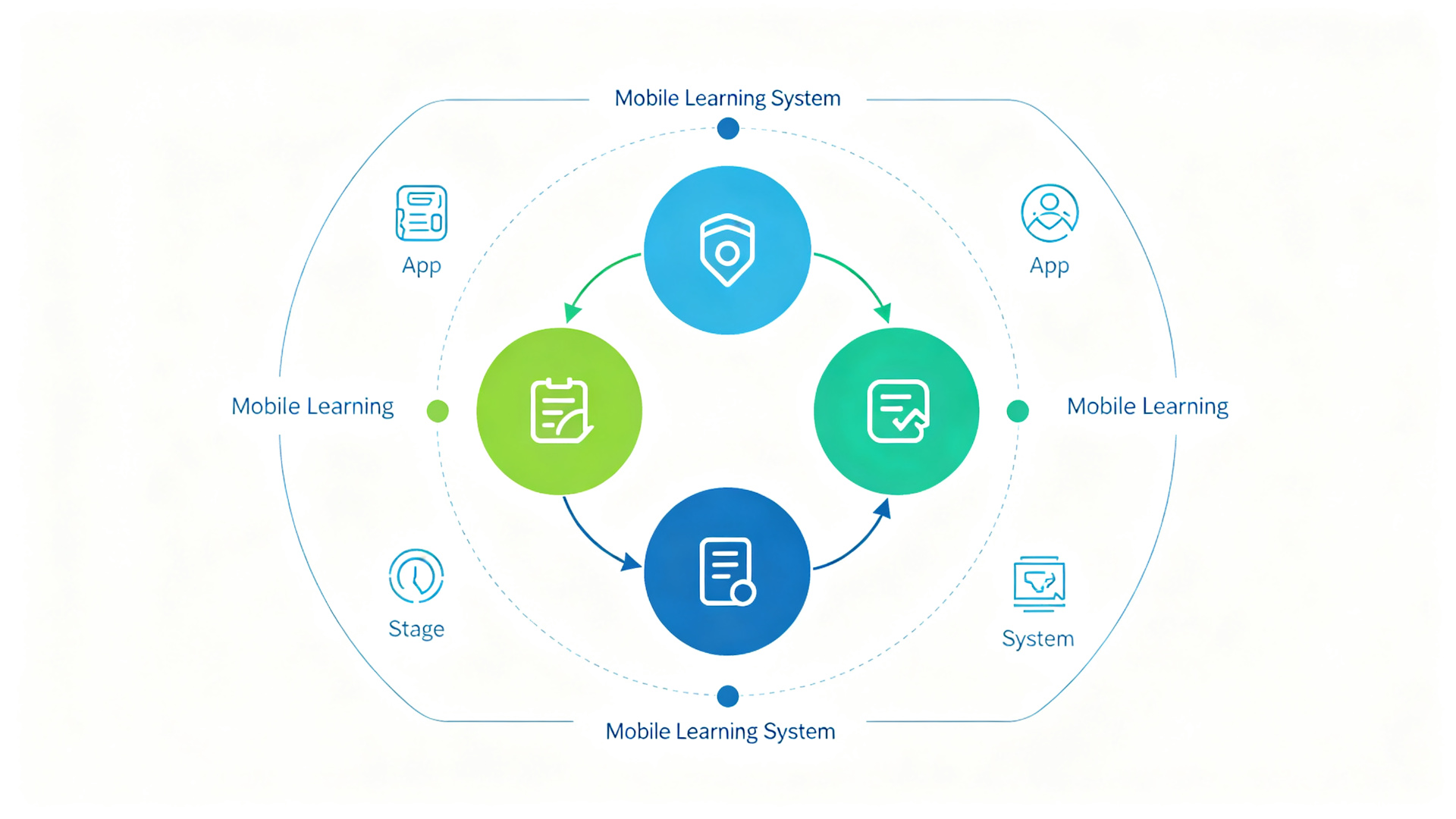
Combining the above apps, you can build a complete mobile learning system:
| Learning Stage | Recommended App | Role |
|---|---|---|
| Knowledge Input | NetEase Open Course + Moon+ Reader | Watch courses, read books |
| Memory Consolidation | AnkiDroid | Spaced repetition for strong memory |
| Knowledge Management | Notion | Organize notes, build knowledge base |
| Language Learning | Duolingo | Daily language practice |
| Focus Execution | Forest | Maintain focus, track duration |
Example Daily Learning Flow
- Morning (15 min): Complete language learning with Duolingo, maintain streak
- Commute (30 min): Read e-books with Moon+ Reader, or listen to courses with NetEase Open Course
- Lunch Break (25 min): Use Forest to focus, organize morning study notes in Notion
- Evening (30 min): Review flashcards created today with AnkiDroid
- Weekend (2 hours): Systematically study an online course, create Anki cards and Notion notes
Conclusion
Learning apps are just tools — what truly determines your growth rate is consistent action. It's recommended to start with one app (AnkiDroid or Duolingo are recommended), build the habit of using it, and then gradually expand to a complete learning system. Remember, improving by 1% every day means you'll grow 37 times in a year.


.webp?x-oss-process=image/resize,w_80/format,webp)