
Trainz Simulator 3 Review: Mobile Railroading Between Simple Assists and Realistic Cabs



Trainz Simulator 3 is N3V’s mobile train driving product aimed at fans who want locomotives, rolling stock, and multi-region routes on a phone or tablet. The store pitch highlights next-generation graphics for the series, steam, electric, and diesel traction, and travel across locations such as the Rocky Mountains, the UK, the USA, and Outback Australia. You can drive in simple or realistic modes, complete tutorials, haul varied stock, and issue driver commands across a railroad operation. In-app purchases expand the experience with DLC; ads were not flagged on the scrape used for this review. Confirm price, packs, and storage needs on the current Google Play listing.
This Trainz Simulator 3 review focuses on the drive loop, when to use simple versus realistic controls, and how to treat DLC as optional depth rather than a requirement for a first good session.
The Core Loop: Cab Setup, Throttle, Brake, Arrive
A session begins by choosing a route context and a locomotive. Tutorials teach gauges, traction types, and stopping discipline before long hauls. In active play you manage speed against grades, signals, and the weight of the train. Braking is not an arcade snap-stop: long consists need planning. Arrival is success when the train is under control, on the correct path, and ready for the next operational task.
The loop in practical terms:
- learn cab controls and the meaning of key gauges
- build speed gradually with the selected traction type
- watch signals, curves, and grades ahead of the nose
- plan braking distances early rather than late
- complete the session objective, then reset or continue railroad operations
Driver commands let you influence other trains so the railroad feels busier than a single AI ghost. That systems layer is part of the Trainz identity: you are not only a camera on rails; you are participating in a small operating environment.
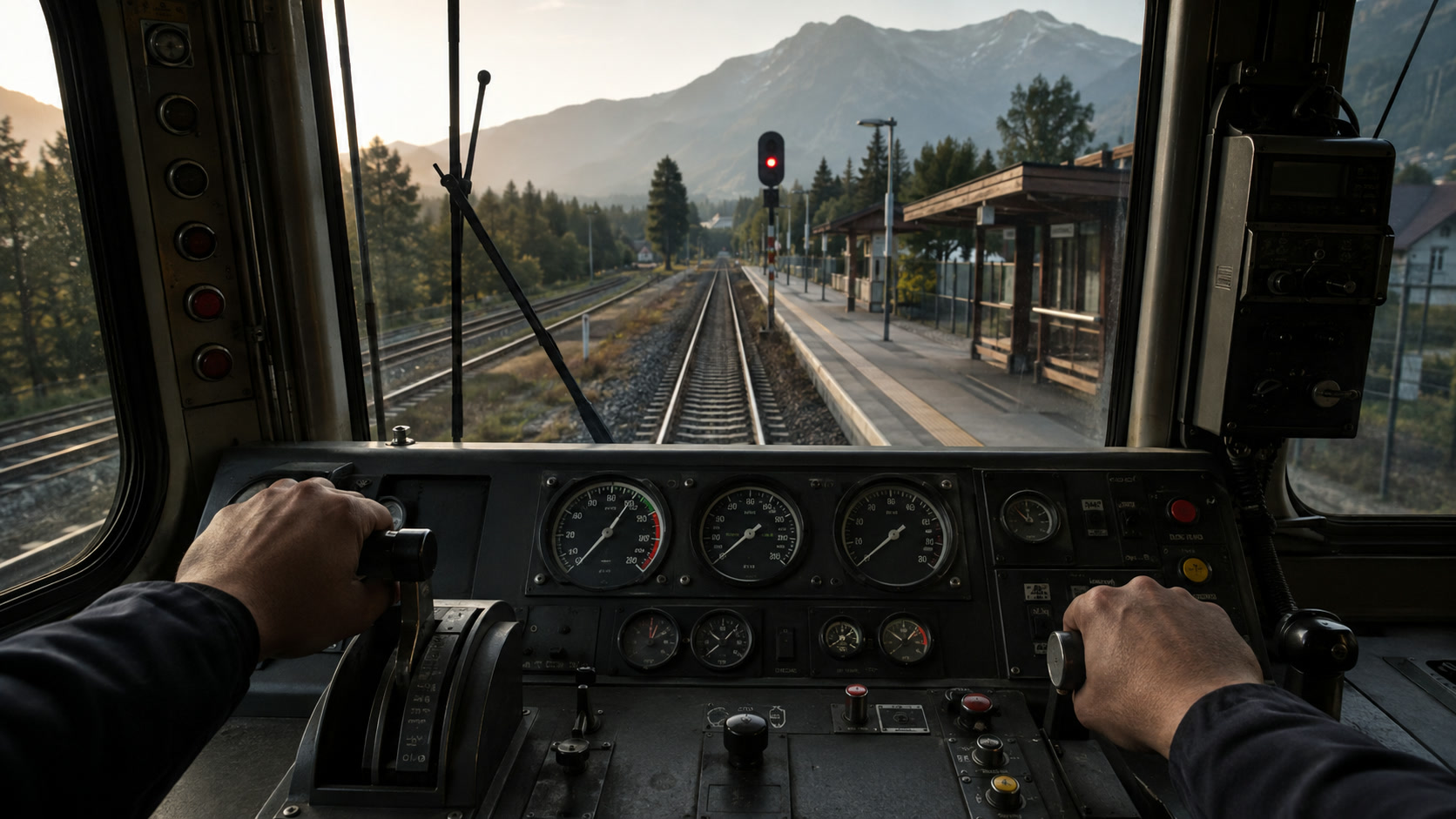
Editorial illustration: safe railroading is throttle discipline, early braking, and reading the route ahead.
Simple Mode Versus Realistic Mode
Simple mode exists so new drivers can learn routes and basic train handling without drowning in systems. Realistic mode deepens cab management for players who want closer fidelity. Neither mode is “fake Trainz”; they are different teaching and mastery layers.
A useful strategy:
- finish the tutorial set before free-driving long consists
- use simple mode to map a route’s grades and station approaches
- switch a familiar route to realistic mode once you know where to slow
- match locomotive type and rolling stock to the haul rather than always picking the flashiest engine
If controls feel crowded on a small phone, prefer landscape, larger hit targets if available, and shorter sessions until muscle memory forms. Tablets and controllers (where supported by your device and the current build) can reduce mis-taps on dense cab UI.
Editorial illustration: learn the line with assists, then deepen systems only when the route is familiar.
Included Content and Expansion Reality
The store lists a substantial base package: four highly detailed locations, twelve gameplay sessions, nine tutorial sessions, fourteen locomotives, and more than fifty types of rolling stock. That is enough for many players to evaluate whether train simulation on mobile fits their taste.
Important product limits are stated clearly: Trainz Simulator 3 does not currently include world-building tools and does not allow importing third-party content. Players who know desktop Trainz as a creation platform should adjust expectations. Mobile TS3 is primarily a driving and operation product, not a full route-building studio.
DLC expands routes, stock, or sessions. Read each pack description for what it actually adds—new lines, locomotives, or scenarios—before purchasing. In-app purchases are optional expansions, not a hidden energy gate for the base tutorials, but costs can add up if you chase every region.
Editorial illustration: sample included regions first, then buy packs only for lines you will actually drive.
A Smart First Session
- Complete several tutorial sessions until braking distances feel intuitive.
- Drive one short included session in simple mode end to end.
- Repeat the same session focusing only on smoother speed control.
- Try a different traction type (steam, diesel, or electric) on a familiar objective.
- Only then sample a longer regional haul or open DLC storefront pages.
This sequence prevents the common new-sim mistake: buying content before confirming that mobile cab controls and session length match your daily play windows. Train sims reward unhurried attention. If you only have three-minute breaks, a dense realistic cab may frustrate more than it satisfies.
Who Should Play Trainz Simulator 3?
Trainz Simulator 3 fits railfans, simulation hobbyists, and players who enjoy methodical vehicle control more than arcade racing. It suits longer evening sessions where route memory and smooth stops are the entertainment. Parents of train-obsessed kids may appreciate the theme, but should supervise purchases and confirm whether the interface complexity matches the child’s age.
It is a weaker fit for players seeking creation tools, community route import, or fast competitive multiplayer racing. If your interest is primarily building layouts, look to platforms that still advertise editor tools rather than assuming TS3 mobile includes them.
Strengths and Weaknesses
Strengths
- Clear simple and realistic driving modes
- Multiple regions and a sizable base loco/stock list
- Tutorials and operational commands support railroad fantasy
- Ads not flagged on scrape; expansion is pack-based IAP
- Honest store note about missing world-building and third-party import
Weaknesses
- Dense controls can be fiddly on small screens
- No world building or third-party content import on mobile TS3
- DLC spending can climb if every region is tempting
- Session length may exceed casual mobile attention spans
- Graphics and fidelity still trade off against device heat and storage
Editorial illustration: plan storage, optional packs, input comfort, and longer drive windows before install.
Final Verdict
Trainz Simulator 3 is a serious mobile rail product when you accept its scope: drive and operate, do not expect a full creation suite. The included tutorials, dual control philosophies, and multi-region base content give a fair trial of whether cab time on a phone is for you. Use simple mode as a teacher, realistic mode as a mastery layer, and DLC only for routes you already know you will repeat.
If you want the fantasy of climbing grades, managing weight, and arriving cleanly without arcade boost pads, Trainz Simulator 3 remains a coherent N3V-style answer on Android—provided you budget storage, attention, and optional pack costs deliberately.


.webp?x-oss-process=image/resize,w_80/format,webp)