
Top 5 Android Productivity Apps 2026: Turn Your Phone Into a Powerhouse

In an era where mobile work has become the norm, choosing the right productivity apps can transform your Android phone from an entertainment device into a powerful productivity tool. The Android ecosystem in 2026 is flooded with productivity apps, but only a few truly deliver stability, usability, and cross-platform synergy. This article handpicks five productivity apps that have been tested in real-world scenarios, covering task management, note-taking, calendar scheduling, file management, and focus timing — helping you build your own mobile workflow.
1. Task Management: TickTick
TickTick is a cross-platform to-do list app that shines particularly on Android. Its core advantage lies in integrating task management, calendar view, Pomodoro timer, and habit tracking into a single app — no need to switch between multiple tools.
Key Features
- Smart Date Parsing: Type "meeting tomorrow at 3pm" and it automatically recognizes the time and creates a reminder
- Four-Quadrant View: Categorize tasks by importance and urgency
- Built-in Pomodoro: Start a 25-minute focus timer directly from any task, with automatic logging when finished
- Lists and Tags: Support multi-level folders, tags, and priority filtering
- Team Collaboration: Share lists and assign tasks to team members
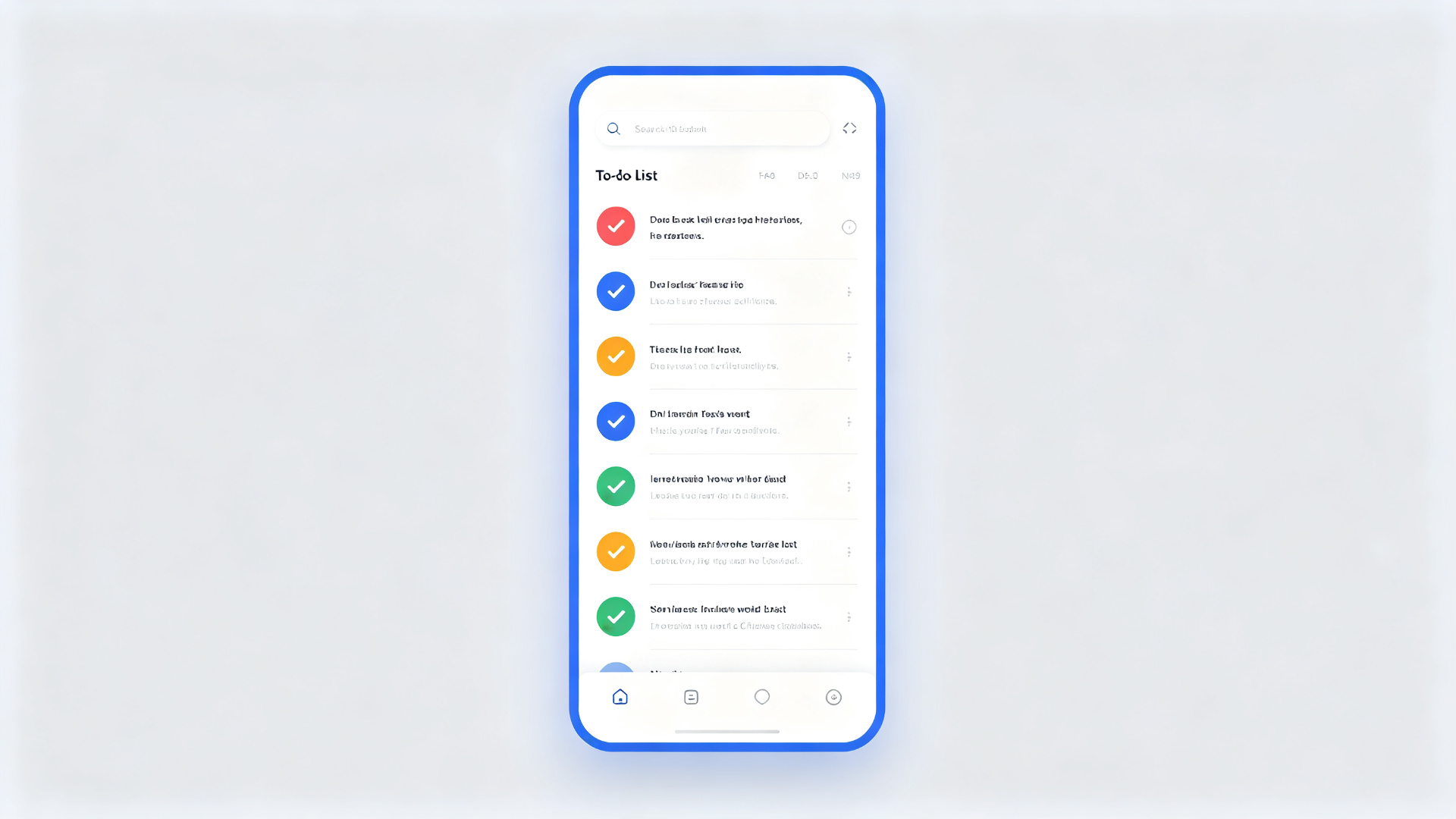
TickTick's free version is sufficient for personal use. The premium version (around $28/year) unlocks calendar view, custom reminders, and unlimited lists. For users who need to manage both work and personal tasks simultaneously, TickTick offers the best overall experience among Android to-do apps.
2. Note-Taking: Obsidian
Obsidian stands out in the knowledge management space with its local-first, bi-directional linking philosophy. The 2026 Android version is quite mature, supporting full Markdown editing, bi-directional links, and graph view.
Why Choose Obsidian
- Local Storage: Notes are saved as plain text Markdown files locally, independent of the cloud — your data is truly yours
- Bi-directional Links: Use
[[]]syntax to create connections between notes, automatically generating a knowledge graph - Plugin Ecosystem: Over 1,000 community plugins extend functionality with kanban boards, calendars, databases, and more
- Cross-Platform Sync: Sync across devices via iCloud, Dropbox, or the official Sync service
Obsidian has a slightly steeper learning curve and requires some Markdown basics and knowledge management thinking. But once you build your own note system, its extensibility and data freedom are unmatched by cloud-based note apps. It's ideal for researchers, students, and content creators.
3. Calendar Scheduling: Calendar Notify
Calendar Notify is an app that deeply integrates calendar with reminder notifications. Its biggest feature is displaying rich schedule information in the notification bar, so you can grasp your entire day without opening the app.
Highlights
- Rich Notification Cards: Show event title, time, location, and attendees directly in notifications
- Smart Reminders: Automatically calculate departure time based on event location and current position
- Event Templates: One-tap creation of common meeting templates to reduce repetitive input
- Month/Week Views: Support multiple view switches with smooth gesture operations
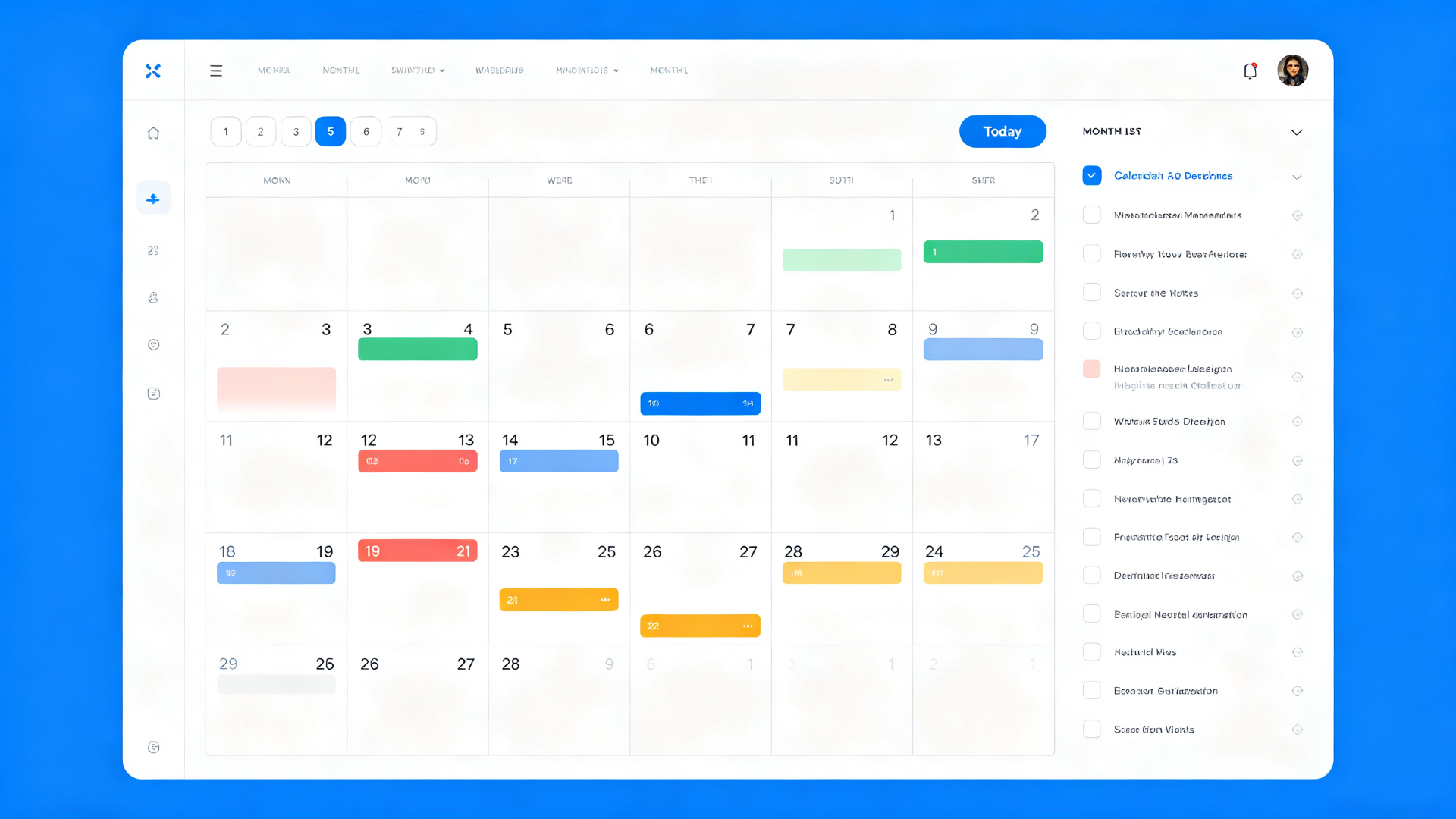
This app is a perfect replacement for the system calendar, especially for professionals with dense meeting schedules. The free version supports basic features, and the Pro version (one-time purchase around $35) unlocks advanced notification styles and widgets.
4. File Management: Solid Explorer
Solid Explorer is one of the most acclaimed file managers on Android. It features a dual-panel design with drag-and-drop operations, and integrates cloud storage and network storage access.
Core Capabilities
- Dual-Panel Drag & Drop: Two panels browse independently, drag to move/copy files
- Cloud Storage Support: Built-in Google Drive, OneDrive, Dropbox, WebDAV, and more
- Compression & Encryption: Support ZIP, 7Z, RAR extraction; create password-protected encrypted archives
- FTP/SMB Server: Turn your phone into an FTP server for wireless file transfer with computers
- Root Access: Access system partitions on rooted devices
Solid Explorer offers a 14-day free trial, after which a one-time purchase (around $30) is required. For users who frequently transfer files between phone, computer, and cloud drives, this investment is well worth it.
5. Focus Timer: Forest
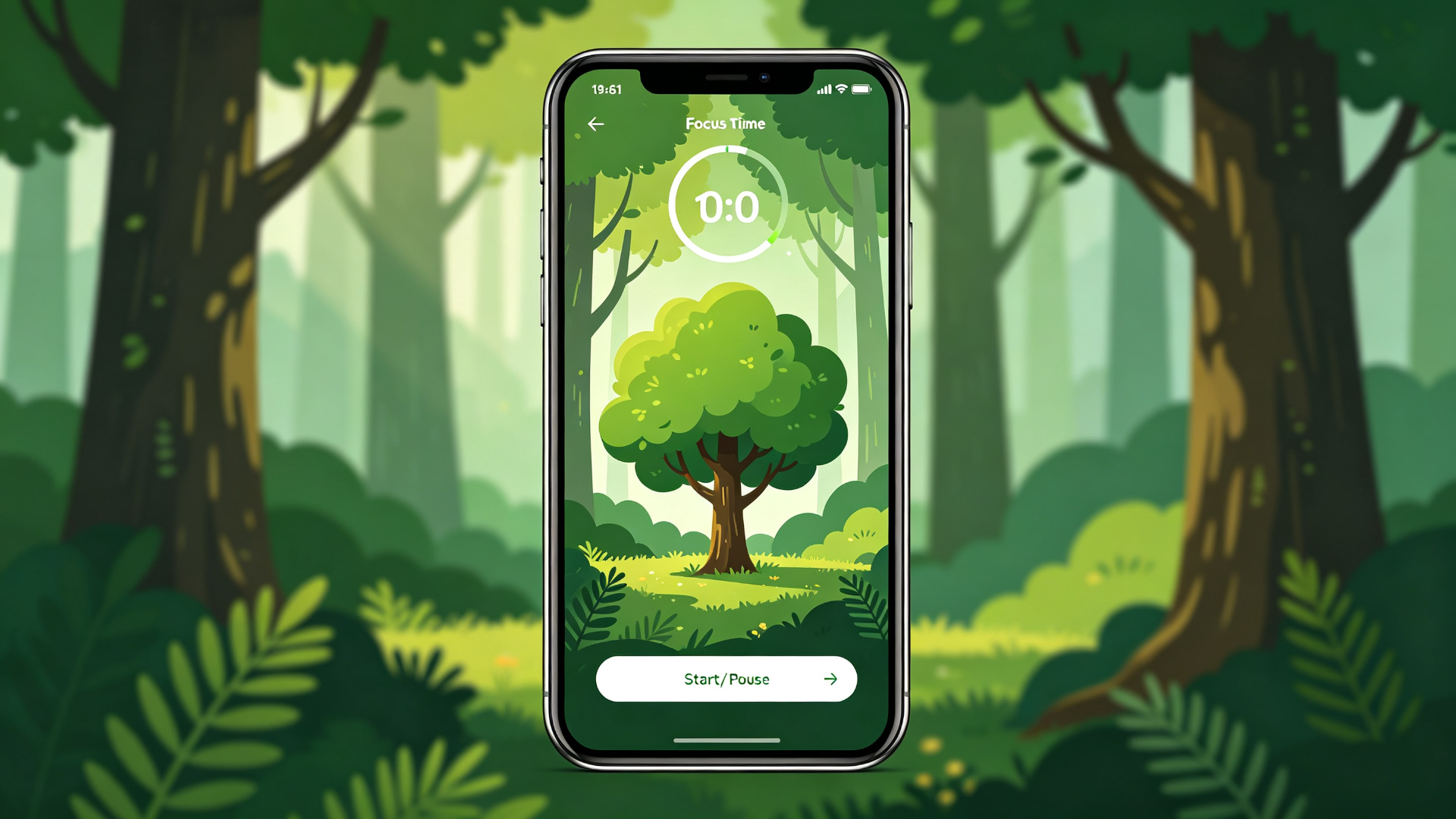
Forest uses gamification to help you stay away from phone distractions. Each focus session plants a tree, and if you leave the app during the session, the tree withers. This simple yet effective mechanism makes focusing rewarding.
Design Philosophy
- Tree-Planting Mechanism: Choose from 25 minutes to 2 hours; trees join your forest after each session
- White Noise: Built-in rain, forest, cafe, and other ambient sounds to help you get in the zone
- Achievement System: Unlock new tree species and achievement badges through consistent focusing
- Real Tree Planting: Virtual coins can be redeemed for real tree planting (in partnership with non-profit organizations)
Forest's paid version (around $12) unlocks custom tags, detailed statistics, and more tree species. It's especially suitable for students preparing for exams and freelancers working from home who are easily distracted by their phones.
Summary: Building Your Productivity Stack
The five apps above cover the core环节 of a productivity workflow. Recommended combinations:
| Category | Recommended App | Cost |
|---|---|---|
| Task Management | TickTick | Free / $28/year |
| Note-Taking | Obsidian | Free (sync optional) |
| Calendar | Calendar Notify | Free / $35 one-time |
| File Management | Solid Explorer | $30 one-time |
| Focus Timer | Forest | $12 one-time |
These five apps work together synergistically: plan tasks in TickTick, execute with Forest, record results in Obsidian, schedule time through Calendar Notify, and manage all files with Solid Explorer. Choose the combination that suits you and make your Android phone a true productivity partner.


.webp?x-oss-process=image/resize,w_80/format,webp)