

关于YouTube Kids
A Safe and Fun Video Experience for Kids - YouTube Kids
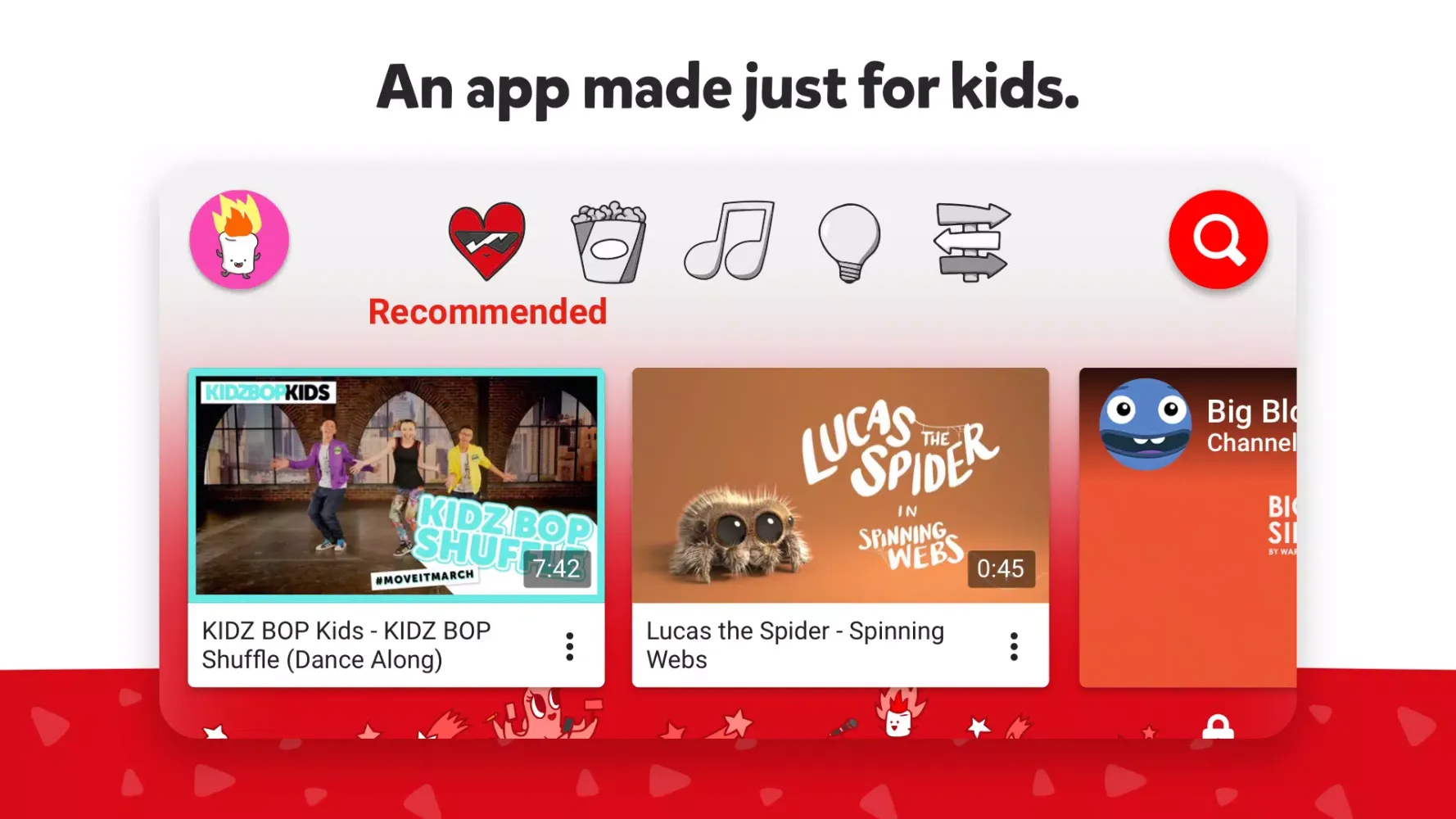
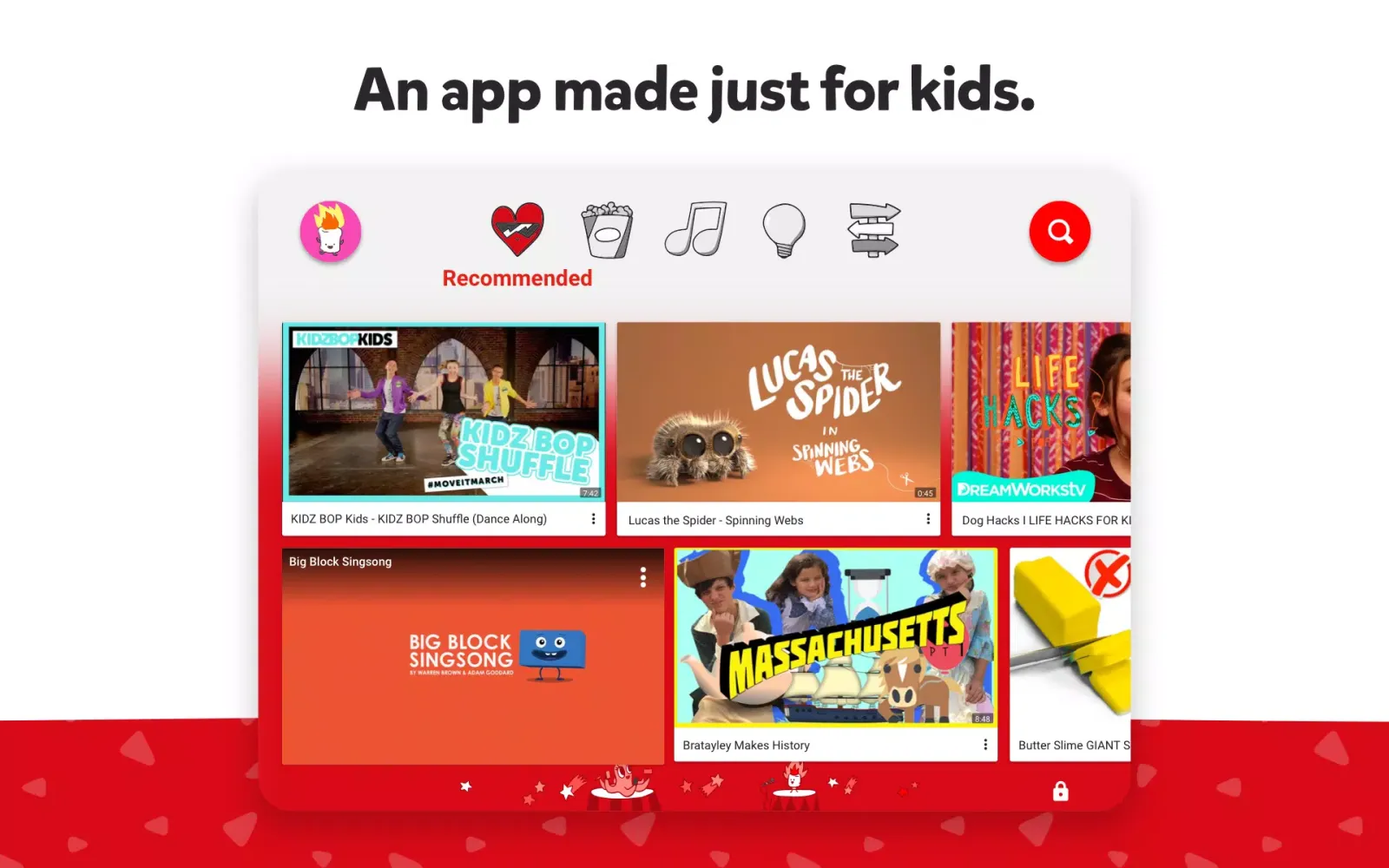
YouTube Kids is designed specifically for children, offering a safer and more controlled environment where they can enjoy a wide range of family-friendly videos. This application ensures that kids can explore their interests without encountering inappropriate content. The videos available in YouTube Kids go through a rigorous screening process involving automated filters, human review, and feedback from parents, ensuring a secure and enjoyable experience for young viewers.
Customizable Parental Controls
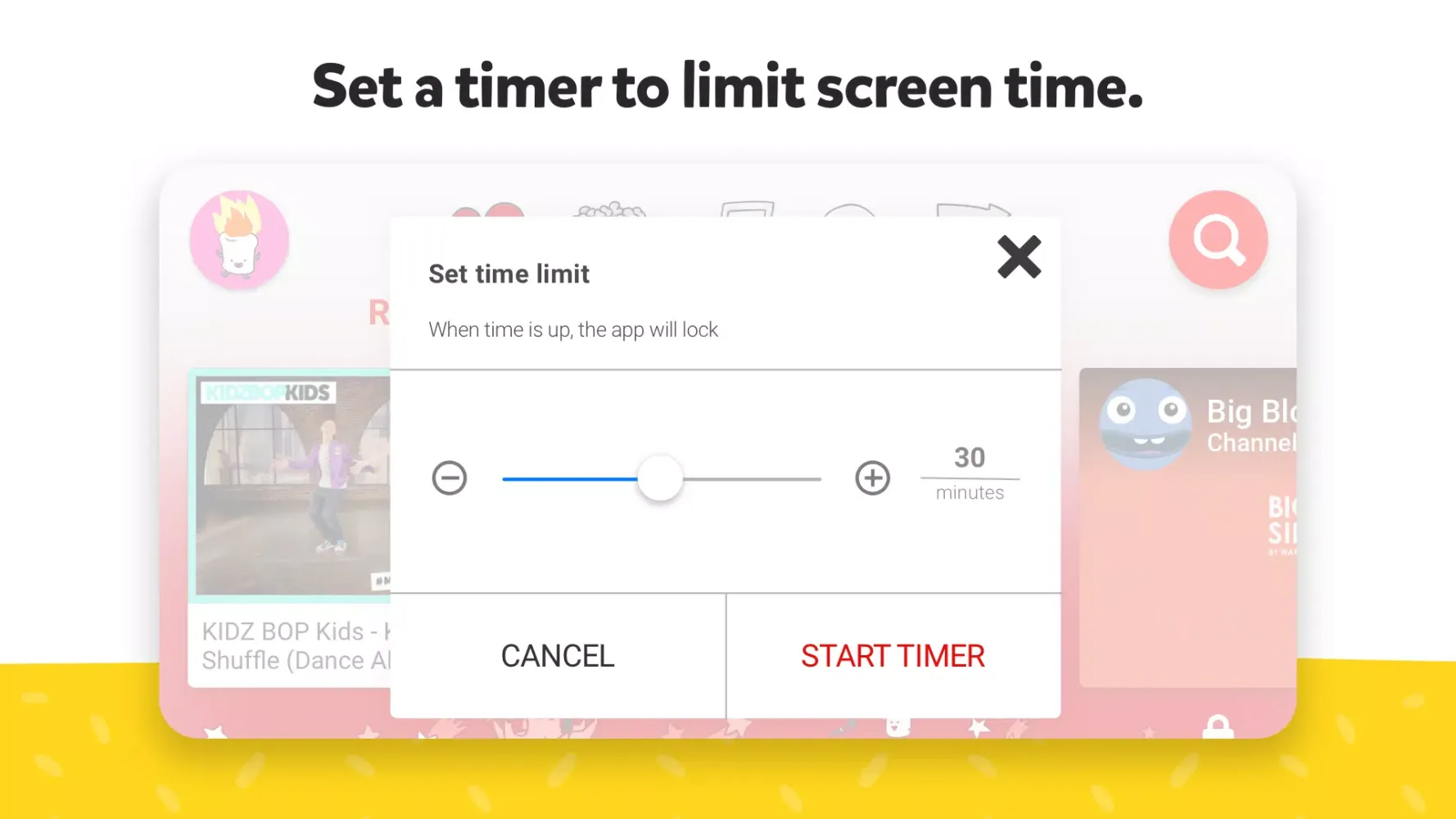
One of the key features of YouTube Kids is its robust set of parental controls. Parents and caregivers can customize their child's experience by setting screen time limits and monitoring what their kids watch. This helps guide children's journey and encourages a healthy balance between watching videos and engaging in other activities. Additionally, parents can block specific videos or channels they deem unsuitable and flag any inappropriate content for review.
Age-Appropriate Modes
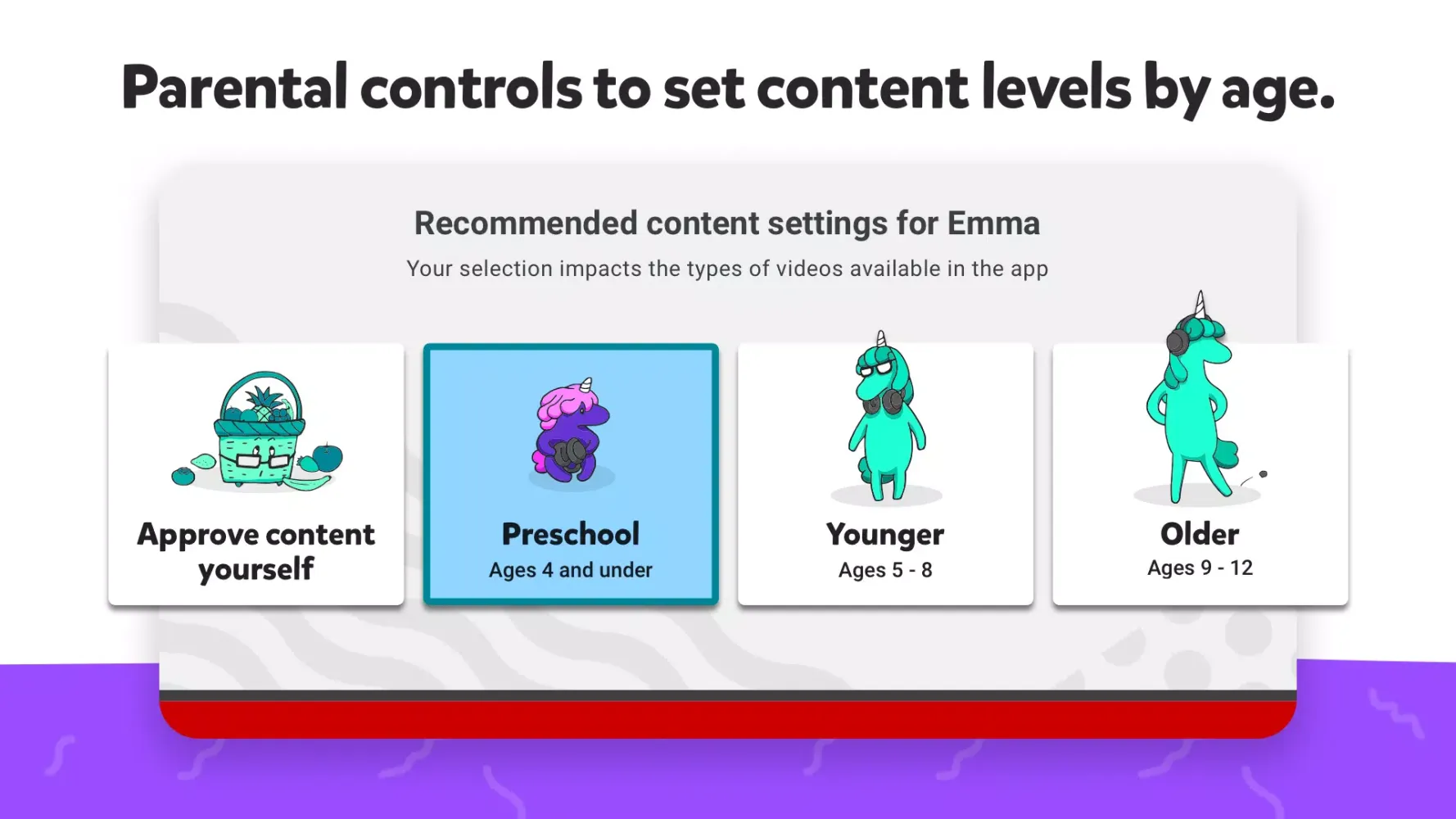
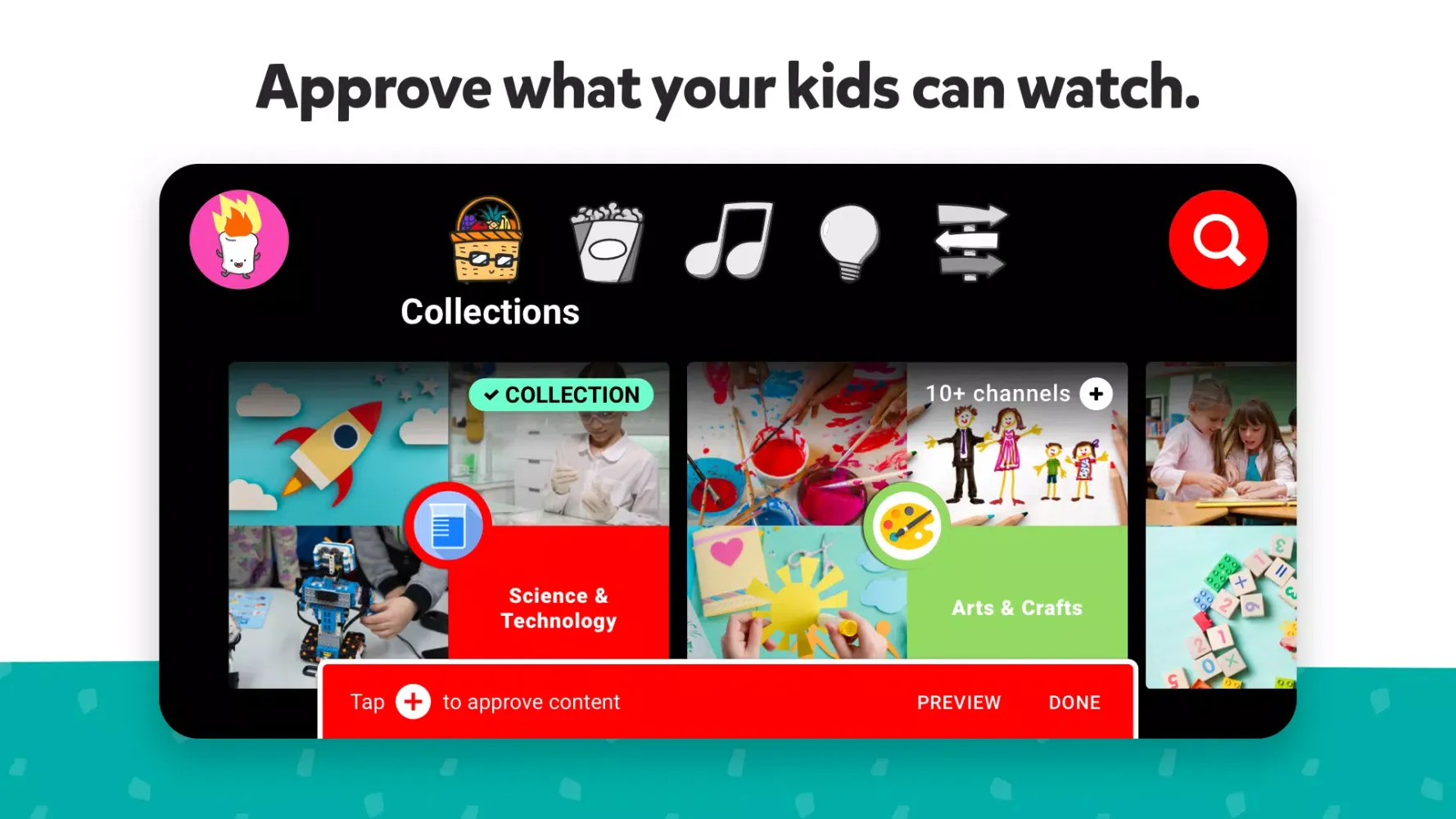
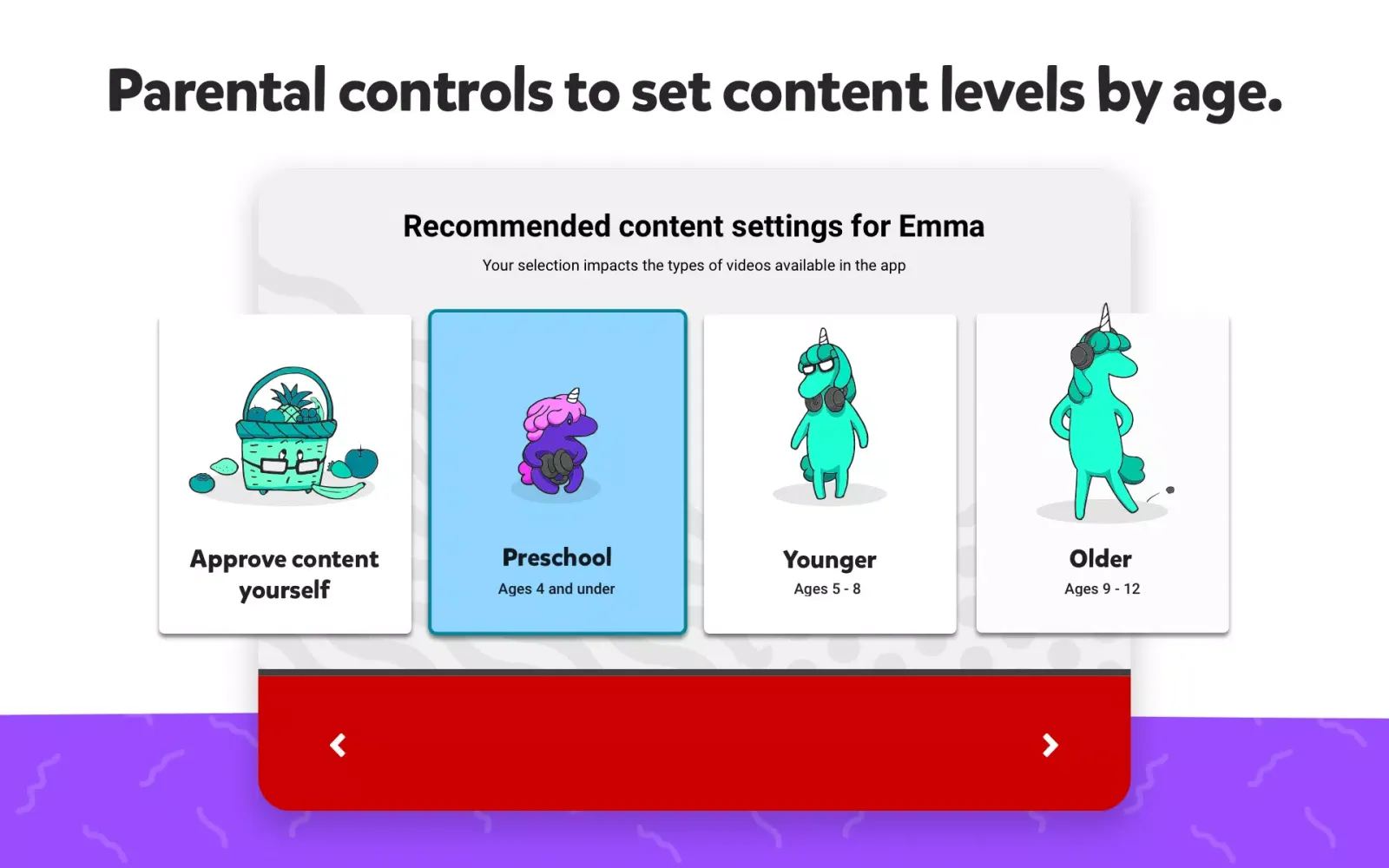
YouTube Kids offers three distinct modes tailored to different age groups: preschool, younger, and older. These modes cater to various interests and developmental stages, allowing kids to explore a broad spectrum of topics, from educational content like building models and science experiments to entertainment such as cartoons and music videos. Parents can also select the "Approved Content Only" mode, giving them complete control over the videos their children can watch.
Diverse and Engaging Content
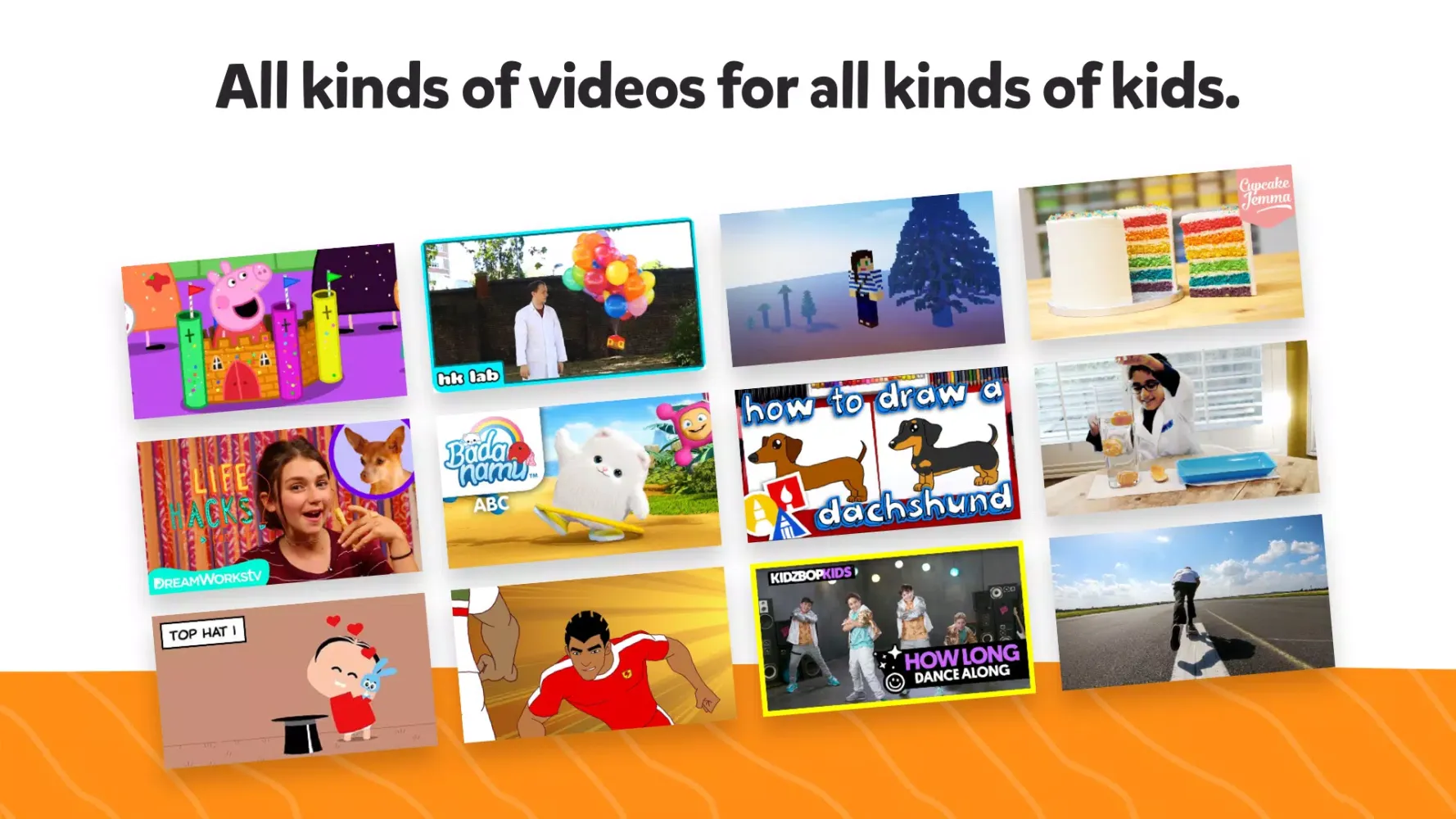
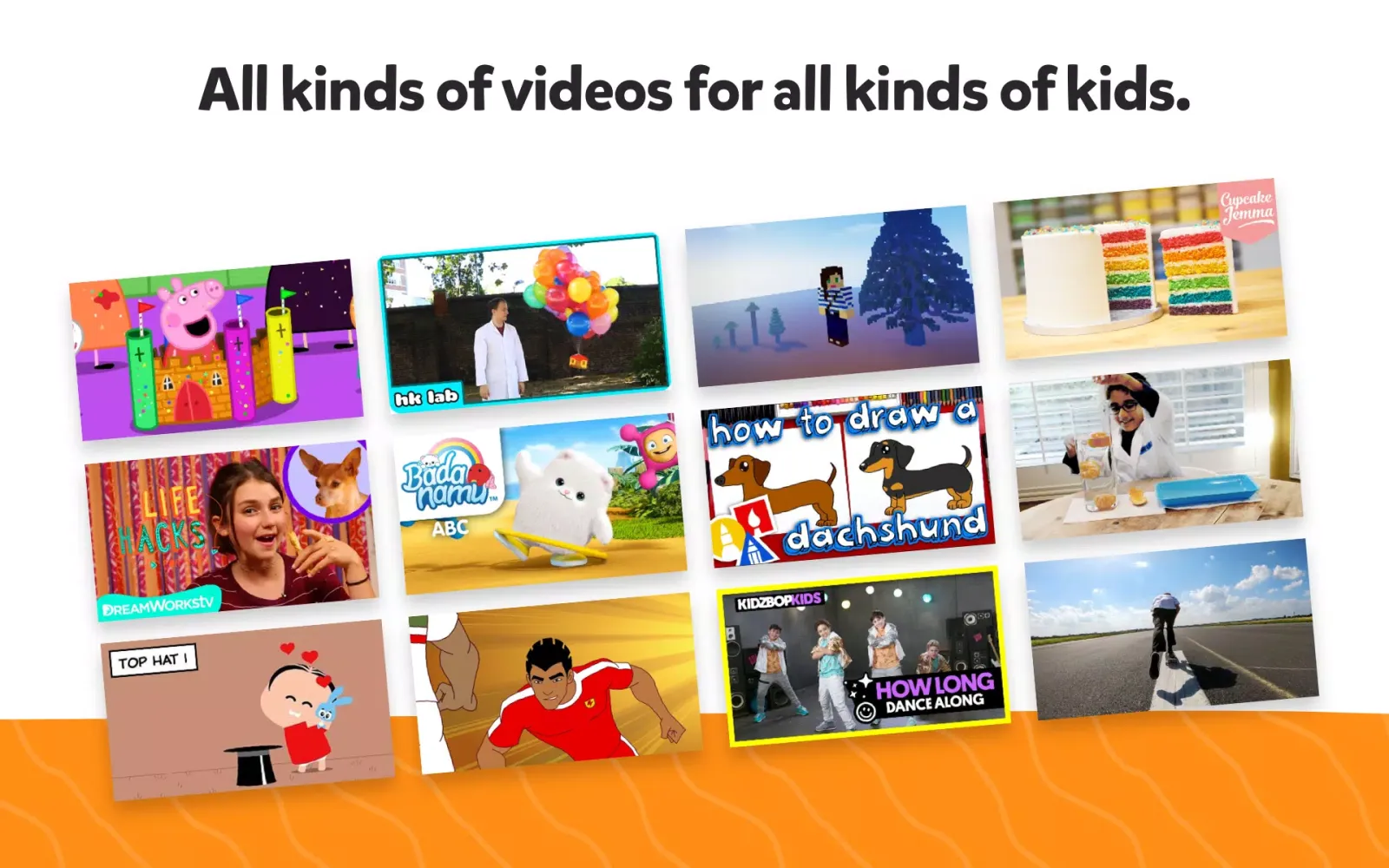
The YouTube Kids library is rich with family-friendly content that sparks creativity and curiosity. From beloved shows and music to educational activities like crafting and science projects, there's something for every interest. This diverse selection ensures that kids can find engaging and informative videos that align with their passions and developmental needs.
Important Considerations
While YouTube Kids strives to provide a safe environment, it’s important to note that some videos may include commercial content from YouTube creators. To understand the privacy practices associated with using YouTube Kids, refer to the Privacy Notice for Google Accounts managed with Family Link. If your child uses YouTube Kids without signing into their Google Account, the YouTube Kids Privacy Notice will apply.
In summary, YouTube Kids offers a comprehensive solution for parents seeking to provide their children with a safe, engaging, and age-appropriate online experience. With customizable parental controls and a variety of content options, it ensures that kids can explore and learn while staying within a protected environment.
YouTube Kids应用截图
YouTube Kids的历史版本





编辑推荐


类似YouTube Kids的应用


Google LLC的应用


YouTube Kids FAQ
1. How do I set up parental controls on YouTube Kids?
Parents can use Family Link to create a Google Account for their kids, enabling them to customize settings like search filters, screen time limits, and block specific videos or channels.
2. Can my child watch live streams on YouTube Kids?
No, live streaming is not available in YouTube Kids, but your child can access pre-approved videos from trusted sources like PBS KIDS and National Geographic.
3. Is it possible to disable recommended content suggestions altogether?
Yes, you can either turn off Search to show only handpicked collections curated by experts or select 'Approved Content Only' mode to choose exactly what they can view based on age range.
4. Is YouTube Kids safe to use?
Yes, YouTube Kids is safe to use on Android devices; ensure you download it from trusted sources.
用户评论
+ 测评
最受欢迎


