
关于PDF Reader
PDF Reader is a powerful and versatile mobile application designed specifically for managing and viewing PDF files and other document types on Android devices. With this comprehensive tool, you can conveniently search, manage, read, and print PDF files.
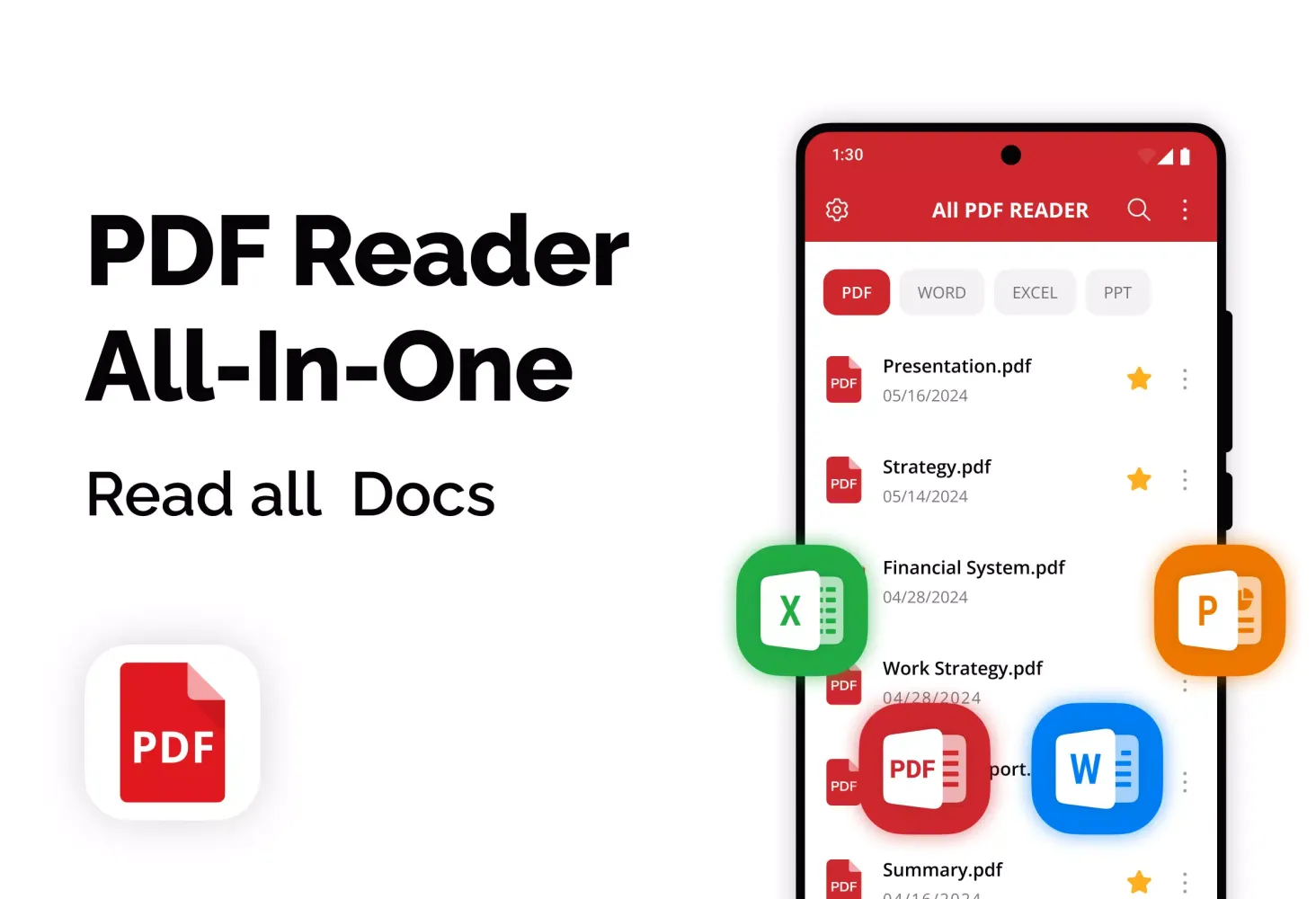
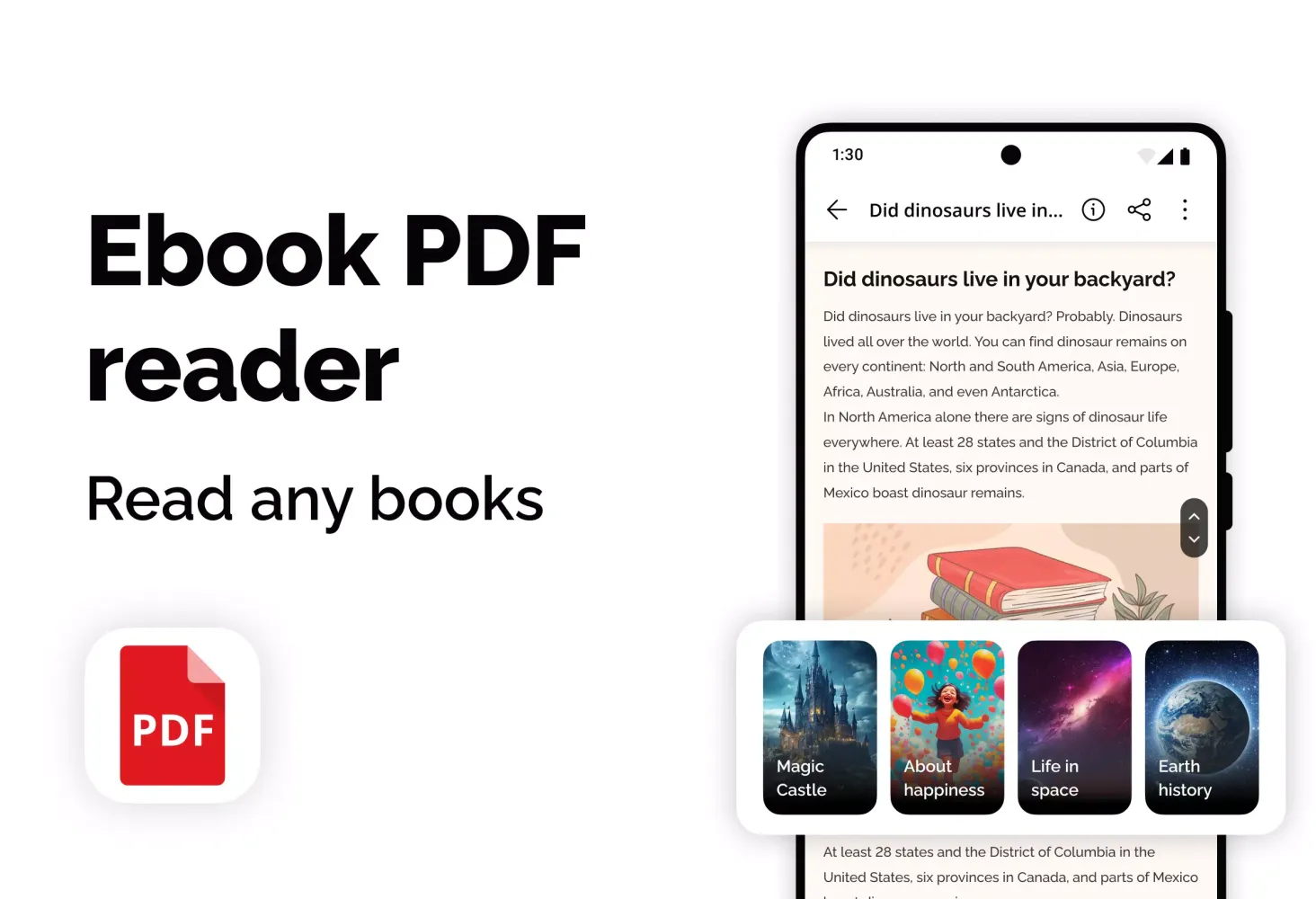
The app transforms into a universal mobile utility, offering support for various file formats beyond just PDFs. It seamlessly integrates with Microsoft Office documents such as Word, Excel, and PowerPoint files, providing a seamless experience even when you're offline. Whether you are a professional looking to boost your productivity or someone who enjoys reading eBooks, PDF Reader is an ideal choice for both business and personal needs.
PDF Reader consolidates all your MS Office documents (docx, xlsx, pptx) and PDF files in one place. No matter if the files were downloaded from the internet, transferred from your computer, or received via any messaging platform, this application makes them easily accessible on your Android device. By installing PDF Reader - File Viewer, you can enhance your work efficiency and study habits.
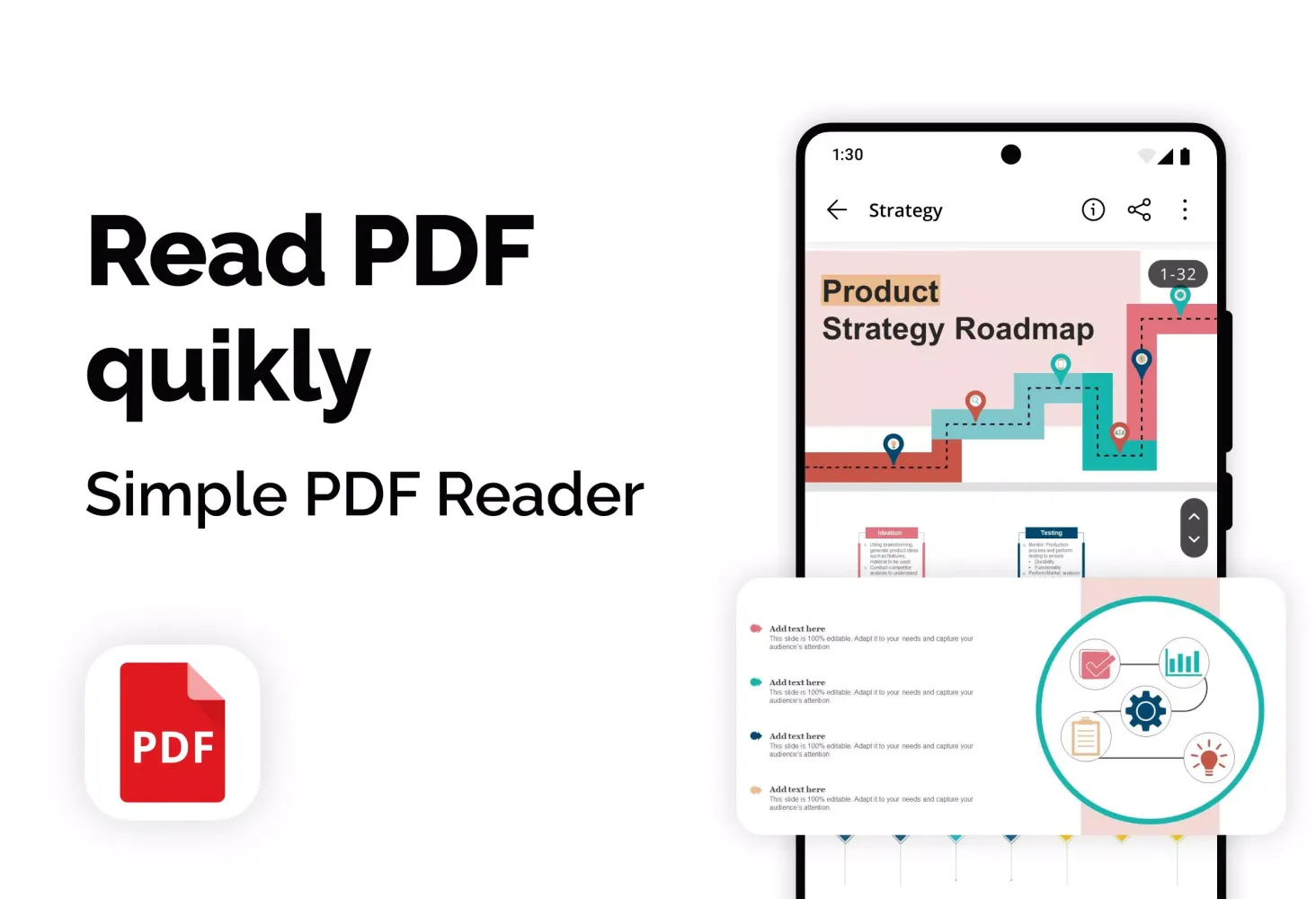
The primary function of the application is to provide a quick and comfortable viewing experience for PDF files. It supports both page-by-page and continuous scrolling modes, simplifying navigation through extensive documents. Users can switch between horizontal and vertical viewing modes, adjust text size for better visibility, and utilize night mode to safeguard their eyes during nighttime reading. Full-screen mode maximizes workspace and enhances focus.
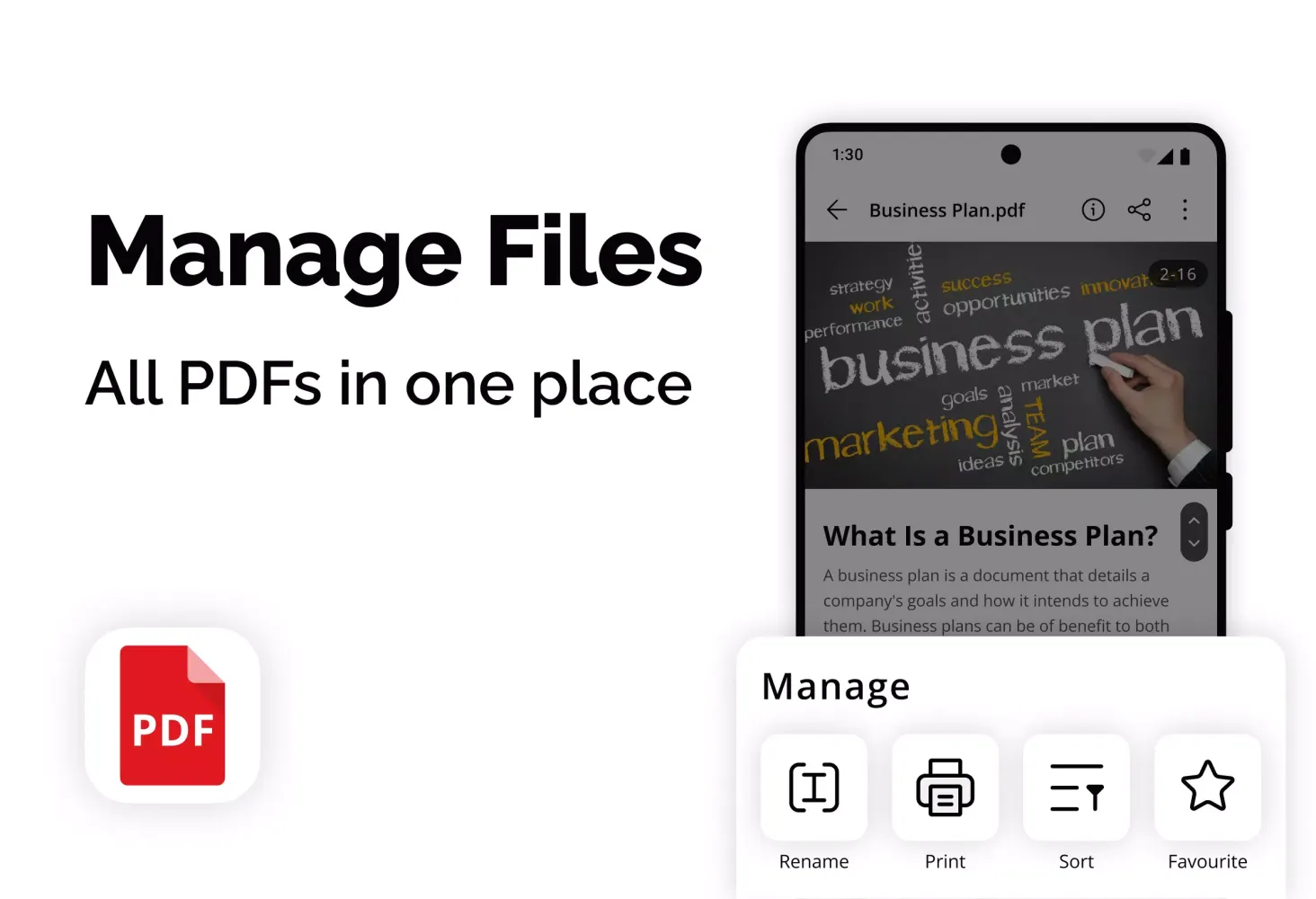
Beyond reading, PDF Viewer includes advanced file management features. The app automatically scans your device for all PDF files, enabling swift access to necessary documents. Users can easily manage files by renaming, deleting, adding to favorites, and setting passwords to protect them from unauthorized access.
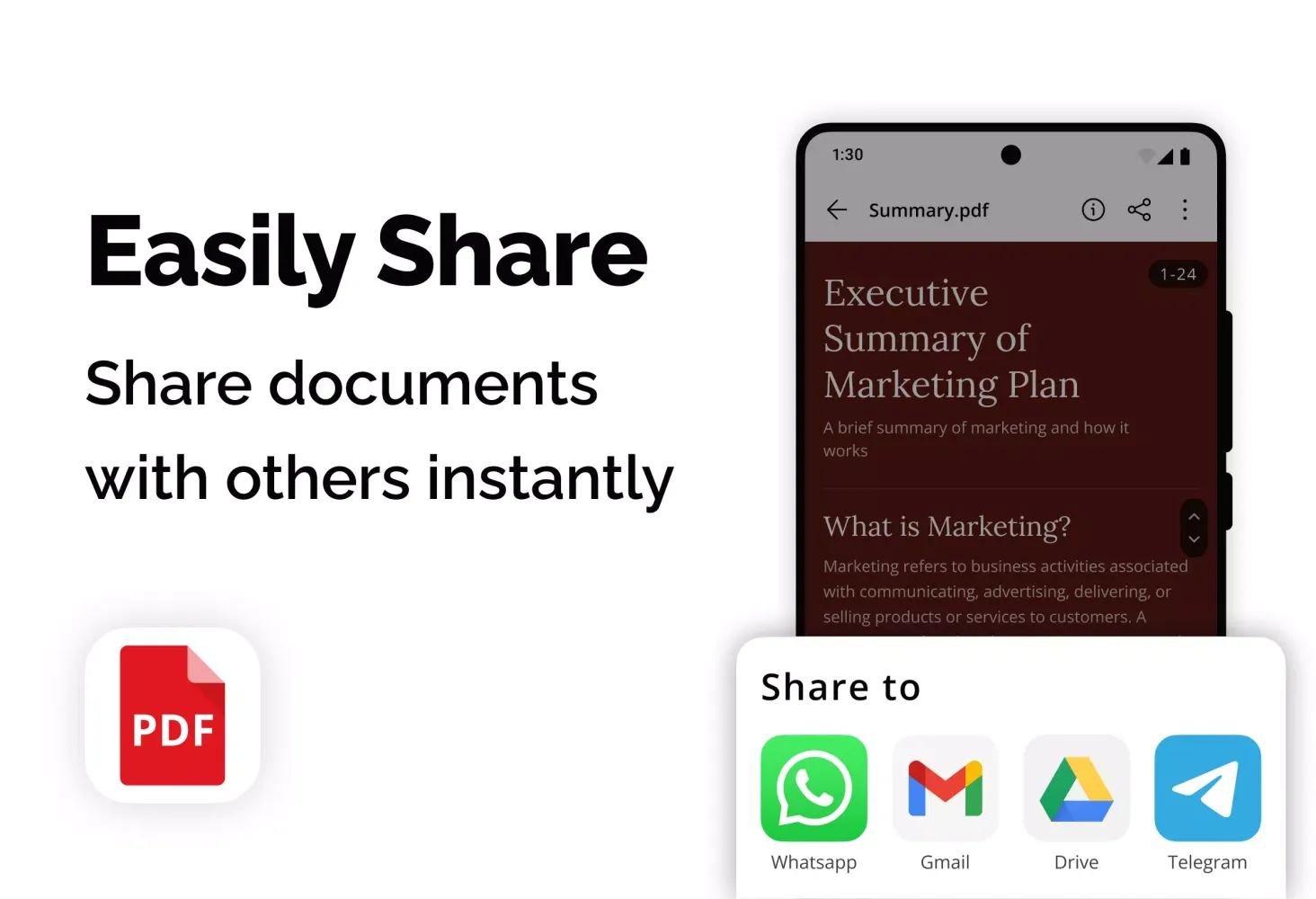
Document sharing is another notable feature, allowing you to distribute files via social networks, email, and instant messengers. Additionally, you can print documents directly from your Android device. The application also retains a history of recently opened files, making it easier to revisit frequently used documents. Bookmarks enable quick returns to important sections without the need for searching.
PDF Reader is completely free and does not require additional purchases to access all essential features. It operates offline and has minimal system requirements, ensuring compatibility even with slower or older devices.
Main Features of the PDF Reader Application:
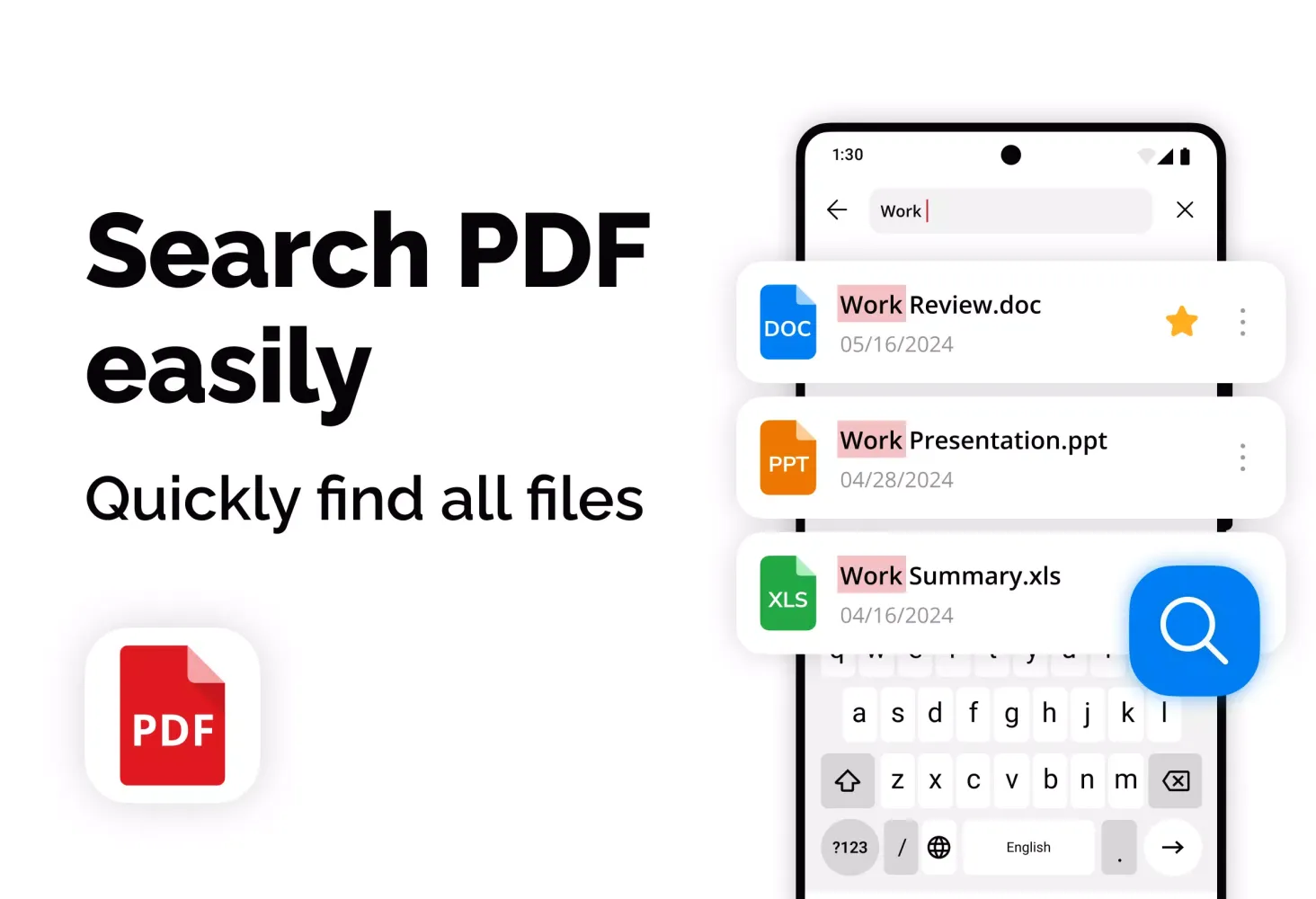
- Automatically search and display all your PDF files.
- View modes: page by page and continuous scrolling.
- Screen orientation selection: horizontal or vertical.
- Support for viewing Microsoft Office documents (Word, Excel, PPT files).
- Full screen viewing mode for optimal reading.
- Page scaling to adjust text size as needed.
- Quick navigation to desired pages by entering their numbers.
- List of recently viewed files for faster access.
- Easy sharing of PDF files via social networks.
- Ability to rename PDF documents.
- Direct printing of PDF documents from your device.
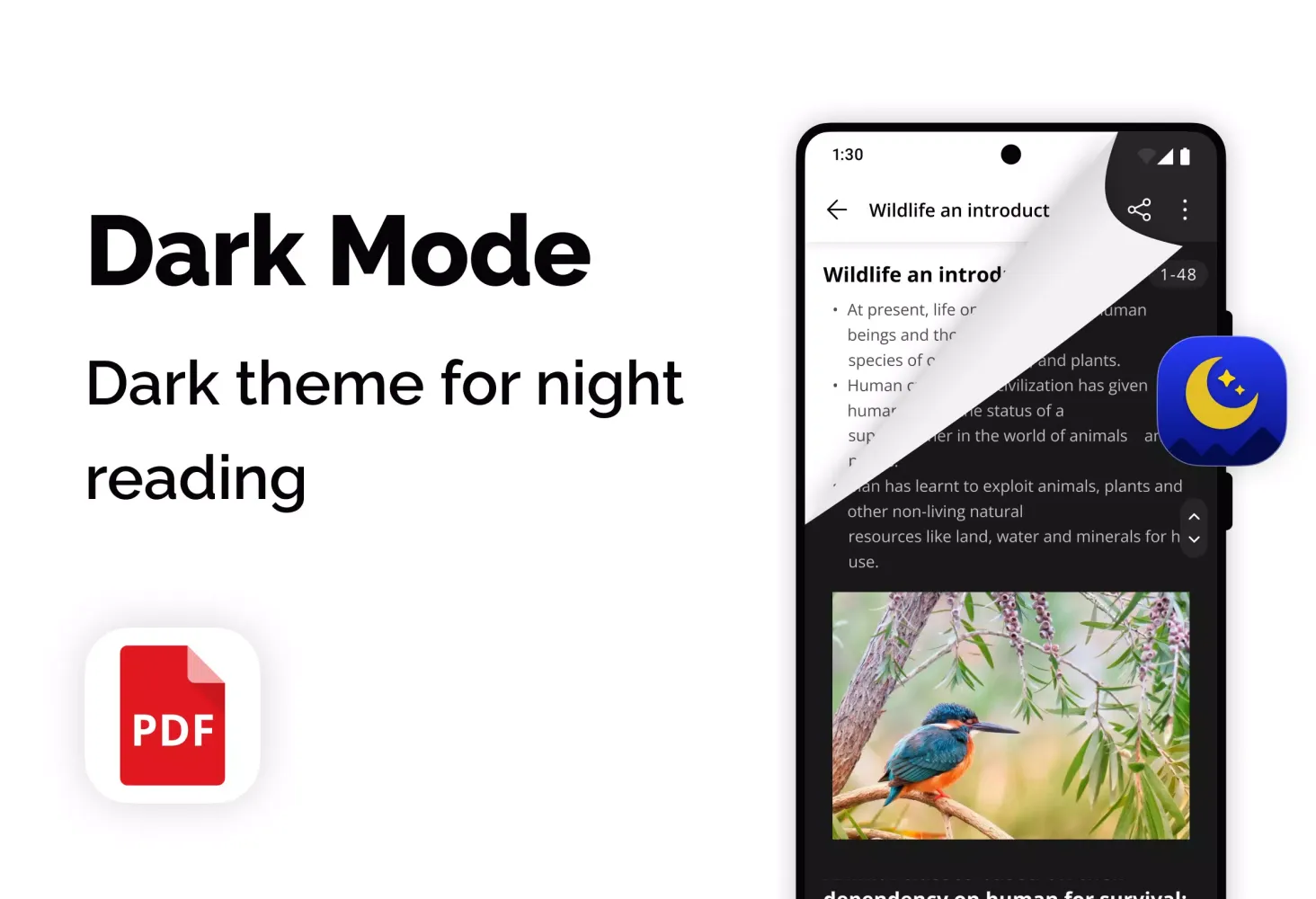
- Switching between light and dark viewing modes.
In summary, "PDF Reader: View any files" for Android is a reliable and functional PDF viewer application that offers a broad range of document management tools. Experience fast and efficient reading with this secure and user-friendly mobile application.
游戏玩法
PDF Reader应用截图
PDF Reader的历史版本





编辑推荐


类似PDF Reader的应用
 PDF Reader: Ebook PDFs Reader
 PDF - PDF Reader
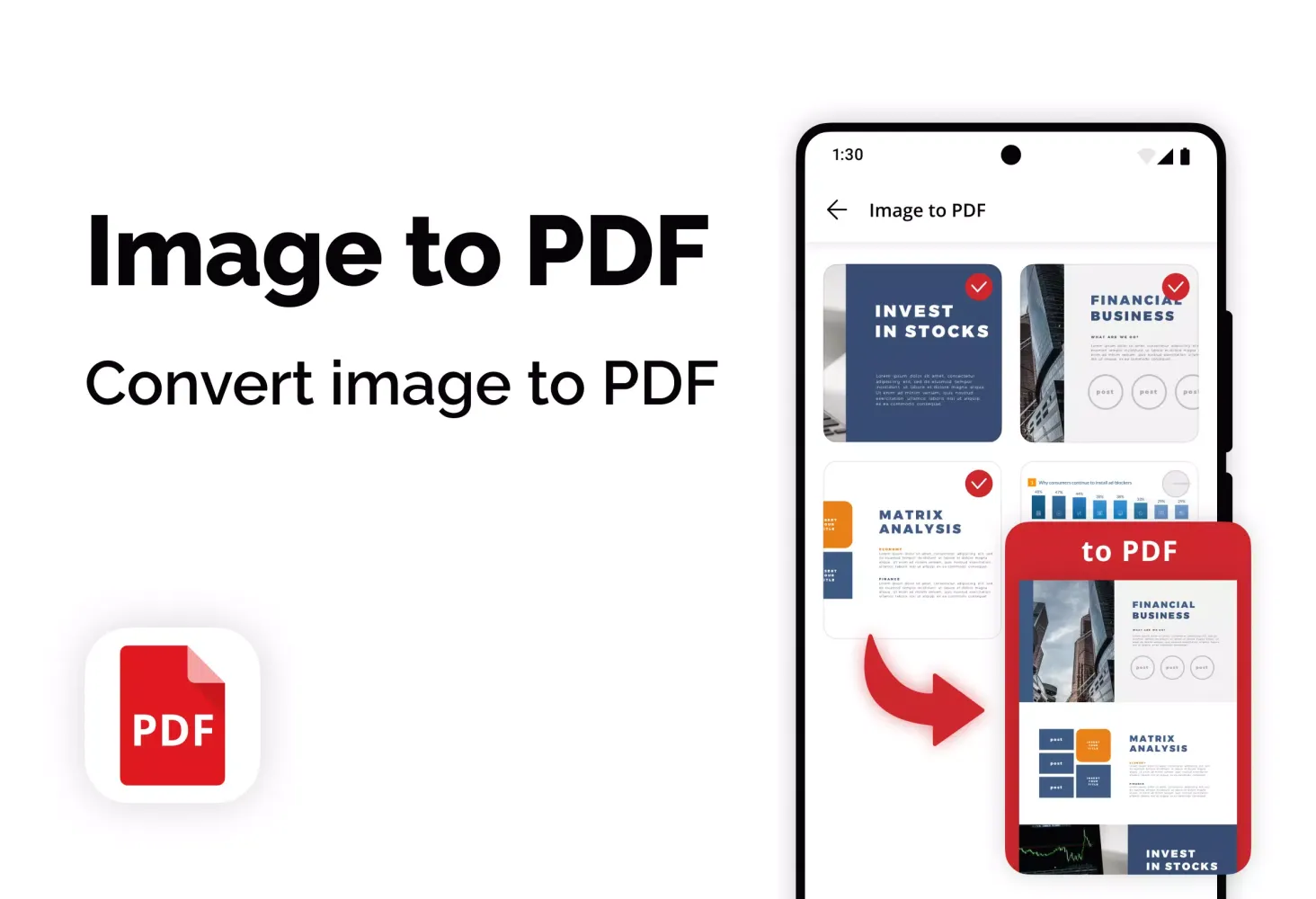
 PDF Reader - Image to PDF
 AzPDF: PDF Reader, PDF Viewer
 PDF Reader - PDF Viewer
 PDF Reader – PDF Viewer
 PDF Reader: Edit & Convert PDF
 PDF Reader - PDF Viewer
 PDF Reader Pro- All PDF Viewer
 Smart PDF Reader - PDF Viewer
 PDF Reader - PDF Viewer
 PDF Viewer - PDF Reader App
SkyDev Apps的应用

用户评论
+ 测评
最受欢迎


