

關於öbv QuickMedia
The öbv QuickMedia application offers a seamless experience for accessing supplementary digital resources linked to textbooks used in secondary education levels 1 and 2. With a simple and user-friendly interface, the app enables students and educators to quickly retrieve additional educational materials directly from their textbooks.
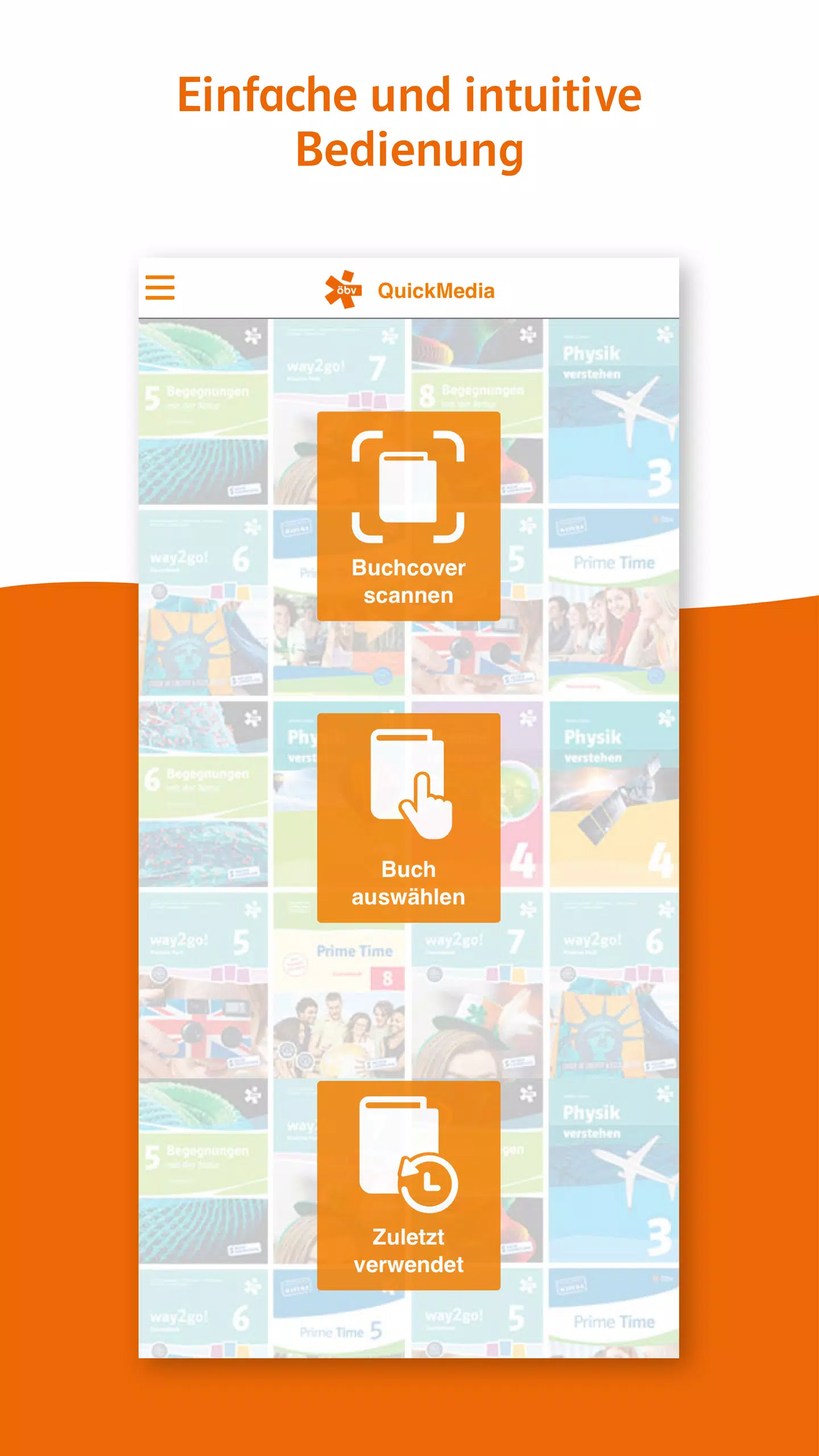
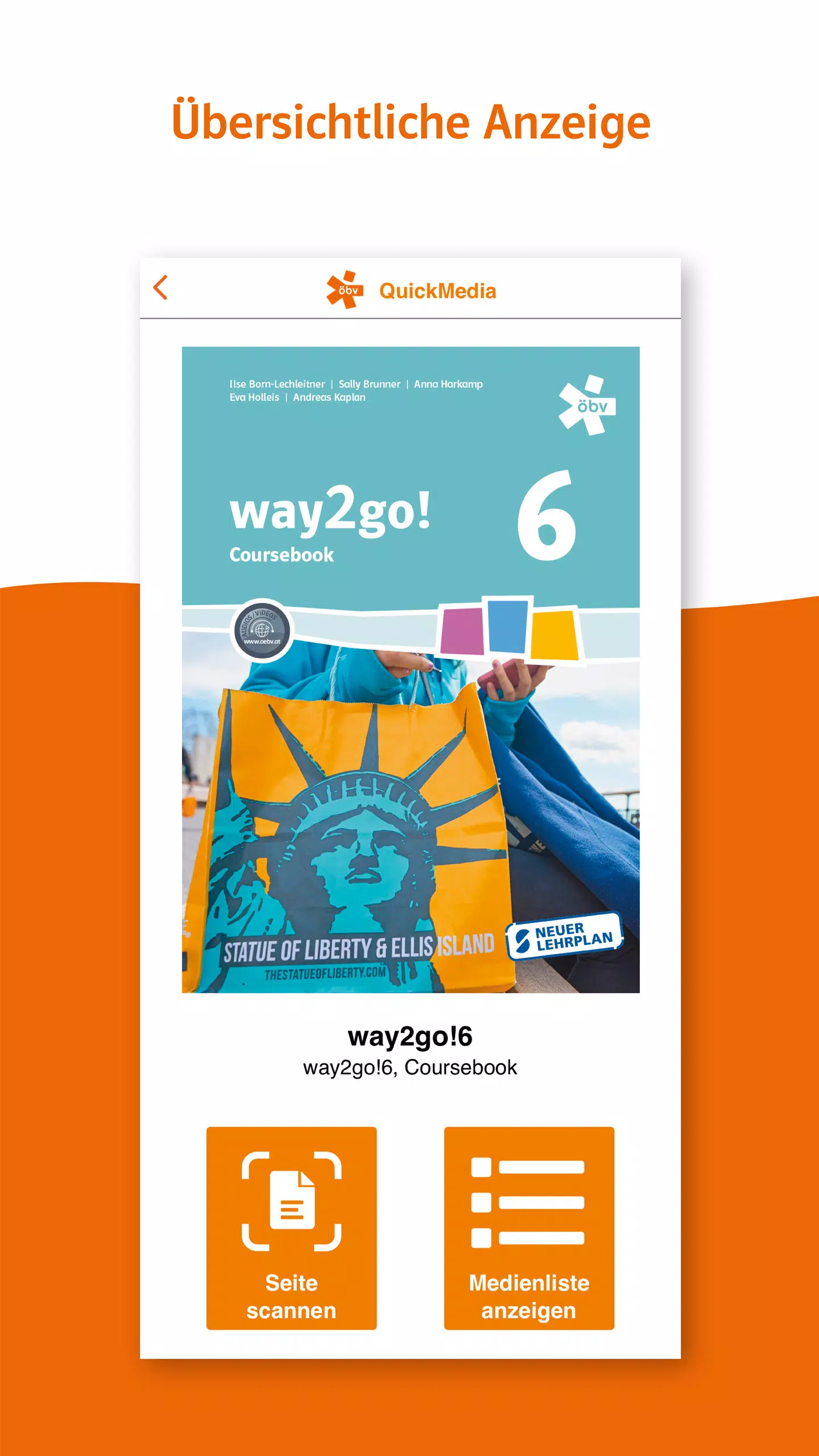
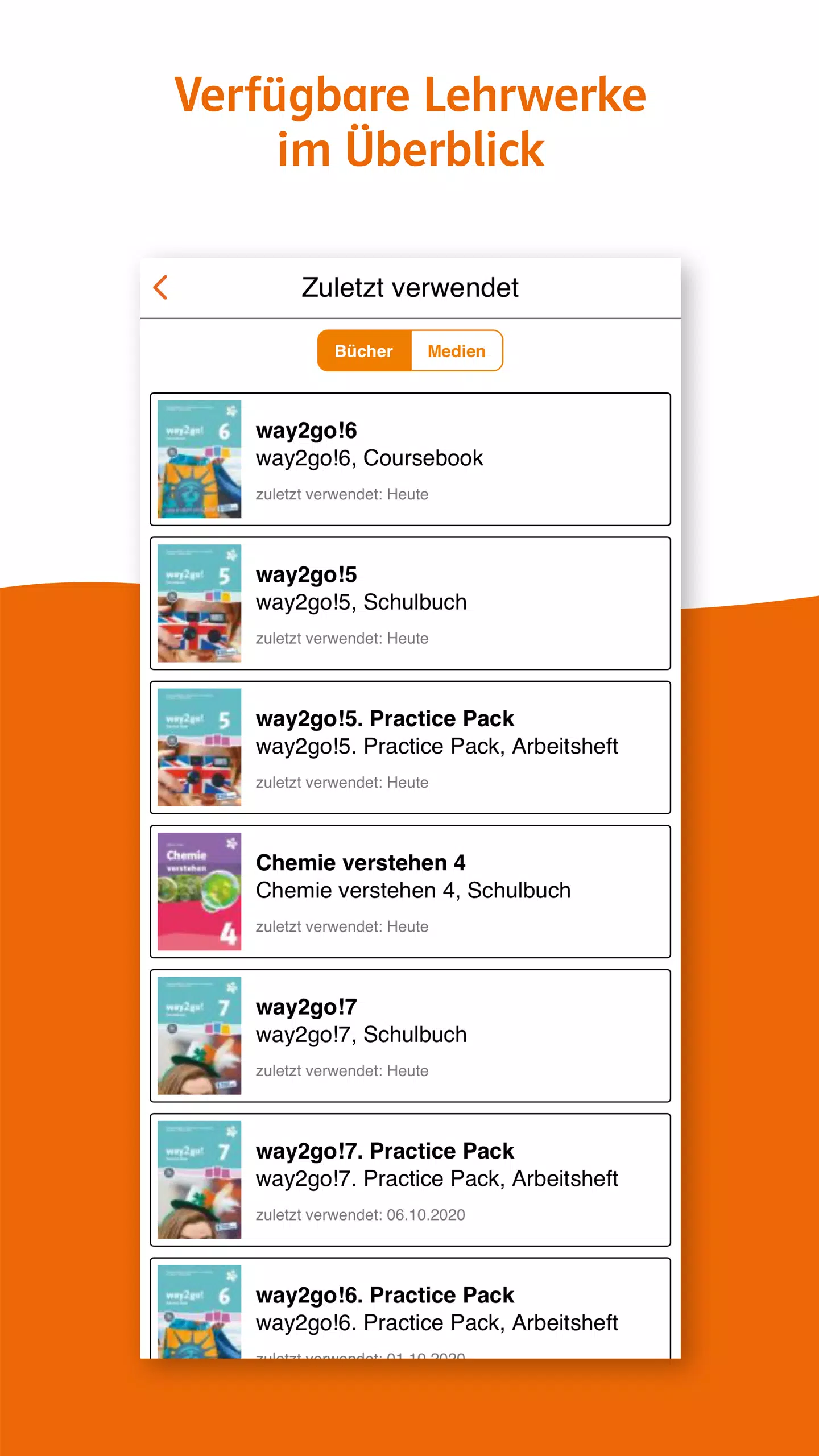
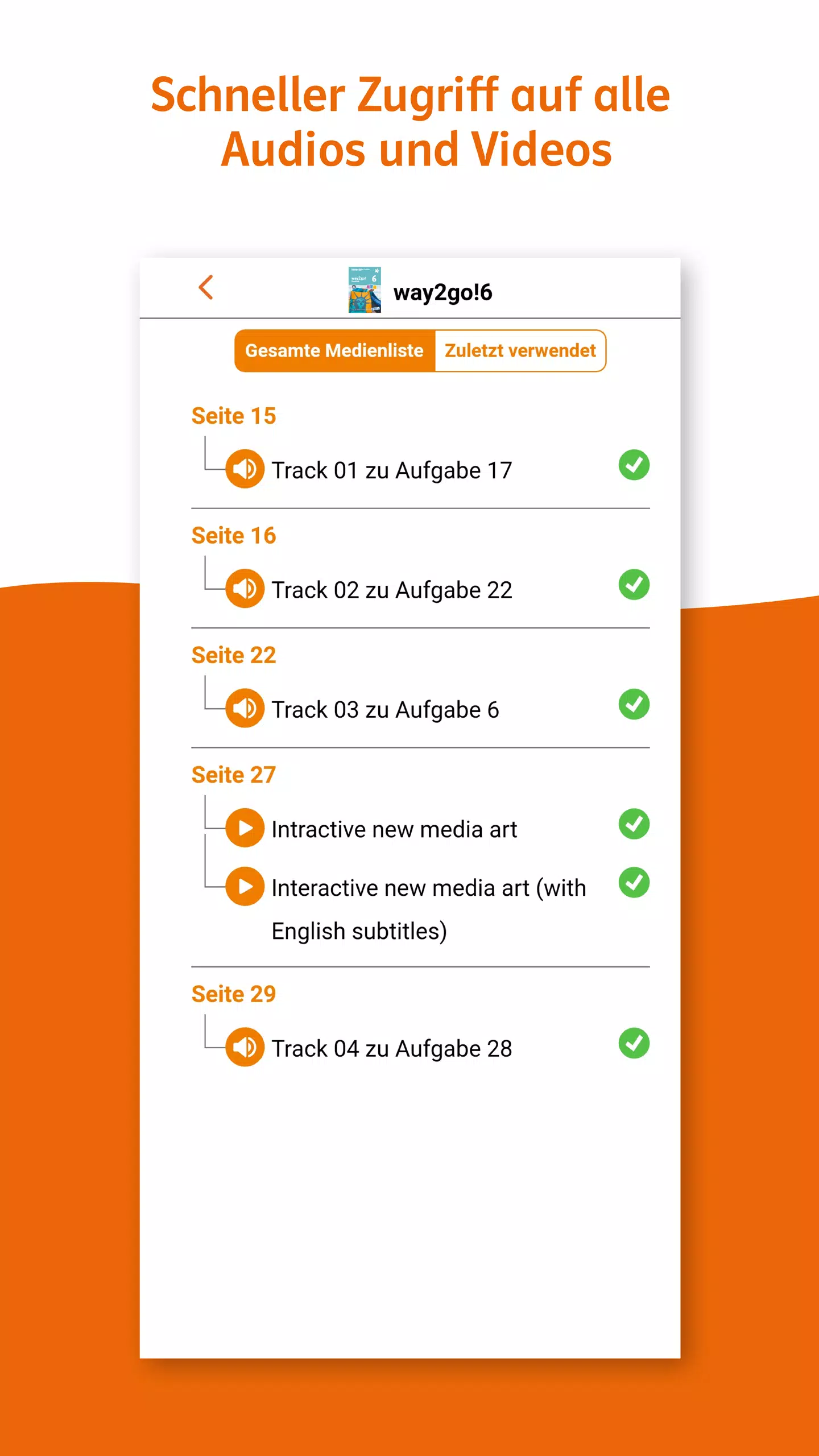
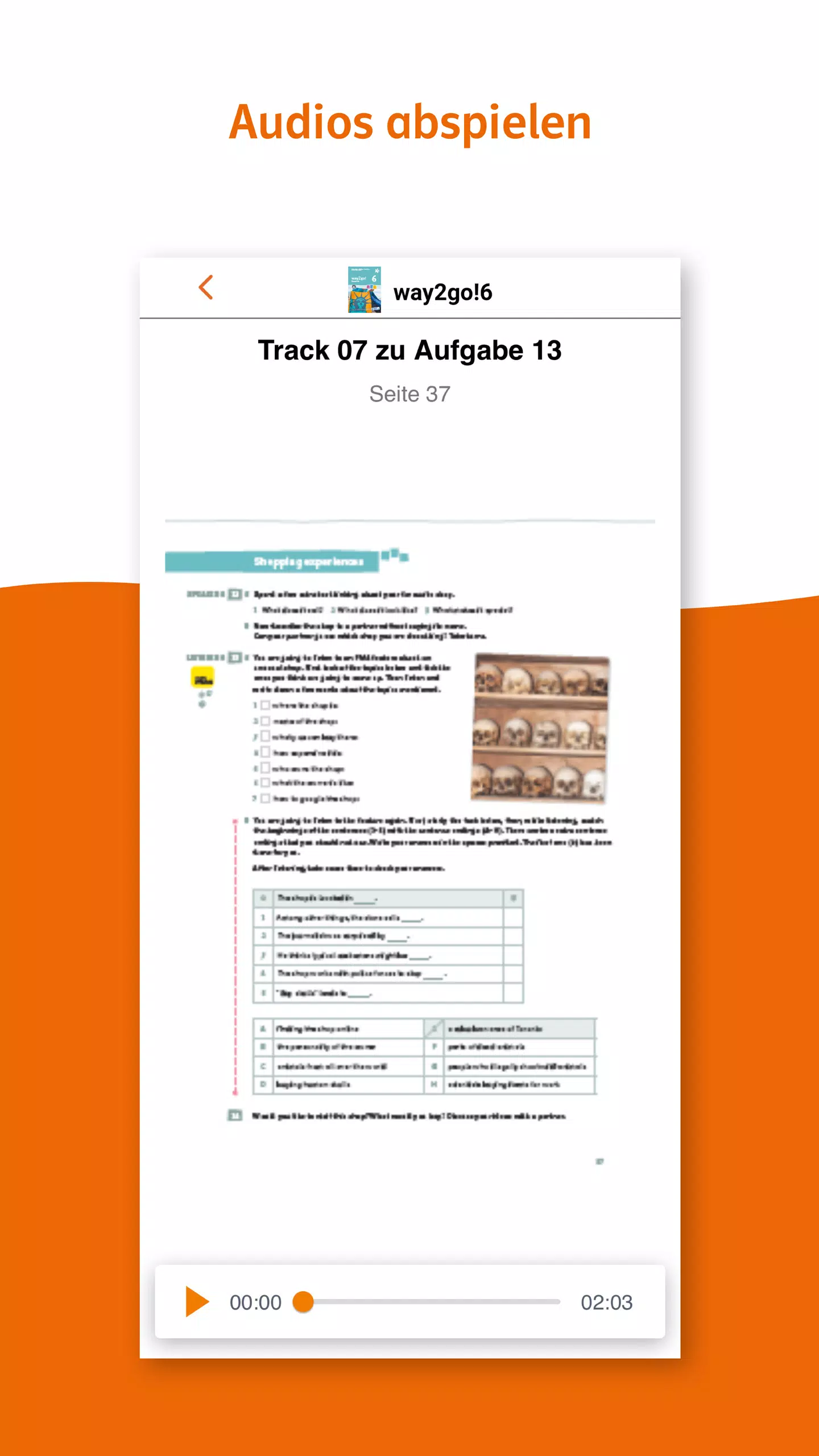
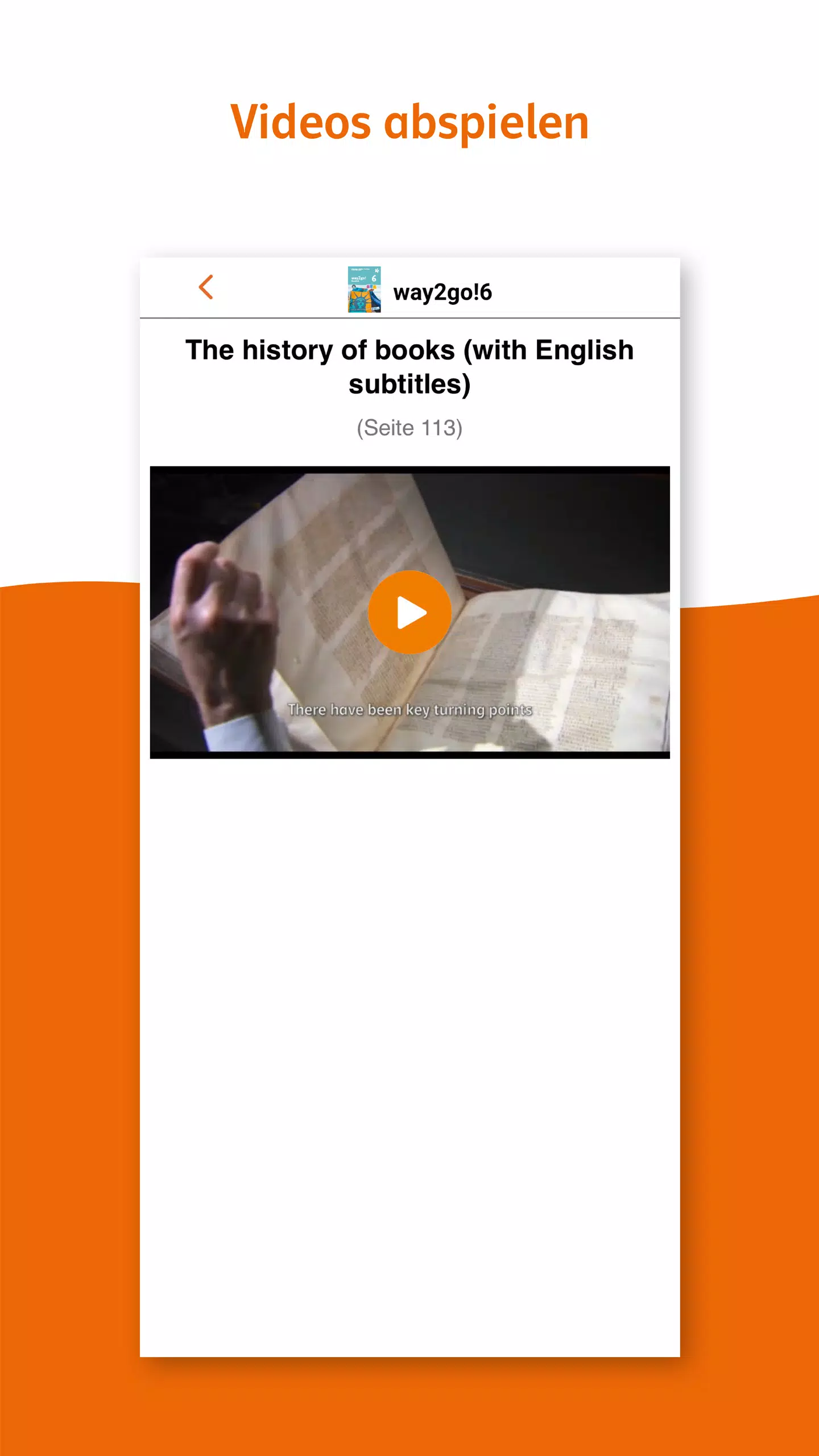
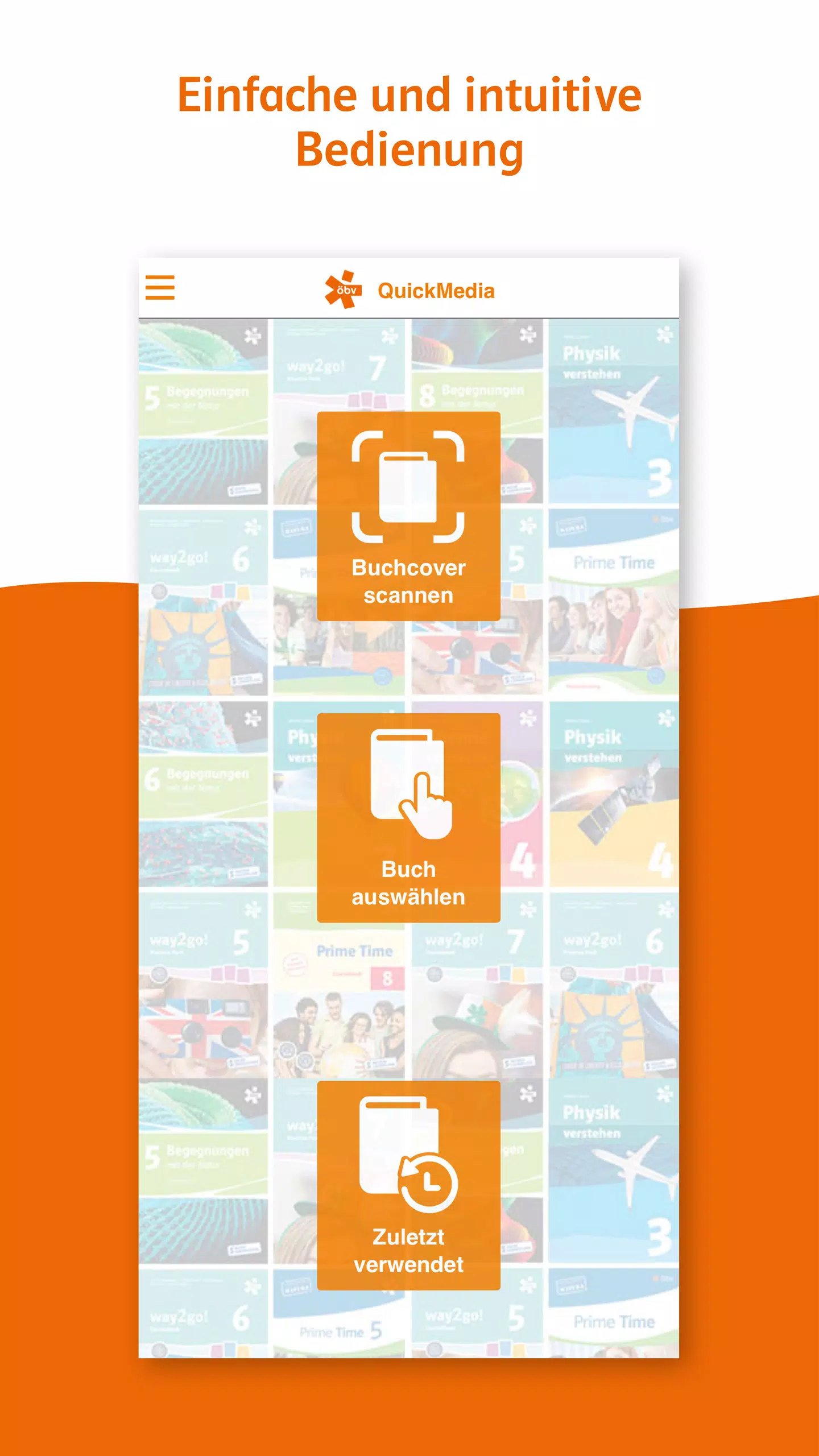
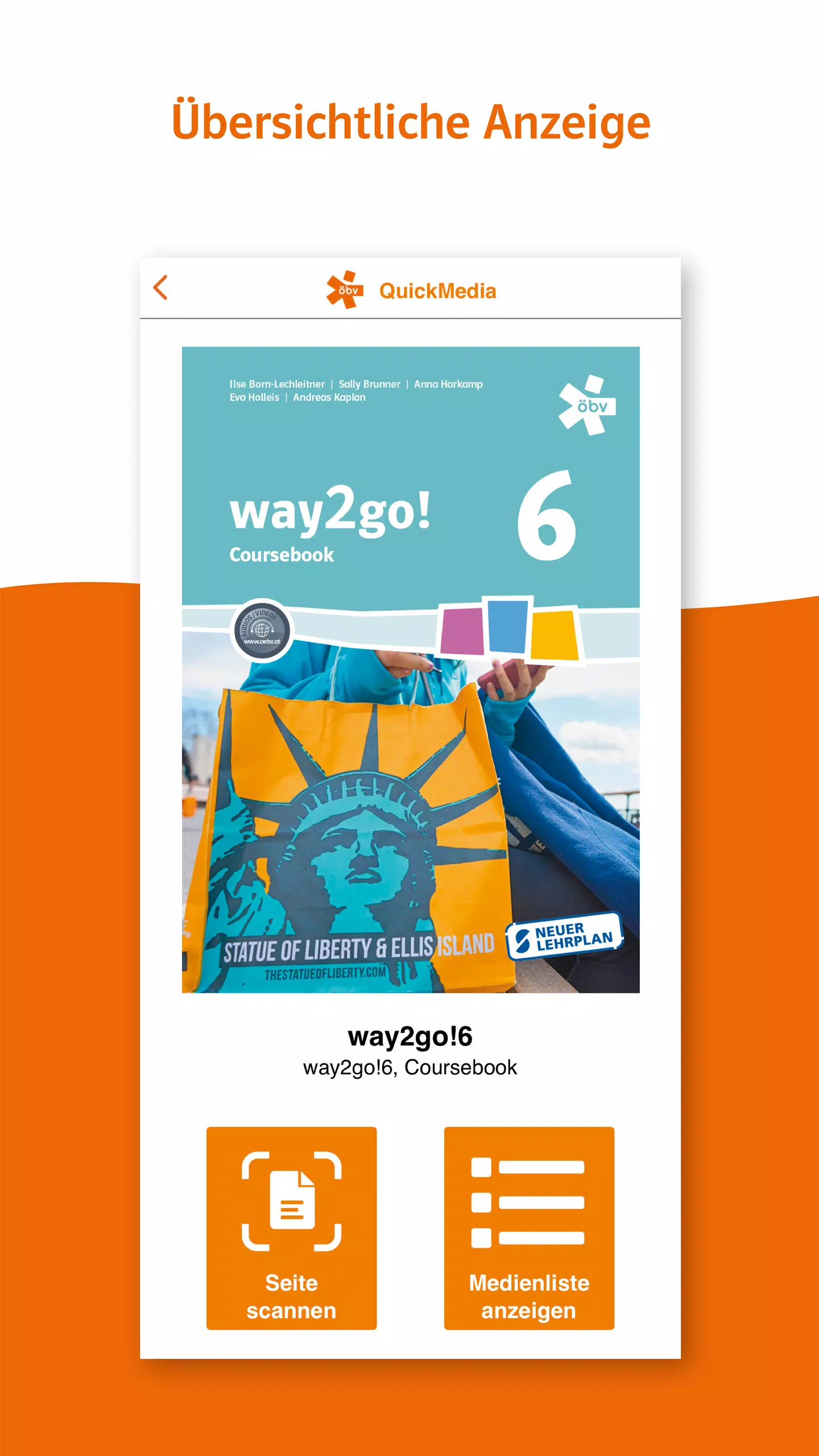
To get started, users can either scan the book cover or choose the specific textbook within the app itself. Once the textbook is selected, scanning individual pages or choosing supplementary materials from a curated list becomes a breeze. This process facilitates the opening, playing, or downloading of various types of media, including audio clips, videos, text documents, PDFs, and links to external resources.
One of the standout features of the öbv QuickMedia app is its offline functionality. Users can download all media files related to their textbook into the app, allowing for offline access once the initial download is complete. However, we recommend having a stable internet connection during the initial download phase for optimal performance.
The app efficiently utilizes the device’s internal storage for storing both downloaded files and textbook information. To perform scans, the app requires permission to access the device's camera. Rest assured, the app does not collect or retain any personal information from its users. Moreover, the öbv QuickMedia app is completely free to use, with no hidden costs or in-app purchases required.
Accessing the vast array of content available through the app does not necessitate any form of registration or login. This straightforward approach ensures that both students and teachers can make the most of these supplementary materials without any barriers to entry.
For more detailed information about the app and its functionalities, please visit the official website.
öbv QuickMedia應用截圖
öbv QuickMedia的歷史版本

編輯推薦


類似öbv QuickMedia的應用程式


ProcSet Media Solutions GmbH的應用程式
用戶評論
+ 評論
最受歡迎


