

關於SAI
SAI (Split APKs Installer) - Detailed Description
SAI (Split APKs Installer) is a versatile and powerful tool designed for Android users who want to install applications that come in the form of split APKs. This innovative app facilitates the management and installation of multiple APKs that are grouped together to form a single application. Split APKs are commonly used to deliver apps with optimized sizes, multiple language packs, or different device compatibility options without inflating the main APK’s size.
Key Features of SAI:
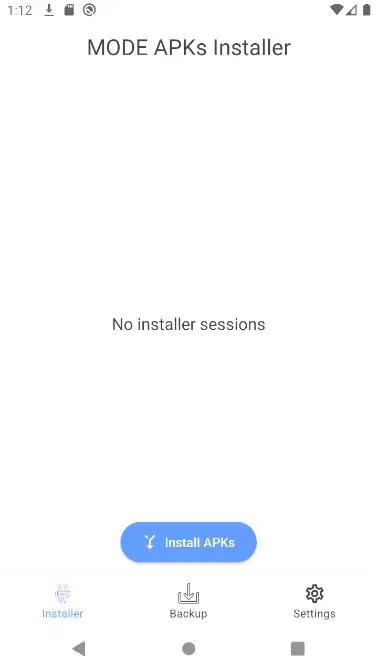
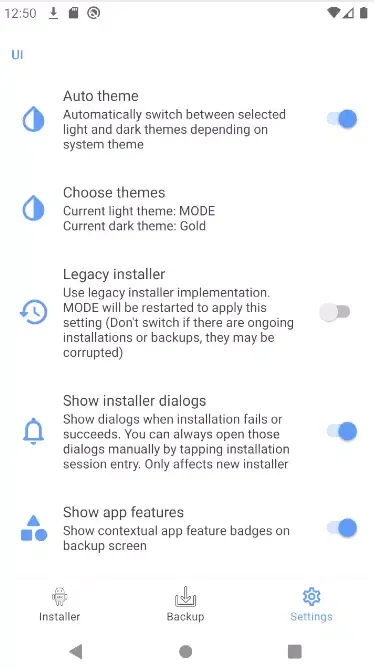
User-Friendly Interface: SAI boasts an intuitive and straightforward user interface that makes it easy for users to navigate through the app and manage their APK installations effortlessly. Whether you are a beginner or an advanced user, SAI is accessible to everyone.
Support for Different APK Types: SAI supports various types of APK installations including Split APKs, App Bundles (AAB), and traditional APK files. This versatility ensures that you can install virtually any app from a plethora of sources without hassle.
Installation with Root & Non-Root Options: For users who have rooted their devices, SAI offers advanced installation options that allow you to install split APKs directly into the system partition. However, it also provides non-root installation capabilities, enabling users to install apps without any rooting requirements.
Batch Installation: With SAI, you can install multiple APKs simultaneously. This feature is particularly useful when dealing with applications that consist of several APK files, as it saves you time and effort.
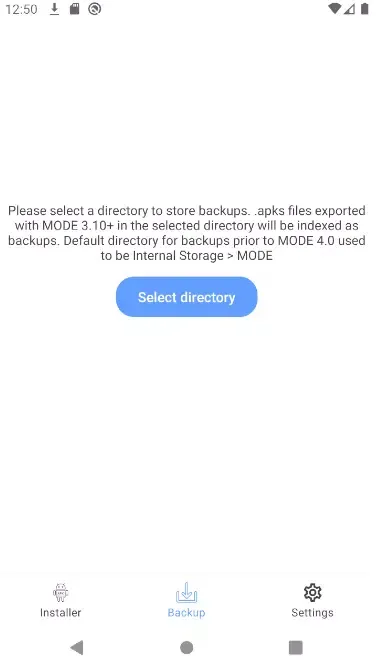
Backup & Restore Functionality: SAI allows you to back up your installed applications, making it easy to restore them later if needed. This function is invaluable when managing app updates or when transitioning to a new device.
Versatile File Support: In addition to installing APK files, SAI can also deal with other file types, making it a comprehensive tool for managing various app files on your device.
Error Checking & Reporting: SAI includes a robust error checking mechanism that helps identify and troubleshoot installation issues. If something goes wrong during the installation process, SAI provides informative error messages to guide your next steps.
Developer Support: For developers, SAI facilitates testing by allowing easy installation of their apps in various formats. It's a great tool for those working on app development and seeking to streamline their testing process.
Ads-Free Experience: Unlike many other tools in the market, SAI offers an ads-free experience, allowing users to focus solely on the installation process without distractions.
Community Driven: SAI encourages feedback from its user community and provides consistent updates to improve functionality while addressing user-reported bugs.
How to Use SAI:
- Installation: Download the SAI app from a trusted source like F-Droid or GitHub. Once installed, open the app.
- Add APKs: Tap on the '+' or 'Add' button to browse for your split APK files. You can select multiple files for batch installation.
- Start Installation: After selecting your APKs, choose either the ‘Install’ option for non-root users or ‘Install (root)’ for rooted devices. Follow the on-screen instructions.
- Manage Installed Apps: Use the backup and restore features to manage your installed applications conveniently.
Conclusion:
SAI (Split APKs Installer) is an essential tool for Android enthusiasts and developers alike. With its powerful features and user-centered design, it makes managing and installing split APKs easier than ever before. Whether you are looking to install apps from outside the Play Store or test your own creations, SAI is the perfect companion for all your APK management needs. Download SAI today and unlock the full potential of your Android device!
Note: Always ensure that you download APK files from reliable sources to avoid security risks.
遊戲玩法
SAI應用截圖
SAI的歷史版本





編輯推薦


類似SAI的應用程式


Thái kaio的應用程式
用戶評論
+ 評論
最受歡迎


