

关于Друзья
Description of the "Friends" Application
Welcome to "Friends," a comprehensive social networking platform designed for Android users! This versatile app combines various features to make your online experience both enjoyable and productive.
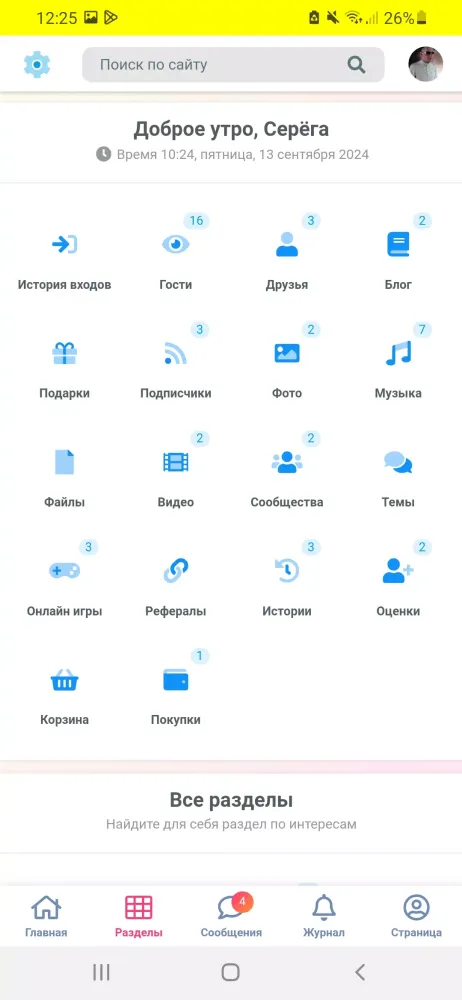
Features Overview
- Media Consumption: Watch and listen to videos and music seamlessly.
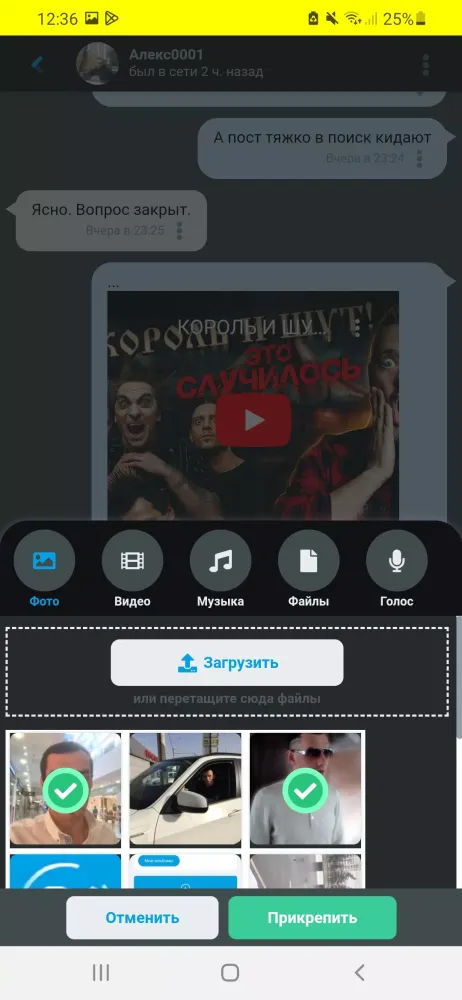
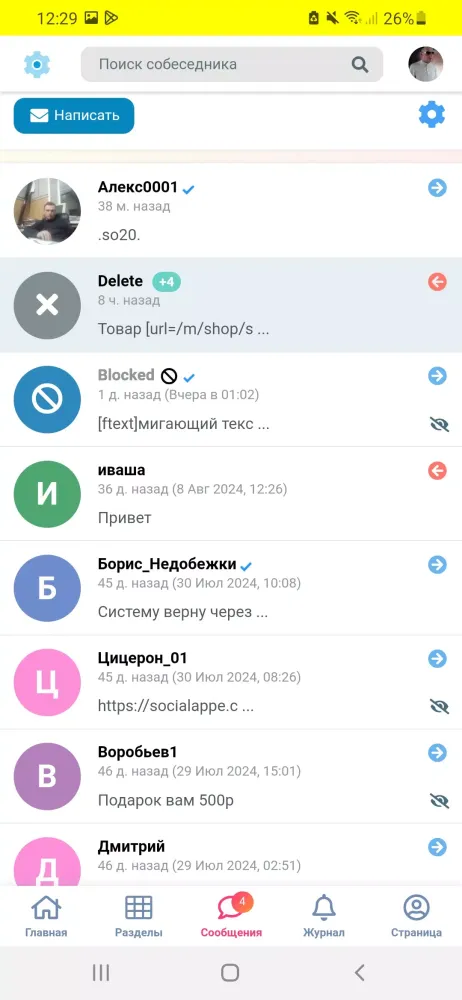
- Communication Tools: Utilize the built-in messenger, exchange voice messages, and share files with friends.
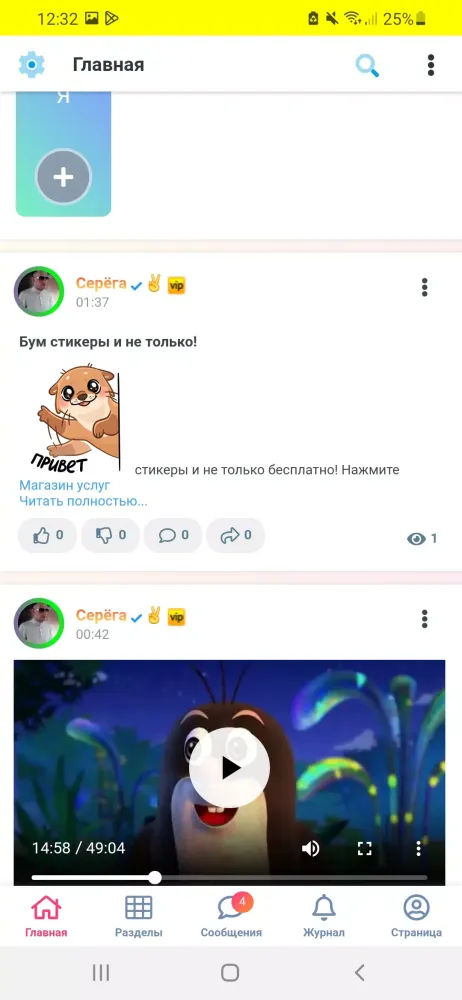
- Content Sharing: Create and share blogs, posts, photos, videos, and audio content.
- Engagement: Participate in groups, stories, and discussions.
- Dark and Light Modes: Customize your viewing experience with adjustable themes.
- Album Creation: Organize your media in albums within different sections.
- Comment System: Engage in conversations and leave comments on posts.
Key Features
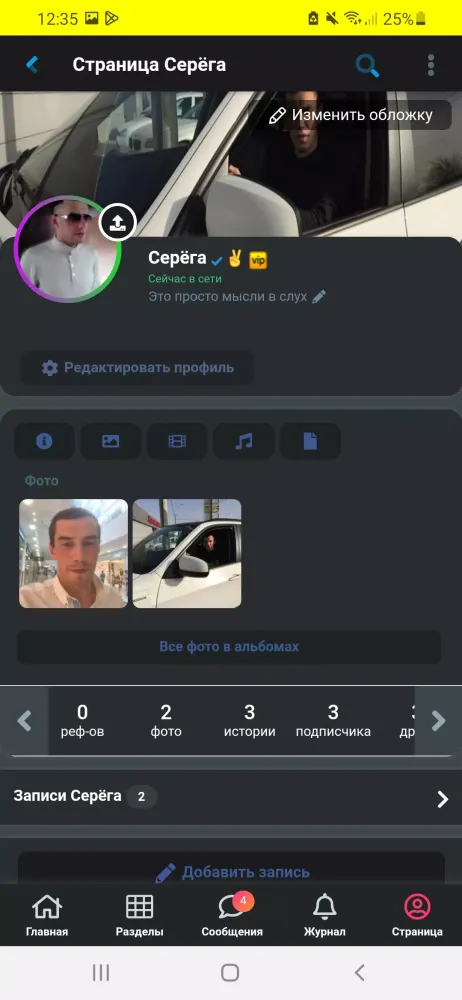
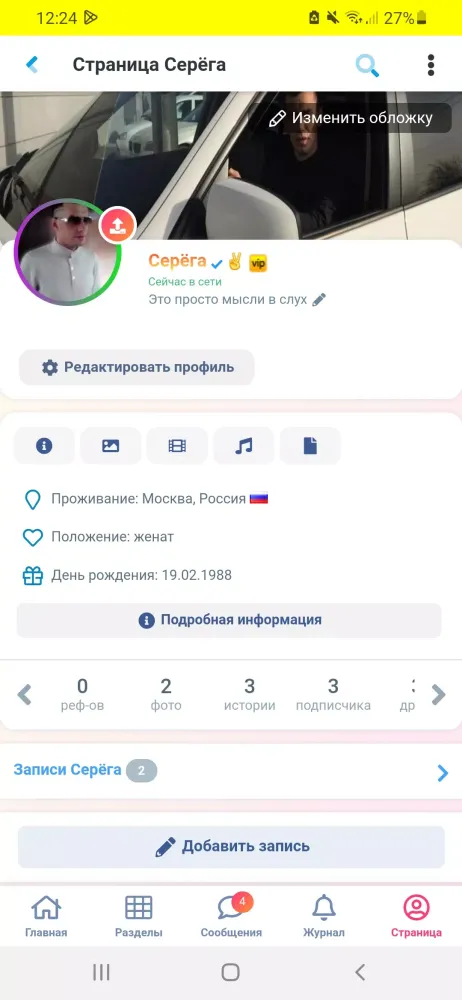
- Status Updates: Set and display your current status on your profile.
- Communities and Groups: Create and manage groups and public pages to connect with like-minded individuals, host events, and promote businesses.
- Instant Messaging: Enjoy real-time messaging with friends, complete with the ability to send voice messages and files.
- Service Integration: Seamlessly integrate with music and video platforms for easy discovery and sharing of content.
- Business Promotion: Launch advertising campaigns, set targeting options, and analyze performance metrics.
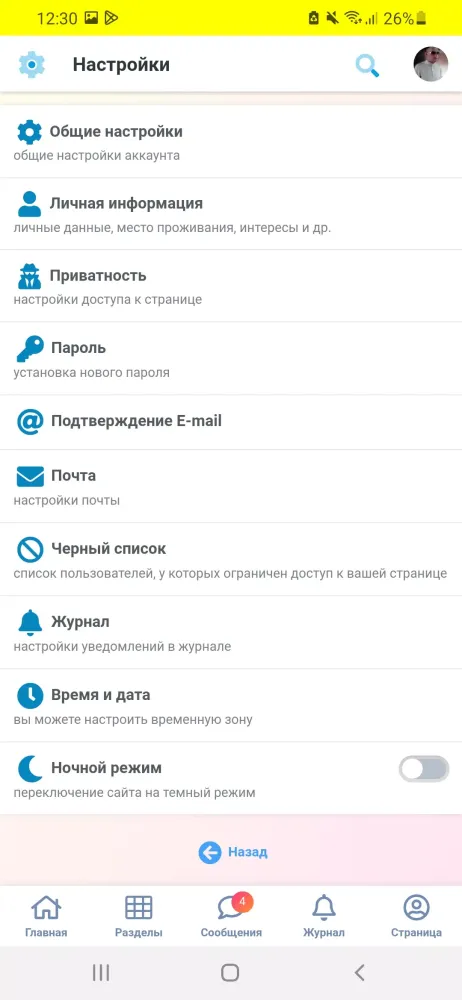
- Security and Privacy: Manage your privacy and security with features like blocking unwanted users and setting profile privacy.
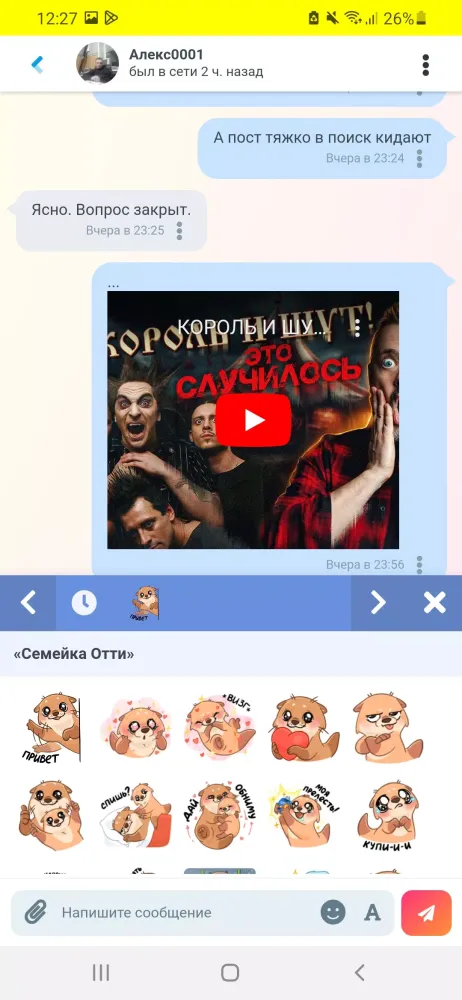
- Emoticons and Stickers: Enhance your communication with a wide range of emoticons and stickers.
- Voice Messages: Send voice messages from comments to the messenger and community posts.
Getting Started
Creating an account is simple! Just launch the app and fill out the registration form with your basic details, such as your first name, last name, and date of birth.
Finding Friends
Use the search feature to find people based on shared interests or common groups.
Managing Privacy
Configure your privacy settings by navigating to the "Settings" section and selecting "Privacy." Here, you can customize who can see your information and posts.
Deleting Your Page
If you need to delete your page, reach out to us via email for assistance.
Restoring Access
If you forget your password, use the "Forgot your password?" function on the login page. Enter your email address to restore access to your account.
Join "Friends" today and start connecting, creating, and engaging with a vibrant community!
游戏玩法
Друзья应用截图
Друзья的历史版本





编辑推荐


Social Appe - С. Романов的应用
用户评论
+ 测评
最受欢迎


