
关于PDF Editor
Unlock the full potential of your PDF files with the ultimate PDF Editor – your go-to solution for efficient and effortless PDF editing.
🏆 “THE BEST & EASIEST PDF EDITING APP”
Are you stuck with a PDF file that you can’t edit? Discover the ultimate PDF Editor, designed to make your PDF editing experience seamless and effective. Try it for free!
⭐ HOW IT WORKS:
-
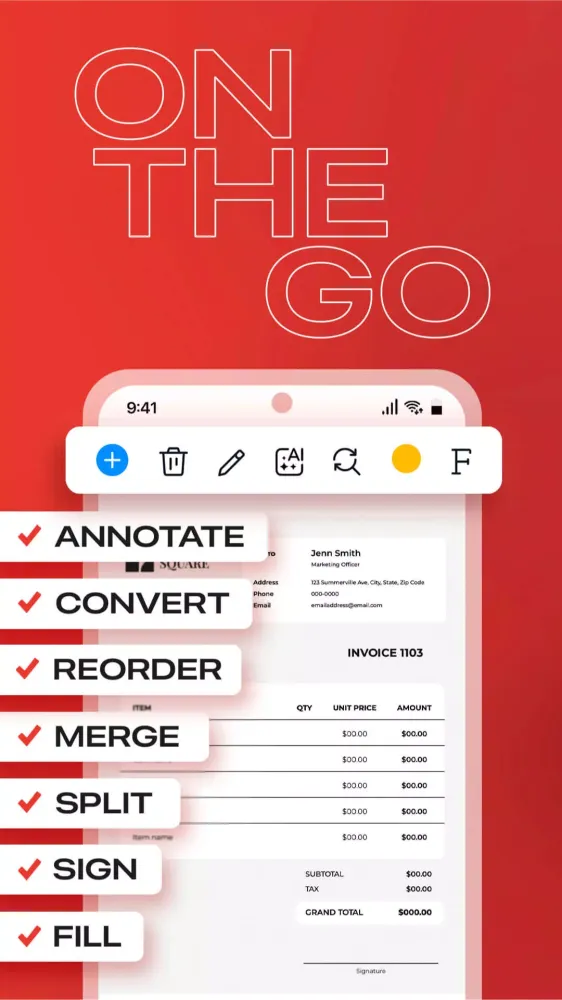
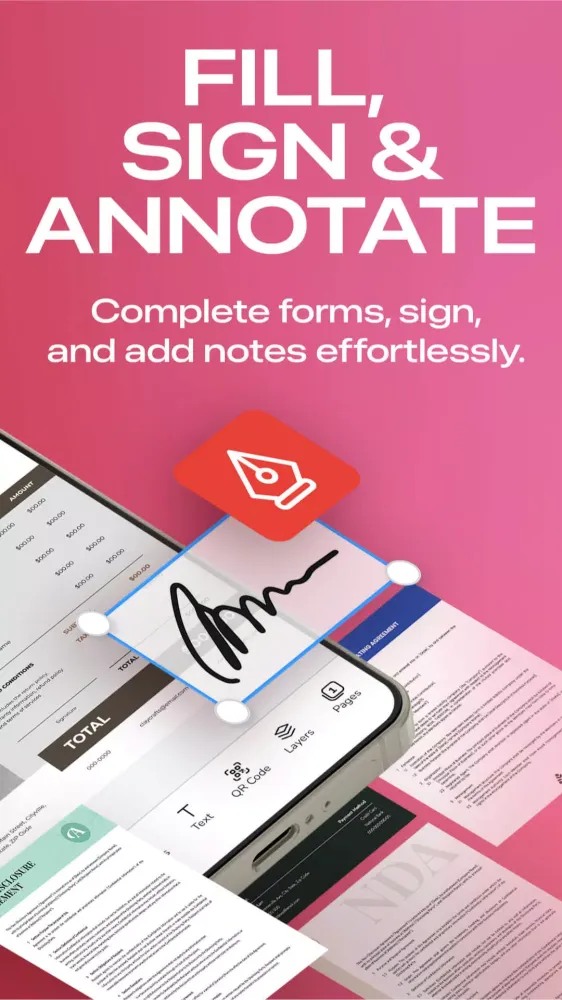
PDF Reader & Viewer: Completely free, offline, and without the need for an account. Annotate your PDFs, fill out digital forms, add highlights and signatures, draw and organize pages, save and export, split and merge.
-
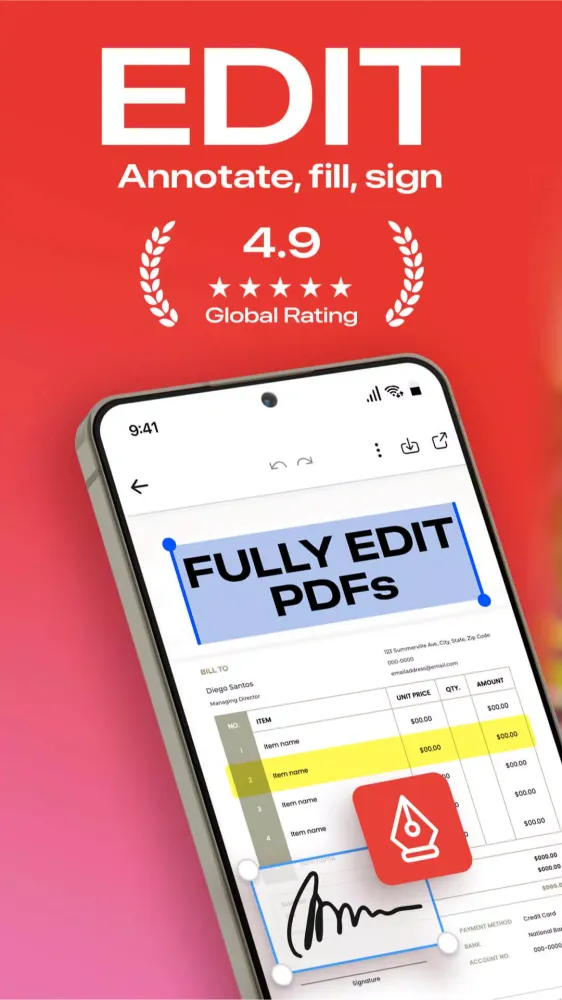
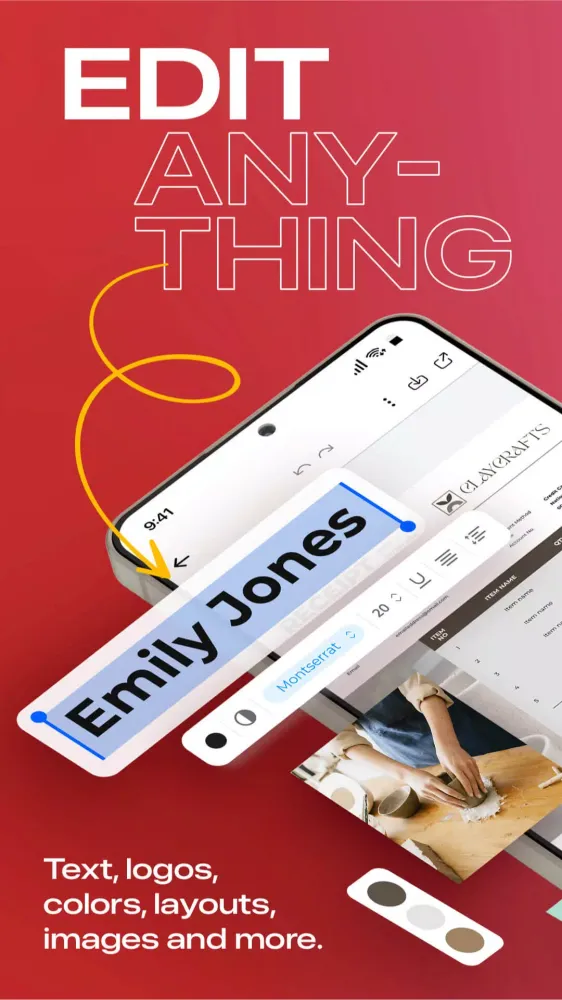
The PDF Editor: Edit Everything! Create an account to try its full power. With PDF Editor powered by AI, you have the freedom to edit any element in your PDF. Effortlessly edit any image, text, or even sign. You can even merge and convert your PDF files into other types of documents easily. Whether you're a student, professional, or simply need to work with PDFs, we've got you covered.
Experience hassle-free editing with our user-friendly interface. Streamline your PDF workflow today!
⭐ WHY USE PDF EDITOR
- Edit Text and Images: Make quick and precise edits to your PDF documents. Change text, fonts, and images as needed.
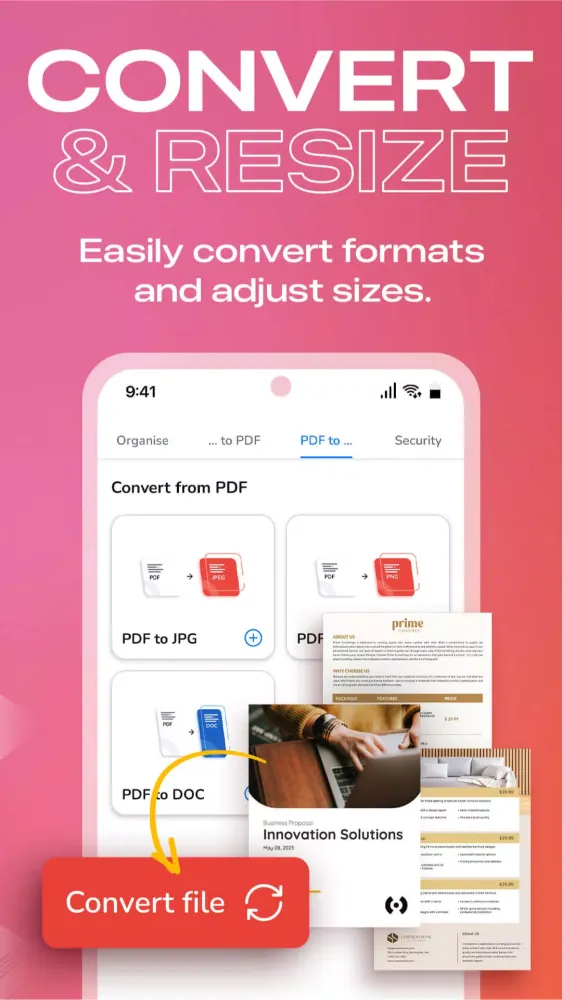
- Convert and Export in Multiple Formats: Save PDFs as Word, PPT, or image files for versatile sharing and editing options.
- Resize any PDF: Click on resize and choose your new format to easily resize it to fit anywhere with the best quality.
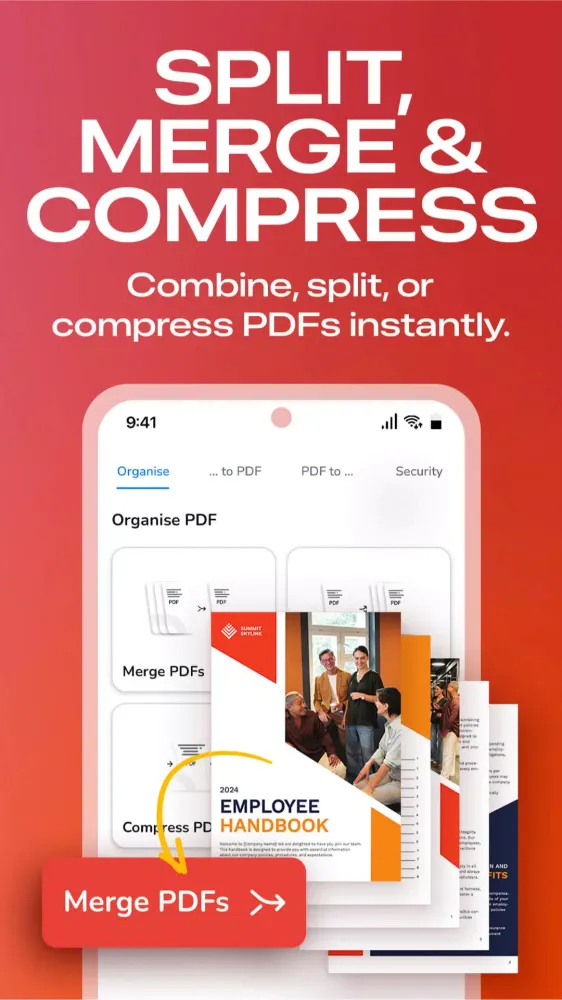
- Merge PDFs: Combine multiple PDF files into a single document, perfect for reports, presentations, and more.
- Annotation Tools: Highlight, underline, or add comments to important sections. Enhance collaboration and communication.
- Secure Your PDFs: Protect sensitive data with password encryption. Keep your documents safe and confidential.
- Sign a document by hand: Fill out, save, and send PDF forms.
- Customize PDFs: Add watermarks, headers, and footers for a professional touch.
- Organize Pages: Reorder, rotate, and delete pages to structure your PDF exactly how you want it.
- Cloud Integration: Seamlessly access and save PDFs from popular cloud storage services like Google Drive, OneDrive, and Dropbox.
- Optimized Performance: Enjoy fast loading and smooth navigation through your PDFs, even with large files.
- User-Friendly Interface: Navigate our app with ease, thanks to an intuitive design and user-friendly controls.
- Boost Productivity: Simplify your PDF workflow and save time on document management tasks.
- Millions of premium and royalty-free extra resources: Enrich your PDF files with premium and royalty-free images, fonts, and icons.
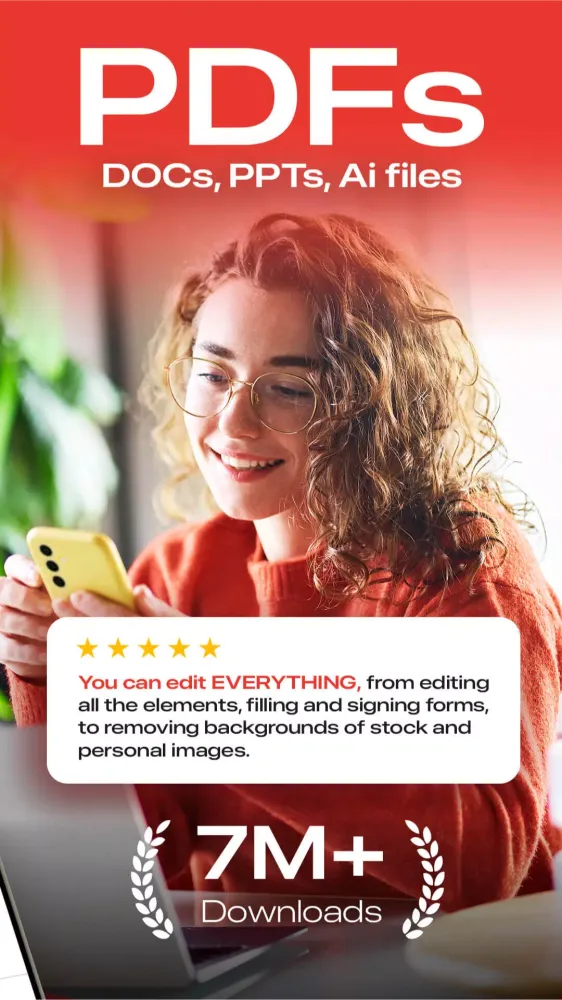
- One-click Background Remover: Our powerful AI detects the background of your images and removes it in seconds.
⭐ USE PDF EDITOR TO CONVERT DOCUMENTS
- Convert PDF to high-resolution print or small web PDF files.
- Convert PDF to JPG and PNG.
- Convert PDF to Word.
- Convert any image to PDF.
- Convert Word to PDF.
- Convert PowerPoint to PDF.
- Convert Adobe Illustrator to PDF.
⭐ USE PDF TEMPLATES FOR YOUR NEW PROJECTS
- Documents
- Invoices
- Presentations
- Letters
- Resumes & Certificates
- Marketing Materials: flyers, business cards, and much more!
🚀 FREE YOURSELF TO EDIT ANY PDF
PDF Editor is your trusted partner for all your document editing needs. Get organized, collaborate effectively, and present professionally with our powerful yet easy-to-use app. Download now and unlock the full potential of your PDF files!
Experience the future of PDF editing. Get it today!
游戏玩法
PDF Editor应用截图
PDF Editor的历史版本





编辑推荐


类似PDF Editor的应用
 PDF Editor: Edit PDF, Sign PDF
 PDF Utility - PDF Tools - PDF
 PDF Extra PDF Editor & Scanner
 PDF editor & PDF converter pro
 Simple PDF Editor-PDF Viewer
 Lite PDF Reader and Editor PDF
 PDF Reader - PDF Editor
 PDF Editor: PDF Reader Viewer
 PDF - PDF Reader
 PDF Reader - Image to PDF
 Photos to PDF: Image PDF maker
 AzPDF: PDF Reader, PDF Viewer
Desygner Pty Ltd的应用


用户评论
+ 测评
最受欢迎


