

关于Inventory Count
Inventory Count with Barcode Scanner: Streamlined Inventory Management
The "Inventory Count" application offers an efficient way to manage your inventory using a barcode scanner. It simplifies the process of cycle counting and asset tracking, making it easier to keep your inventory up-to-date.
Seamless Scanning Experience
One of the key features of this application is its ability to switch between the scanning screen and data processing screen without interrupting the scanning process. This means you can manage your inventory immediately while scanning barcodes. Additionally, you can start using the application right after installation without needing to sign up for an account. For those seeking the same level of performance as a PDA, this app is a great choice.
Key Features
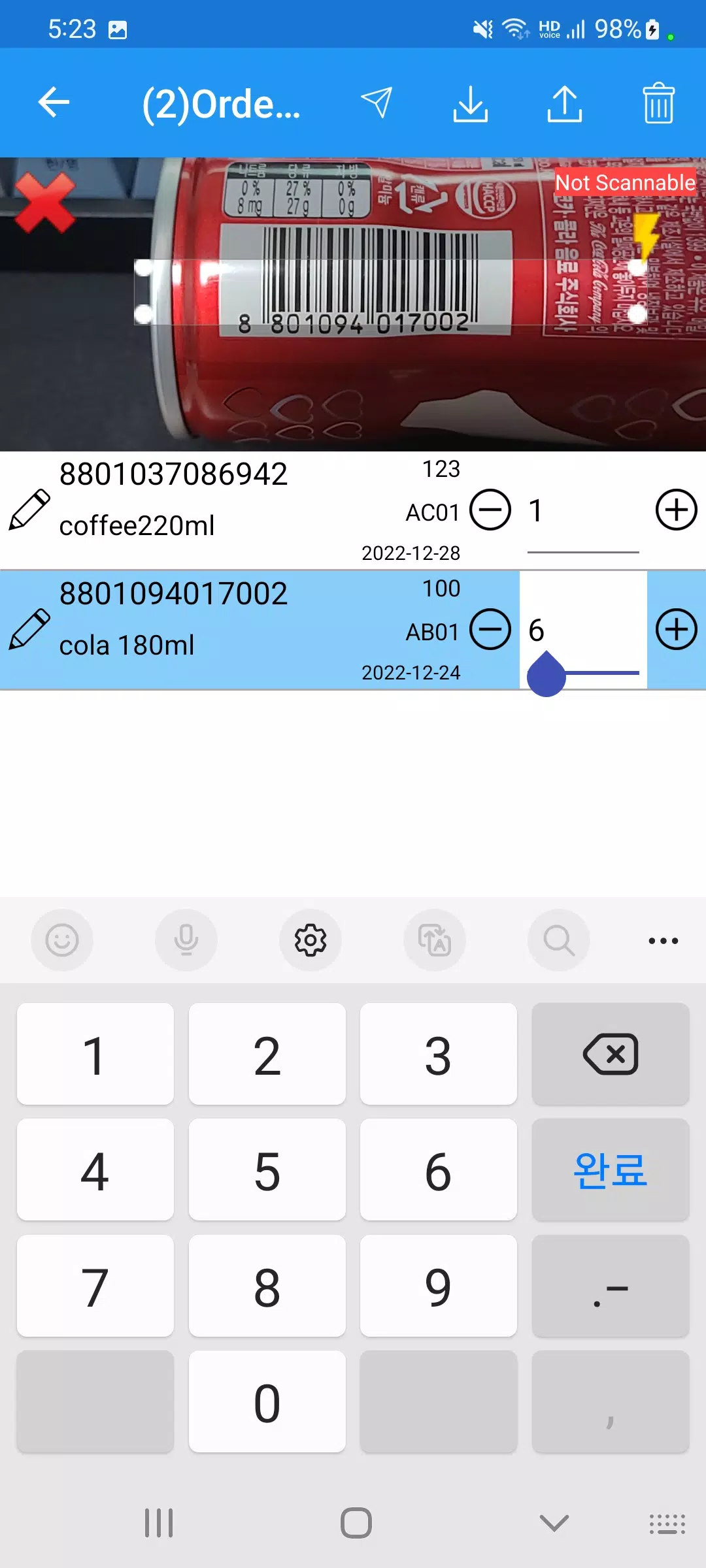
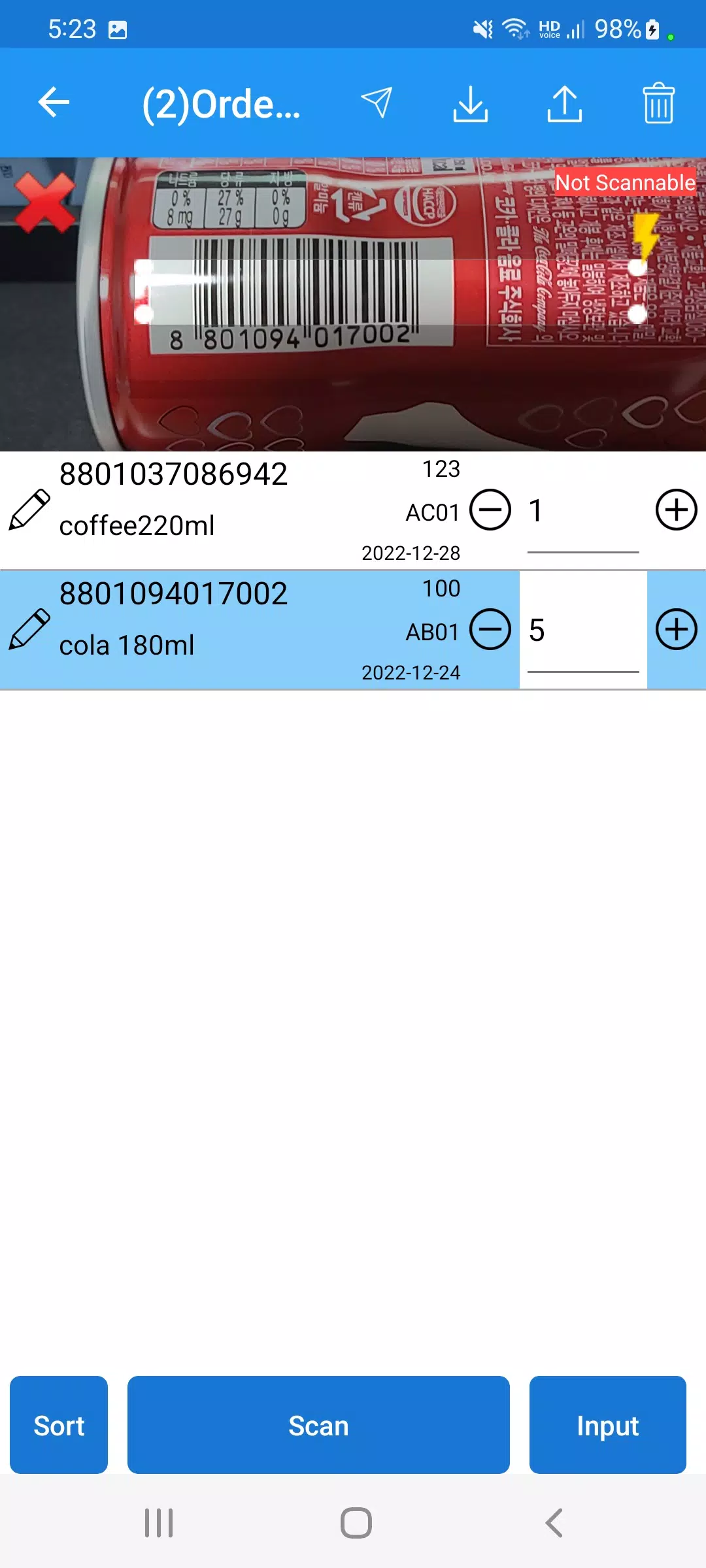
- Customizable Scanning Screen: Adjust the size of the scan screen and change the scan area in real time to ensure more accurate barcode scanning.
- Unlimited Free Barcode Scanning: The app allows for unlimited and free barcode scanning. However, Excel export is limited to 50 scan records.
Comprehensive Barcode Scanning Capabilities
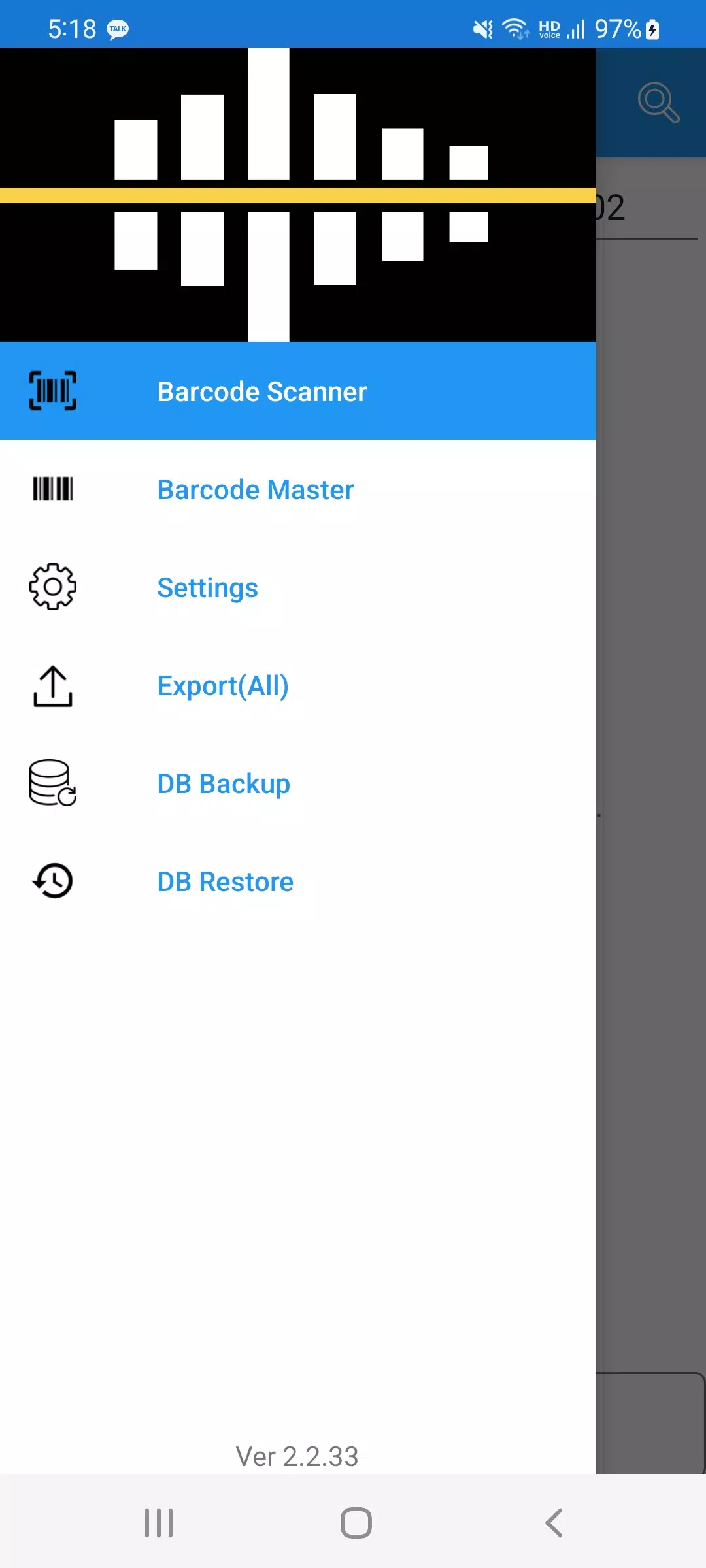
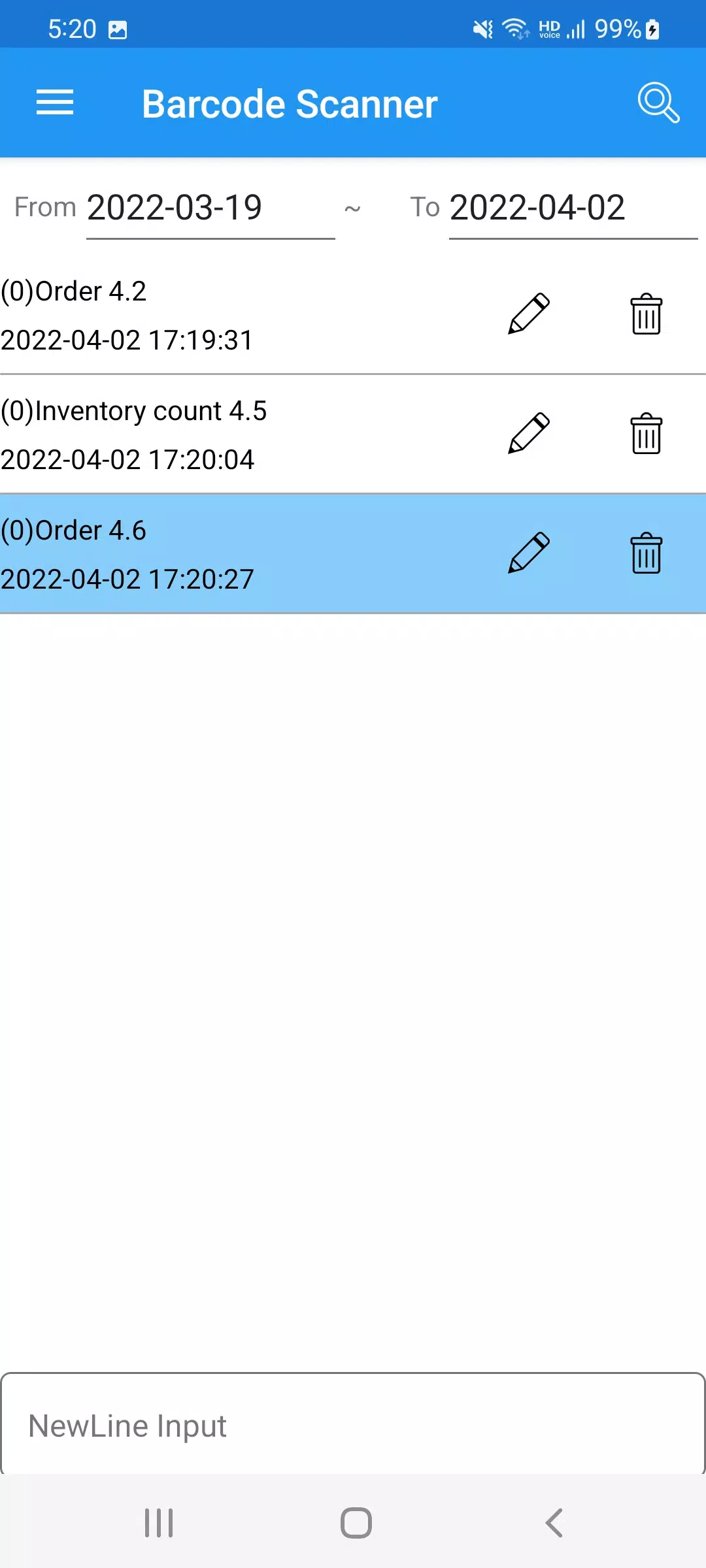
The application includes a powerful barcode scanner that doesn't require any sign-ups. It performs accurate and fast barcode scanning with a split scanning screen and real-time scanning area adjustment. It can replace existing PDAs or Bluetooth barcode scanners for tasks such as inventory checks and order management. Additionally, it supports Excel Import/Export, allowing you to easily transfer data.
Advanced Features
For advanced users, the app provides a range of features including:
- Support for various data processing methods for duplicate scans
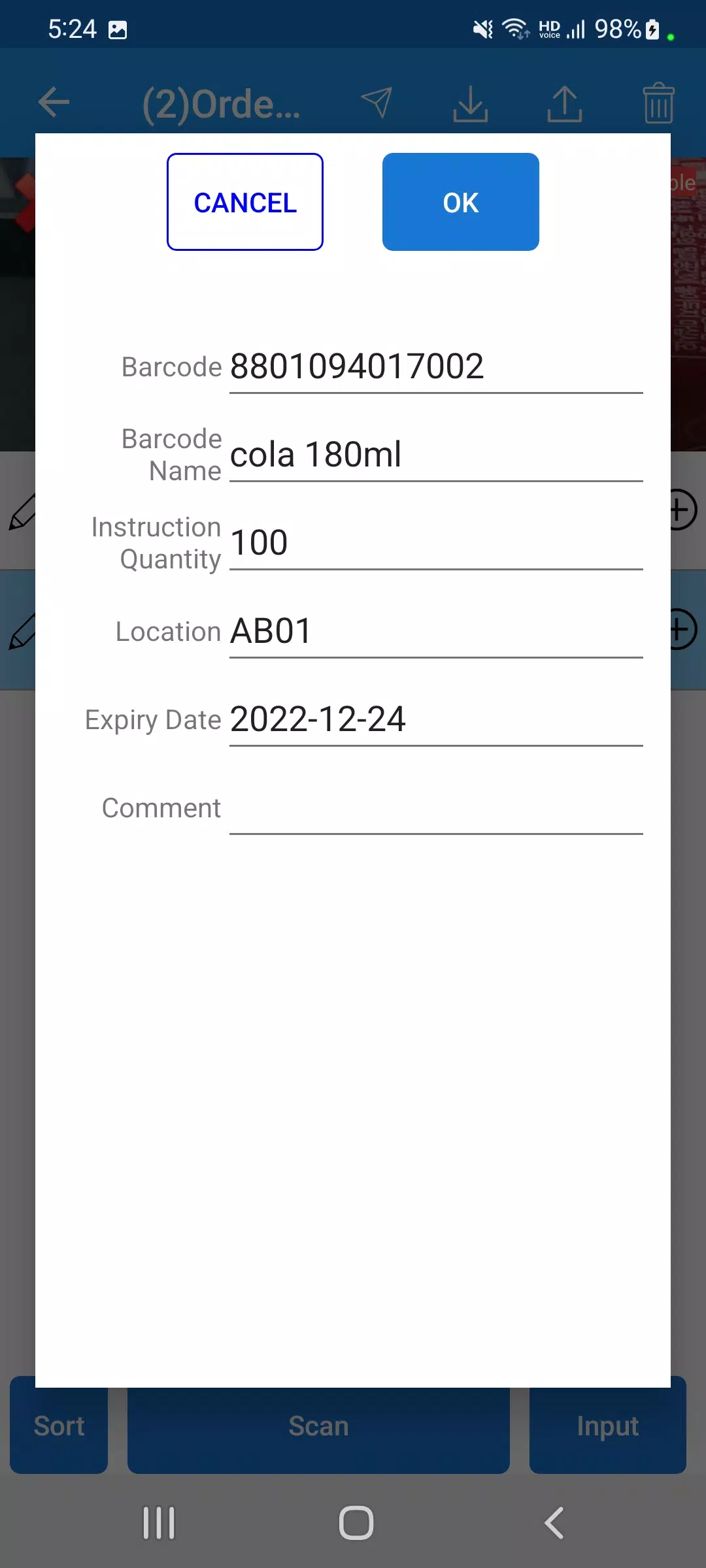
- Manual quantity input
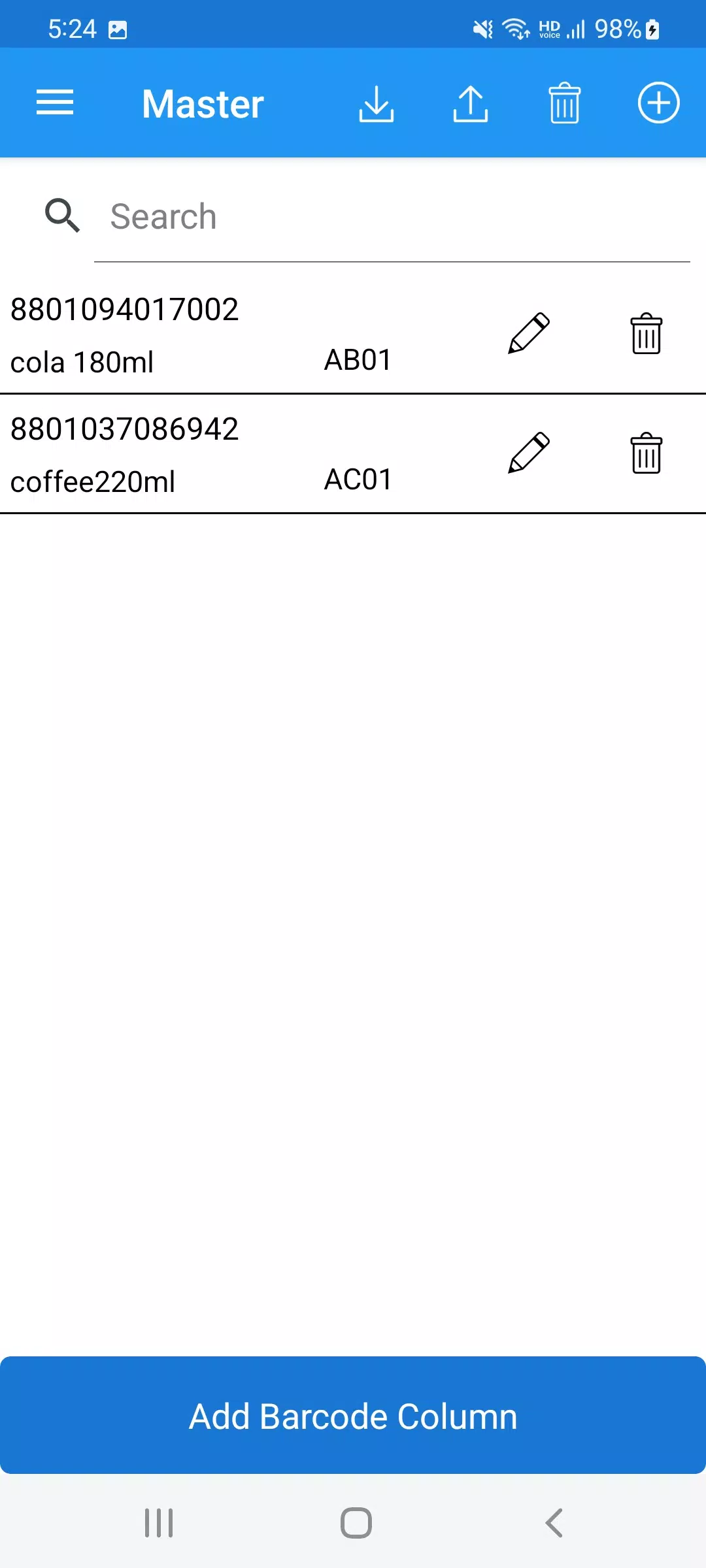
- Alternative barcodes
- Decimal quantity support
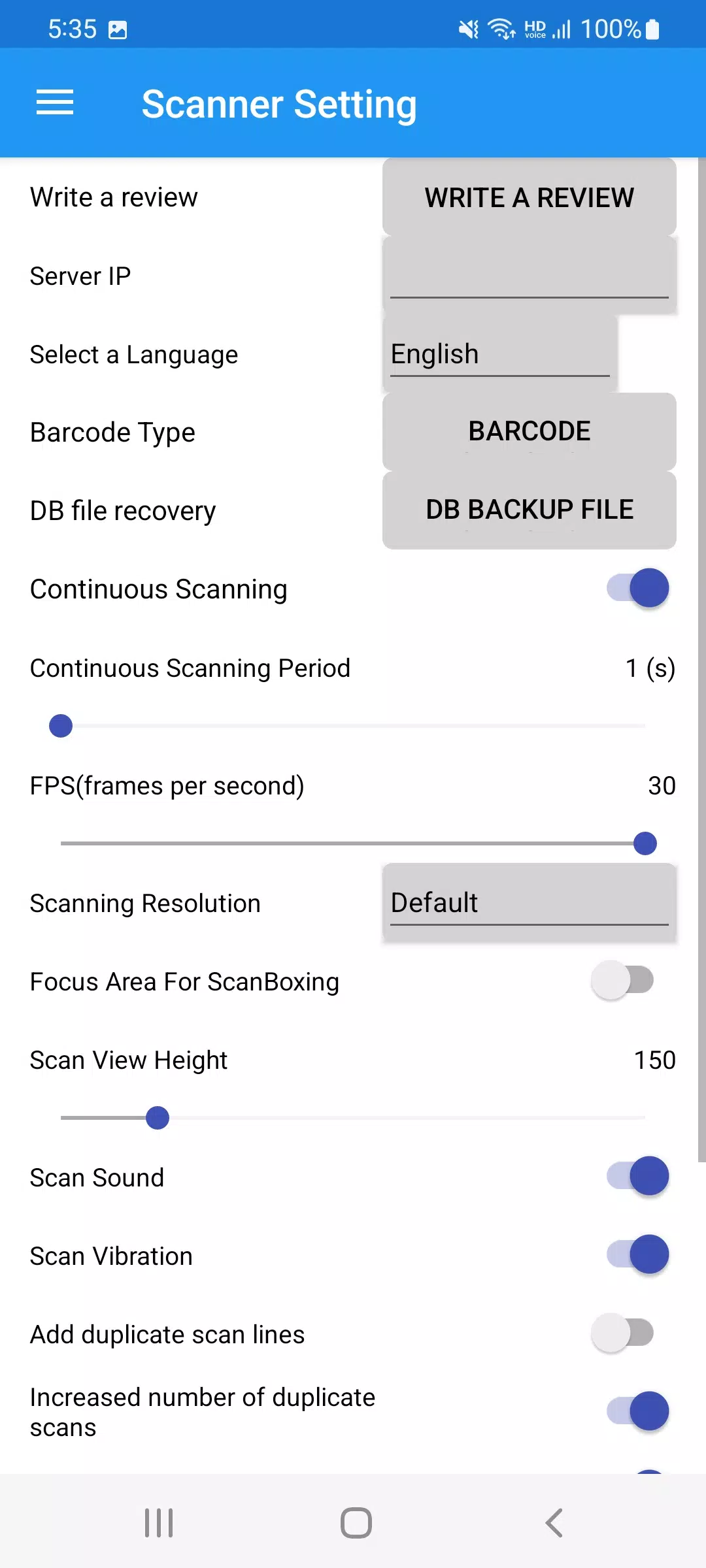
- Continuous and single scanning modes
- Adjustable interval time for continuous scanning
- Quantity increase, line addition, and manual input modes for duplicate scans
- Real-time scanning area adjustment for accurate barcode scanning
- Camera zoom in/out functionality
- Multilingual support
Team Collaboration
The app also supports team mode, enabling multiple users to share the same data seamlessly. Administrators can create teams, and users can join to use the application collaboratively.
PC Management Program Support
Lastly, the app can be linked with a PC management program, supporting both cloud and local network configurations. The installation address for the PC management program is provided at:
https://pulmuone.github.io/barcode/publish.htm
By utilizing the "Inventory Count" application, you can streamline your inventory management process, ensuring accuracy and efficiency.
游戏玩法
Inventory Count应用截图
Inventory Count的历史版本





编辑推荐


类似Inventory Count的应用


gwise的应用
用户评论
+ 测评
最受欢迎


