
关于Kiosk Browser Lockdown
Please note Chromebooks are not supported, do not install on Chromebooks.
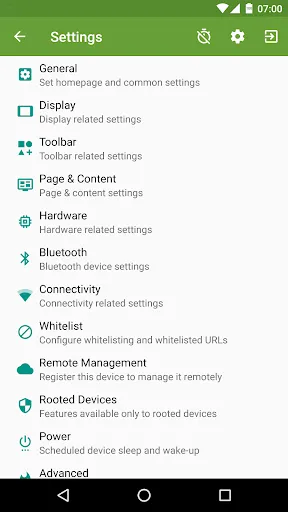
Designed for use on any Android device and is great for creating public kiosks, interactive digital signage etc.... Lock down the user interface so that the end-user can only access your defined webpage(s) and can't adjust Android system settings or gain access to other applications.
This app uses the Device Administrator permission. You can disable this permissions via Android Settings > Security > Device Admins (before uninstalling).
[How to exit]
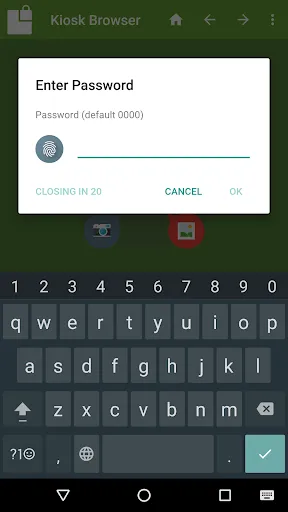
Either press the hardware menu button or menu button in the top right hand corner of the screen, enter settings and then tap "Exit to Launcher" or tap anywhere within the webpage 4 times in quick succession to open the password dialog. The default settings password is 0000.
[Key features]
- Password protected settings
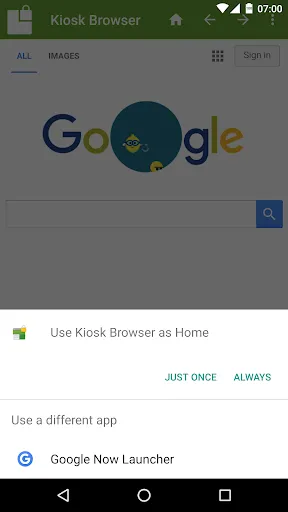
- Set as default launcher (prevents app exit)
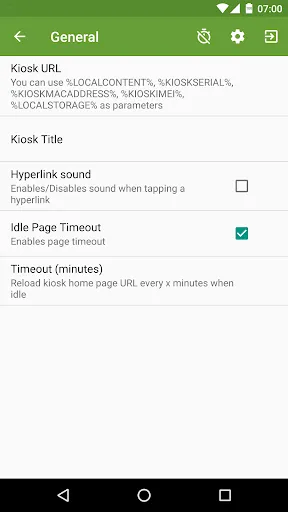
- Idle page reload
- Hardware control (orientation, screen etc...)
- Cache, cookie & history control
- Disables access to notifications, recent apps, Google Now
- Hides system dialogs
- 70+ configuration options
[More Features]
- Bookmarks Bar
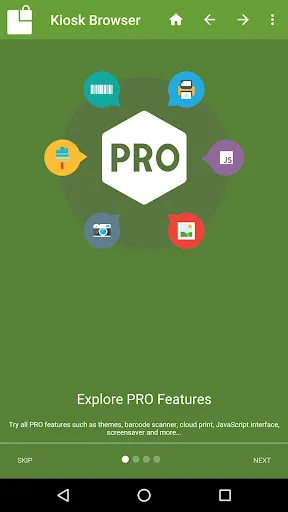
- Barcode Scanner
- NFC Reader
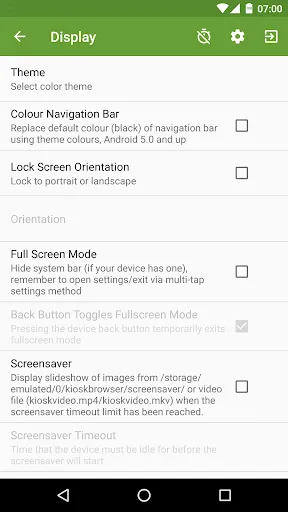
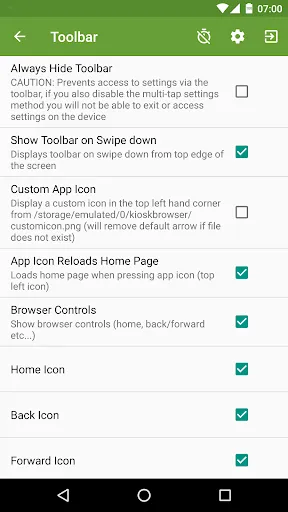
- Fullscreen mode / Hidden Toolbar
- Scheduled Sleep and Wake
- JavaScript Interface
- Google Cloud Print & ESC/POS bluetooth printing
- Screensaver (image(s)/video/website(s))
- Colour themes
- Camera Uploads
- Custom Error/Deny Pages
- Url Whitelist & Blacklist
- WiFi Settings Access
- XML Import/Export
[Xiaomi/Huawei/Acer Devices]
You must set the default launcher manually on these devices before Kiosk Browser will start. Normally within Android Settings > Home.
[Remote Management]
Available on a subscription basis, more information can be found on our website.
[Support & Documentation]
https://kioskbrowser.crisp.help/en/
[Licence]
All features are available to test for free, a licence is required for personal or commercial use.
Our licence agreement can be found here: https://www.android-kiosk.com/eula/
Designed for use on any Android device and is great for creating public kiosks, interactive digital signage etc.... Lock down the user interface so that the end-user can only access your defined webpage(s) and can't adjust Android system settings or gain access to other applications.
This app uses the Device Administrator permission. You can disable this permissions via Android Settings > Security > Device Admins (before uninstalling).
[How to exit]
Either press the hardware menu button or menu button in the top right hand corner of the screen, enter settings and then tap "Exit to Launcher" or tap anywhere within the webpage 4 times in quick succession to open the password dialog. The default settings password is 0000.
[Key features]
- Password protected settings
- Set as default launcher (prevents app exit)
- Idle page reload
- Hardware control (orientation, screen etc...)
- Cache, cookie & history control
- Disables access to notifications, recent apps, Google Now
- Hides system dialogs
- 70+ configuration options
[More Features]
- Bookmarks Bar
- Barcode Scanner
- NFC Reader
- Fullscreen mode / Hidden Toolbar
- Scheduled Sleep and Wake
- JavaScript Interface
- Google Cloud Print & ESC/POS bluetooth printing
- Screensaver (image(s)/video/website(s))
- Colour themes
- Camera Uploads
- Custom Error/Deny Pages
- Url Whitelist & Blacklist
- WiFi Settings Access
- XML Import/Export
[Xiaomi/Huawei/Acer Devices]
You must set the default launcher manually on these devices before Kiosk Browser will start. Normally within Android Settings > Home.
[Remote Management]
Available on a subscription basis, more information can be found on our website.
[Support & Documentation]
https://kioskbrowser.crisp.help/en/
[Licence]
All features are available to test for free, a licence is required for personal or commercial use.
Our licence agreement can be found here: https://www.android-kiosk.com/eula/
游戏玩法
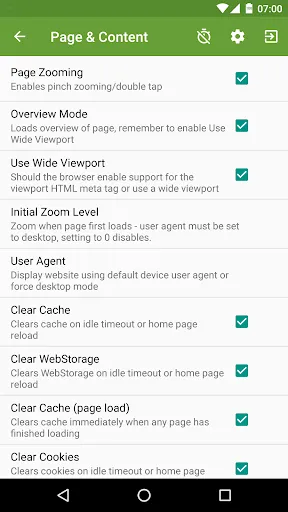
Kiosk Browser Lockdown应用截图
Kiosk Browser Lockdown的历史版本





编辑推荐


类似Kiosk Browser Lockdown的应用


ProCo IT的应用

用户评论
+ 测评
4.6
5
4
3
2
1
A
Angelia
2025-03-13
12
0
The customization options in Kiosk Browser Lockdown are fantastic. It’s perfect for tailored browsing experiences.
A
Austin
2025-03-08
17
0
Kiosk Browser Lockdown is a must-have for anyone managing shared devices. It’s efficient and secure.
S
Samantha
2025-01-29
0
0
I’m impressed with how Kiosk Browser Lockdown handles multiple devices seamlessly. It’s a lifesaver for our IT team.
最受欢迎

Finger Football
Gamotronix

Talking Pierre the Parrot
Outfit7 Limited

Tips Dream League Soccer 2017
amorphisnguyen

Poppo Live
Poppo Team

StarMaker: Sing Karaoke Songs
SKYWORK AI PTE. LTD.

CookieRun: OvenBreak
Devsisters Corporation

Netflix
Netflix, Inc.

TikTok
TikTok Pte. Ltd.

Legend of Solgard
Snowprint Studios AB

X
X Corp.

Clash Royale
Supercell

Plague Inc.
Ndemic Creations

Relic Bag: Shadow Hunter
Fansipan Limited

PUBG MOBILE
Level Infinite

Red Dead redemption 2 Mobile
Tarik EL hamdi

War Thunder Mobile
GAIJIN NETWORK LTD

Off Road 4x4 Driving Simulator
Azur Interactive Games Limited

Call of Duty: Warzone Mobile
Activision Publishing, Inc.

GunboundM
DargomStudio

Car Parking Multiplayer 2
olzhass

Marvel Spider Man
Welcome to the Marvel Spider-Man APK, your gateway to the exciting world of Spider-Man, now adapted

Pure Sniper: Gun Shooter Games
Miniclip.com

Shadow Fight 2 Special Edition
NEKKI

Reddit
reddit Inc.