Introduction of File Manager
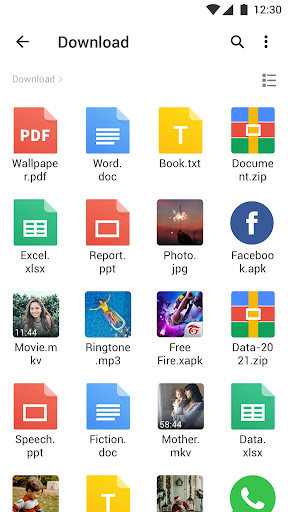
File Manager - XFolder, a powerful & easy-to-use file manager & file explorer with desktop-grade features, helps you handle ALL your files efficiently. With File Manager - XFolder, you can easily manage files on local device & SD card, and quickly find files by browsing.
? Manage Files All in One
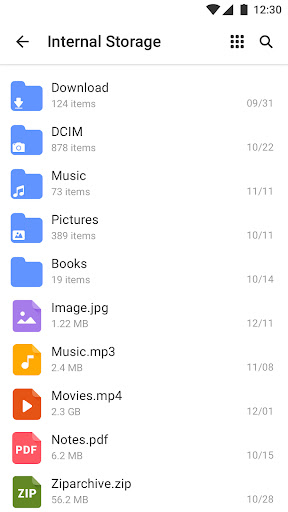
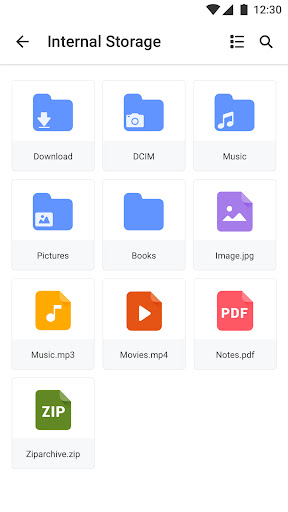
- Browse, Create, Multi-Select, Rename, Compress, Decompress, Copy & Paste, Move files and folders
- Lock your files in private folder to keep safe
? Easily Find Files
- Search and find your buried files fast with only a few taps
- No longer waste much time looking for videos, music or memes you’ve downloaded before
Key Features:
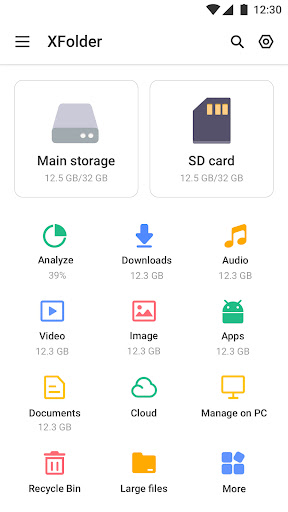
● ALL File Formats Supported: New files, Downloads, Videos, Audios, Images, Apps, Docs and Archives
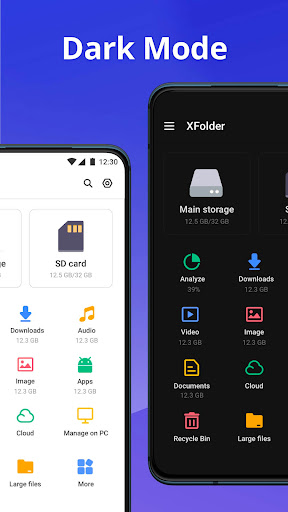
● Quickly check both internal and external storage including SD card, USB OTG
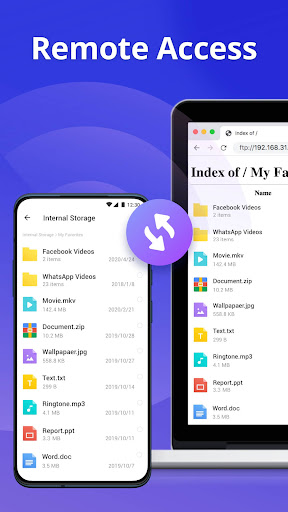
● FTP (File Transfer Protocol) : access your Android device storage from PC
● Compress & Decompress ZIP/RAR Archives
● Recycle Bin: restore your deleted files
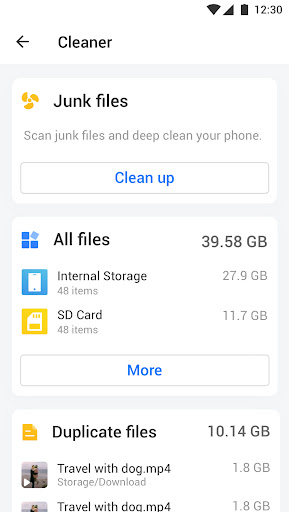
● View Large Files: browse and delete unused items
● App Management: check and remove unused apps
● Built-in Tools for better experience: Music Player, Image Viewer, Video Player & File Extractor
● Option to show hidden files
Full-Featured File Manager Tool
Find powerless to manage tons of files on your mobile device? Try File Manager - XFolder, find and manage all files, apps, videos and photos downloaded on your local device. Search and remove unused items with this file explorer tool.
Easy-to-use File Explorer Tool
With all the basics you'd expect and some outstanding extras — all packed into a nicely designed and easy-to-use interface. File Manager - XFolder is a handy file explorer and storage browser that helps you find and manage what you’re looking for fast.
---------Warm Tips
To experience all features of File Manager - XFolder needs some permissions as follows:
android.permission.WRITE_EXTERNAL_STORAGE
Please be ensured that the request is used for file management ONLY. This file manager & file explorer tool will NEVER do harm to users.
Thanks for downloading File Manager - XFolder. And if you have any feedback, please feel free to contact us at filemanager.feedback@gmail.com.