CameraFi icon

CameraFi

Version:2.18.3.0111 (build 1)
CameraFi QRcode
App installation is in progress
Installing...
App download will begin in a moment, please wait... If it doesn\'t, please restart the download.
Install
  • This is not the latest version. Switch to the latest versionx
  • Or use your mobile to scan the QR code to install

    Cannot install/install the app? Check now

    About CameraFi

    Size
    14.9 MB
    Publish at
    2022-05-20
    Version
    2.18.3.0111
    Build
    1

    Other versions of CameraFi

    2.18.3.0111 (build 2) 2024-03-11

    Introduction of CameraFi

    CameraFi  - USB Camera Webcam, the top-notch multimedia app developed by Vault Micro. With CameraFi, you can effortlessly control a wide range of USB-based cameras or webcams using your mobile device. Say goodbye to complicated setups and hello to seamless camera control!

    Main Features:
    - Take stunning photos and record high-quality videos with ease.
    - Enjoy a user-friendly interface for effortless camera control.
    - Connect and control various USB cameras or webcams.
    - Experience a spacious view with tablet support.
    - Compatible with both Android and iOS devices.

    Advantages:
    - Intuitive Control: CameraFi provides a more intuitive and user-friendly way to control USB cameras, making it a breeze to capture the perfect shot.
    - Versatility: Connect and control different types of USB cameras or webcams, giving you the flexibility to capture moments from various perspectives.
    - Tablet Support: Take advantage of the larger screen on your tablet for an enhanced view of controls and options, allowing for precise adjustments.
    - Seamless Compatibility: CameraFi works seamlessly on both Android and iOS devices, ensuring a smooth experience for all users.

    Benefits:
    - Capture precious moments with professional-grade quality.
    - Easily control USB cameras or webcams from your smartphone.
    - Enjoy a seamless and hassle-free camera control experience.
    - Expand your creative possibilities with versatile camera options.
    - Share your stunning photos and videos with friends and family.

    Step-by-Step Instructions:
    1. Click the [Install] button or scan QR code to download and install the Android app  CameraFi  on a smartphone or iOS on an iPhone.
    2. Connect your USB camera or webcam to your mobile device.
    3. Open CameraFi and start capturing amazing photos and videos.
    4. Explore the various controls and options to customize your camera settings.
    5. Share your masterpieces with the world!

    Don't miss out on this incredible app download! Experience the power of CameraFi today!

    #CameraFi #AppDownload #DownloadForiPhone #AndroidApp #iOSApp #USBcamera #Webcam #Photography #Videography #CaptureTheMoment #SeamlessControl #MobileApp
    Expand

    Screenshots of CameraFi

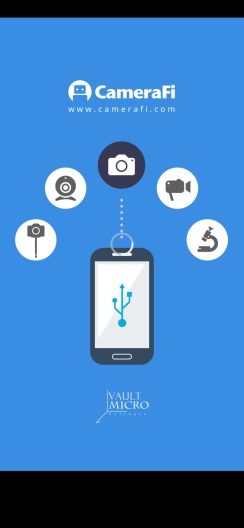
    CameraFi Screenshots1
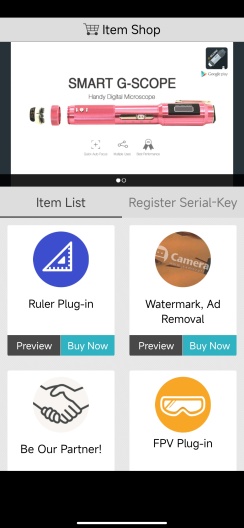
    CameraFi Screenshots2
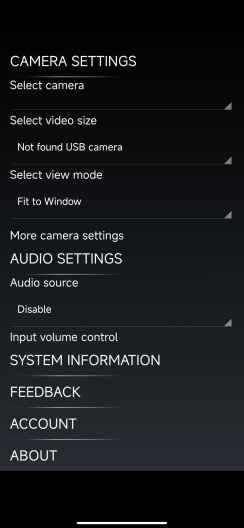
    CameraFi Screenshots3
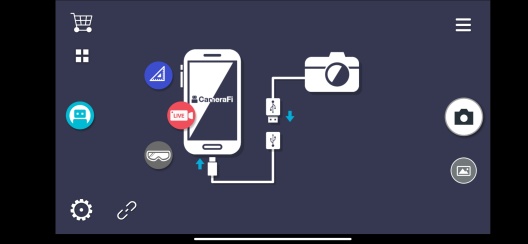
    CameraFi Screenshots4

    Feedback

    Submit questions you've encountered during the process or suggestions for the app to the developer of the app to help them do better.