

Hawkeye Testing
คะแนน
May 18, 2021อัปเดตล่าสุด
2.0.2เวอร์ชัน
เกี่ยวกับ Hawkeye Testing
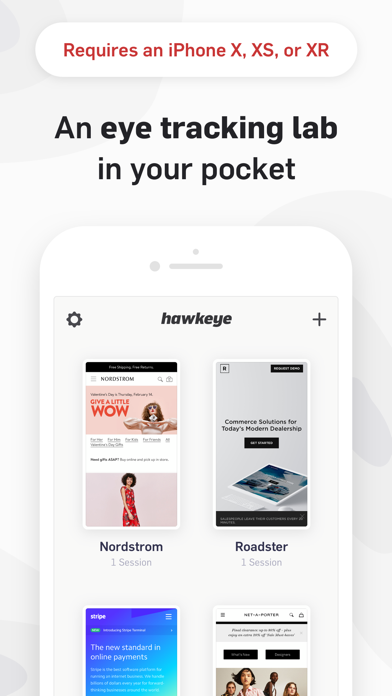
NOTE: Hawkeye only works on devices with a TrueDepth camera (like the iPhone XS, XR, 11, 11 Pro and new iPad Pro).
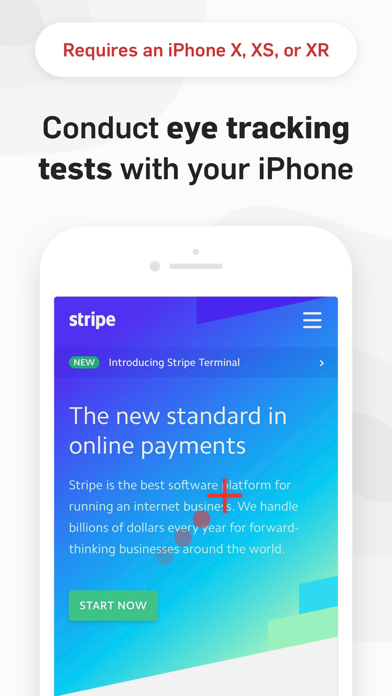
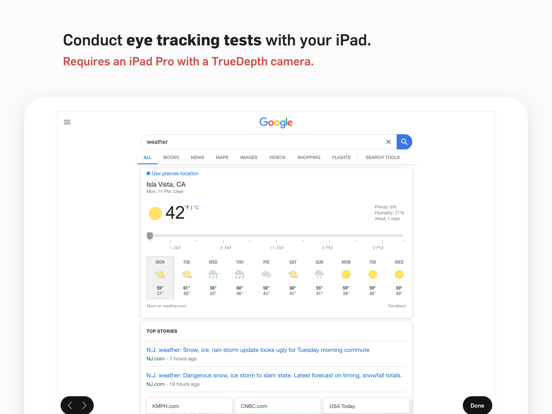
Hawkeye lets you conduct eye tracking tests on an iPhone or iPad, no extra hardware required.
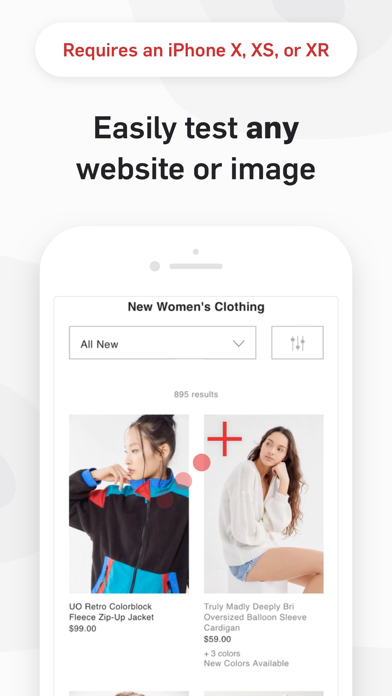
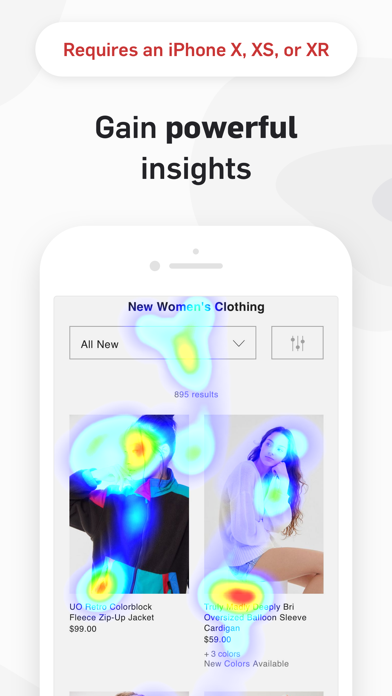
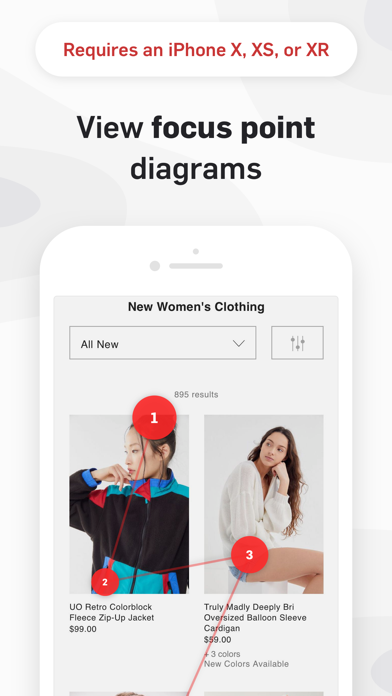
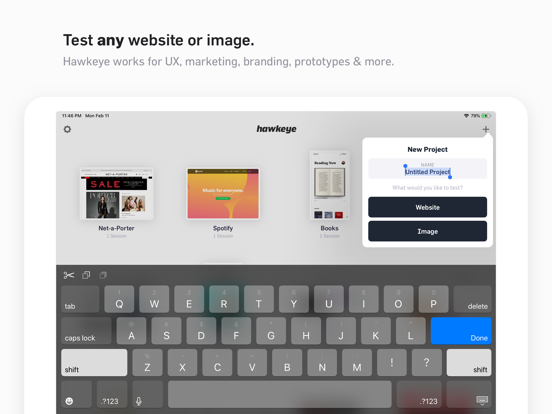
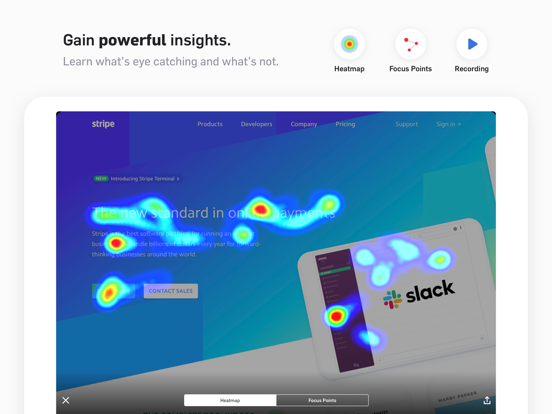
Test any website or image to learn where people look in your product. View screen recordings, heatmaps, and focus point diagrams to understand what’s eye catching, what’s confusing, and where you can improve. Simple export tools make it easy to share your findings with your entire team.
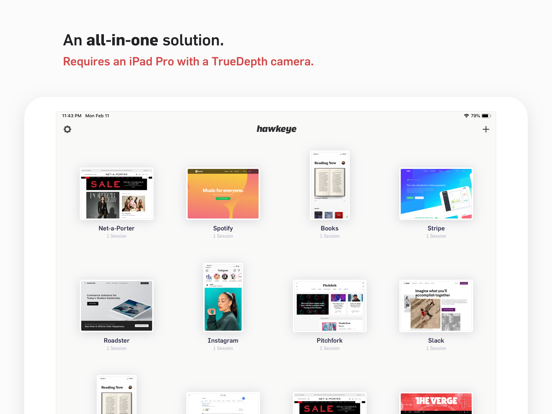
Using the TrueDepth camera, Hawkeye offers an all-in-one testing solution. Forget about expensive and complicated eye tracking hardware. Hawkeye lets you conduct eye tracking tests, view the results, and share your findings, all on an iPhone or iPad.
Features:
- Conduct in-person eye tracking tests
- Test any website or image, no code changes required
- View heat maps, screen recordings, and focus point diagrams
- View detailed stats on where a participant looked and for how long
- Export & share screen recordings and heatmaps
For the best eye tracking performance, use Hawkeye while sitting down and try to keep your head and device still.
If you have any issues calibrating the eye tracking or general feedback, email us at feedback@usehawkeye.com. We’re always looking to improve!
---
If you choose to subscribe to Hawkeye, your Apple ID account will be charged at the confirmation of the purchase. Your account will be charged for renewal within 24 hours prior to the end of the current period, unless it is cancelled beforehand. You can manage and cancel your subscriptions by going to your account settings on the App Store after purchase. The Hawkeye Starter Plan starts at $39.99 USD/mo. Prices are in U.S. dollars, may vary in countries other than the U.S. and are subject to change without notice. Upon signing up for a Hawkeye account, you are given 1 project and 5 sessions for free. After exceeding these limits, you can subscribe to continue conducting more tests. If you choose not to subscribe, you can continue to view and share tests you have previously conducted. For more information, visit our Terms of Service (https://usehawkeye.com/terms) and Privacy Policy (https://usehawkeye.com/privacy).
Hawkeye lets you conduct eye tracking tests on an iPhone or iPad, no extra hardware required.
Test any website or image to learn where people look in your product. View screen recordings, heatmaps, and focus point diagrams to understand what’s eye catching, what’s confusing, and where you can improve. Simple export tools make it easy to share your findings with your entire team.
Using the TrueDepth camera, Hawkeye offers an all-in-one testing solution. Forget about expensive and complicated eye tracking hardware. Hawkeye lets you conduct eye tracking tests, view the results, and share your findings, all on an iPhone or iPad.
Features:
- Conduct in-person eye tracking tests
- Test any website or image, no code changes required
- View heat maps, screen recordings, and focus point diagrams
- View detailed stats on where a participant looked and for how long
- Export & share screen recordings and heatmaps
For the best eye tracking performance, use Hawkeye while sitting down and try to keep your head and device still.
If you have any issues calibrating the eye tracking or general feedback, email us at feedback@usehawkeye.com. We’re always looking to improve!
---
If you choose to subscribe to Hawkeye, your Apple ID account will be charged at the confirmation of the purchase. Your account will be charged for renewal within 24 hours prior to the end of the current period, unless it is cancelled beforehand. You can manage and cancel your subscriptions by going to your account settings on the App Store after purchase. The Hawkeye Starter Plan starts at $39.99 USD/mo. Prices are in U.S. dollars, may vary in countries other than the U.S. and are subject to change without notice. Upon signing up for a Hawkeye account, you are given 1 project and 5 sessions for free. After exceeding these limits, you can subscribe to continue conducting more tests. If you choose not to subscribe, you can continue to view and share tests you have previously conducted. For more information, visit our Terms of Service (https://usehawkeye.com/terms) and Privacy Policy (https://usehawkeye.com/privacy).
ภาพหน้าจอของ Hawkeye Testing
ภาพหน้าจอของ Hawkeye Testing iPad
คำแนะนำจากบรรณาธิการ
 Canva: AI Photo & Video Editor
 Proton VPN: Fast & Secure
 Booking.com: Hotels & Travel
 Too Good To Go: End Food Waste
 Waze Navigation & Live Traffic
 Stellarium Mobile - Star Map
 Ticketmaster-Buy, Sell Tickets
 Bolt: Request a Ride
 Life360: Find Friends & Family
 GetYourGuide: Travel & Tickets
 Sky Guide
 Doctolib - Your health partner
แอปที่คล้ายกับ Hawkeye Testing


แอปโดย Hawkeye Labs, Inc.

Hawkeye Testing FAQ
ฉันจะดาวน์โหลด Hawkeye Testing จาก PGYER IPA HUB อย่างไร?
การดาวน์โหลด Hawkeye Testing จาก PGYER IPA HUB ฟรีหรือไม่?
ฉันต้องมีบัญชีเพื่อดาวน์โหลด Hawkeye Testing จาก PGYER IPA HUB หรือไม่?
ฉันจะรายงานปัญหากับ Hawkeye Testing บน PGYER IPA HUB ได้อย่างไร?
คุณพบคำแนะนำนี้มีประโยชน์หรือไม่
ใช่
ไม่
ยอดนิยมที่สุด

ChatGPTIntroducing ChatGPT for iOS: OpenAI’s latest advancements at your fingertips.
This official app is f

Google GeminiThe Google Gemini app is an AI assistant that can help supercharge your creativity and productivity.

Claude by AnthropicGet free access to the newly upgraded Claude 3.5 Sonnet – Anthropic's most advanced model yet. Wheth

GoogleDownload the Google app to stay in the know about things that matter to you. Try AI Overviews, find

CapCut - Video EditorCapCut is a free all-in-one video editing app that helps you create incredible videos.
「Easy to use」

Shop: All your favorite brandsElevate every shopping moment
Shop, track, and explore the latest trends in an all-in-one shopping

Google MapsNavigate your world faster and easier with Google Maps. Over 220 countries and territories mapped an

Uber - Request a rideJoin the millions of riders who trust Uber for their everyday travel needs. Whether you’re running a

ThreadsSay more with Threads — Instagram’s text-based conversation app.
Threads is where communities come t

Gmail - Email by GoogleThe official Gmail app brings the best of Gmail to your iPhone or iPad with robust security, real-ti

TikTokTikTok is THE destination for mobile videos. On TikTok, short-form videos are exciting, spontaneous,

WhatsApp MessengerWhatsApp from Meta is a FREE messaging and video calling app. It’s used by over 2B people in more th

InstagramLittle moments lead to big friendships. Share yours on Instagram.
— From Meta
Connect with friends,

Netflix Game ControllerPlay games on your TV with the Netflix Game Controller.
This app connects to your TV and allows you

AirbnbTHE FASTEST, EASIEST WAY TO AIRBNB
Find inspiration, plan a trip with your group, book it, and go. Y

Telegram MessengerPure instant messaging — simple, fast, secure, and synced across all your devices. One of the top 5

Spotify - Music and PodcastsWith the Spotify music and podcast app, you can play millions of songs, albums and original podcasts

DramawaveDramawave - Stream Endless Drama Shorts, Anytime, Anywhere
Welcome to Dramawave the ultimate destina

Whatnot - Live Video ShoppingWhatnot is a social marketplace where you can discover some of your favorite products like sports ca

Google ChromeDownload the new Google Chrome for your iPhone and iPad. Now more simple, secure and faster than eve

FacebookWhere real people propel your curiosity. Whether you’re thrifting gear, showing a reel to that group

XThe X app is the trusted global digital town square for everyone.
With X, you can:
Post content for

Indeed Job SearchDiscover your next job opportunity on Indeed, the free job search app designed to connect you with b

Duolingo - Language LessonsLearn a new language with the world’s most-downloaded education app! Duolingo is the fun, free app f