

Docker Management
Đánh giá
Jun 9, 2024Cập nhật mới nhất
5.5.3Phiên bản
Cách cài đặt tệp .IPA
Chia sẻ
Về Docker Management
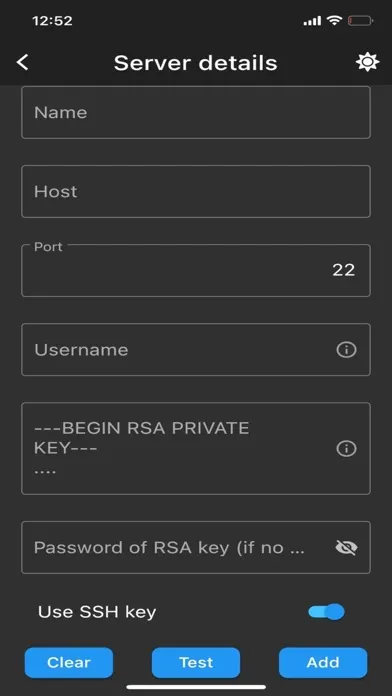
Connect via ssh to your Linux/MacOS machine and manage your docker.
This application allows you to:
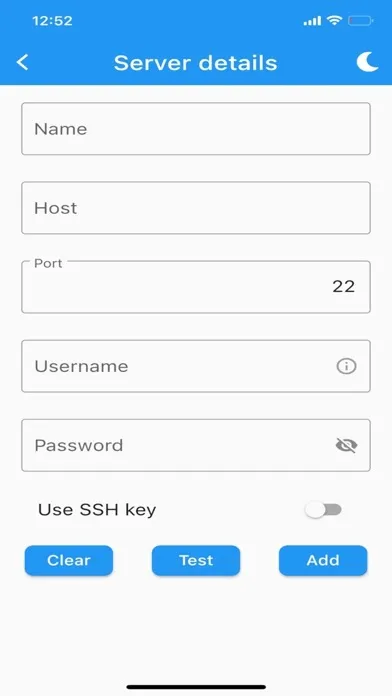
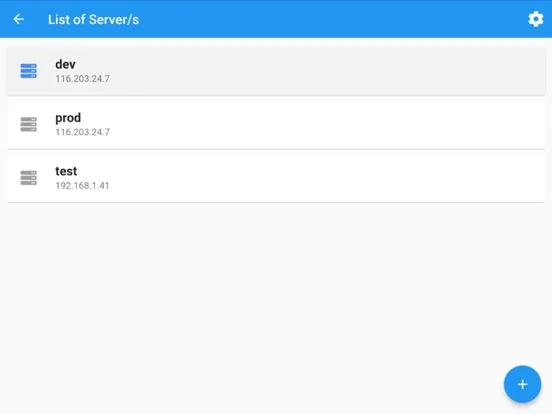
- connect to multiple servers
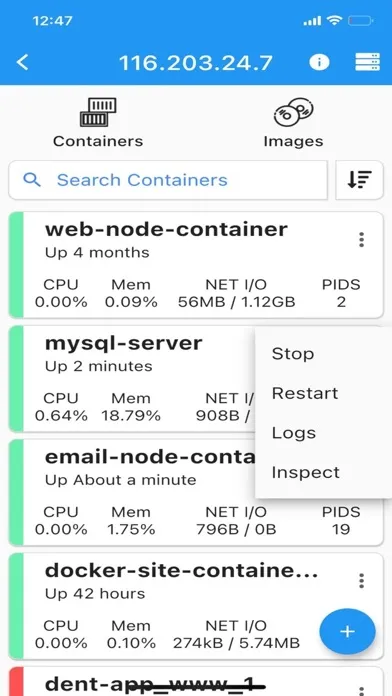
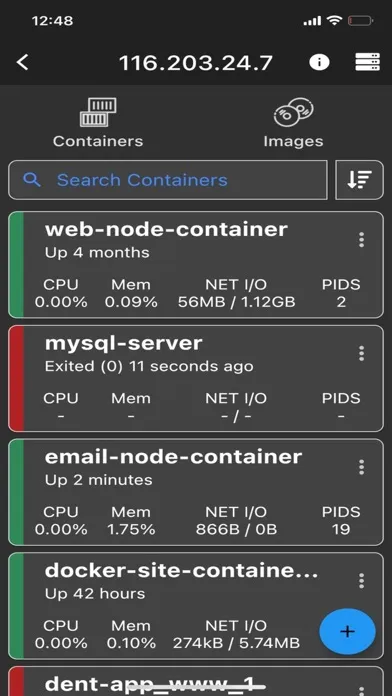
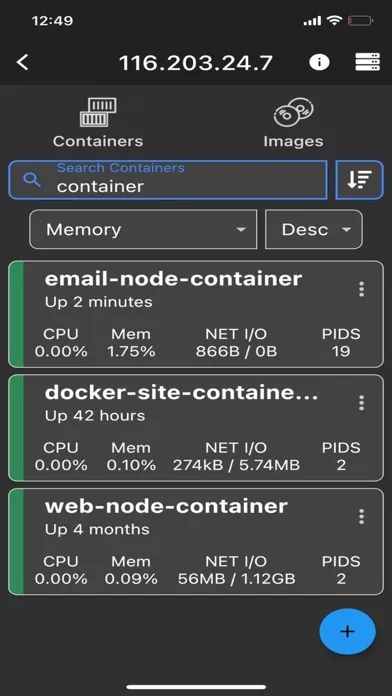
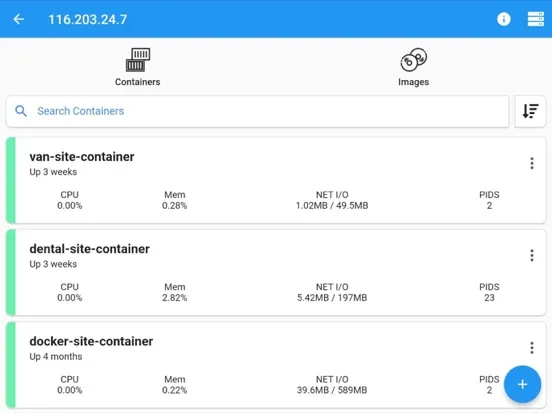
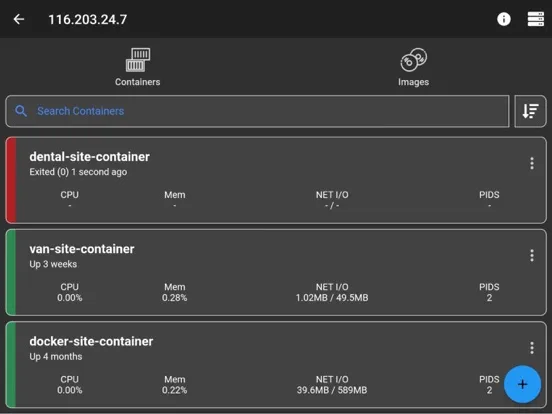
- list containers
- create containers
- start containers (multiple at once)
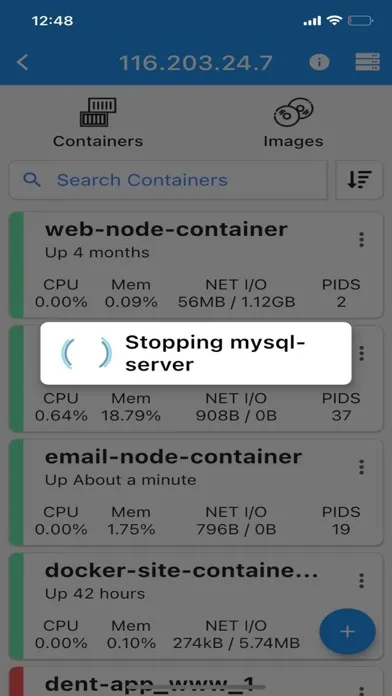
- stop containers (multiple at once)
- restart containers (multiple at once)
- remove containers (multiple at once)
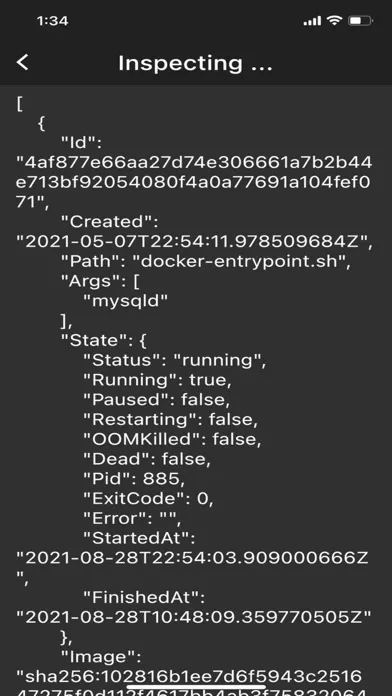
- inspect containers
- view resource usage of containers
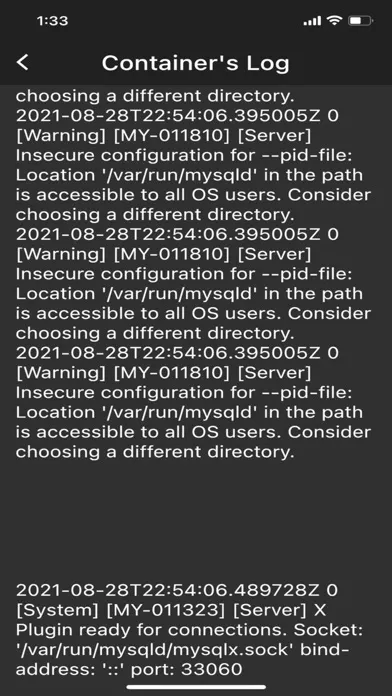
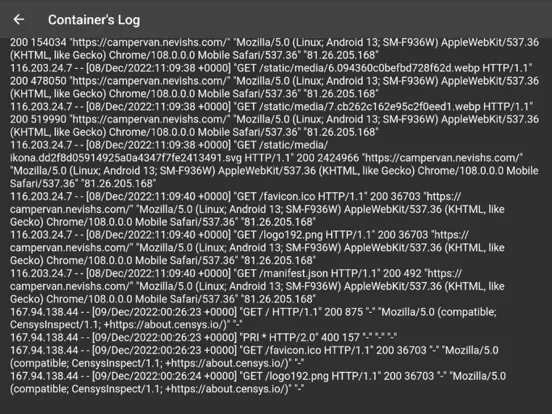
- view live logs of containers
- enter shell of containers
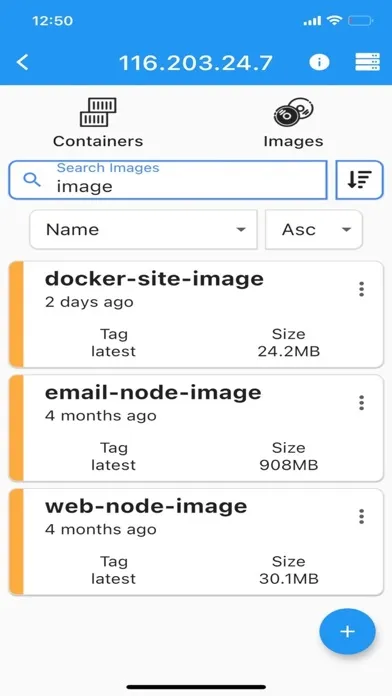
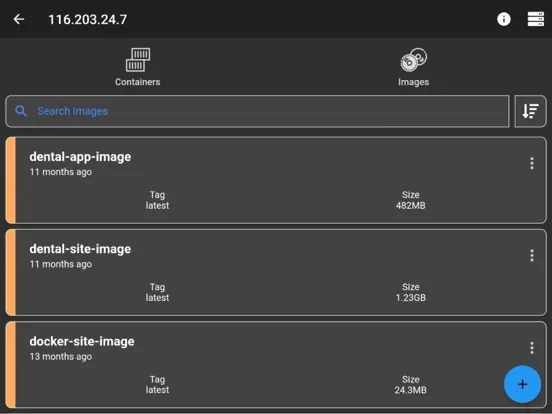
- list images
- build images
- search images
- remove images (multiple at once)
- inspect images
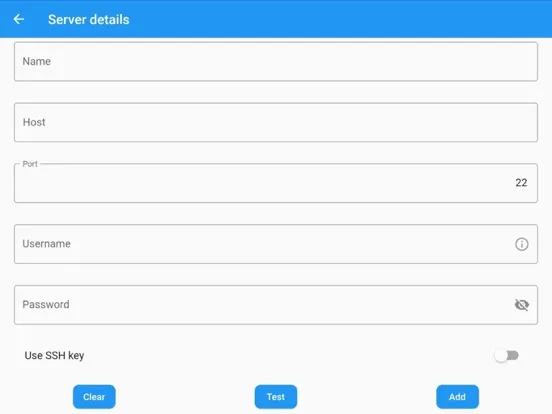
- connect through password or ssh key
Features
- server info is stored on phone only (the data is wiped out if app is removed)
NOTE
No docker daemon or docker api is required to be enabled for this app, simply connect via ssh. It is strongly recommended NOT to open unnecessary ports on your server (such as enabling docker daemon) as it can expose your server to more security threads.
Q/A
Q: Why I can not connect with non-root users?
A: The docker commands are executed by the app without "sudo" so you will need to add your non-root user to the docker group with the following command:
sudo usermod -aG docker $USER
sudo reboot
Q: How to connect to Docker Desktop on MacOS?
A: Since docker for MacOS is setup on different path, change it on my app by going to server information view, at the end of the page there is "Advance Settings" and set it to:
/usr/local/bin/docker
Note: make sure to enable "Remote login" on your mac and start docker desktop in order to connect.
Q: How to connect to Synology server?
A: If non-root user, then add user to docker group on your server:
sudo synogroup --add docker $USER
Since docker for synology is setup on different path, change it on my app by going to server information view, at the end of the page there is "Advance Settings" and set it to:
# for synology version 7.1.xxx or lower
/volume1/@appstore/Docker/usr/bin/docker
# for synology version 7.2.xxx or higher
/volume1/@appstore/ContainerManager/usr/bin/docker
Q: How to connect to QNAP server?
A: If non-root user, then add user to docker group on your server:
sudo addgroup $USER administrators
Since docker for QNAP is setup on different path, change it on my app by going to server information view, at the end of the page there is "Advance Settings" and set it to:
/share/CACHEDEV1_DATA/.qpkg/container-station/bin/docker
Found a bug?
Send an email to: nevis.applications@gmail.com
This application allows you to:
- connect to multiple servers
- list containers
- create containers
- start containers (multiple at once)
- stop containers (multiple at once)
- restart containers (multiple at once)
- remove containers (multiple at once)
- inspect containers
- view resource usage of containers
- view live logs of containers
- enter shell of containers
- list images
- build images
- search images
- remove images (multiple at once)
- inspect images
- connect through password or ssh key
Features
- server info is stored on phone only (the data is wiped out if app is removed)
NOTE
No docker daemon or docker api is required to be enabled for this app, simply connect via ssh. It is strongly recommended NOT to open unnecessary ports on your server (such as enabling docker daemon) as it can expose your server to more security threads.
Q/A
Q: Why I can not connect with non-root users?
A: The docker commands are executed by the app without "sudo" so you will need to add your non-root user to the docker group with the following command:
sudo usermod -aG docker $USER
sudo reboot
Q: How to connect to Docker Desktop on MacOS?
A: Since docker for MacOS is setup on different path, change it on my app by going to server information view, at the end of the page there is "Advance Settings" and set it to:
/usr/local/bin/docker
Note: make sure to enable "Remote login" on your mac and start docker desktop in order to connect.
Q: How to connect to Synology server?
A: If non-root user, then add user to docker group on your server:
sudo synogroup --add docker $USER
Since docker for synology is setup on different path, change it on my app by going to server information view, at the end of the page there is "Advance Settings" and set it to:
# for synology version 7.1.xxx or lower
/volume1/@appstore/Docker/usr/bin/docker
# for synology version 7.2.xxx or higher
/volume1/@appstore/ContainerManager/usr/bin/docker
Q: How to connect to QNAP server?
A: If non-root user, then add user to docker group on your server:
sudo addgroup $USER administrators
Since docker for QNAP is setup on different path, change it on my app by going to server information view, at the end of the page there is "Advance Settings" and set it to:
/share/CACHEDEV1_DATA/.qpkg/container-station/bin/docker
Found a bug?
Send an email to: nevis.applications@gmail.com
Ảnh chụp màn hình của Docker Management

Ảnh chụp màn hình của Docker Management iPad




Đề xuất của biên tập viên


Ứng dụng Tương tự Docker Management


Ứng dụng bởi Nevis Shkenza


Docker Management FAQ
Làm thế nào để tải Docker Management từ PGYER IPA HUB?
Ứng dụng Docker Management trên PGYER IPA HUB có miễn phí không?
Tôi cần tài khoản để tải Docker Management từ PGYER IPA HUB không?
Làm thế nào để báo cáo vấn đề với Docker Management trên PGYER IPA HUB?
Bạn có thấy thông tin này hữu ích không
Có
Không
Phổ biến nhất

Sing It - Ear TrainerA must app for every musician, singer, or just for fun.
Test,train, and improve your musical ear and

Tube PiP - PiP for YouTubeTube PiP - the ultimate YouTube companion for iOS:
Picture in Picture (PiP) Playback: Watch YouTube

Papaya Ouch!In the game Papaya Ouch!, you can experience backpack management, tower defense, TD, merge, match 2,

Lets Go VPNLets Go VPN, the most advanced VPN, is designed by a team of top developers who strive to ensure all

Paprika Recipe Manager 3Organize your recipes. Create grocery lists. Plan your meals. Download recipes from your favorite we

War Pigeons UnboundedWar is coming. Deep down in top secret military labs they have evolved, mutated - and escaped. The f

Procreate PocketApp of the Year winner Procreate Pocket is the most feature-packed and versatile art app ever design

Cowboy Westland survival runAre you ready to take part in the #1 exciting 3D western adventure? Cowboy Westland survival run mak

Max: Stream HBO, TV, & MoviesIt’s all here. Iconic series, award-winning movies, fresh originals, and family favorites, featuring

TonalEnergy Tuner & MetronomeFor musicians from pros to beginners, whether you sing, play a brass, woodwind or stringed instrumen

SkyView®SkyView® brings stargazing to everyone. Simply point your iPhone, iPad, or iPod at the sky to identi

Ninja Dash 2015Ninja Dash 2015 is the fast paced running game!On these maze fields, rush to the end of this ninja w

Tami-Live Chat&VideoTami is an app that records daily life and ideas.You can use it to record your every day, whether it

SALE Camera - marketing camera effects plus photo editorSALE Camera Help you create the best Business to consumer Stock Photos and Images. provides 300 filt

DevTutor for SwiftUI"DevTutor" is an application designed to assist developers in creating exceptional apps us

Mokens League SoccerDive into Mokens League Soccer and experience the new era of soccer gaming!
Esports for Everyone: Wh

Zombie ZZOMBIE ENDLESS RUNNER LIKES NO OTHER!WHY?* Awesome graphic quality!* Simplified control (Auto-shooti

Dead Z - Zombie SurvivalCatastrophic explosion at the Omega Labs started the apocalypse, now spreading across the Earth.
Tak

HotSchedulesHotSchedules is the industry's leading employee scheduling app because it’s the fastest and easiest

ChatGPTIntroducing ChatGPT for iOS: OpenAI’s latest advancements at your fingertips.
This official app is f

Disney StoreDisney Store is your official home for exclusive collections, designer collaborations, and one-of-a-

fight back tennisa Pong game with Tennis style, the gameplay itself is very simple, you can using Touch. Ball speed w

Dr. Mina AdlyMina Adly mobile app provides students with portable instant access to a selection of services.
Usin

iVerify BasiciVerify Basic is your gateway to enhanced device security and threat awareness, offering a glimpse i