
| 6.0.9 (build ) | 1970-01-01 |
Total Backup: Comprehensive Data Protection at Your Fingertips
In today’s digital age, safeguarding your valuable data has never been more important. Whether it's cherished family photos, crucial work documents, or vital app settings, Total Backup is your all-in-one solution for comprehensive data management and protection. Available now at APK Bot, Total Backup is designed for users who understand the need for reliable data backup and restoration services tailored to their unique requirements.
Key Features:
User-Friendly Interface: Total Backup boasts an intuitive design that allows users of all skill levels to navigate effortlessly. The straightforward layout and clear instructions ensure a seamless experience, so you can back up your data without the need for technical know-how.
Multi-Device Support: With Total Backup, you aren’t limited to your mobile device. This powerful application supports various platforms and devices, allowing you to back up data from your smartphone or tablet and restore it across different devices when needed. This versatility is essential for those who own multiple gadgets.
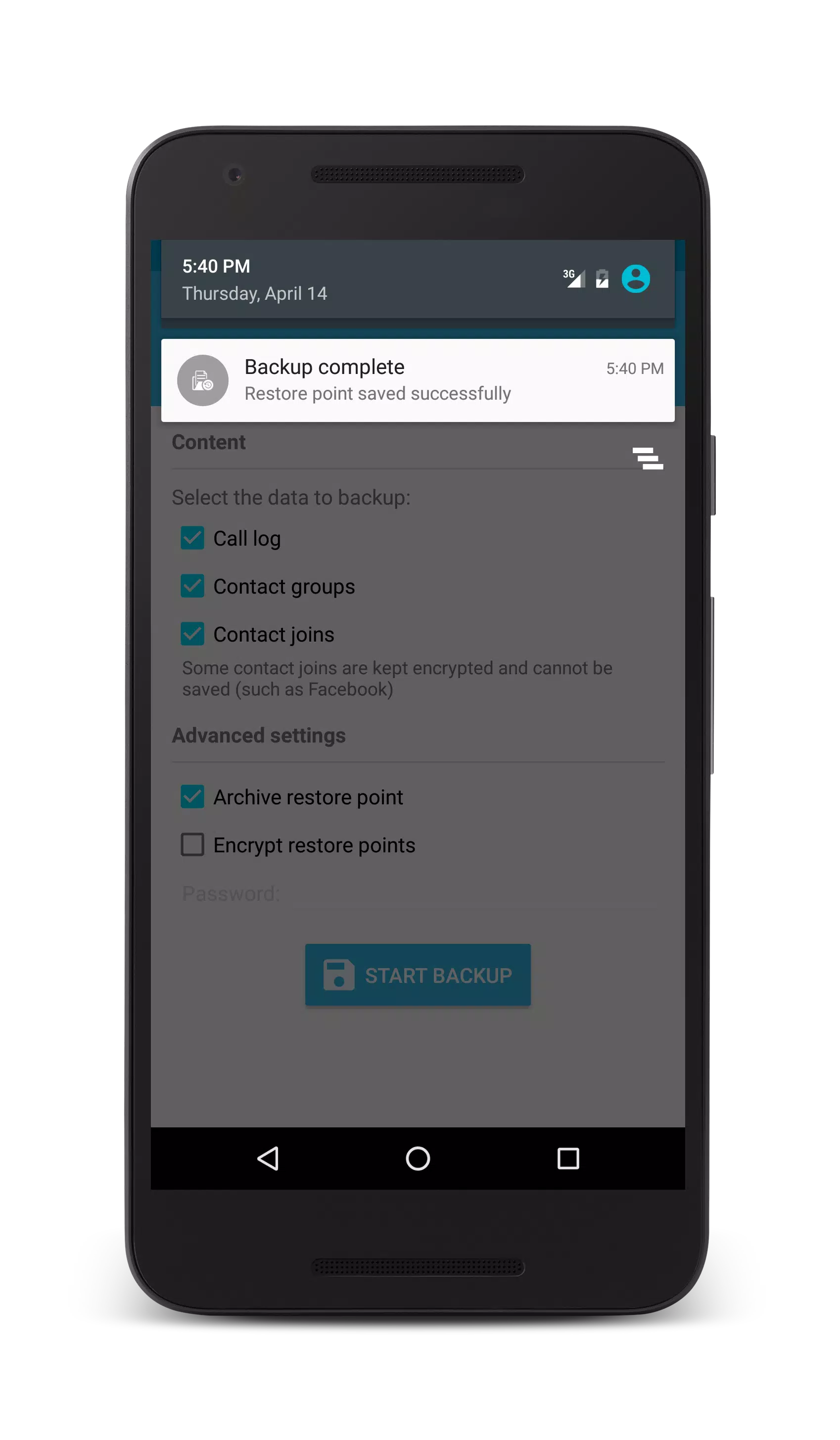
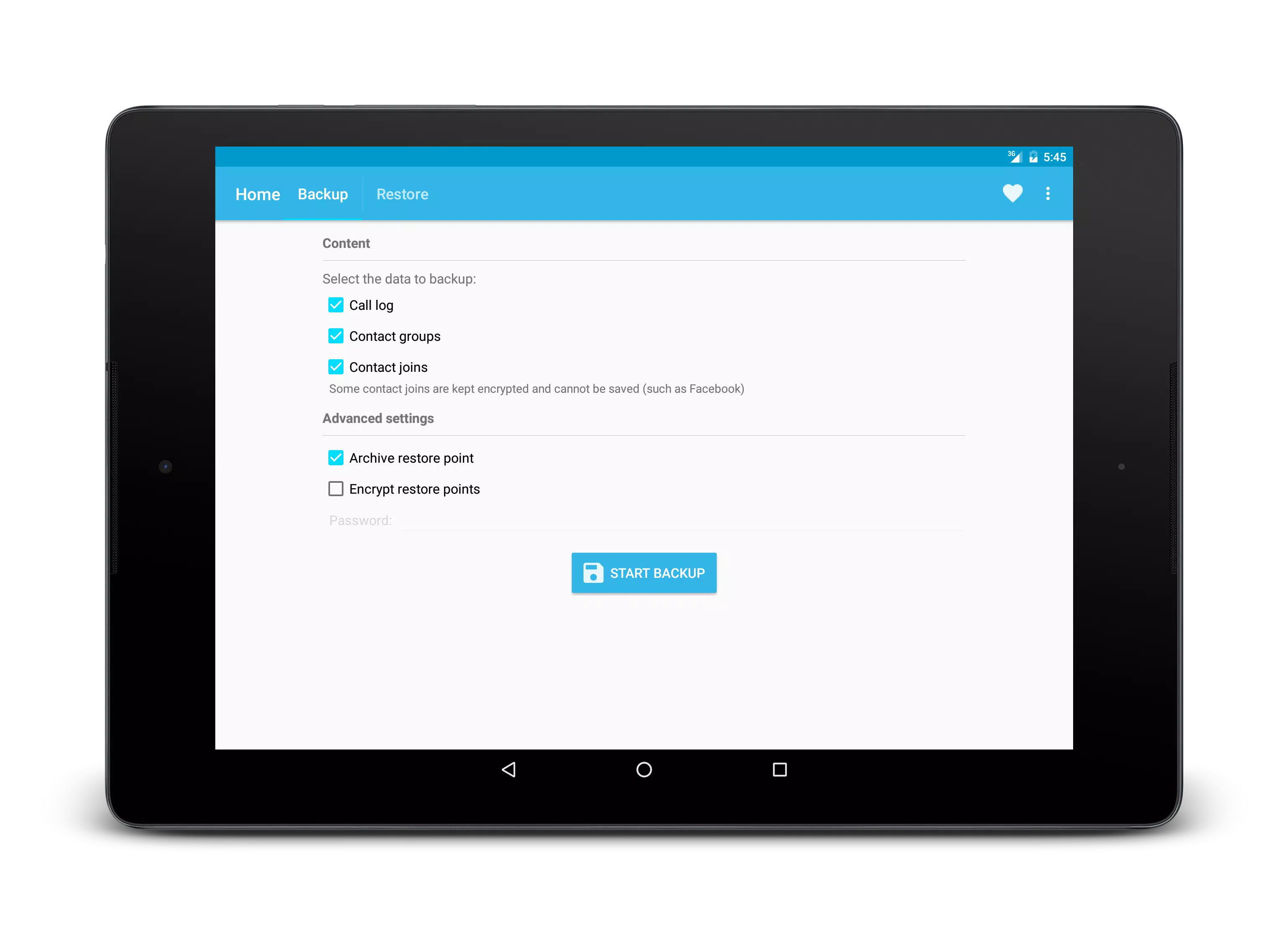
Comprehensive Data Selection: Choose what you want to back up with ease! Total Backup lets you selectively back up files, images, videos, applications, SMS messages, and more. This allows you to prioritize important data and save storage space.
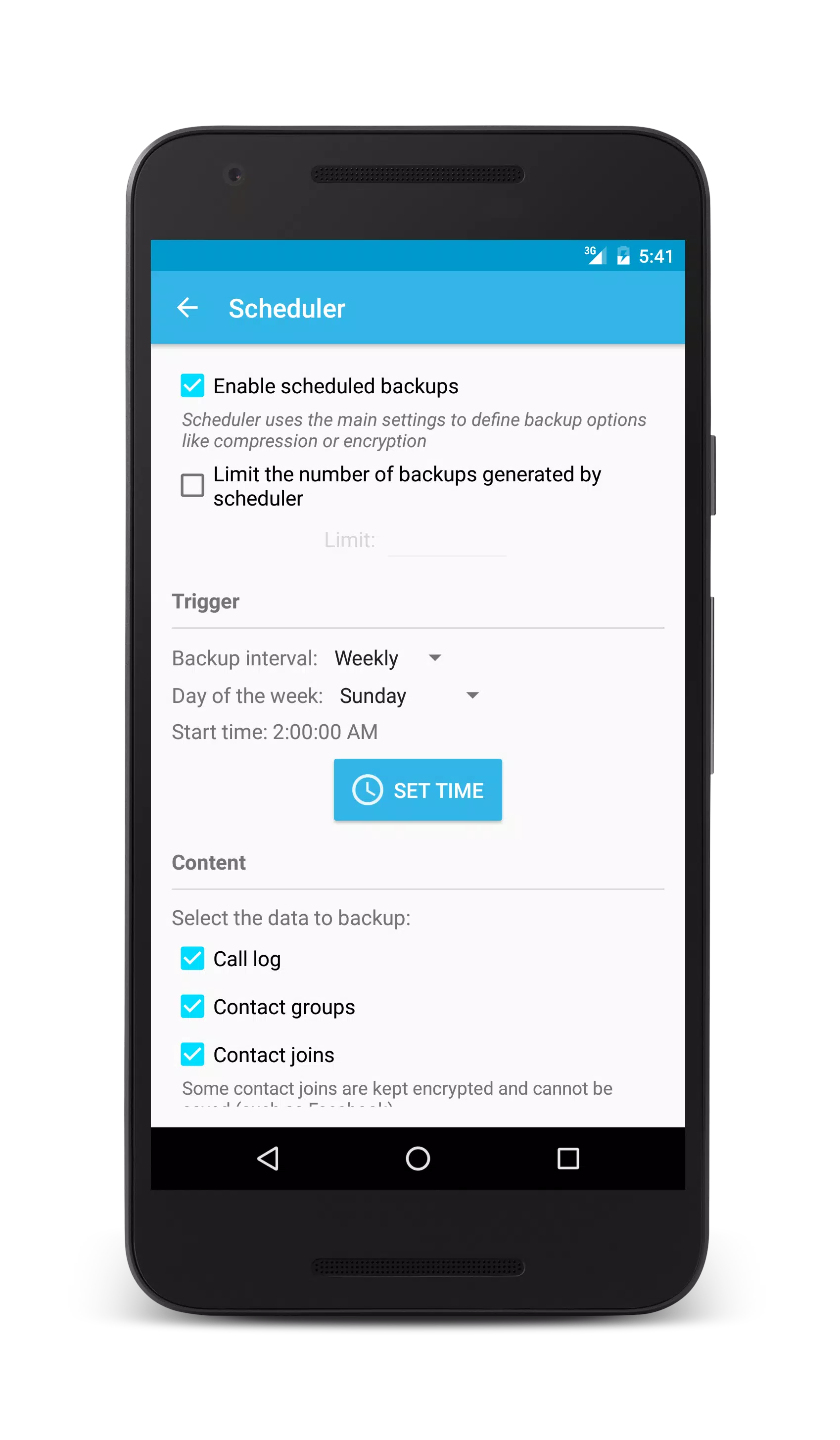
Scheduled Backups: Never worry about forgetting to back up your data again. Total Backup offers a scheduled backup feature, enabling you to set automatic backups at your preferred times. This ensures your data is consistently up-to-date without requiring manual intervention.
Secure Cloud Storage: With Total Backup, your safety is paramount. The application supports secure cloud storage options, allowing you to store your backups safely away from your local device. This means that even if your device is lost or damaged, your data remains secure and accessible from anywhere.
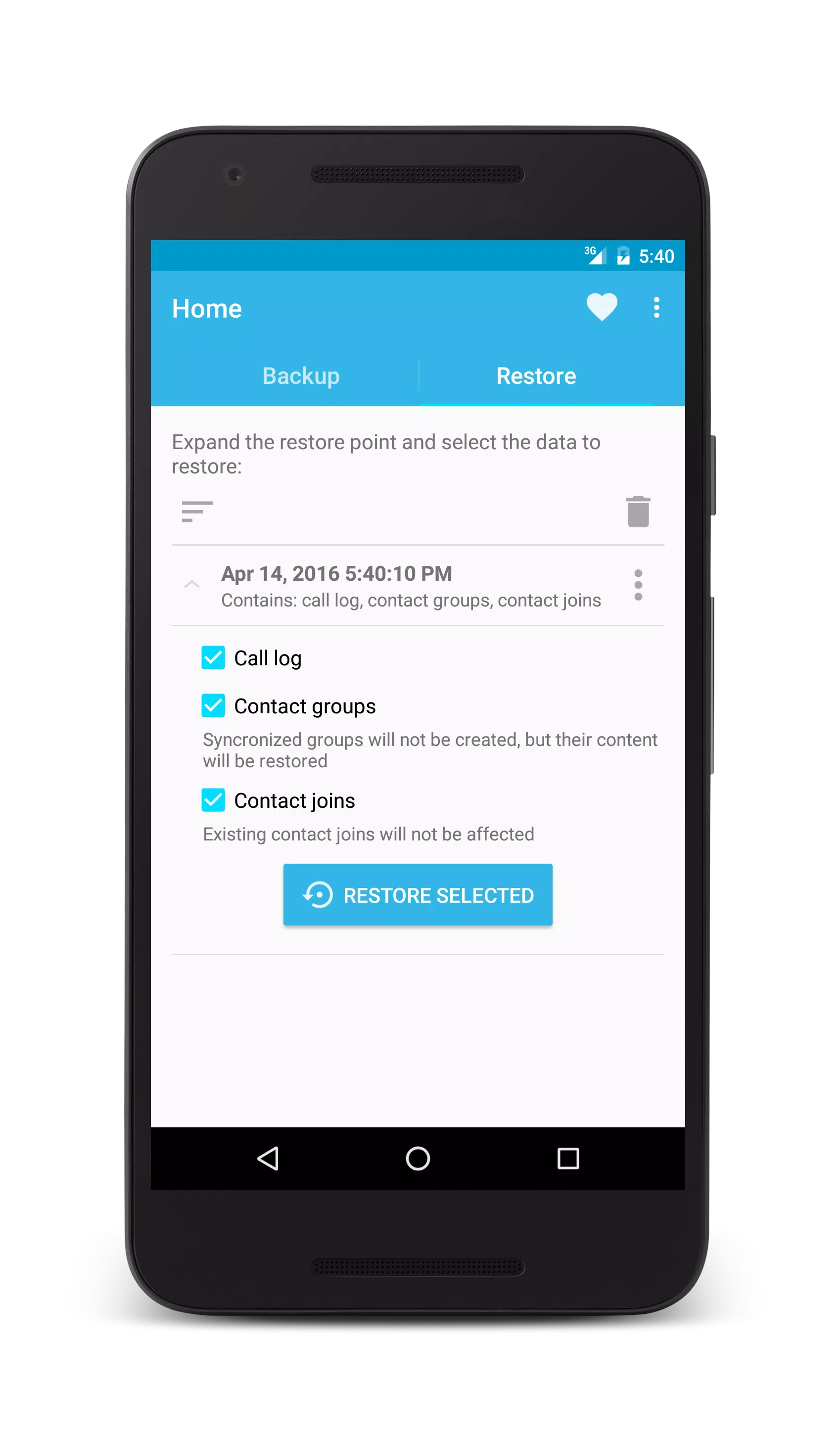
Efficient Restore Process: Data recovery doesn't have to be a complicated process. The efficient restore feature allows you to retrieve your lost, deleted, or corrupted files quickly and easily, with just a few taps. When disaster strikes, you can trust Total Backup to restore your peace of mind.
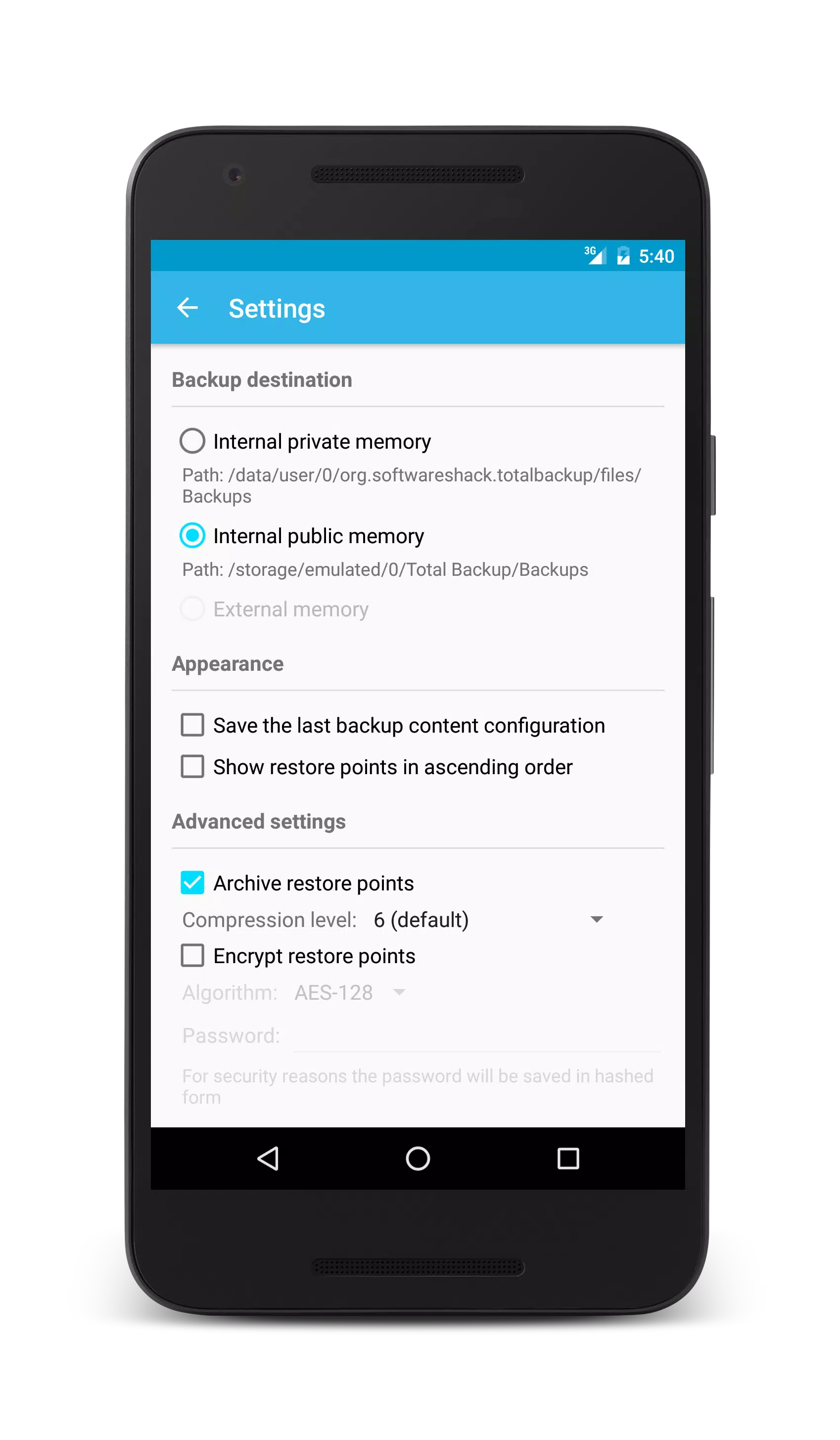
Customization Options: Tailor your backup settings according to your preferences. Total Backup allows you to adjust the frequency of backups, select the types of files to include, and modify storage settings, making it a highly personalized experience.
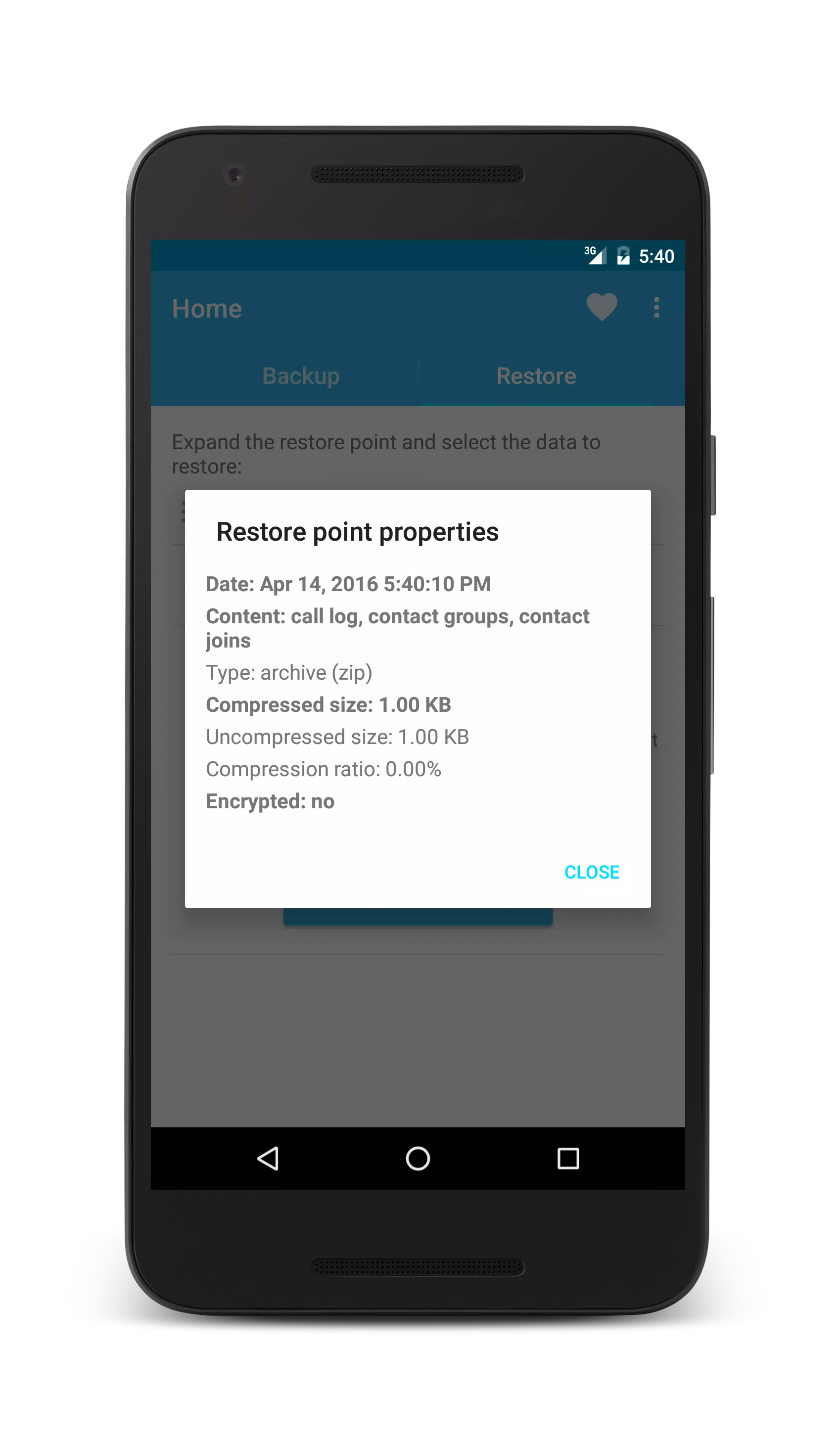
Support for Encrypted Backups: For users who prioritize privacy, Total Backup offers encrypted backup options. This ensures that your sensitive information is protected and accessible only to you, adding an extra layer of security.
Real-Time Monitoring: Stay informed about your backup status with real-time notifications. Total Backup keeps you updated on completed backups, errors, and alerts, ensuring you’re always aware of your data protection status.
In-App Support and Resources: If you ever encounter any issues or have questions, Total Backup provides in-app support and resources to guide you through any challenges you might face.
Why Choose Total Backup?
Total Backup is not just another backup tool; it’s a comprehensive data protection solution that combines simplicity, reliability, and security. In a world filled with uncertainties, having a dependable backup application can save you from potential data loss and ensure that you have peace of mind. Whether you're an everyday user seeking to secure personal memories or a professional needing to protect work-related files, Total Backup meets all your backup needs.
Download Total Backup today from APK Bot and take the first step towards safeguarding your digital life. Embrace the security and convenience of Total Backup, where your data is always just a backup away!

|
|
|
|
|
|
|
|
Submit questions you've encountered during the process or suggestions for the app to the developer of the app to help them do better.