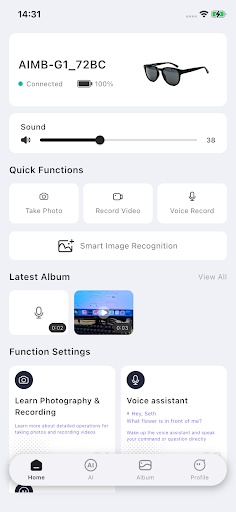
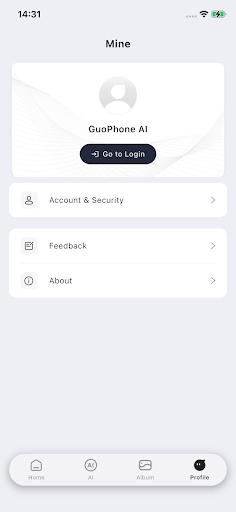
GuoPhone AI is a companion application designed specifically for smart glasses, integrating Bluetooth quick pairing, media shooting, and device management. Its interface is simple and intuitive, putting everything at your fingertips.
【Smart Connection】
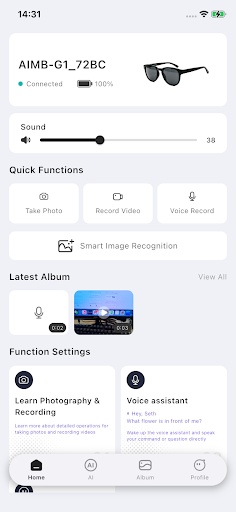
• One-click Bluetooth pairing for quick connection to your smart glasses
• Automatic reconnection – no need to reset after disconnection
• Real-time display of battery level and connection status
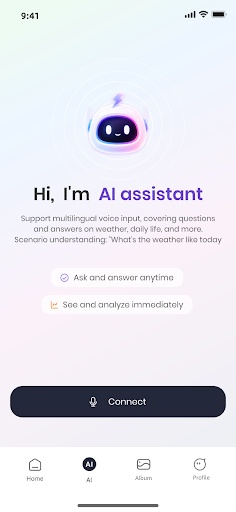
【AI Smart Assistant】
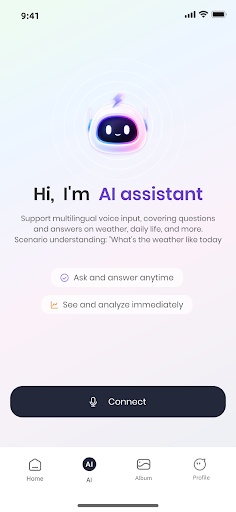
Voice-activated AI assistant for question-and-answer interaction and real-time translation
Supports one-on-one conversation mode for seamless translation while chatting
Smart note-taking automatically generates conversation transcripts and summaries
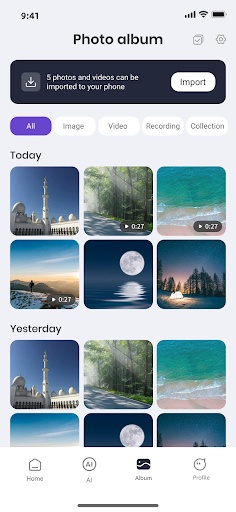
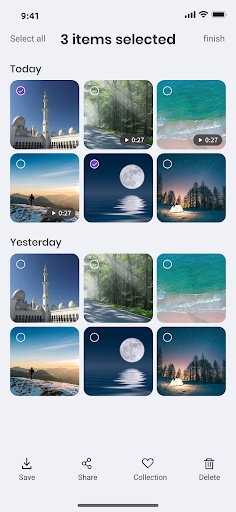
【Shooting & Album】
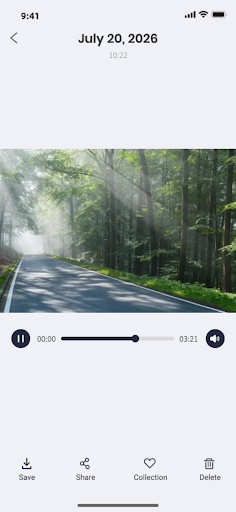
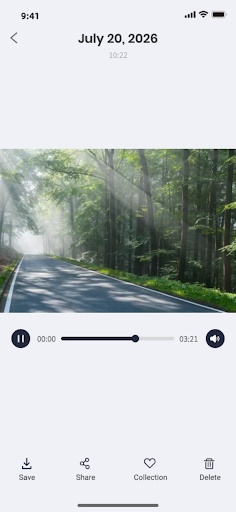
• Take photos and videos anytime with your glasses to capture life's precious moments
• Media files automatically sync to your phone's photo album
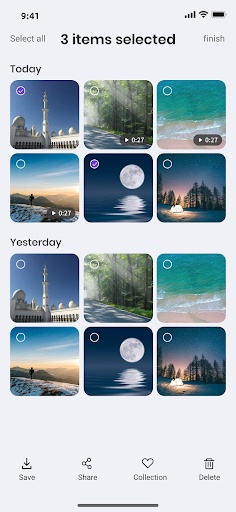
• Supports watermarking, sharing, and batch management
• One-stop management of video, photo, and audio files
【Device Management】
• Volume adjustment and recording settings at your fingertips
• Firmware OTA upgrades keep your device up-to-date
• Customizable touch gestures for your personalized interaction
Create Your Own PageTips.
1. This application comes from a third-party product and its content is not controlled by PGYER, so please screen it carefully and install it with caution. PGYER internal testing service platform provides application testing hosting and application crash detection services for third-party applications. PGYER only provides internal testing support for third-party applications, and does not involve any manual editing or collation, nor does it participate in the content development or external operation of any application, and does not have any affiliation with third-party applications, and does not provide any guarantee or commitment.
2. Please check the quality of applications carefully, and do not install applications from unreliable sources because of spam, emails, text descriptions, etc. Please make your own judgement and install trusted applications based on the source of the application installation link. PGYER is not responsible for the rules, policies, or specific content of applications published through PGYER or links to other sites displayed on PGYER. PGYER shall not be liable for any investment or purchase made as a result, click here to see more.
Tips.
1. This application comes from a third-party product and its content is not controlled by PGYER, so please screen it carefully and install it with caution. PGYER internal testing service platform provides application testing hosting and application crash detection services for third-party applications. PGYER only provides internal testing support for third-party applications, and does not involve any manual editing or collation, nor does it participate in the content development or external operation of any application, and does not have any affiliation with third-party applications, and does not provide any guarantee or commitment.
2. Please check the quality of applications carefully, and do not install applications from unreliable sources because of spam, emails, text descriptions, etc. Please make your own judgement and install trusted applications based on the source of the application installation link. PGYER is not responsible for the rules, policies, or specific content of applications published through PGYER or links to other sites displayed on PGYER. PGYER shall not be liable for any investment or purchase made as a result, click here to see more.