
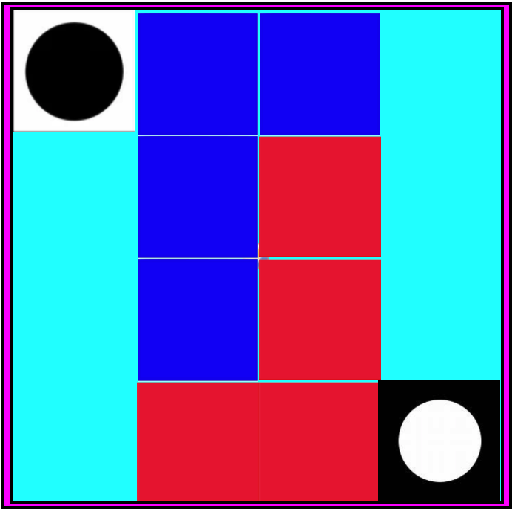
حول L BLOCK
الوصف بالعربية:
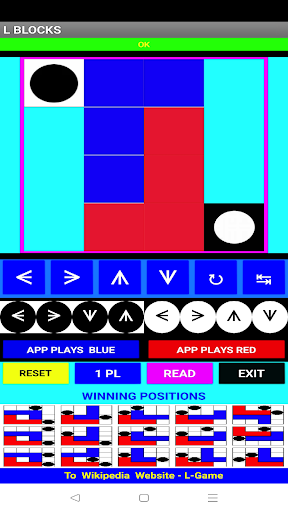
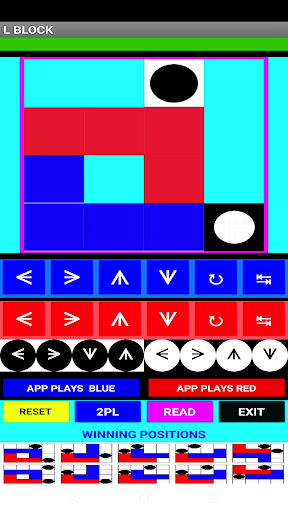
اللعبة "L" هي لعبة ثنائية لعب بين اللاعبين على مربع مربعة من الحجم 4x4. يمتلك كل لاعب القطعة الشكل الألف للفنون التي تتألف من 3x2، ويتواجد أيضًا القطعتان الشكل الألف اللتان من النوع المحايد من الحجم 1x1.
القواعد:
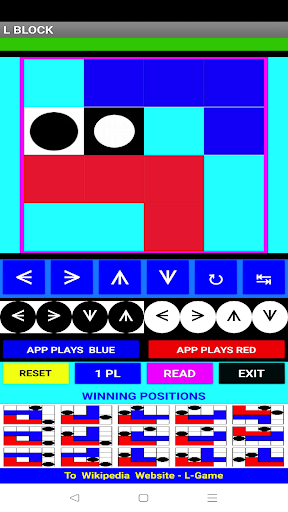
في كل دور، يجب على اللاعبين أن يتحركا قطعتهم الألف، ويمكنهم أيضًا أن يحركا القطعتين المحايدة (أو كلاهما في لعبة أسهل بكثير). يجب أن يتم التحرك إلى مكان غير مستخدم.
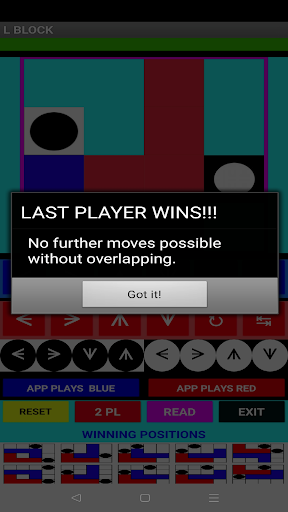
اللعبة تنتهي عندما يكون للمنافس عدم القدرة على التحرك دون تداخل مع القطع الأخرى.
الوحيد اللاعب:
قم بتحريك القطعة الألف الزرقاء أو الأحمر، ثم اضغط على زر القطعة المحايدة للإدراج. ثم اضغط على زر اللعب الآلي للجهاز في اللون الأحمر / الأزرق للدور التالي للجهاز.
اللعب الثنائي:
اضغط على الزر الأزرق [1 PL] للعرض من زر الألف الأحمر للقطعة الزرقاء. سيعود الزر إلى [2 PL]. ثم اختر دورًا متبديًا بين الأزرق والأحمر. يمكنك دائمًا السماح للتطبيق لـ "L BLOCKS" باللعب بالنسبة لك باستخدام زر اللعب الآلي للجهاز في اللون الأزرق أو الأحمر.
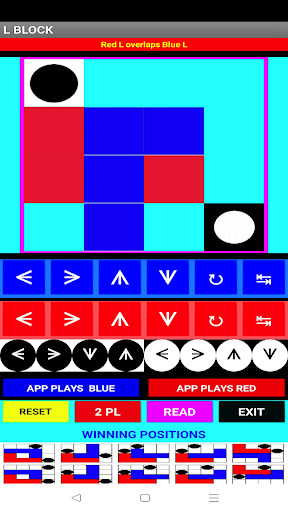
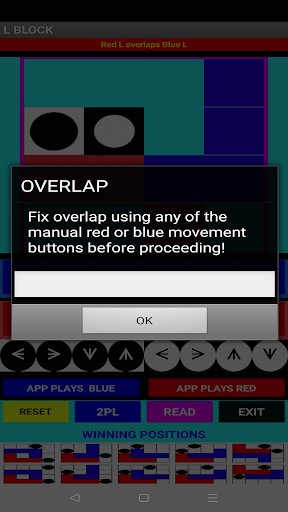
تحذير تداخل!
إذا تداخلت أكثر من قطعة، يتحول الرمادي الأعلى على الشاشة إلى الأحمر. إذا حاولت استخدام زر اللعب الآلي للجهاز، ستمشي لك تذكيرًا لنقل القطعة حتى لا توجد تداخلات قبل السماح بالاستمرار.
اللعبة "الل" اخترعها إدوارد ديفونو وأدخلها في كتابه "برنامج الدراسة الخمسة أيام في التفكير" (1967). يوجد زر يربط بصفحة ويكيبديا للعبة "الل" في الأسفل على الشاشة.
أنا أقدر أي توصيات بناءة قد تقدمها.
Dan Davidson,
طريقة اللعب
صور L BLOCK
الإصدارات القديمة من L BLOCK





تطبيقات مشابهة لـ L BLOCK
 Block Jigsaw - Block Puzzle4.6
 Block Crush: Block Puzzle Game4.9
 Block Blast: Block Puzzle Game4.9
 Block Blast: Wood Block Puzzle4.7
 Block Puzzle: Block Smash Rush4.7
 Block Rush - Block Puzzle Game4.6
 Block Puzzles: Hexa Block Game4.8
 Block Puzzle - Block Games4.8
 Block Puzzle: Wooden Block 8x84.9
 Wood Block : Push Block Puzzle4.6
 Block Blast-Block Master Game4.9
 Wood Block Puzzle: Cube Block4.9


آراء المستخدمين
+ المراجعات
الأكثر شهرة


