

Call Recorder - Auto Recording
评分
Jul 19, 2024最近更新
2.3.2版本
关于Call Recorder - Auto Recording
Automatic Call Recorder is a simple and smart auto telephone voice recorder for all android phones like Samsung S20, S10, S9, Android Pie, Android 10... to easily get phone recorded from both sides with clear voice anytime.
Our App is globally available helping thousands of users to record phone calls.
Automatic Call Recorder Features
★Phone Call Recording
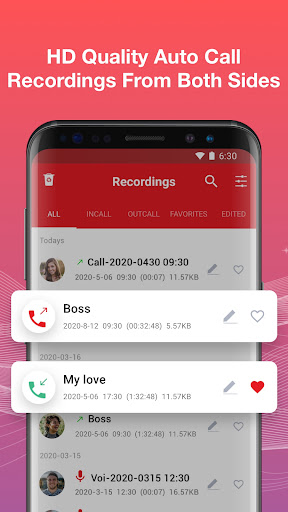
✔Auto record any incoming & outgoing calls
✔Clear HD quality recording on both sides
✔Enable/Disable call recording to your needs
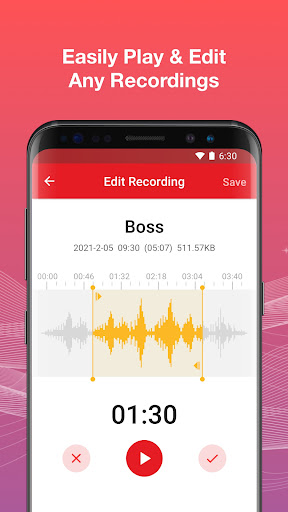
✔Play recorded calls anytime
✔Quick search recordings
★Special List
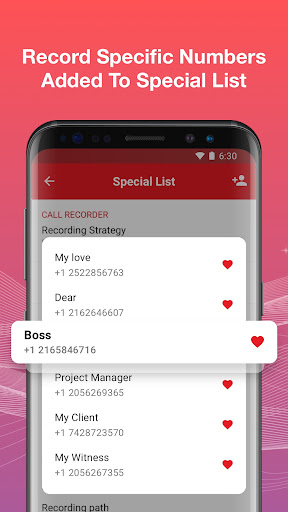
✔Add numbers to the special list, set the “Default record” to “special list”
✔You will be able to only record calls between these numbers
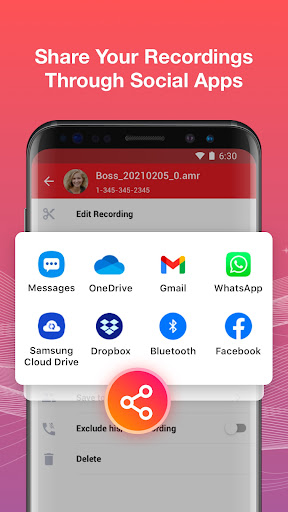
★Share & Manage Recordings
✔ Share recording to anyone via social apps
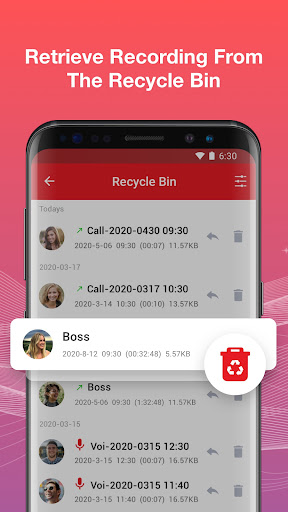
✔ Delete, rename telephone recording
✔Get all caller detail from recordings
★Add Recordings to Favorites
✔ Add important phone call recording to favorites
✔ Helpful for your business & life
★Multiple Audio Formats & Source
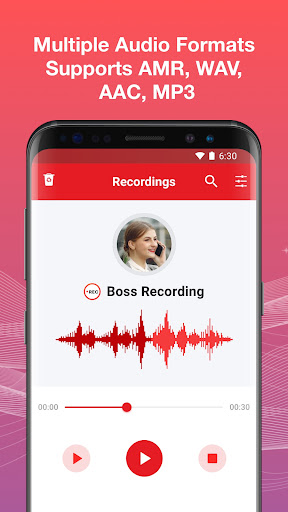
✔ Supports AMR, WAV, AAC, MP3 to record
✔ Supports auto, own voice, opponent voice etc
✔ More phone recording formats coming soon
★Back up to The Cloud
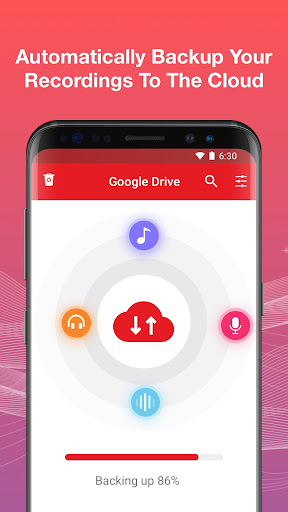
✔ Automatically back up your telephone recordings to the cloud
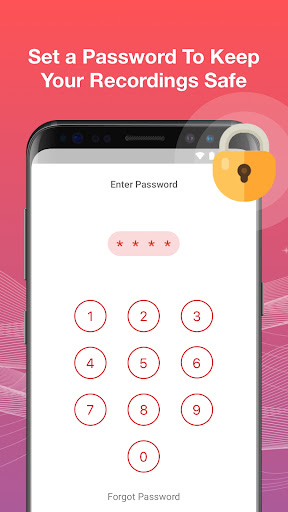
★App Lock
✔ Set your recordings to private mode
✔ Easy to find your passwords when forget
★Voice Recorder
✔ Record voice notes and memos
✔ Edit, delete, backup, playback, share the voice recordings through social apps
★ More Special Features in Automatic Call Recorder
✔ Lighting fast speed with smooth experience
✔ Simple to operate and use
✔ Material Design User Interface
✔ Shows caller data on Home Page
✔ First phone call recorder with no restrictions on length of call recording
✔ Less RAM Consumption (Call Recorder works in background)
✔ Small APK Size
✔ Less Power Consumption
This call recorder pro app works on phone like:
Samsung Galaxy S20, S10, S9
Samsung Galaxy Note10, Note9
Samsung Galaxy A30, A20, A10
Samsung Galaxy J7, J6, J2...
Notice:
Some third-party apps prevent Call Recorder working, as a result some of your calls will not be recorded. Usually you need to add Call Recorder into their “White List”. Please close or delete all other recording apps.
Facebook: https://www.facebook.com/Call-Recorder-1852426421672444/
Email: bestrecordercall@gmail.com
Our App is globally available helping thousands of users to record phone calls.
Automatic Call Recorder Features
★Phone Call Recording
✔Auto record any incoming & outgoing calls
✔Clear HD quality recording on both sides
✔Enable/Disable call recording to your needs
✔Play recorded calls anytime
✔Quick search recordings
★Special List
✔Add numbers to the special list, set the “Default record” to “special list”
✔You will be able to only record calls between these numbers
★Share & Manage Recordings
✔ Share recording to anyone via social apps
✔ Delete, rename telephone recording
✔Get all caller detail from recordings
★Add Recordings to Favorites
✔ Add important phone call recording to favorites
✔ Helpful for your business & life
★Multiple Audio Formats & Source
✔ Supports AMR, WAV, AAC, MP3 to record
✔ Supports auto, own voice, opponent voice etc
✔ More phone recording formats coming soon
★Back up to The Cloud
✔ Automatically back up your telephone recordings to the cloud
★App Lock
✔ Set your recordings to private mode
✔ Easy to find your passwords when forget
★Voice Recorder
✔ Record voice notes and memos
✔ Edit, delete, backup, playback, share the voice recordings through social apps
★ More Special Features in Automatic Call Recorder
✔ Lighting fast speed with smooth experience
✔ Simple to operate and use
✔ Material Design User Interface
✔ Shows caller data on Home Page
✔ First phone call recorder with no restrictions on length of call recording
✔ Less RAM Consumption (Call Recorder works in background)
✔ Small APK Size
✔ Less Power Consumption
This call recorder pro app works on phone like:
Samsung Galaxy S20, S10, S9
Samsung Galaxy Note10, Note9
Samsung Galaxy A30, A20, A10
Samsung Galaxy J7, J6, J2...
Notice:
Some third-party apps prevent Call Recorder working, as a result some of your calls will not be recorded. Usually you need to add Call Recorder into their “White List”. Please close or delete all other recording apps.
Facebook: https://www.facebook.com/Call-Recorder-1852426421672444/
Email: bestrecordercall@gmail.com
游戏玩法
Call Recorder - Auto Recording应用截图
Call Recorder - Auto Recording的历史版本


编辑推荐


类似Call Recorder - Auto Recording的应用


Call Recorder by Call Team的应用

用户评论
+ 测评
4.9
5
4
3
2
1
F
FunsilDev
2018-08-09
0
0
Satisfied with the performance. It does exactly what it claims.
M
MrHanifTech
2018-03-01
0
0
Exceptional performance and reliability. Highly recommend!
A
AlsultanGuru
2017-07-30
0
0
Absolutely fantastic! The best call recording app I've used.
最受欢迎

Downloader by AFTVnews
AFTVnews.com

Character AI: AI-Powered Chat
Character.AI

Google Chrome
Google LLC

YouTube
Google LLC

X
X Corp.

Telegram
Telegram FZ-LLC

Netflix
Netflix, Inc.

Tubi: Movies & Live TV
Tubi TV

Disney+
Disney

VPN Proton: Fast & Secure VPN
Proton AG

Microsoft 365 (Office)
Microsoft Corporation

Reddit
reddit Inc.

Signal Private Messenger
Signal Foundation

Vinted - Buy and sell clothes
Vinted

Grand Theft Auto: San Andreas
Rockstar Games

Football League 2024
MOBILE SOCCER

Toca Life World: Build a Story
Toca Boca

EA SPORTS FC™ Mobile Soccer
ELECTRONIC ARTS

Roblox
Roblox Corporation

Free Fire MAX
Garena International I

PUBG MOBILE LITE
Level Infinite

Fortnite
Epic Games, Inc

Free Fire: The Chaos
Garena International I

Block Blast!
Hungry Studio