
QR Code & Barcode Scanner
Rating
Jul 11, 2024Latest update
3.2.1Version
About QR Code & Barcode Scanner
Developed by a professional engineering team, this is the most lightweight (but fast, efficient, and feature-rich) QR code scanner and barcode scanner app for Android you could ever find on Google Play Store 👍 💪
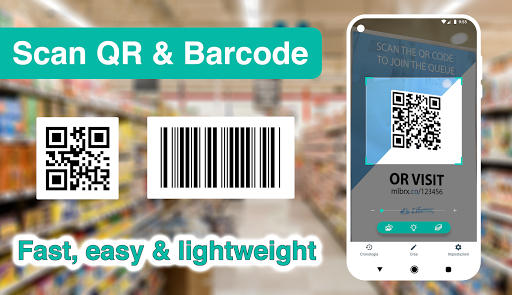
QR code reader, barcode scanner app focuses on the core functionality to scan and read the most common types of QR codes and barcodes with super fast speed and delightful user experience, designed for all Android devices.
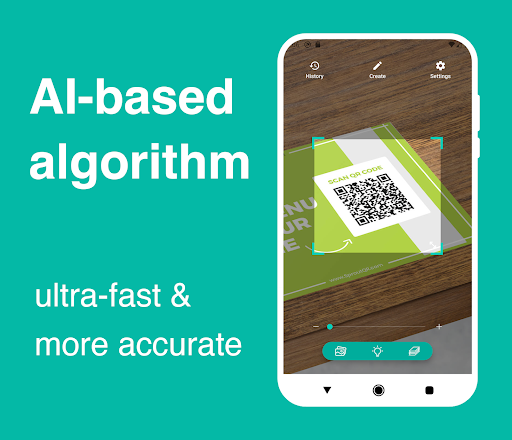
QR code reader, barcode scanner app is extremely easy to use. It simply uses the Android phone's camera to scan and read QR code and barcode in a second then allows you to do appropriate actions effectively.
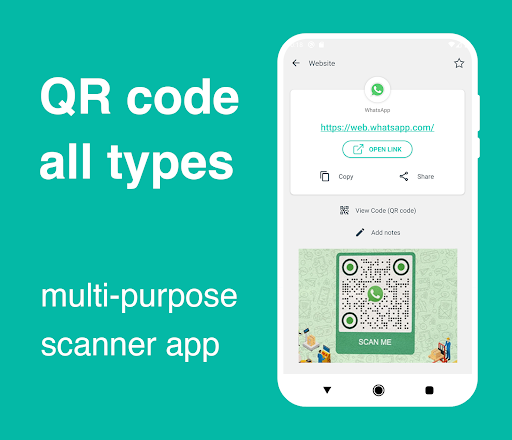
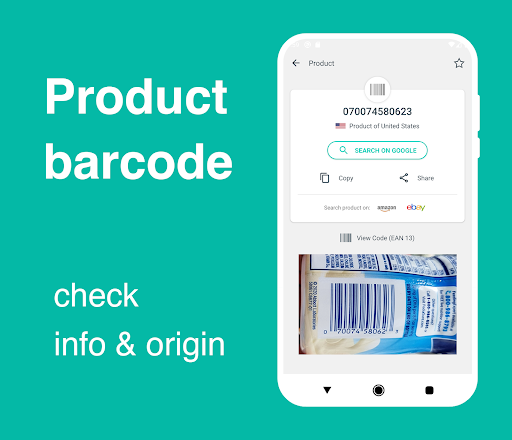
QR code scanner, barcode scanner android app helps you to scan and read all types of QR code and barcodes: Contact Info, Phone, Email, Website, Product, Text, SMS, Wifi, Map Location, Calendar Event and more…
QR code scanner, barcode scanner app can also read and help you to check the country origin and product information of a barcode to reduce the possibility of buying low quality or unknown origin products.
QR code scanner, barcode scanner app doesn’t require any special permission, it doesn’t collect any personal information or access to your device storage, contact list, or anything else. It’s simply a QR code reader app to help you scan QR codes and scan barcodes on the go, everywhere, using android phones.
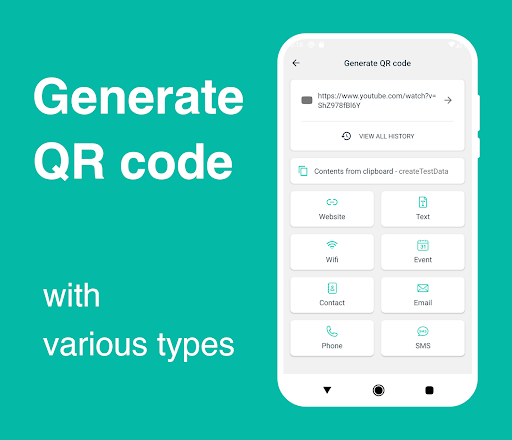
QR code scanner, barcode reader app also has a QR generator feature allowing you to generate your own QR codes with different types easily.
Super-fast, super-lightweight, and easy to use
Appropriate actions on each QR code or Barcode: search on Google / Yahoo / Bing / Ecosia / DuckDuckGo, open a webpage, add a contact, send an email, call a phone number, connect to a wifi network, add an event to calendar...
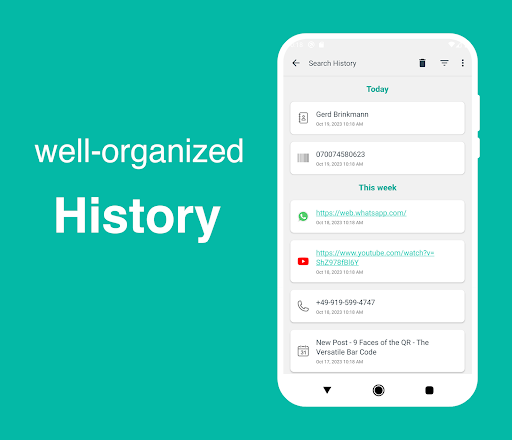
History with search and filter
Advanced setting options to ensure the scanner is optimized for your own android's camera
Batch scan mode: Scan multiple QR codes and barcodes at once
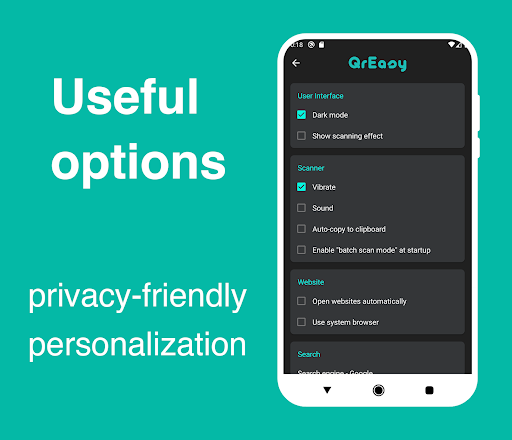
Dark mode
QR code generator: generate QR code using your phone.
You can write notes on each scanned code.
HOW TO USE:
- To scan a QR code or barcode, simply open the QR scanner and barcode scanner app, point the camera in front of the QR code or barcode, and the app will automatically read the code and show you its content efficiently.
- To scan images from your device's gallery or even from content in any other apps, simply use the "Share" functionality in the Android menu: select the image in your gallery -> click the "Share" option -> select "Scan Image" with the QR scanner and barcode scanner app.
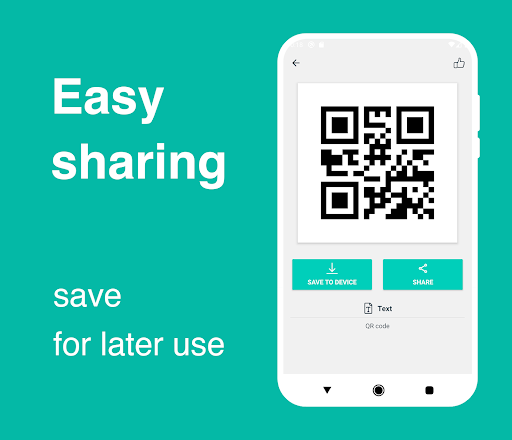
- To generate QR codes: simply open the QR code reader and barcode reader app -> select "Generate" at the bottom menu. There are many types of QR codes that you can generate based on your needs, such as contents from clipboards, website URL, text, contact information, phone number, SMS, calendar event, wifi... The QR code is created and the app allows you to save it to the device's gallery, or share the code image anywhere.
- History feature allows you to view all the QR codes and barcodes that have been scanned from the QR code reader and barcode reader app. The history is organized clearly thus helping you to find your information as efficiently as possible.
- In the settings menu, there are many options to optimize the QR code reader and barcode scanner app for your own device as well as your preferences.
QR Code & Barcode Scanner Screenshots
Old Versions of QR Code & Barcode Scanner

Editor's Recommendation


Apps Like QR Code & Barcode Scanner
 QR Scanner - Barcode Scanner
 QR Scanner - Barcode Scanner
 QR Scanner: Barcode Scanner
 QR Scanner・Barcode Scanner App
 Barcode & QR code scanner
 QR Code & Barcode Scanner
 QR Code & Barcode Scanner
 QR Code Reader Barcode Scanner
 QR Code Scanner Barcode Reader
 QR Code Scanner-Barcode Magic
 Snap Barcode & QR code Scanner
 QR Code Scanner & Barcode
Apps by QR Easy
QR Code & Barcode Scanner FAQ
How do I download QR Code & Barcode Scanner from PGYER APK HUB?
Is the QR Code & Barcode Scanner on PGYER APK HUB free to download?
Do I need an account to download QR Code & Barcode Scanner from PGYER APK HUB?
How can I report a problem with QR Code & Barcode Scanner on PGYER APK HUB?
Did you find this helpfull
Yes
No
User Reviews
+ Reviews
4.8
5
4
3
2
1
T
TechGuru89
2021-02-25
2
0
Absolutely indispensable! The QR Code & Barcode Scanner app is a game-changer. No ads, perfect for privacy-conscious users like myself. I've been using it without needing Google Play Store or Games, making my experience smoother. Thanks for keeping it ad-free and respecting user privacy.
Most Popular

Downloader by AFTVnews
AFTVnews.com

Character AI: AI-Powered Chat
Character.AI

Google Chrome
Google LLC

YouTube
Google LLC

X
X Corp.

Telegram
Telegram FZ-LLC

Netflix
Netflix, Inc.

Tubi: Movies & Live TV
Tubi TV

Disney+
Disney

VPN Proton: Fast & Secure VPN
Proton AG

Microsoft 365 (Office)
Microsoft Corporation

Reddit
reddit Inc.

Signal Private Messenger
Signal Foundation

Vinted - Buy and sell clothes
Vinted

Grand Theft Auto: San Andreas
Rockstar Games

Football League 2024
MOBILE SOCCER

Toca Life World: Build a Story
Toca Boca

EA SPORTS FC™ Mobile Soccer
ELECTRONIC ARTS

Roblox
Roblox Corporation

Free Fire MAX
Garena International I

PUBG MOBILE LITE
Level Infinite

Fortnite
Epic Games, Inc

Free Fire: The Chaos
Garena International I

Block Blast!
Hungry Studio