
Over PDF Reader
PDF Reader - Your Versatile Document Management Tool
PDF Reader is a powerful application designed to meet all your document management and reading needs, whether you're handling daily office tasks, studying, or conducting research.
📖 Multi-Functional Document Reader
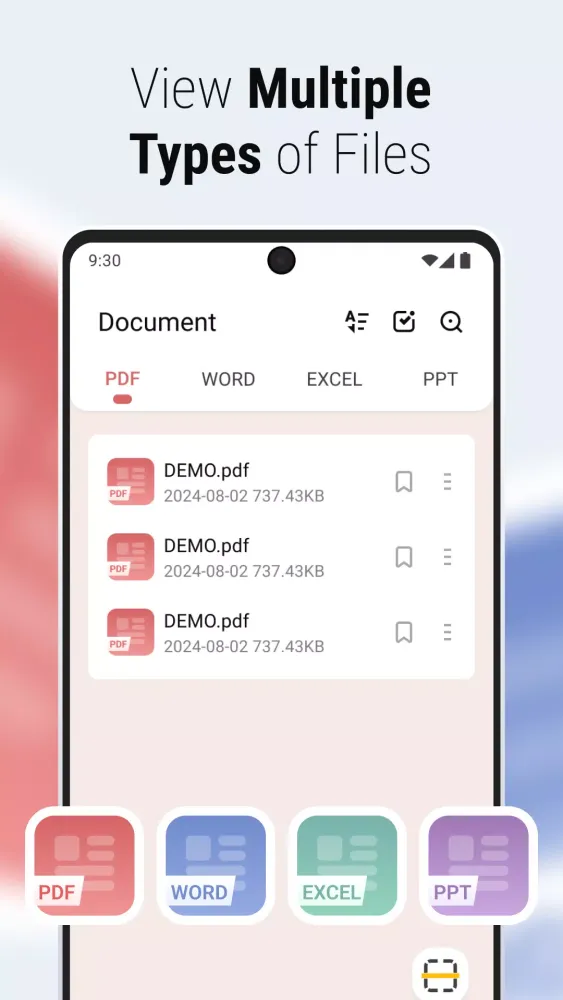
PDF Reader is a comprehensive document reader supporting multiple file formats including PDF, Word, Excel, and PowerPoint. It integrates advanced PDF editing tools and convenient file management features, ensuring a seamless experience across various platforms.
📖 Flexible Reading Experience
Whether you prefer horizontal or vertical screen orientation, PDF Reader allows you to switch effortlessly. It also includes night/day modes to provide a comfortable reading experience under any lighting condition. Additional features like generating, merging, splitting, locking PDFs, and quick printing make document processing more efficient.
📑 Core Reading Functions
- Support Multiple Formats: Easily read various file types such as PDF, Word, Excel, and PowerPoint.
- Flexible Switching: Seamlessly switch between horizontal and vertical screen orientations.
- Night/Day Mode: Enjoy a comfortable reading experience with flexible day/night mode switching.
- Zoom Pages: Enlarge PDF pages as needed for better readability.
🔖 Rich PDF Tools
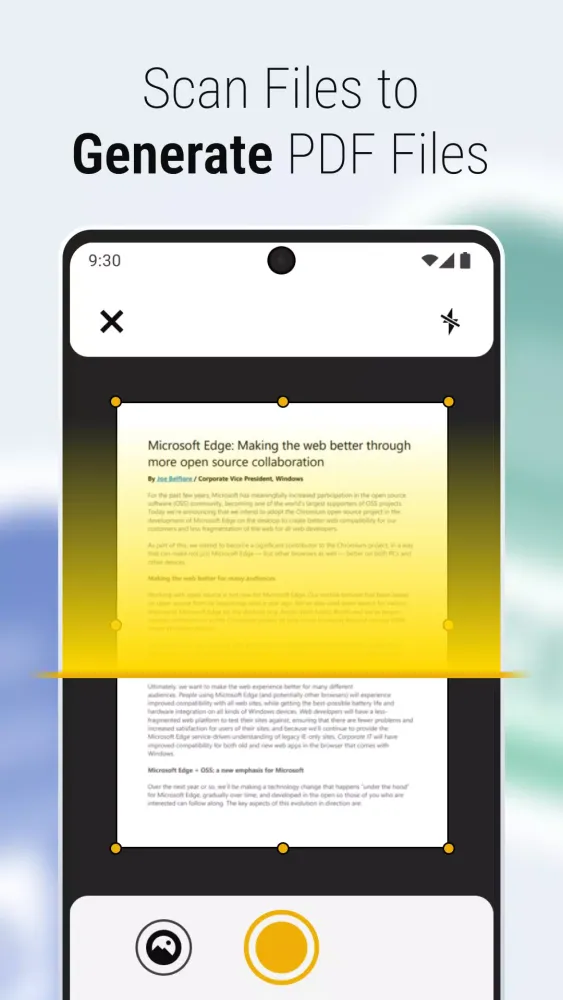
- Generate PDF: Create PDF files instantly by scanning or selecting images from your gallery.
- Merge and Split: Combine multiple PDF files into one or split a large file into smaller ones.
- Lock/Unlock PDF: Secure important PDF files with password protection.
- Quick Print: Print PDF files directly from your device.
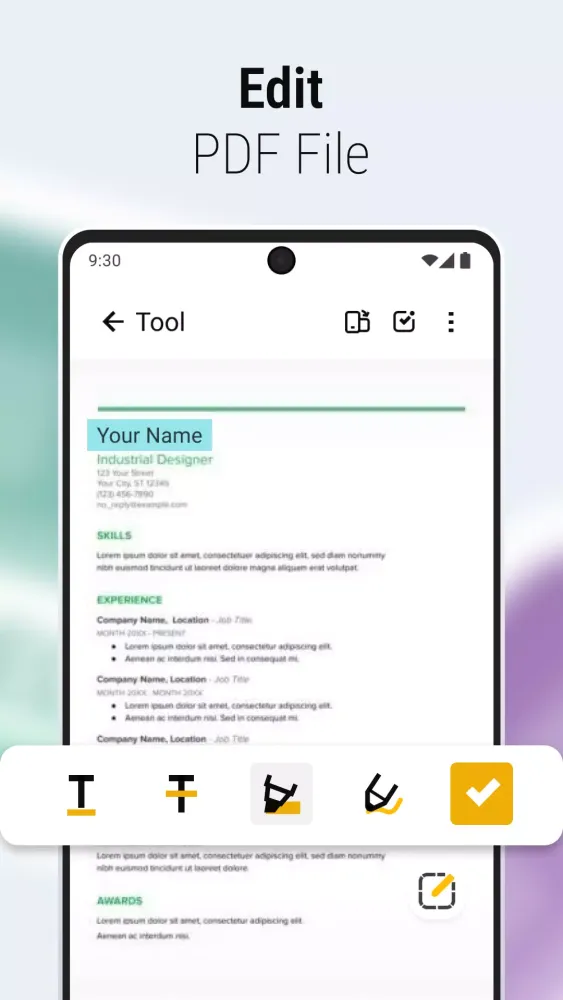
- Mark Content: Highlight, underline, and strikethrough text.
- Annotate: Use the graffiti function to add annotations.
📅 Convenient File Management
- Automatic Recording: All opened files are recorded and arranged chronologically in the Recent list.
- Bookmarks: Save interesting or important files for easy review.
- Multiple Sorting Methods: Customize your organization with different sorting options on the home page and bookmarks.
- Batch Operations: Select multiple files for batch deletion or sharing.
- File Information: View detailed information such as file name, last viewed/modified time, and file size.
🔍 Easy Document Navigation
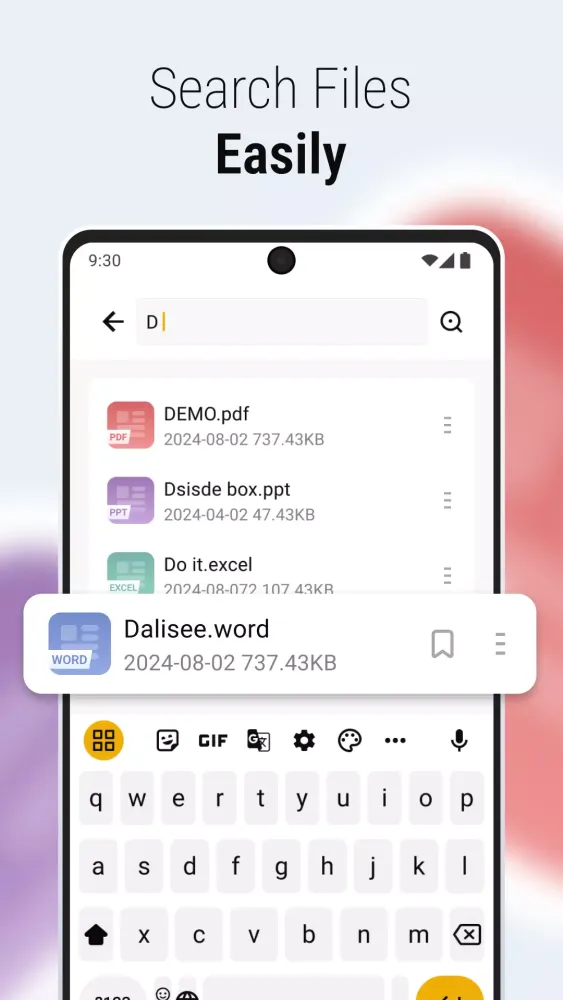
- Search Files: Quickly find files by entering the file name.
- Preview Function: Preview files at the bottom of the interface for one-click page jumps.
- Direct Page Jump: Navigate directly to a specific page by entering the page number.
We hope PDF Reader will help you read, manage, and process documents more efficiently. Start your new reading experience today! 📖
Gameplay
PDF Reader Screenshots
Oude versies van PDF Reader





Aanbeveling van de redactie


Apps zoals PDF Reader
 PDF Reader: Ebook PDFs Reader
 PDF - PDF Reader
 PDF Reader - Image to PDF
 AzPDF: PDF Reader, PDF Viewer
 PDF Reader - PDF Viewer
 PDF Reader – PDF Viewer
 PDF Reader: Edit & Convert PDF
 PDF Reader - PDF Viewer
 PDF Reader Pro- All PDF Viewer
 Smart PDF Reader - PDF Viewer
 PDF Reader - PDF Viewer
 PDF Viewer - PDF Reader App
Apps door JasonClub

Gebruikersrecensies
+ Recensies
Meest Populair


