

À propos de KODAK Photo Printer
Introducing KODAK Photo Printer: Your Personal Memory Keeper
Capture life's most cherished moments and bring them to life with the KODAK Photo Printer app. Designed for photography enthusiasts and casual users alike, this application allows you to edit and print your favorite photos directly from your smartphone. Whether you're printing a single cherished memory or creating a collection of prints for a special occasion, the KODAK Photo Printer app offers an intuitive and seamless experience.
One of the standout features of this app is its cutting-edge technology, which includes advanced Augmented Reality (AR) and beauty functions. These features allow you to enhance your photos in ways that were previously unimaginable. Imagine overlaying virtual elements onto your photos or applying subtle enhancements to make your portraits look their best. The AR capabilities open up endless possibilities for creative expression, while the beauty functions ensure that every print looks flawless. With these innovative tools at your fingertips, the KODAK Photo Printer app truly stands out in the crowded world of mobile photography.
Supported Devices
The KODAK Photo Printer app is compatible with a range of Kodak devices, ensuring compatibility across different models. Here are the supported devices:
- Kodak 2-inch Printer (P210)
- Kodak 2-in-1, 2-inch Camera (C210)
- Kodak 3-inch Square Printer (P300)
- Kodak 3-inch Square 2-in-1 Camera (C300)
- Kodak 4-inch Dock Printer (PD460)
Each of these devices is designed to provide high-quality prints, whether you're using the standalone printer or the integrated camera models. The dock printer model even features a convenient docking station for your smartphone, making the printing process more efficient and user-friendly.
Step-by-Step Guide to Using the App
Getting started with the KODAK Photo Printer app is simple and straightforward. Follow these steps to begin printing your cherished memories:
-
Charge Your Printer: Before you start, ensure that your printer is fully charged. This step is crucial for uninterrupted printing sessions.
-
Connect Properly: Ensure that the adapter is securely connected to the printer. This step is essential for maintaining a stable connection.
-
Turn On the Printer: Power on your printer to get it ready for operation.
-
Find the MAC Address: Navigate to your Bluetooth settings on your smartphone and search for the printer's MAC address. For printers without a dock, the MAC address is typically located inside the printer's door. If you have a dock printer, you can either dock your phone at the pin on top of the printer or locate the MAC address on the underside of the printer.
-
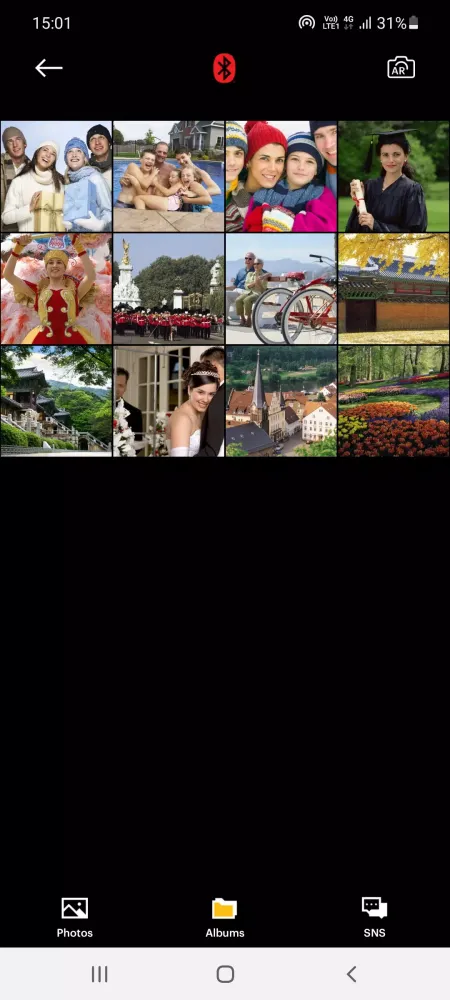
Select Your Image: Open the Gallery on your smartphone and select the image you wish to print. Alternatively, take a new photo directly through the app.
-
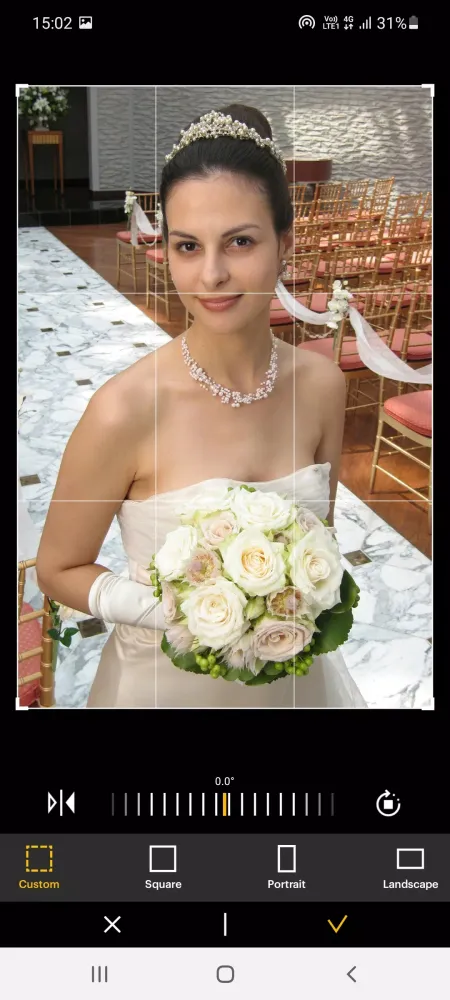
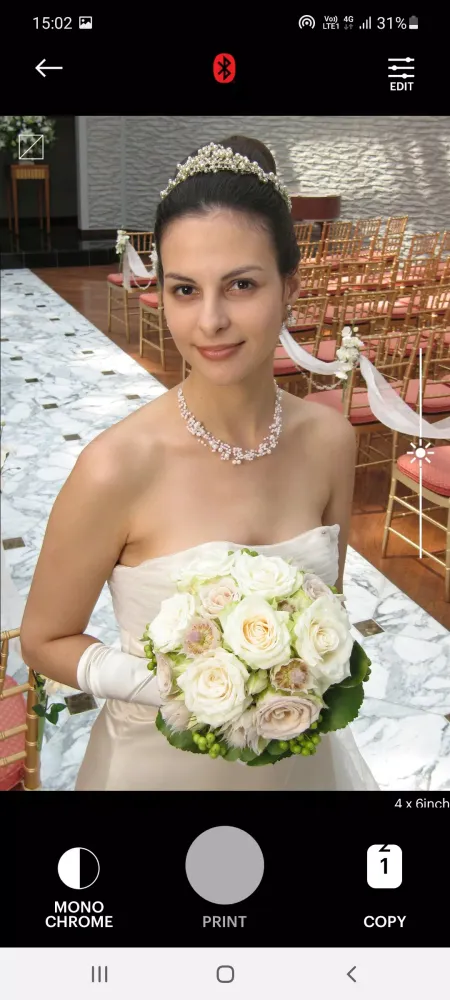
Edit Your Photo: Once the image is selected, use the app's editing tools to customize your photo according to your preferences. From cropping and resizing to applying filters, the app provides a comprehensive suite of editing options.
-
Print Your Photo: After completing your edits, press the print button located on top of the printer. This action triggers the printing process.
-
Firmware Update: On your first print, the app may prompt you to update the printer's firmware. Follow the instructions displayed on your smartphone's screen to complete this step seamlessly.
-
Wait for Completion: Printing typically takes about a minute. Avoid pulling the photo until the process is complete to ensure optimal quality.
With these steps, you'll be able to transform your digital memories into tangible keepsakes with ease. The KODAK Photo Printer app combines simplicity, innovation, and quality to deliver an unparalleled printing experience. Start capturing and preserving your moments today!
Jouabilité
Captures d'écran de KODAK Photo Printer

Anciennes versions de KODAK Photo Printer





Recommandation de l'éditeur


Applications similaires à KODAK Photo Printer


Applications par PRINICS Co., Ltd
KODAK Photo Printer FAQ
Comment télécharger KODAK Photo Printer depuis PGYER APK HUB?
Est-ce que le KODAK Photo Printer sur PGYER APK HUB est gratuit?
Ai-je besoin d'un compte pour télécharger KODAK Photo Printer depuis PGYER APK HUB?
Comment puis-je signaler un problème avec KODAK Photo Printer sur PGYER APK HUB?
Avis des utilisateurs
+ Avis
Les plus populaires


