
Grand Theft Auto III Review: A Landmark Open World in a Demanding Mobile Port



Grand Theft Auto III brings Rockstar's original 3D Liberty City crime story to Android with updated visuals, touch controls, display settings, haptic feedback, and support for selected controllers. The package is a legacy premium release rather than a modern live-service game, and its Mature 17+ rating is central to any recommendation.
The Google Play page was updated on March 9, 2026, which confirms current storefront maintenance, but the design remains rooted in an older console era. Mission structure, aiming, checkpoints, camera behavior, and map guidance can feel less forgiving than newer open-world games.
This review uses the current official Android listing as the source for developer-controlled facts. Grand Theft Auto III is listed by Rockstar Games, carries a Mature 17+ rating, shows 1M+ Google Play downloads, and was updated on March 9, 2026. Store labels, event content, pricing, availability, and data disclosures can change by region or version.
Liberty City Rewards Route Knowledge
The open world allows exploration, vehicles, side activity, and mission travel, yet story progress often depends on reaching a destination with enough health, time, and vehicle condition to complete the next task. Learning bridges, shortcuts, safe turns, and police escape routes is practical progression.
Touch controls place steering, camera, movement, and action buttons on one screen. Before a difficult mission, adjust layout and sensitivity, test a vehicle in free roam, and choose performance settings that keep frame pacing stable.
- Learn the route before repeating a timed mission.
- Use free roam to tune steering and camera sensitivity.
- Prefer stable performance over maximum graphics.
- Save progress before experimenting with risky activities.
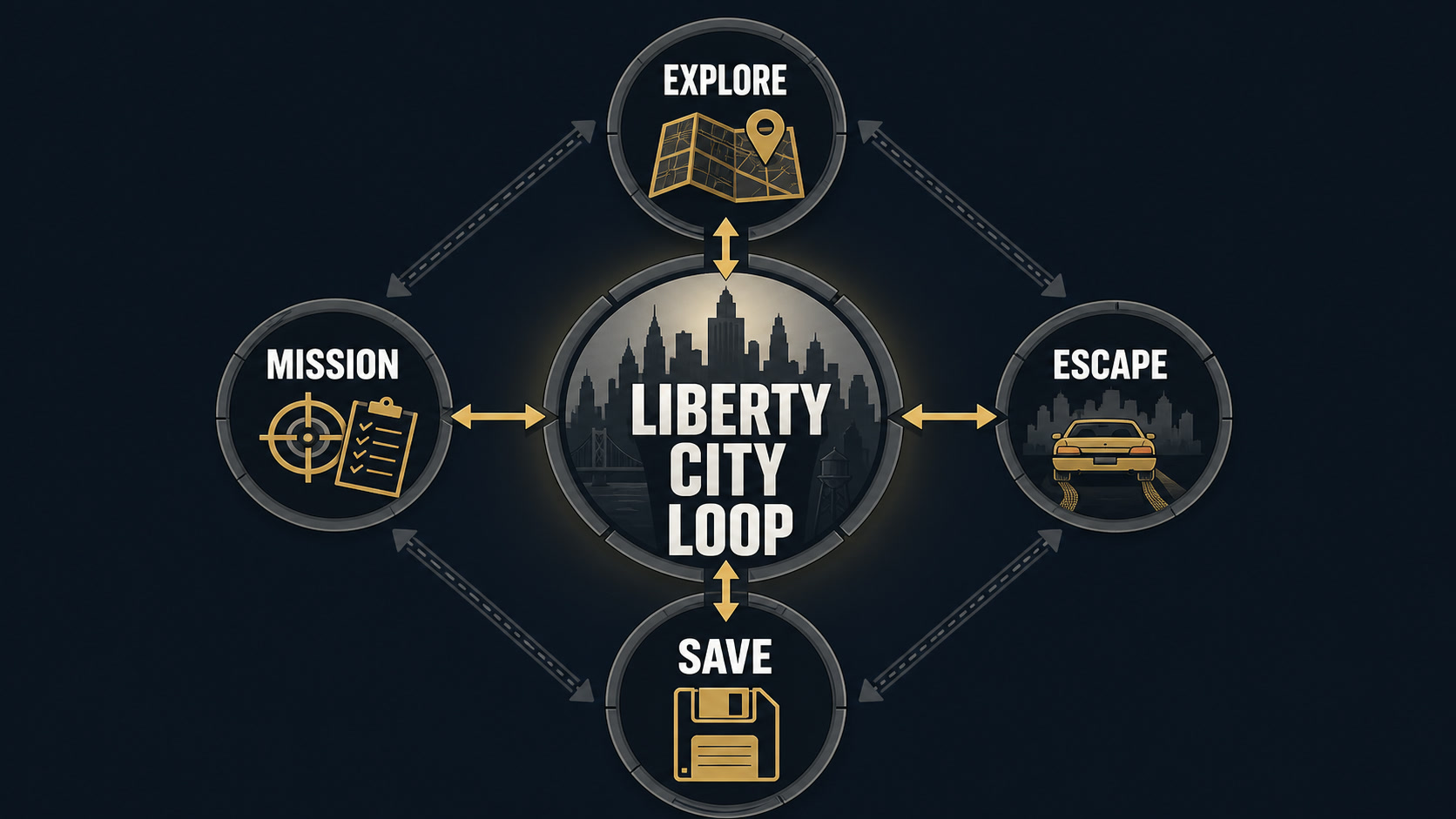
Editorial illustration: the durable core loop is easier to understand when each resource has one purpose.
Treat Missions as Short Planning Problems
A failed mission usually reveals one bottleneck: the wrong vehicle, an inefficient route, low health, poor weapon choice, or a control issue. Change that variable on the next attempt instead of repeating the same approach faster.
Controller support may improve driving and aiming for compatible hardware, but players should confirm their specific device and controller behavior. The listing names selected USB gamepads rather than guaranteeing every modern accessory.
- Read the mission objective fully.
- Choose a vehicle for the route, not appearance.
- Preserve health before the final encounter.
- Change one failed assumption per retry.
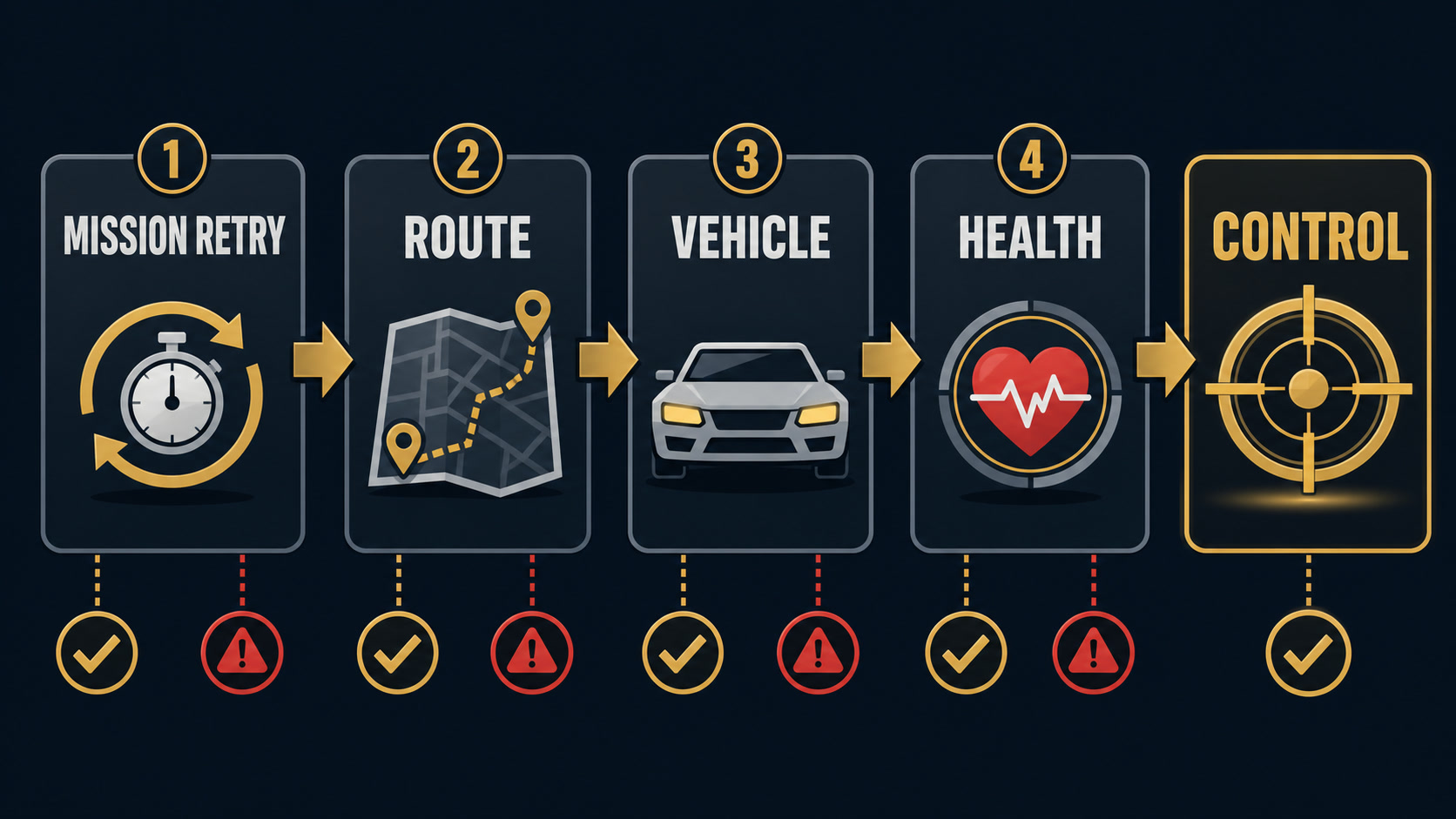
Editorial illustration: a short decision sequence is more reliable than reacting to every reward prompt.
A Classic Design Comes With Friction
Grand Theft Auto III is historically important because it helped define the 3D open-world structure, but historical importance does not remove dated mechanics. Repeated travel, limited checkpointing, older mission logic, and touch-screen compromises are part of the experience.
The game depicts crime, violence, and mature themes. It is not suitable for children, and parents should rely on the current store rating and content descriptors rather than the age of the original release.
Important limits to keep visible:
- Mature themes and violence restrict the audience.
- Older mission design can demand repetition.
- Touch controls are crowded on smaller screens.
- Compatibility and performance vary across modern Android hardware.
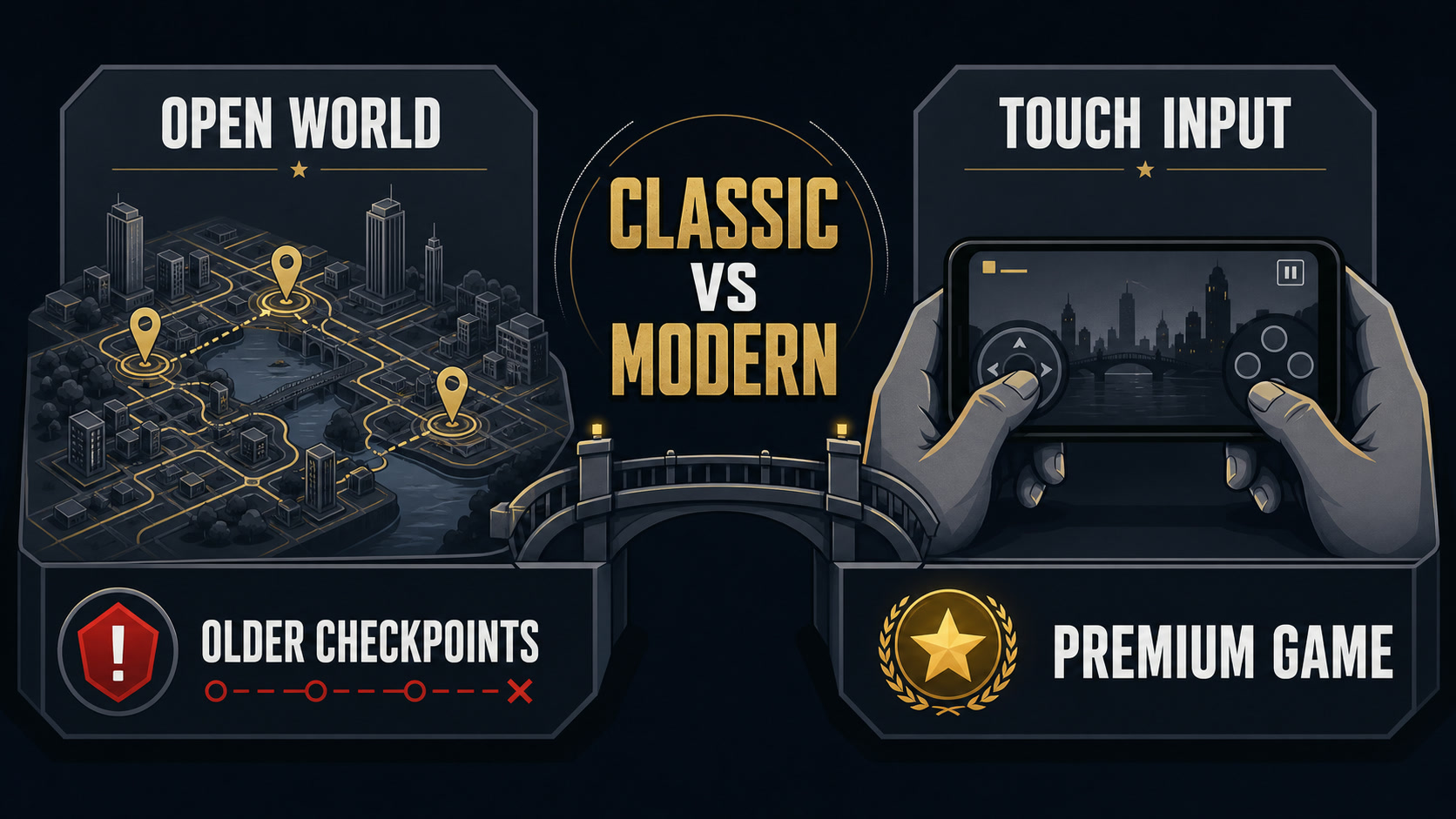
Editorial illustration: permanent progress and temporary pressure should remain separate decisions.
Who Should Play Grand Theft Auto III?
Grand Theft Auto III is best for adult players interested in the history of open-world games, compact premium experiences, and the challenge of adapting a classic to mobile controls. Players seeking modern checkpoints, online modes, or a family-friendly city sandbox should choose something else.
Before a longer session, confirm storage space, battery condition, network requirements, current permissions, and account settings. Grand Theft Auto III currently includes a paid premium game with an in-app-purchase label on the current listing. On shared devices, enable purchase authentication and review notifications, subscriptions, randomized rewards, chat, or external links whenever those systems are present.
Strengths and Weaknesses
Strengths
- Influential open-world structure.
- Large explorable city for a classic mobile port.
- Custom controls and display settings.
- No recurring live-service schedule.
Weaknesses
- Dated mission friction.
- Touch aiming can be uncomfortable.
- Mature content limits suitability.
- Hardware compatibility needs testing.
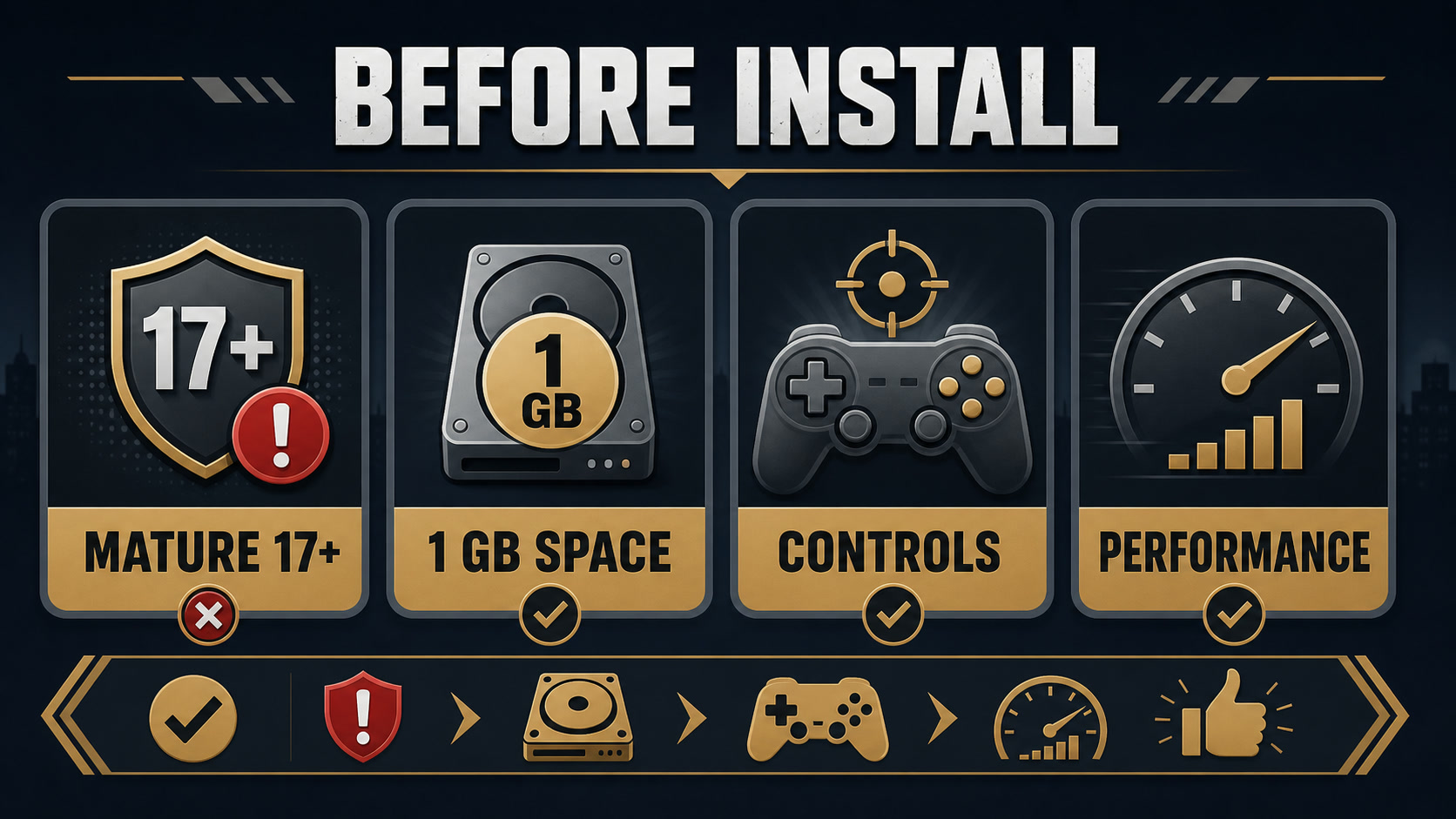
Editorial illustration: package identity, technical conditions, time, and spending boundaries belong in the same checklist.
Installation and Account Safety
Use the exact package identifier associated with this review: com.rockstar.gta3. Similar titles and old yearly names can point to a different build. Before installing an APK, compare the package, developer identity, requested permissions, and signing information with a trusted previous version or the current official listing.
For Grand Theft Auto III, an APKHub listing is a third-party distribution record, not proof of developer authorization or current Google Play availability. Keep Android updated, avoid modified packages promising unlimited currency, and do not enter account credentials into unofficial companion tools. Back up any locally stored progress before replacing an existing installation.
Final Verdict
Grand Theft Auto III remains valuable as a portable classic, not as a modern sandbox benchmark. Confirm the Mature rating, tune controls and graphics early, and approach failed missions as route and preparation problems.


.webp?x-oss-process=image/resize,w_80/format,webp)