
VRChat Mobile Review: A Vast Social World in Your Pocket


VRChat for Android brings the platform's user-created worlds, avatars, games, and social spaces to phones and tablets. The current Google Play listing describes hundreds of thousands of worlds, millions of avatars, and activities ranging from card games and racing to horror, live music, and battle royale experiences. It lists a Teen rating, in-app purchases, and more than one million downloads.
The mobile app removes the headset requirement, but it does not turn VRChat into a conventional level-based game. It is a social platform with games inside it. The quality of a session depends on the world, the people, the device, and the safety choices you make before joining a public room.
The Mobile Loop: Discover, Download, Join, Move On
A typical session starts with a world or friend rather than a mission. You browse recommendations, join an instance, download its content, and decide whether the space is worth staying in. One world may be a quiet lounge; the next may be a kart race, puzzle, concert, or chaotic public lobby.
That freedom is the attraction and the source of inconsistency. Community creators build the environments, so visual quality, performance, rules, and social tone vary. Save good worlds and favorite reliable groups. Random discovery is exciting, but a personal library turns VRChat from a slot machine into a destination.
The official mobile controls use a floating left thumbstick, swipe-based look rotation, direct touch or reticle interaction, and on-screen buttons for jumping and menus. Auto-walk, sensitivity, field of view, and interface placement can be adjusted. Spend the first session tuning those controls in a quiet world rather than learning them during a competitive game.
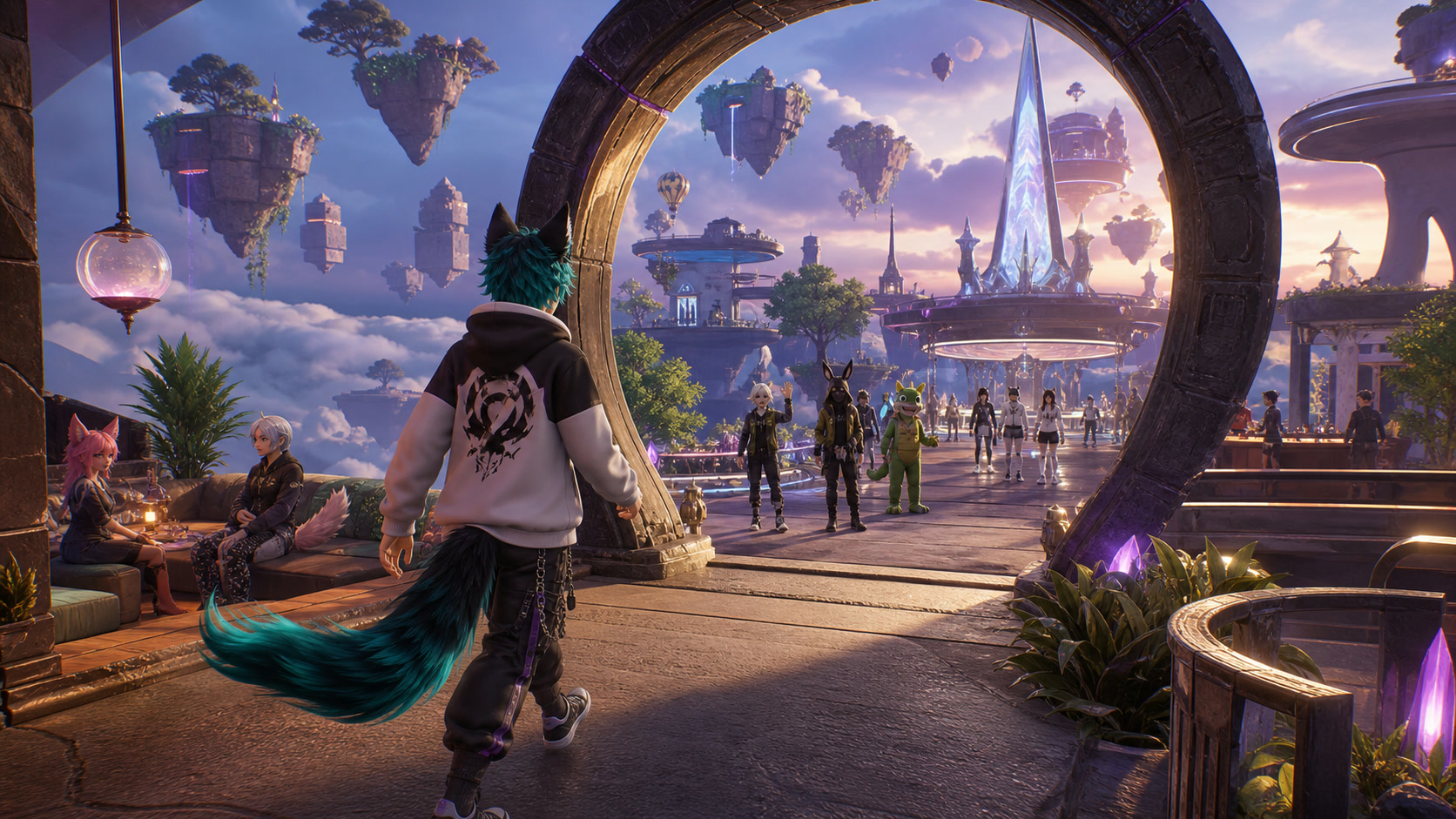
Editorial illustration: the best session begins with a good world and ends with a useful favorite, not endless browsing.
Worlds, Avatars, and the Compatibility Gap
VRChat's identity comes from user creation. Worlds can contain scripted interactions, vehicles, puzzles, games, mirrors, stages, and custom environments. Avatars range from simple characters to elaborate animated models. That breadth was originally shaped around PC and VR hardware, so not every creation will be equally suitable for mobile.
The Android client must balance download size, memory, battery, and heat. A visually dense world or unoptimized avatar can reduce frame rate even when the app launches correctly. Mobile players should expect some content to be unavailable, simplified, or uncomfortable on a small screen.
VRChat's official support page currently requires Android 10 or higher and at least 6 GB of RAM. It also recommends Wi-Fi when available because world content varies in download size. Those are minimum access boundaries, not a promise that every community world will run smoothly. A newer device, free storage, stable Wi-Fi, and lower avatar complexity create a better experience.
Keep the phone cool, close heavy background apps, and use shorter sessions if battery temperature rises. Headphones improve spatial awareness, but avoid blocking real-world surroundings when playing in public.
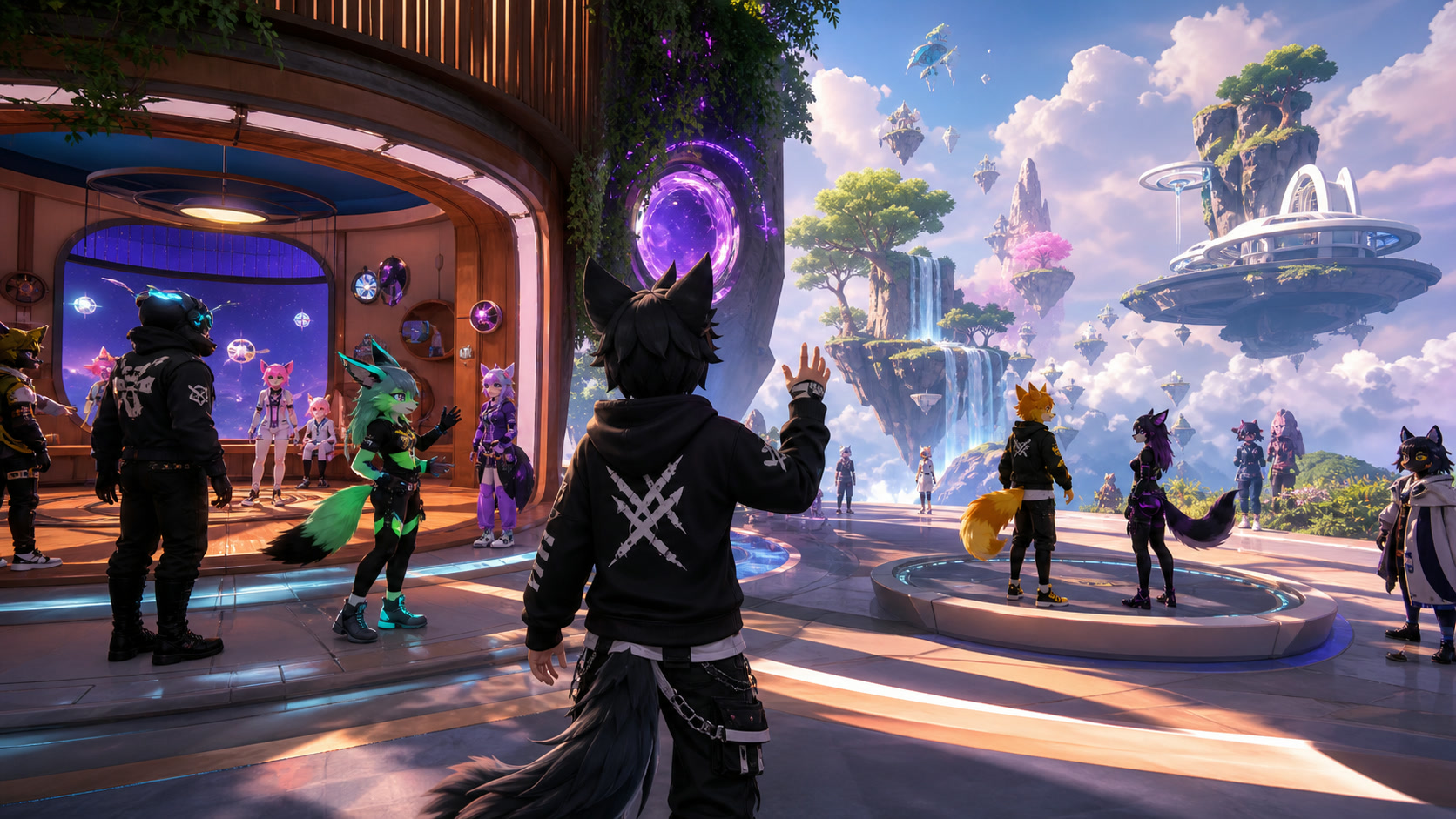
Editorial illustration: passing the minimum requirement opens the door; world complexity decides how comfortable the room feels.
Social Safety Is Part of the Game
Public social spaces can be welcoming, strange, creative, noisy, or hostile. VRChat's Community Guidelines require users to be at least 13, and users aged 13 to 17 need parent or guardian permission. The guidelines also prohibit harassment, hateful conduct, threats, sexual misconduct, and harmful behavior toward minors.
Rules do not remove exposure. Learn the block, mute, hide, and report tools before joining crowded public instances. VRChat's official support states that a user can be reported without first being blocked, while blocking is available as an immediate personal boundary.
Use these habits:
- keep your real name, location, school, workplace, and contact details private
- leave an instance when the tone turns uncomfortable
- block or mute early instead of debating a harasser
- use Friends or Invite instances for planned group sessions
- report serious guideline violations through the platform tools
Parents should not treat the Teen label as a substitute for supervision. VRChat is real-time user interaction with user-generated content. The people in the room are not scripted NPCs.
In-app purchases are declared on Google Play. VRChat Plus and marketplace items may support personalization, but no subscription is required to understand whether the social experience suits you. Start free, build a reliable friend and world list, and spend only after the recurring value is clear.

Editorial illustration: social tools are controls, not emergency decorations.
A Smart First Week on Mobile
On day one, configure look sensitivity, field of view, direct touch or reticle selection, and microphone behavior. Visit a small world and practice picking up objects. On day two, try a simple game world with one friend. On day three, save a few worlds that load quickly and compare battery use.
Avoid making a visually complex avatar your first project. Use a mobile-compatible option and learn how avatar visibility settings affect performance. If audio breaks or a world stutters, test a smaller instance before assuming the phone is defective.
Treat public exploration as optional. A curated Friends instance can deliver most of the fun with far less moderation work.
Who Should Play VRChat Mobile?
VRChat Mobile is a strong fit for existing VRChat users who want portable access, social explorers who enjoy user-made spaces, and players willing to curate their experience. It is also a useful way to check friends and worlds without wearing a headset.
It is a weaker fit for people who want a polished linear campaign, guaranteed performance, fully moderated conversations, or anonymous socializing without risk. The platform asks users to manage both hardware limits and human boundaries.
Strengths and Weaknesses
Strengths
- A huge range of user-created worlds and activities
- No VR headset required on mobile
- Touch controls with useful customization
- Strong identity and social creativity
- Good companion access for existing users
Weaknesses
- World and avatar performance varies widely
- Requires Android 10 and at least 6 GB RAM
- Downloads, battery heat, and storage can be significant
- Public social spaces require active safety management
- Mobile controls cannot match every PC or VR interaction
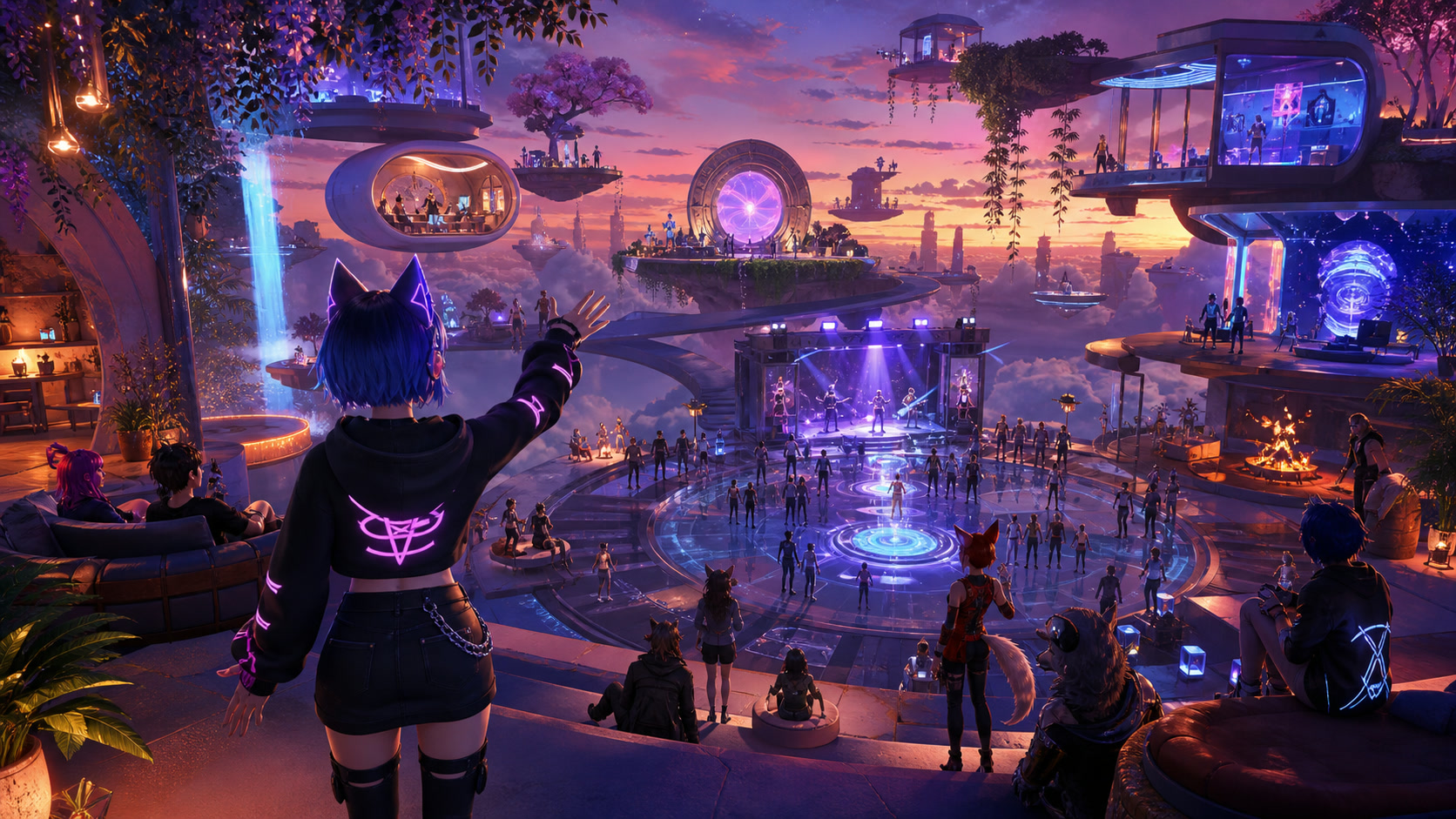
Editorial illustration: build a small reliable world list before chasing the platform's infinite scale.
Final Verdict
VRChat Mobile is impressive because it fits a vast, user-built social platform into a device that was never the platform's original center. It is uneven for the same reason. A good phone and stable Wi-Fi help, but curation, privacy, and moderation tools matter just as much.
Approach it as a social world browser, not a single finished game. Configure the controls, start with trusted people, and save the worlds that respect mobile limits. With those habits, the Android app becomes a practical doorway into VRChat rather than a chaotic tour of everything at once.


.webp?x-oss-process=image/resize,w_80/format,webp)