

| 3.3.2 (build ) | 1970-01-01 |
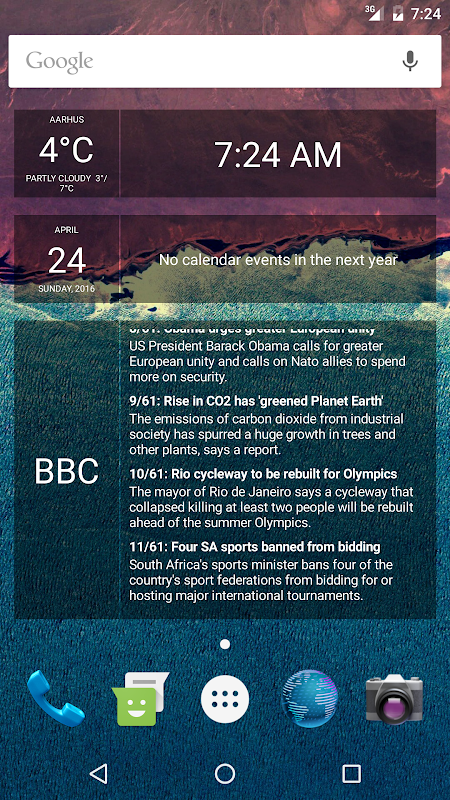
Glass Widgets is a set of basic home screen widgets. The widgets are designed to provide you with the most important information at a glance, yet still allow you to enjoy your wallpaper.
You can add as many Glass Widgets to your home screen as you have room for.
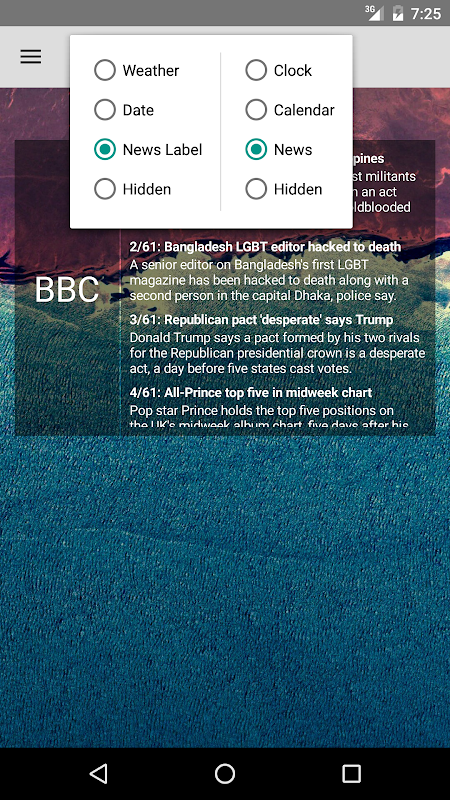
Each widget can be configured to show a mix of content, including:
* Time
* Weather
* Calendar
* News (RSS/Atom feeds and Google News)
There are two widget sizes available: The standard 4x1 and the large 4x3.
FREE & PAID VERSIONS:
All the widgets are semi-transparent, with a nice smoked glass look. The paid version will allow you to change the tint and transparency of the widgets as you wish.
FAQ:
1) I can't find the widgets. Can you help?
The widgets don't show up in the app-drawer. Instead, they can be found in the widget-drawer. On some devices widgets can be added by tapping and holding on an empty space on the home screen.
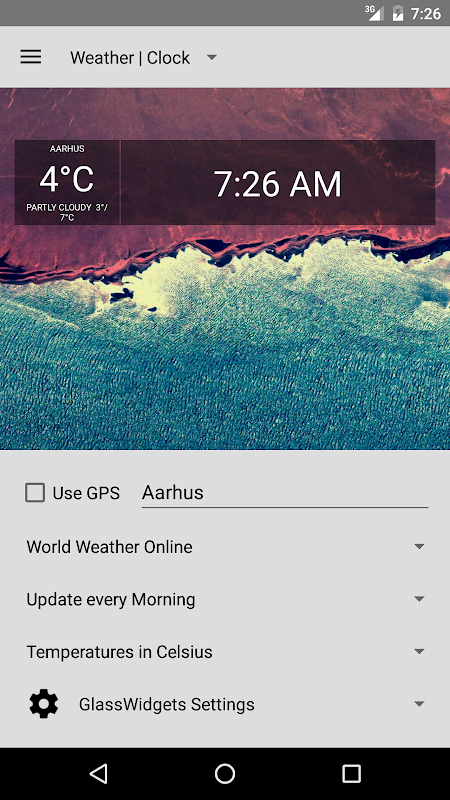
3) How do I change the settings for a widget?
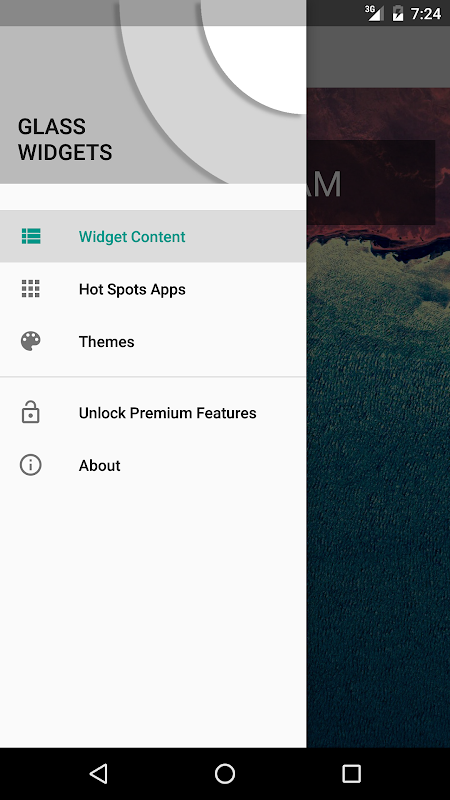
By default the widgets has two hotspots in the upper and lower left corner. If you tab the upper left corner of the widget, the setting screen for that widget will open. If you tab the lower left corner, the widget will refresh itself. You can change the hotspots to do something else in the settings screen, but I recommend keeping one of the corners assigned to open the settings.
4) The new version broke my old widgets. What do I do?
Glass Widgets recently received a large update from version 2.4.0 to 3.x.
As part of the update, the previous widgets (Clock, Calendar, News) was
replaced with just two configurable widgets, a small 4x1 widget and a large
4x3 widget. Unfortunately this also broke the old widgets, and you'll need to
remove then from you home screen and then add new ones instead. If you run into
problems I recommend uninstalling any old versions of Glass Widgets and
re-installing the new version from scratch. If you find that the new version
just doesn't work for you, or you prefer the old one, I've uploaded that
version to the Play Store under the name 'Glass Widgets Classic.'
|
|
|
|
向该应用的开发者提交您在使用过程中遇到的问题或对应用的建议,帮助他们做的更好。