CastReceiver icon

CastReceiver

Version:1.6.6 (build 20214136)
CastReceiver QRcode
App installation is in progress
Installing...
App download will begin in a moment, please wait... If it doesn\'t, please restart the download.
Install

Or use your mobile to scan the QR code to install


About CastReceiver

Size
23.5 MB
Publish at
2024-06-21
Version
1.6.6
Build
20214136

Other versions of CastReceiver

1.6.6 (build ) 2023-11-05

Introduction of CastReceiver

CastReceiver is Screen Cast Receiver. It let you mirroring your android phone or your Chrome Tab to your any Android box running CastReceiver.
By CastReceiver you can easily share your Phone/Chromebook screen to your friendly or make presentation in meeting.
Use built-in Google Cast on your Phone/ChromeBook to enable screen mirroring. CastReceiver will appears in the receiver list alongside any Chromecast™ devices that may also be nearby. Simply select CastReceiver from the Cast receiver list and your Android device screen will begin mirroring!

Features:
1, Supports both tab casting and desktop casting which is built into all Chromebooks and all desktop platforms with Google Chrome browser.
2, Works with all Google Cast enabled Android devices without needing to install anything on the device.

Notes:
1, CastReceiver don't support streaming DRM protected content.
2, Not all Android Phone support Google Cast well. Please testing it using trial version.
Expand

Screenshots of CastReceiver

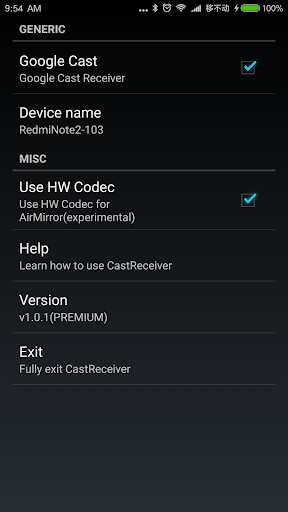
CastReceiver Screenshots1
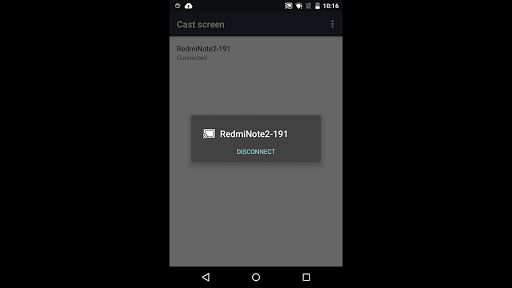
CastReceiver Screenshots2
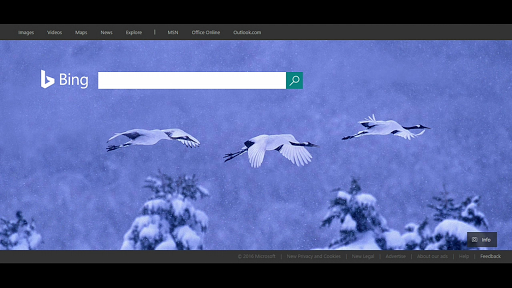
CastReceiver Screenshots3
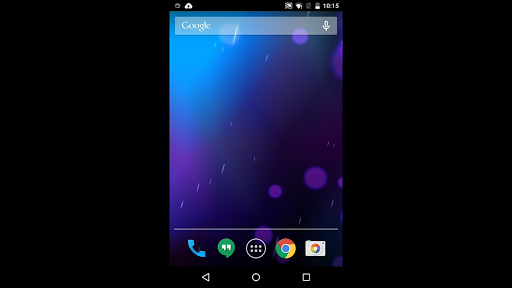
CastReceiver Screenshots4

Feedback

Submit questions you've encountered during the process or suggestions for the app to the developer of the app to help them do better.