
Yandex Browser with Protect icon

Yandex Browser with Protect

Version:22.7.2.89 (build 1914733968)
Yandex Browser with Protect QRcode
App installation is in progress
Installing...
App download will begin in a moment, please wait... If it doesn\'t, please restart the download.
Install

Or use your mobile to scan the QR code to install


About Yandex Browser with Protect

Size
249.7 MB
Publish at
2024-08-10
Version
22.7.2.89
Build
1914733968

Other versions of Yandex Browser with Protect

14.10.2062.12160 (build ) 2024-03-18
22.7.2.89 (build ) 2024-03-18

Introduction of Yandex Browser with Protect

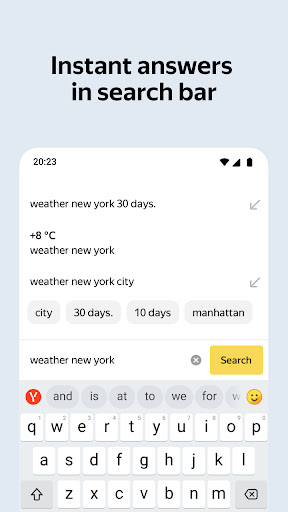
Yandex Browser — stylish and secure, with voice search and data compression.

Get rid of annoying ads on websites by integrating third-party blocking apps with ad blocking.

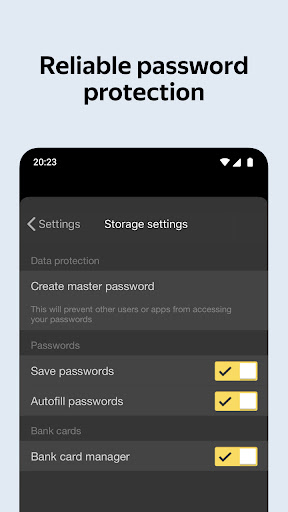
Protect your personal data when using public Wi-Fi networks and stay away from harmful or fraudulent pages with the browser’s active security system Protect.

Hide unrelated interface elements — ads, site menus, buttons, or widgets — and leave only the relevant text and accompanying images on the screen with Reader Mode.

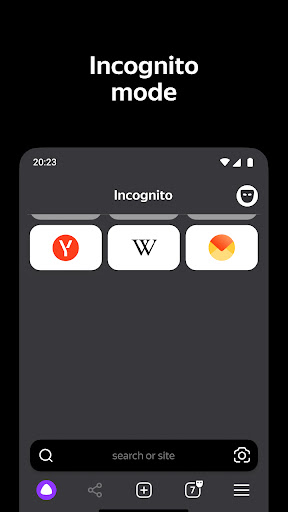
Surf the web in private using Incognito Mode — Yandex Browser will not keep track of your passwords, search queries, or browsing history in this mode.

Customize your Yandex Browser with a wide array of backgrounds in the wallpaper library to suit any style or mood.

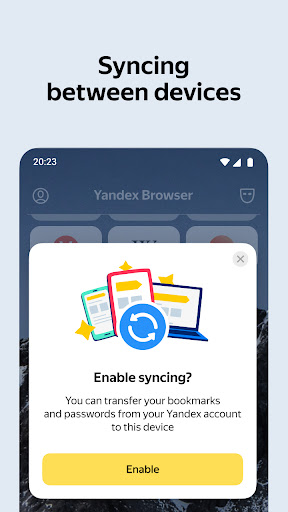
Access your favorite websites and bookmarks on any of your devices — just allow syncing of your data via your Yandex account.

If you have any questions or suggestions, you can contact us straight from the app, or via https://browser.yandex.com/feedback.

By downloading the application, You accept the terms of the License agreement https://yandex.com/legal/browser_agreement/
Expand

Screenshots of Yandex Browser with Protect

Yandex Browser with Protect Screenshots1
Yandex Browser with Protect Screenshots2
Yandex Browser with Protect Screenshots3
Yandex Browser with Protect Screenshots4
Yandex Browser with Protect Screenshots5
Yandex Browser with Protect Screenshots6

Feedback

Submit questions you've encountered during the process or suggestions for the app to the developer of the app to help them do better.