
My Livoltek icon

My Livoltek

Version:4.3.0 (build 1271)
My Livoltek QRcode
App installation is in progress
Installing...
Installing, press the Home button to view.
Install

Or use your mobile to scan the QR code to install

Cannot install/install the app? Check now

About My Livoltek

Size
60.7 MB
Publish at
21 Hours ago
Version
4.3.0(build 1271)
Certificate Type

Other versions of My Livoltek

4.3.0 (build 1270) 2 Days ago
4.3.0 (build 1269) 2026-01-28
4.2.7 (build 1268) 2026-01-27
4.3.0 (build 1267) 2026-01-27
4.2.6 (build 1266) 2026-01-27
View more

Introduction of My Livoltek

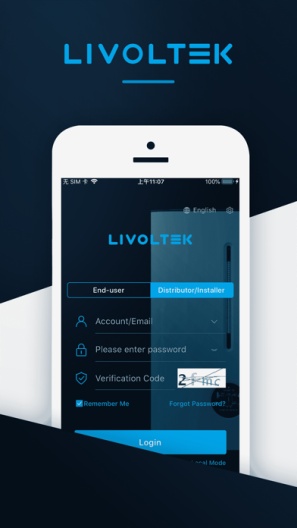
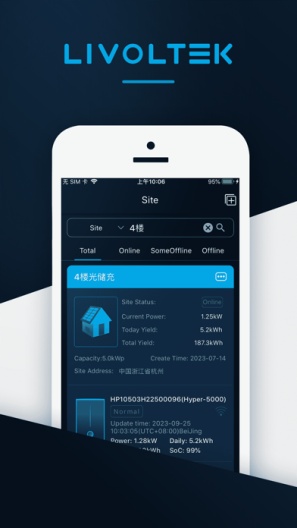
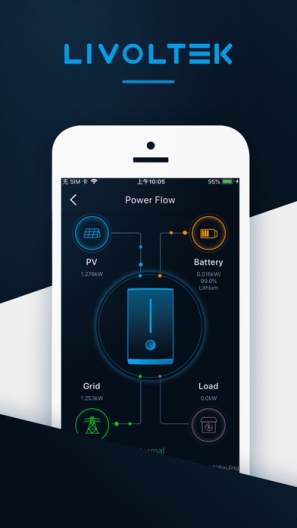
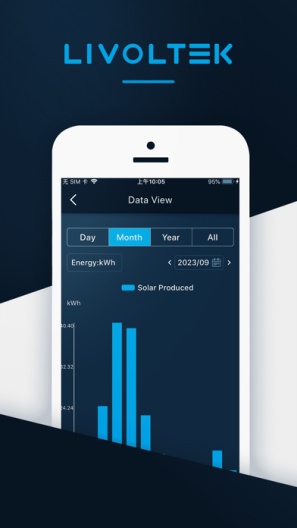
My Livoltek offers you a professional monitoring and management of your photovoltaic system. You can always keep an eye on your PV system data conveniently and easily via your smartphone or tablet.
With the functions of photovoltaic power station operation status display, equipment failure alarm, data query and electricity statistics and so on, Livoltek-Solar App allows you to know the running status of the equipment anytime and anywhere. For example, you can constantly keep an eye on the current energy yield, CO2 savings and earnings of your PV system. You also have the option of obtaining consumption and generation data over various periods of time such as day, week, month and year, as well as access to the historical data of your PV system and/or perform remote settings as needed.
Features:
Smart and flexible
Safe and reliable
Simple and efficient
7×24 hours uninterrupted equipment monitoring
Smart terminal seamless access, manage power station anytime and anywhere
Intuitive and clear display of power station KPI indicators
Support remote parameter setting, fault diagnosis and software upgrade
To set up and use the app, you need access to the Livoltek-Solar portal and an inverter installed there. It is accessible by multiple accounts with different levels of access for you, your installers or agent companies.
Thanks for using our app. If you have encountered any problem or you have any suggestion, please do not hesitate to contact us at service@Livoltek.com
Expand

Screenshots of My Livoltek

My Livoltek Screenshots1
My Livoltek Screenshots2
My Livoltek Screenshots3
My Livoltek Screenshots4

Feedback

Submit questions you've encountered during the process or suggestions for the app to the developer of the app to help them do better.