ManageEngine MDM icon

ManageEngine MDM

Version:23.05.03 (build 2300681)
ManageEngine MDM QRcode
App installation is in progress
Installing...
App download will begin in a moment, please wait... If it doesn\'t, please restart the download.
Install

Or use your mobile to scan the QR code to install


About ManageEngine MDM

Size
28.7 MB
Publish at
2024-07-19
Version
23.05.03
Build
2300681

Other versions of ManageEngine MDM

21.03.05 (build ) 2024-02-28
23.05.03 (build ) 2024-04-05

Introduction of ManageEngine MDM

ManageEngine MDM helps your IT administrator conquer the mobile device management for Android devices, including Samsung KNOX & SAFE. This free MDM App facilitates in enrolling the corporate and BYOD Android mobile devices into ManageEngine’s MDM software console which can be downloaded On-Premises or access on Cloud.. This enables your IT administrators to efficiently manage them through profiling and enforcing restrictions as per your management’s need.

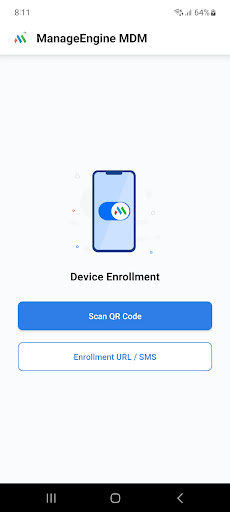
Please follow these instructions to enroll your device

1. Download and install ManageEngine MDM app onto your device.

2. Enter the login credentials sent to you by your IT administrator.

3. Post authentication, your device will have profile, settings and apps deployed as required by your organization.

Note: This free MDM app from is used together with the ManageEngine MDM software to manage only Android, Samsung KNOX and SAFE devices. Your IT administrator can deploy the MDM software on a host system or access it on the cloud. The devices owners will get credentials and instructions from the IT admins on the usage of the MDM app. Thereafter, the MDM App needs to be installed on your device. It will give you access to corporate resources such as E-mail, apps, and other necessities impelled by your organization. It helps to have the devices monitored to avoid theft or violation.

ManageEngine MDM is a mobile device management software that helps enterprises monitor, control and secure mobile devices from a central location.

1. Easy enrollment.

● Enroll multiple mobile devices (smartphones/tablets) over-the-air (OTA)

● Use the bulk enrollment programs like Apple DEP, Apple Configurator, Android NFC Enrollment, Samsung KNOX/SAFE

● Create separate groups for BYOD (employee-owned) and corporate devices

2. Plan policies and restrictions

● Plan policies for Email, WiFi, VPN etc

● Restriction settings for camera, browser, apps

● Microsoft Exchange ActiveSync for email configurations

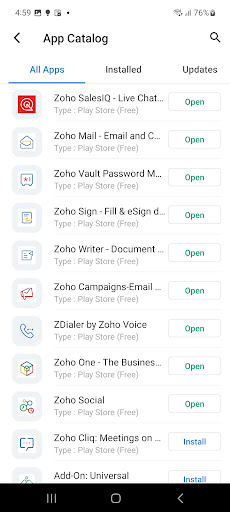
3. Manage apps

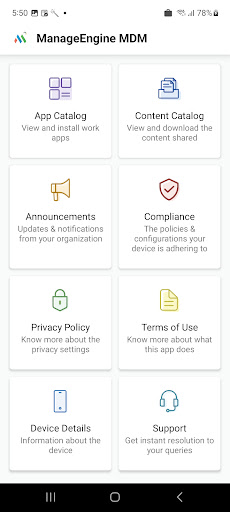
● Create app repository

● Blacklist/Whitelist apps

● Containerization for enterprise apps

4. Secure devices

● Remote lock/wipe devices

● Geo-Tracking

● Detect Rooted or Jail-broken devices

5. Regular monitoring

● Periodical scans

● Intuitive dashboard

● Audit reports on devices, apps, compliance

To know more about effective Android device management or Samsung KNOX / SAFE device management, visit
https://www.manageengine.com/mobile-device-management/


To get started with ManageEngine’s free MDM software, both On-Premises and Cloud, visit
https://www.manageengine.com/mobile-device-management/download.html
Expand

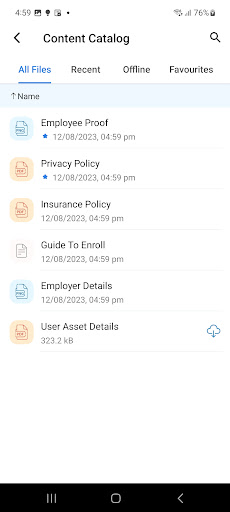
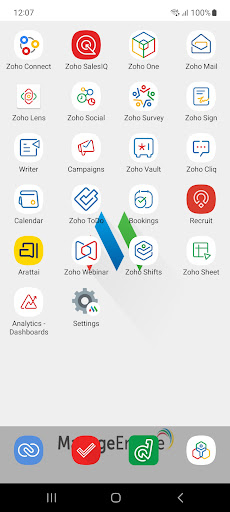
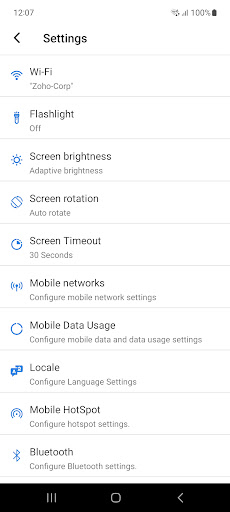
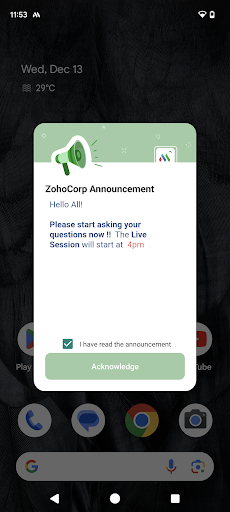
Screenshots of ManageEngine MDM

ManageEngine MDM Screenshots1
ManageEngine MDM Screenshots2
ManageEngine MDM Screenshots3
ManageEngine MDM Screenshots4
ManageEngine MDM Screenshots5
ManageEngine MDM Screenshots6
ManageEngine MDM Screenshots7

Feedback

Submit questions you've encountered during the process or suggestions for the app to the developer of the app to help them do better.