Présentation de QuickEdit Text Editor Pro
QuickEdit text editor is a fast, stable and full featured text editor. It has been optimized for using on both phones and tablets.
QuickEdit text editor can be used as standard text editor for plain text files, or as a code editor for programming files. It is suitable for both general and professional use.
QuickEdit text editor includes a number of performance optimizations and user experience tweaks. The speed and responsiveness of the app are much better than other text editor apps commonly found on Google Play.
Features:
✓ Enhanced notepad application with numerous improvements.
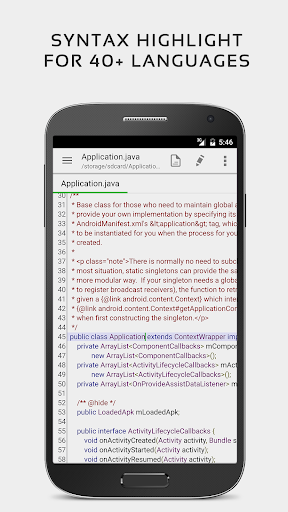
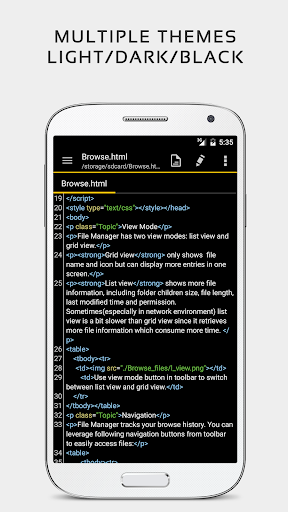
✓ Code editor and syntax highlight for 50+ languages (C++, C#, Java, XML, Javascript, Markdown, PHP, Perl, Python, Ruby, Smali, Swift, etc).
✓ Include online compiler, can compile and run over 30 common languages (Python, PHP, Java, JS/NodeJS, C/C++, Rust, Pascal, Haskell, Ruby, etc).
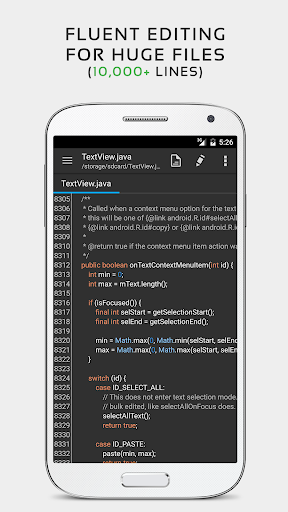
✓ High performance with no lag, even on large text files (more than 10,000 lines).
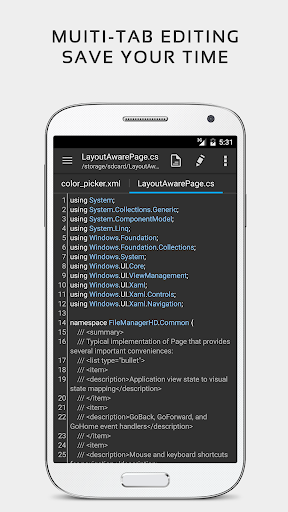
✓ Easily navigate between multiple open tabs.
✓ Show or hide line numbers.
✓ Undo and redo changes without limit.
✓ Display, increase, or decrease line indentations.
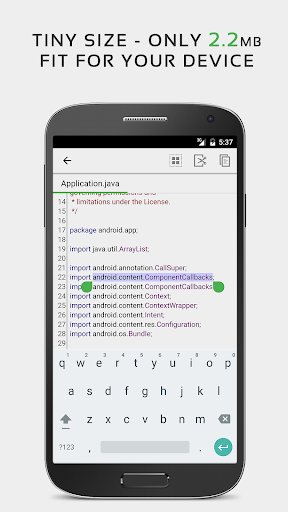
✓ Fast selecting and editing abilities.
✓ Physical keyboard support, including key combinations.
✓ Smooth scrolling both vertically and horizontally.
✓ Directly target any specified line number.
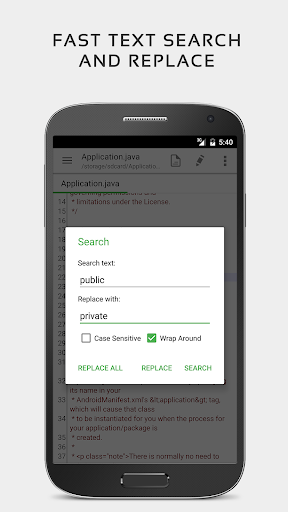
✓ Quickly search and replace content.
✓ Easily input hex color values.
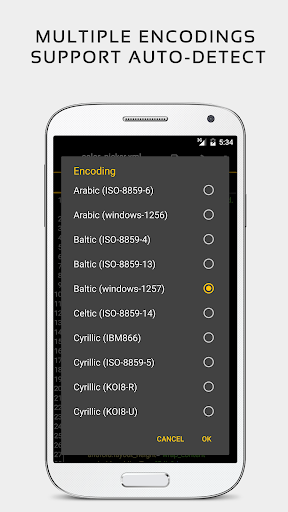
✓ Automatically detect charset and encoding.
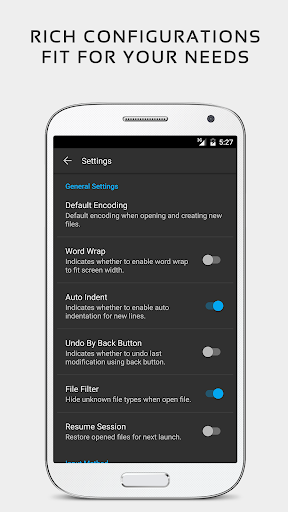
✓ Automatically indent new lines.
✓ Various fonts and sizes.
✓ Preview HTML, CSS, and markdown files.
✓ Open files from recently opened or added file collections.
✓ Ability to edit system files on rooted devices.
✓ Access files from FTP, Google Drive, Dropbox, and OneDrive.
✓ Handy tool to edit INI, LOG, TXT files and hack games.
✓ Supports both light and dark themes.
✓ Optimized usage for phones and tablets.
✓ Ad-free version.
If you can help to translate this application to your native language, please contact our email: support@rhmsoft.com.
If you run into any issues or have any suggestions, please feel free to contact us: support@rhmsoft.com
You can also share your comments with the QuickEdit thread on xda-developers:
http://forum.xda-developers.com/android/apps-games/app-quickedit-text-editor-t2899385
Thanks for using QuickEdit!