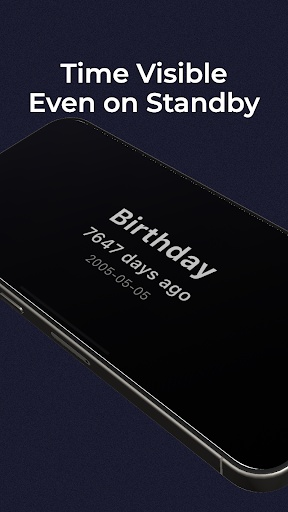
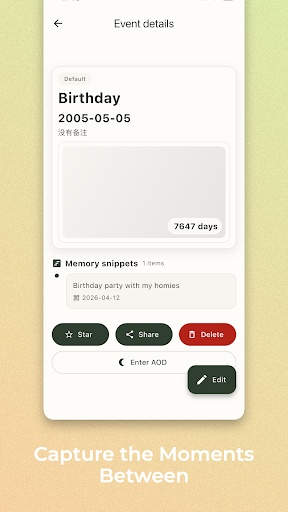
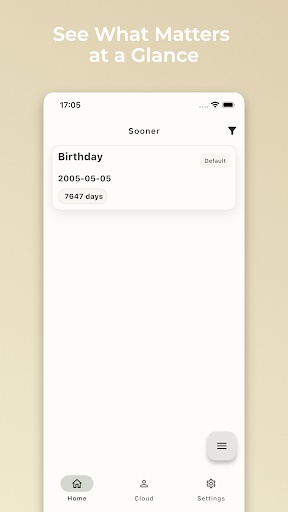
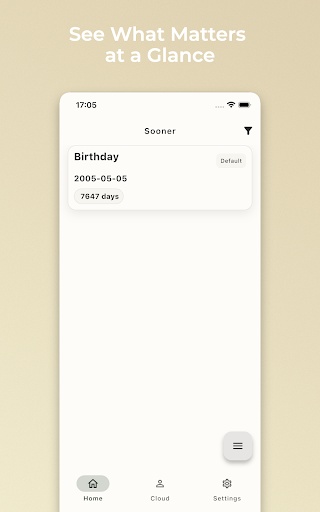
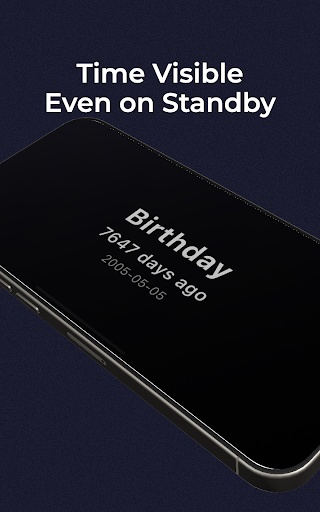
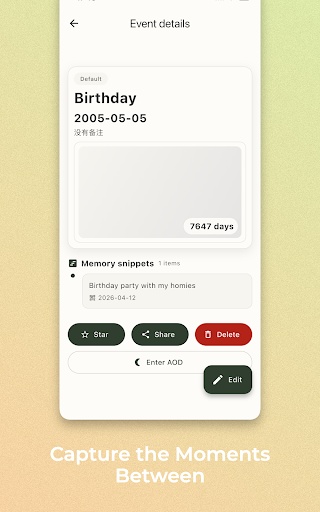
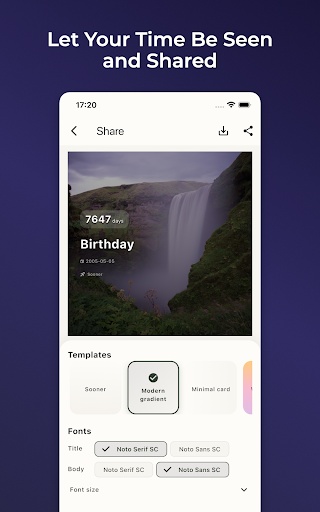
Sooner is a sleek and elegant anniversary and countdown app that helps you record important days, ensuring every expectation and memory is properly preserved.
Whether it's a birthday, anniversary, exam, or travel countdown, Sooner helps you manage them easily and syncs seamlessly across all your devices.
Main Features:
Small and Beautiful: Simple design, easy to use, focusing on the most important functions.
Multi-Platform Sync: Supports almost all platforms.
Personalized Themes: Freely choose your favorite colors, and the interface automatically adapts.
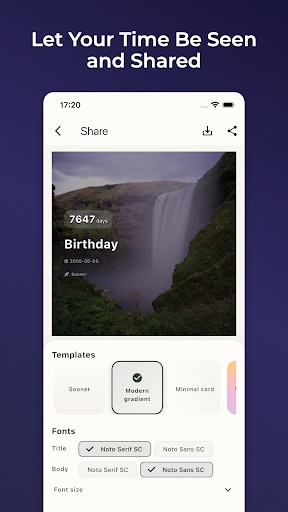
Anniversary Sharing: Generate beautiful, customizable images with a single click for easy sharing.
PGYERHinweis: 1. Diese App stammt von einem Drittanbieterprodukt, dessen Inhalt nicht von PGYER kontrolliert wird. Bitte prüfen Sie sorgfältig und installieren Sie vorsichtig. Die PGYER-Plattform für interne Tests bietet Drittanbieter-Apps Test-Hosting, App-Absturzerkennung und andere Dienste. PGYER bietet nur Unterstützung für interne Tests von Drittanbieter-Apps, ohne jegliche manuelle Bearbeitung oder Zusammenstellung, und ist auch nicht an der Entwicklung oder dem Betrieb von App-Inhalten beteiligt. Es besteht keine Verbindung zu Drittanbieter-Apps, es wird keine Garantie oder Zusage gegeben.
2. Bitte bewerten Sie sorgfältig die Qualität der Anwendung und installieren Sie keine Anwendungen aus unzuverlässigen Quellen aufgrund von Spam-Nachrichten, E-Mails, Textanweisungen usw. Bitte treffen Sie Ihr eigenes Urteil und installieren Sie vertrauenswürdige Anwendungen basierend auf der Quelle des Anwendungsinstallationslinks. PGYER ist nicht verantwortlich für die Regeln, Richtlinien oder spezifischen Inhalte von Anwendungen, die über PGYER veröffentlicht werden oder Links zu anderen Websites, die auf PGYER angezeigt werden. PGYER übernimmt keine Verantwortung für Investitionen oder Einkaufsaktivitäten, die sich daraus ergeben. Klicken Sie hier, um mehr zu sehen.。
Hinweis: 1. Diese App stammt von einem Drittanbieterprodukt, dessen Inhalt nicht von PGYER kontrolliert wird. Bitte prüfen Sie sorgfältig und installieren Sie vorsichtig. Die PGYER-Plattform für interne Tests bietet Drittanbieter-Apps Test-Hosting, App-Absturzerkennung und andere Dienste. PGYER bietet nur Unterstützung für interne Tests von Drittanbieter-Apps, ohne jegliche manuelle Bearbeitung oder Zusammenstellung, und ist auch nicht an der Entwicklung oder dem Betrieb von App-Inhalten beteiligt. Es besteht keine Verbindung zu Drittanbieter-Apps, es wird keine Garantie oder Zusage gegeben.
2. Bitte bewerten Sie sorgfältig die Qualität der Anwendung und installieren Sie keine Anwendungen aus unzuverlässigen Quellen aufgrund von Spam-Nachrichten, E-Mails, Textanweisungen usw. Bitte treffen Sie Ihr eigenes Urteil und installieren Sie vertrauenswürdige Anwendungen basierend auf der Quelle des Anwendungsinstallationslinks. PGYER ist nicht verantwortlich für die Regeln, Richtlinien oder spezifischen Inhalte von Anwendungen, die über PGYER veröffentlicht werden oder Links zu anderen Websites, die auf PGYER angezeigt werden. PGYER übernimmt keine Verantwortung für Investitionen oder Einkaufsaktivitäten, die sich daraus ergeben. Klicken Sie hier, um mehr zu sehen.。